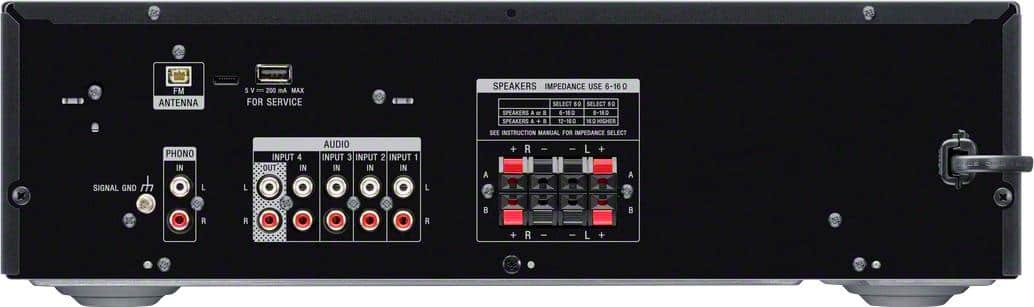
A:AnswerHi Jafar, Thanks for your inquiry! Unfortunately, you cannot hook up the speakers of your SHAKEX7D to this receiver since the speakers have a propriety type plug that can only be connected to the SHAKEX7D. I would recommend getting connecting speakers that connect via regular speaker wires. Hope this helps! -Sam
A:AnswerThe unit only has FM so only one line out for antenna. You can use any type of wire and lengthen it to reach an outside wall or by a window. I don’t know where your set up is and if in basement you may have issues unless you lengthen the wire.
Mine is in the basement studio and have not had any issues. Hope this helps.
A:AnswerHas a jst 2 pin connector. The antenna in box will work for close station signals but is lacking for distant signals. One can replace with a jst 2 pin with 2 wires for outside antenna connection.
A:AnswerHi, Padre40!
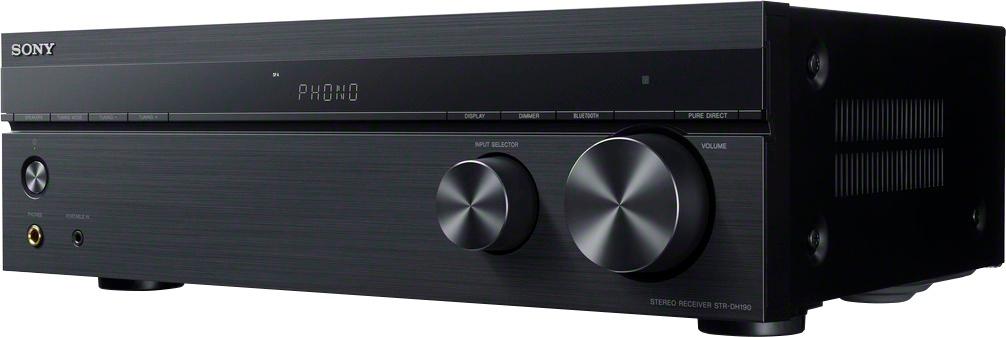
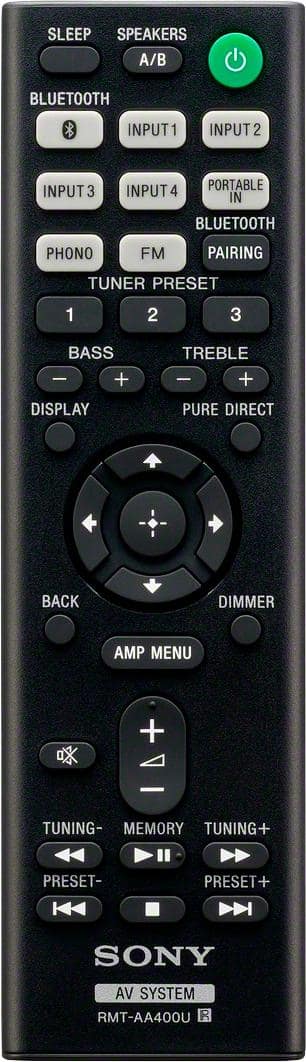
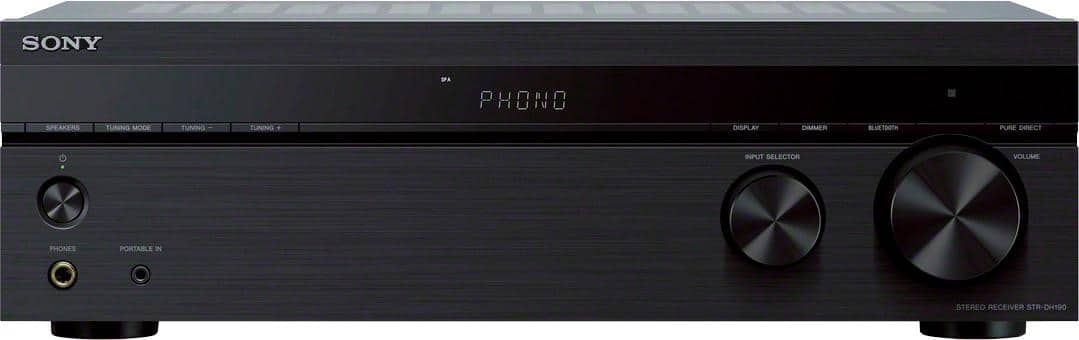
To get sound, try pressing the input button on the remote control or turning the INPUT SELECTOR on the receiver to select the input to which you want to listen. And also, if the video doesn't contain an analog audio signal, you won't hear sound through this connection. The RCA jack is designed to output sound when the video you're watching contains analog signal. This feature is available on standard cable or analog TV stations. -Sam
A:Answerwhile you can adjust bass and treble, there is no balance control for left/right. this makes it difficult for speaker placement to balance the sound
A:AnswerOk this is where it gets fun. First check speaker connections making sure red to red and black to black also make sure that no little speaker wires are sticking out n touching the other inputs ok. Next a bad cord can do this usually it’s a bad HDMI wire ok but you can switch out your cd wire also. I have had this occur once years ago where speaker wires had become pinched, so check for that.
Now call and get an estimate or take it in and ask for an estimate to repair them decide if it’s cheaper to repair or replace.
Ok a good way to test this is also unhook everything and see if you still get the protect signal, if so it’s the reciever. Hope this helps mostly I have found it to be speaker wires or HDMI cables. But if this occurs on all settings check speaker wires then disconnect everything and check, if still showing protect it’s a reciever problem
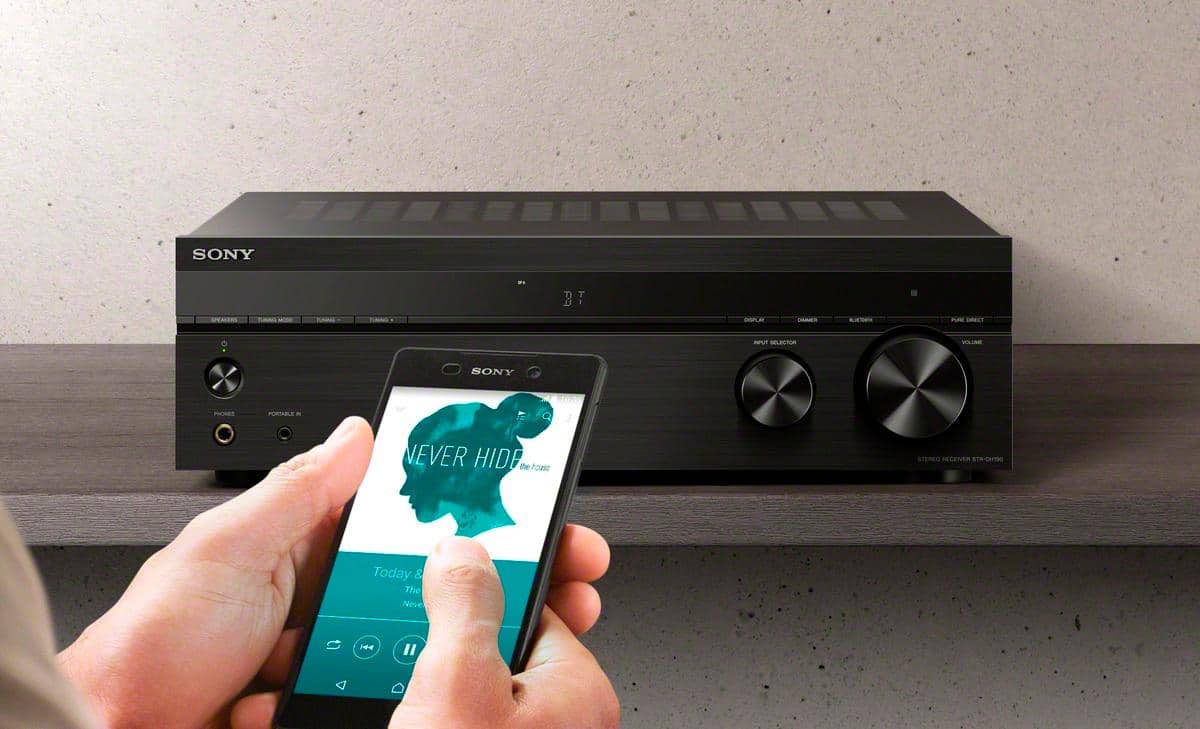
A:AnswerThis receiver is Bluetooth enabled. If you have a device (smartphone, tablet, etc.) that is also Bluetooth enabled that also has Spotify, then you should be able to transmit the Spotify audio through Bluetooth to the receiver.
A:AnswerSpeaker wiring - Yes, it uses standard speaker wires. Microphone - there is nothing labeled as a microphone input, the mic would have to have some conversion to RCA. If the computer has some form of speaker or headphone output (mine has a 1/8" jack for speakers) a simple cable would work to input to the amp.
A:AnswerHi Paulie91,
Using the menu press Press AMP MENU on your remote control. The menu is displayed on the display panel. Use the up and down arrow keys on your remote and under menu list select “BALANCE” (Speaker balance) and on that one it will let you adjust the balance between left
and right speakers. You can adjust from “BAL. L+10” to “BAL. R+10” in 1 dB/step. NOTE: The initial setting is “BAL. 0”.
Reference link: https://docs.sony.com/release//Manual_4726907111.pdf (page 28)
Regards,
-David
A:AnswerYes, I have a Yamaha dual cassette deck player/recorder connected to it. I also have a turntable and CD player connected. I still have three remaining input jacks available to connect other devices.