A:AnswerAvoid this model and maybe Sony.
I had 2 units fail, the replacement died just after 2y warranty.
Service in NY said this was a known board problem. Sony sent a replacement that just went lemon on me.
If you've followed the troubleshooting guide from Sony, it's internal, known, and Sony will not give a mouse-toot about it. Thank you for your money, get lost.
A:AnswerNo, the bluetooth is only able to receive bluetooth from your phone but unable to transmit bluetooth signal to other devices like headphones/speakers etc. I think there is another version of this that will however
A:AnswerHi Parry, thanks for your question. If you're looking to upgrade from your STRDA5000ES, we can recommend you getting the STR-AZ7000ES. Elevate your home theater standards with Sony’s first 13.2 CH 8K A/V Receiver featuring renowned ES quality. Designed for integrators with optimized configurability, flexible connectivity, and advanced IP control for leading control systems. The STR-AZ7000ES is the total package for audio/visual performance and installation friendly features. Please check our Sony's official website for more details. Regards, Erin
A:AnswerHi Tyler, thanks for your question. Below is the product dimensions:
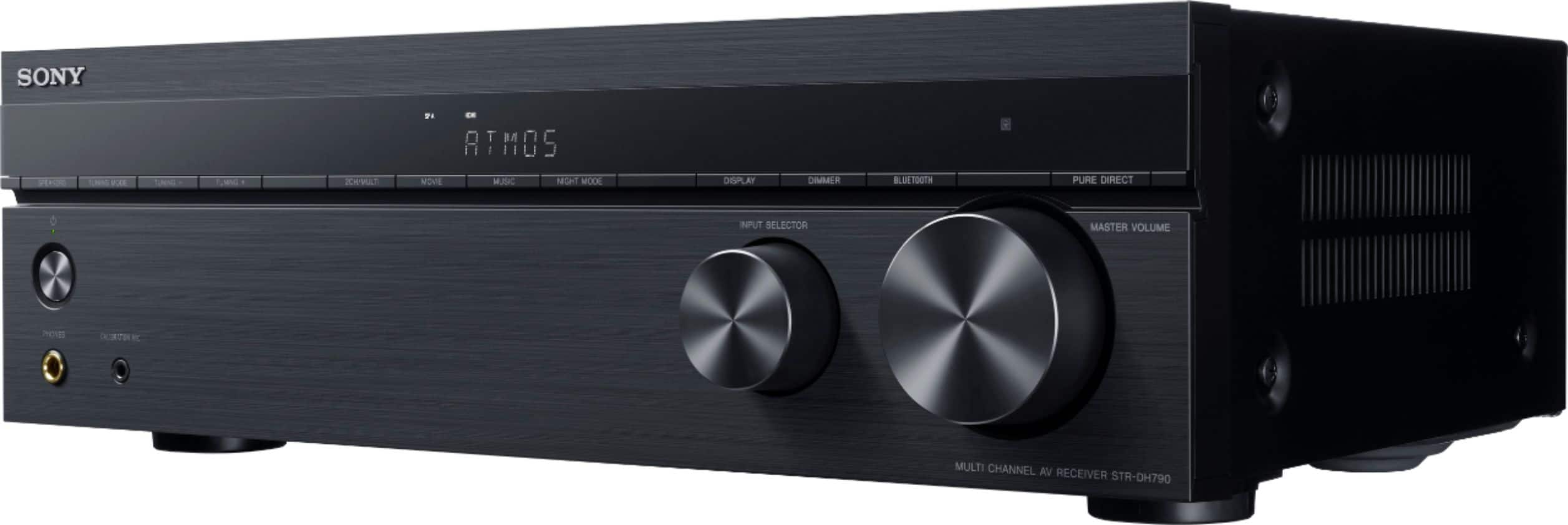
(W X H X D IN): 17" x 5-1/4" x 11-3/4" (430 x 133 x 297 mm)
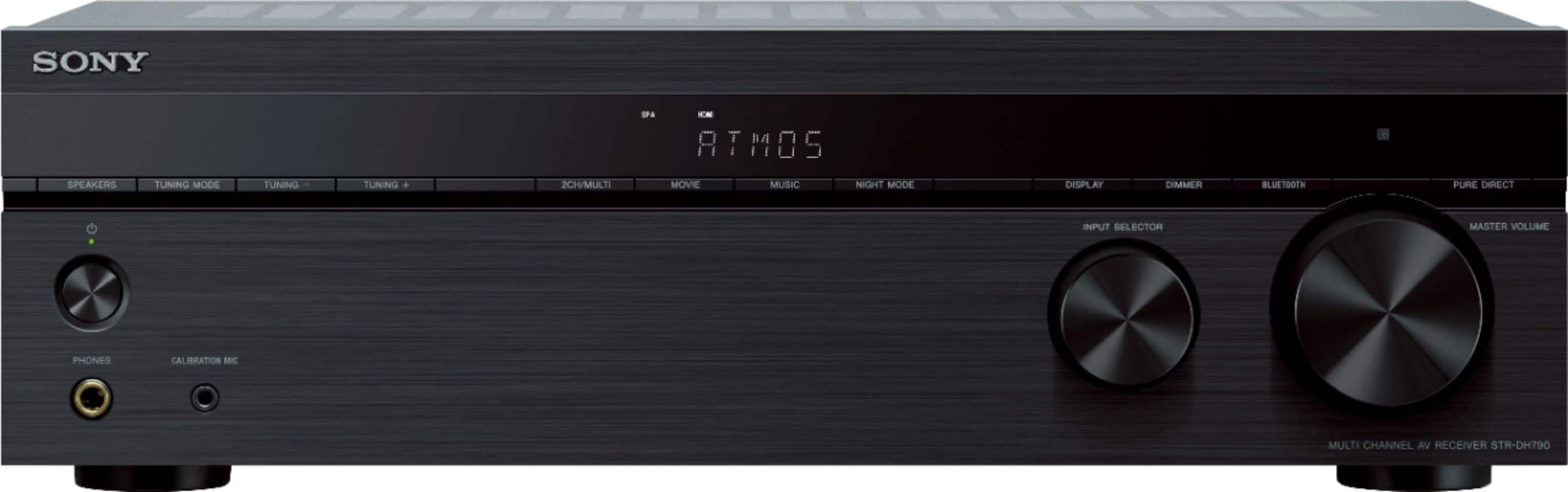
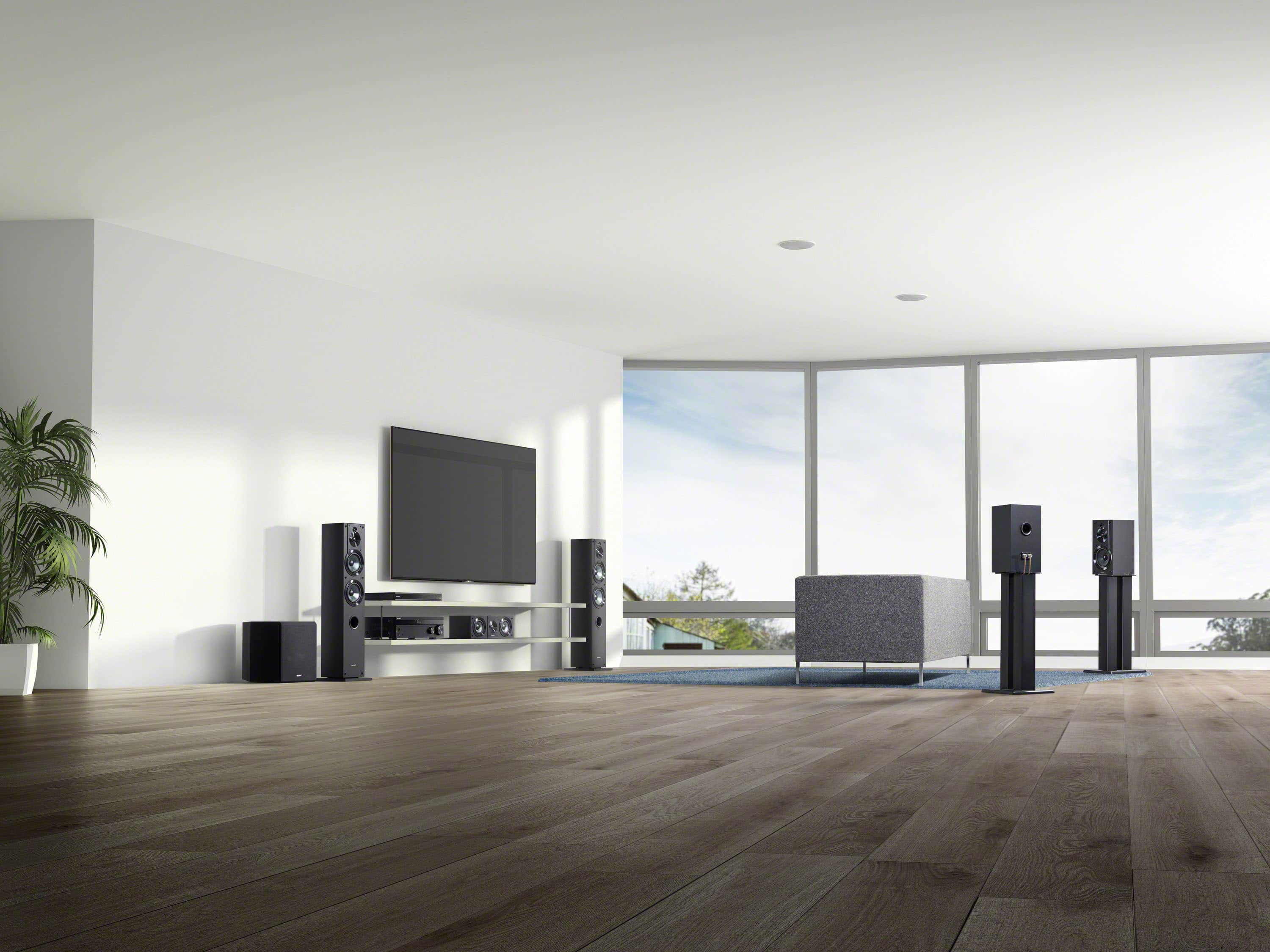
Give your home entertainment system a cinematic upgrade. The powerful 7.2 channel receiver supports the latest three-dimensional surround sound audio formats including Dolby Atmos and DTS: x, drawing you into the middle of the action you see on screen. And with 4K Ultra HD picture quality, and Dolby Vision, that’ll transform your viewing experiences, you’ll enjoy an immersive theater-like experience in the comfort of your own home.
Hope this helps.
Erin
A:AnswerHi Alex2024, Thank you for your question. The setting setup is up to a person (personal) preference. You can the settings on Pure Direct so you can enjoy higher-fidelity sound from all inputs. When the Pure Direct function is on, the display panel is turned off to suppress noise that affects sound quality. In addition, you can select from a variety of sound fields according to the speaker connection and input source. For more details, please check the Help Guide:
https://helpguide.sony.net/ha/strdh79/v1/en/contents/TP0001559207.html
Should you need further assistance, please email us at socialsupport@am.sony.com.
Regards,
Erin
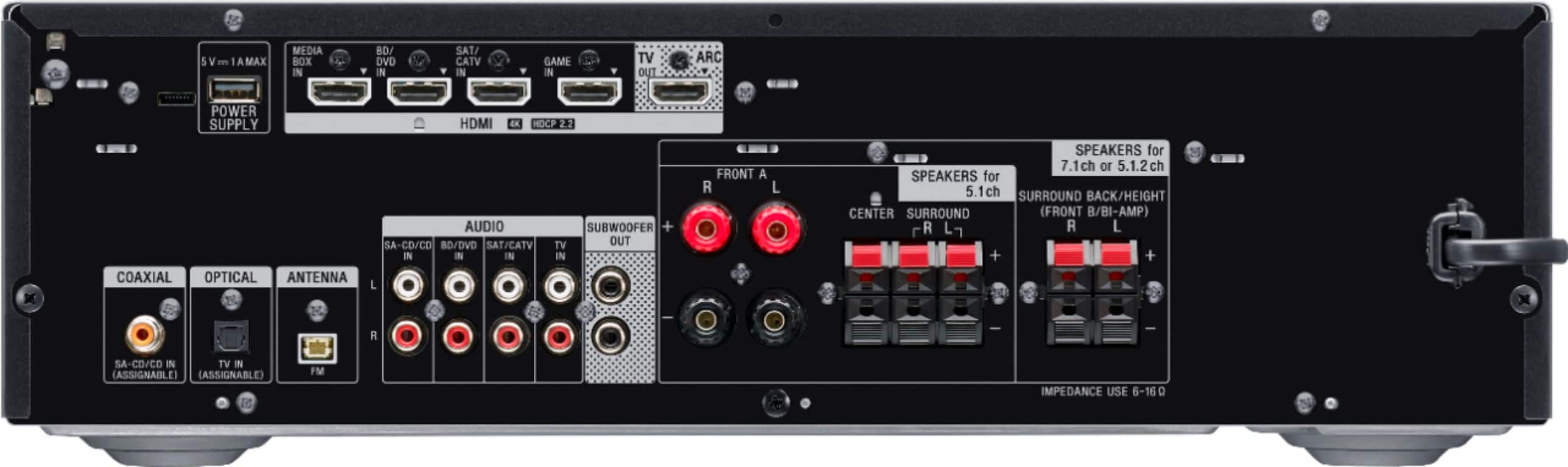
A:AnswerHi Lost1, thanks for your question. The standard 5.1 setup has 5 speakers (left, right, center, left surround, right surround) plus a subwoofer. This provides a good balance of surround sound and dialogue clarity. Please check the Manual/Help Guide for more details: https://helpguide.sony.net/ha/strdh79/v1/en/search/search.html?search=surround%20sound Give your home entertainment system a cinematic upgrade. The powerful 7.2 channel receiver supports the latest three-dimensional surround sound audio formats including Dolby Atmos and DTS: x, drawing you into the middle of the action you see on screen. And with 4K Ultra HD picture quality, and Dolby Vision, that’ll transform your viewing experiences, you’ll enjoy an immersive theater-like experience in the comfort of your own home. Regards, Erin
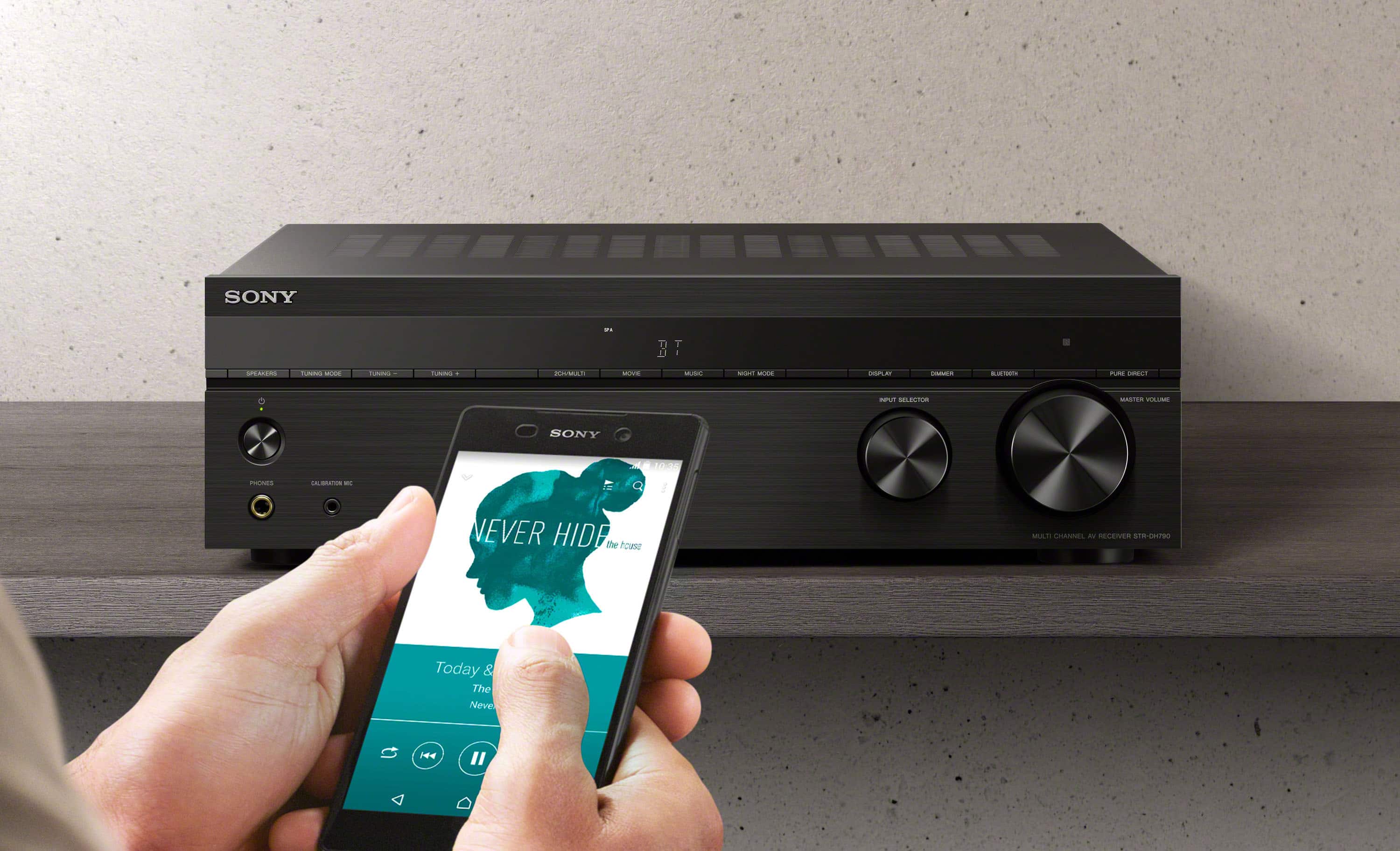
A:AnswerHi Newbie, thanks for your questions. First, the Bluetooth function of the receiver doesn't have a transmitter mode function (enjoy listening to audio from AV devices connected to the receiver via BLUETOOTH headphones/speakers). Therefore, connecting a Bluetooth hearing aid booster is not recommended. Second, you can connect your DVD player. Lastly, you can connect your firestick to one of the HDMI port of the receiver.
Give your home entertainment system a cinematic upgrade. The powerful 7.2 channel receiver supports the latest three-dimensional surround sound audio formats including Dolby Atmos and DTS: x, drawing you into the middle of the action you see on screen. And with 4K Ultra HD picture quality, and Dolby Vision, that’ll transform your viewing experiences, you’ll enjoy an immersive theater-like experience in the comfort of your own home.
Hope this helps.
Erin
A:AnswerHi there,
We regret to hear that the Bluetooth function is not working properly. For optimum performance, make sure that software version of the receiver is up-to-date (installed via USB). The software can be downloaded on our support website.
Make sure to also follow these steps when connecting a Bluetooth device:
1. Place the BLUETOOTH device within 1 meter (3.3 feet) of the receiver.
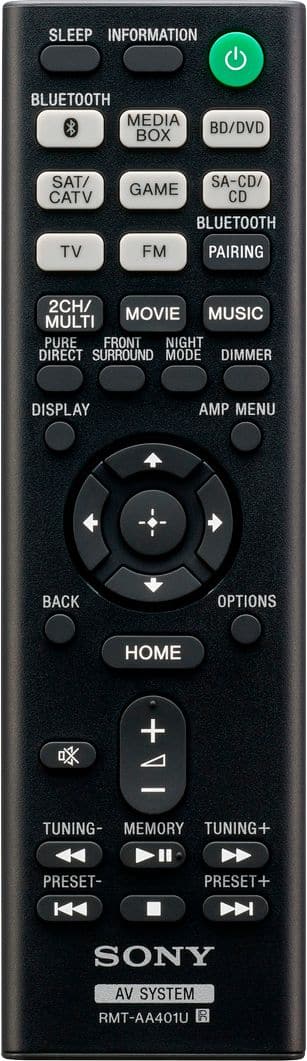
2. Press BLUETOOTH PAIRING to activate the pairing mode of the receiver. “PAIRING” will appear on the display panel and the BLUETOOTH indicator on the front panel will flash quickly.
3. Perform pairing on the BLUETOOTH device to detect this receiver.
Perform this step within five minutes after step 2 is completed, or else pairing will be canceled. In this case, repeat step 2.
For details, refer to the operating instructions of your BLUETOOTH device.
4. Select “STR-DH790” on the BLUETOOTH device display.
5. Make sure that the connection is completed and that the BLUETOOTH indicator has stopped flashing and remains lit up. The paired device name appears on the display panel.
6. Start playback on the BLUETOOTH device.
7. Adjust the volume. Adjust the volume of the BLUETOOTH device first. If the volume level is still too low, adjust the volume level of the receiver.
If still not resolved, reset the receiver to factory settings:
1. Turn off the receiver.
2. Hold down the power button on the receiver for 5 seconds. “CLEARING” flashes on the display panel for a while, then changes to “CLEARED *”.
Note: It takes a few minutes for the memory to be cleared completely. Do not turn the receiver off until “CLEARED *” appears on the display panel.
Hope this helps. In case you need further assistance, please let us know. Unfortunately, due to the current Best Buy phishing protocol for your protection, we cannot provide a direct email or phone number for customer support as of now. Please find Sony Electronics' Support information: Go to our support website > click on “Support” > scroll down click on “Contact Support” > click on "Electronics Product Support" > click on "Home Audio" and from there you'll see different ways to reach us.
-Ralph
A:AnswerHi Sandro, Thanks for your question. If you're pertaining for karaoke microphone, then no, it only supports microphone for calibration. Operation is not guaranteed to work when using a different microphone.
Give your home entertainment system a cinematic upgrade. The powerful 7.2 channel receiver supports the latest three-dimensional surround sound audio formats including Dolby Atmos and DTS: x, drawing you into the middle of the action you see on screen. And with 4K Ultra HD picture quality, and Dolby Vision, that’ll transform your viewing experiences, you’ll enjoy an immersive theater-like experience in the comfort of your own home.
Hope this helps.
Erin