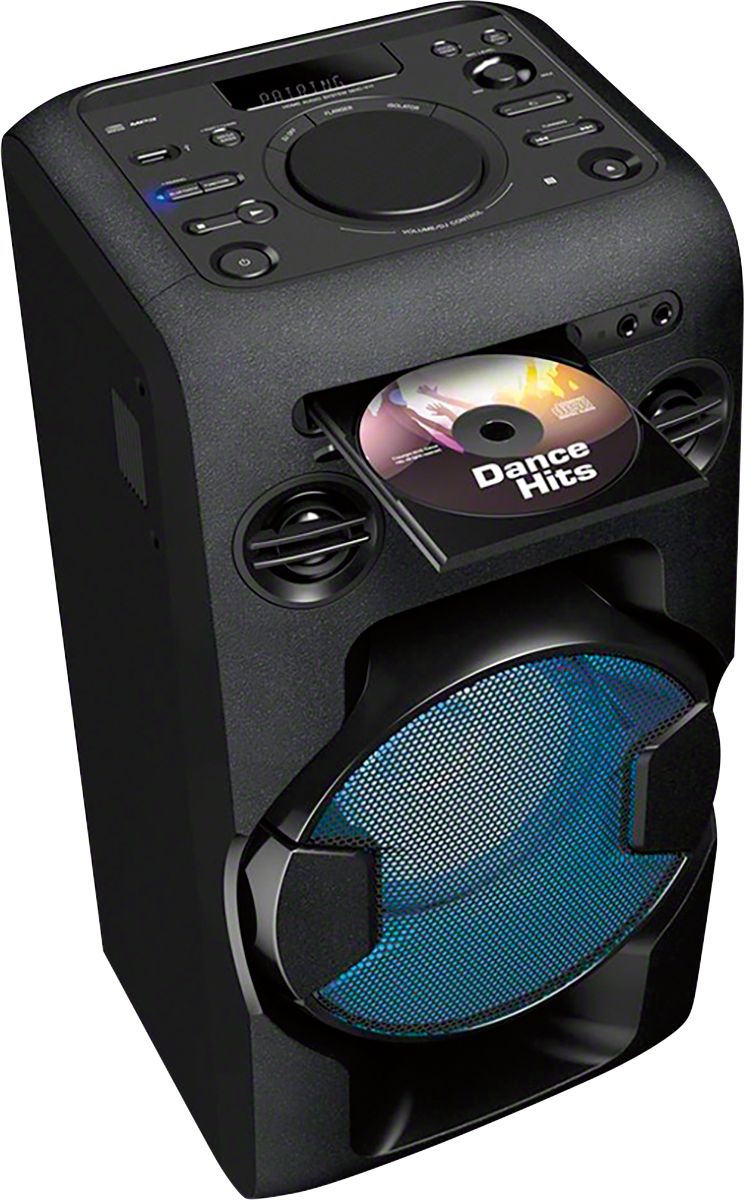
A:Answer Sony gave me the answer that works, in case anyone else has this question. You heed a component audio cable (Y cable), connecting one end of a 3.5 mm audio jack to the 3.5 mm port on your Walkman MP3, then connect the other end (red and white plugs) to "Audio In" on back of the MHC-V11. Set "Function" to "Audio In" and everything works perfectly! You can control everything - shuffle, pause, etc - from your MP3 which is not possible when playing through the USB port.
Thank you Sony!!!