Black Friday is hereShop new DoorbustersShop now

Skip to content
Gift Ideas
45575 Dulles Eastern Plz
Ste 188
Sterling, VA 20166
Open until 9 pm
Find Another Store
Main Content

Questions & Answers

Your price for this item is $38.00
The comparable value price is $68.00
Page Showing 1-20 of 188 questions
  • QuestionWhat is the weight of the headphones?

    • Answer The product weight is 0.7 pounds.
    This question and answer was generated by AI based on customer and product data.

  • QuestionAre the headphones true wireless?

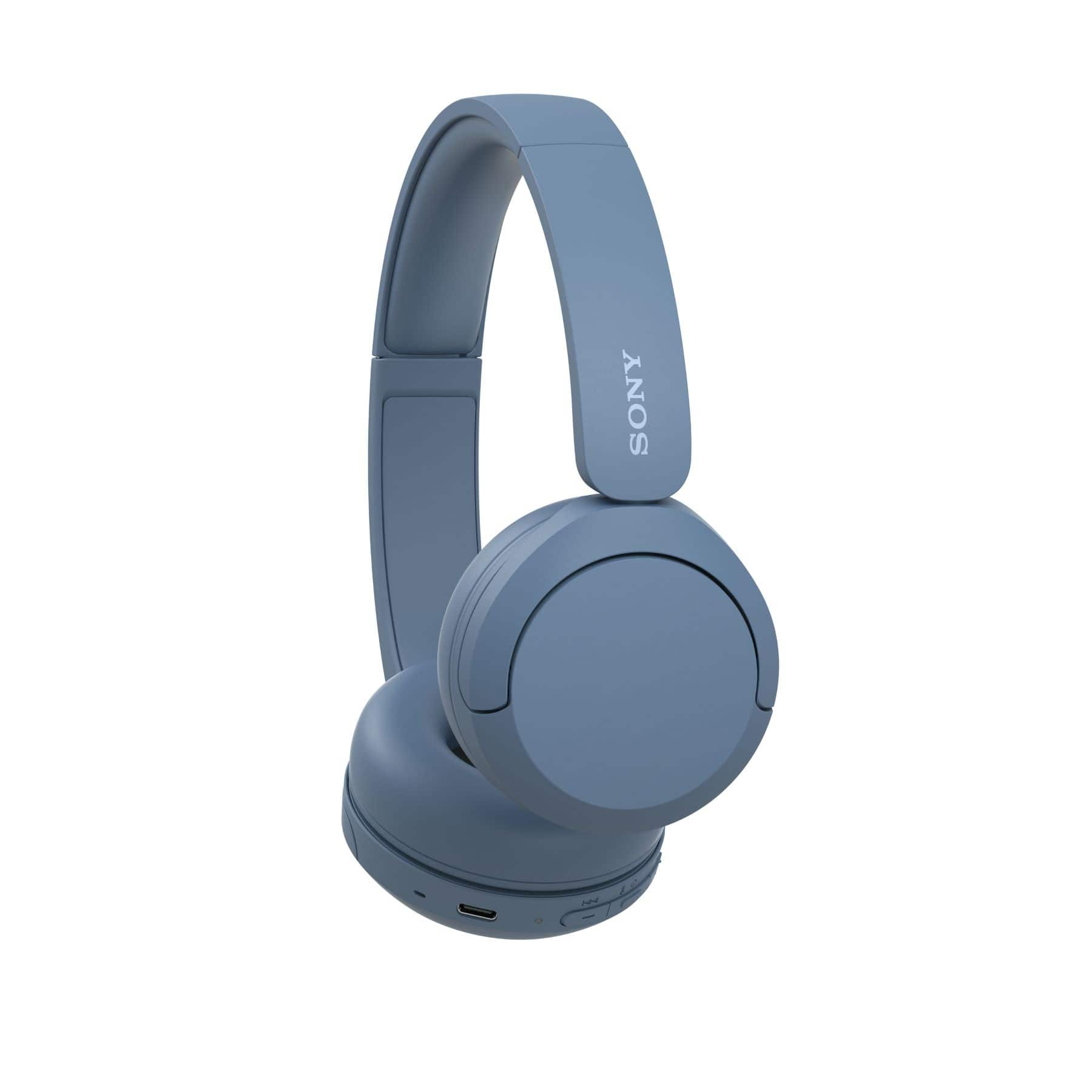
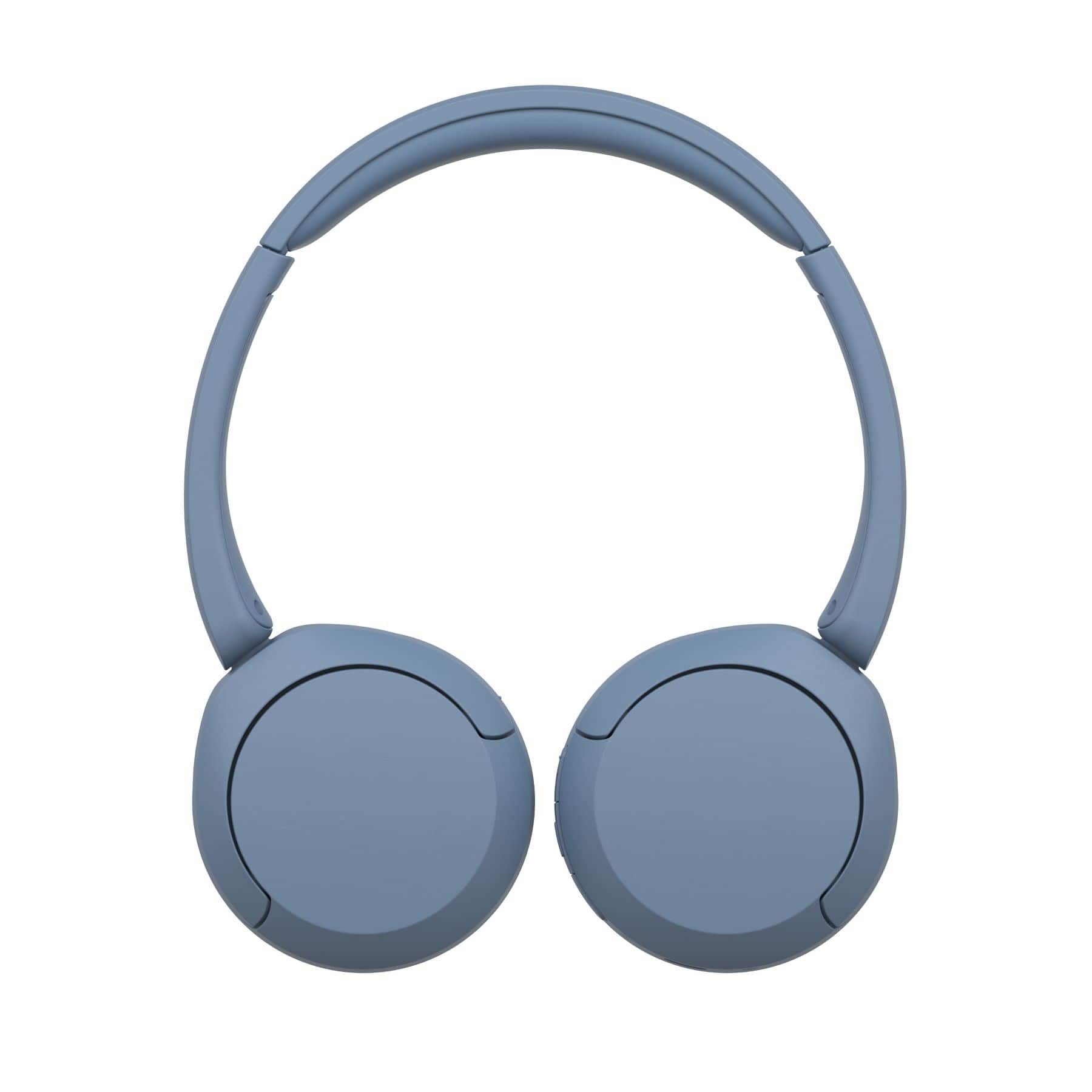
    • Answer These headphones are not truly wireless.
    This question and answer was generated by AI based on customer and product data.

  • QuestionWhat type of charging interface does the headphone use?

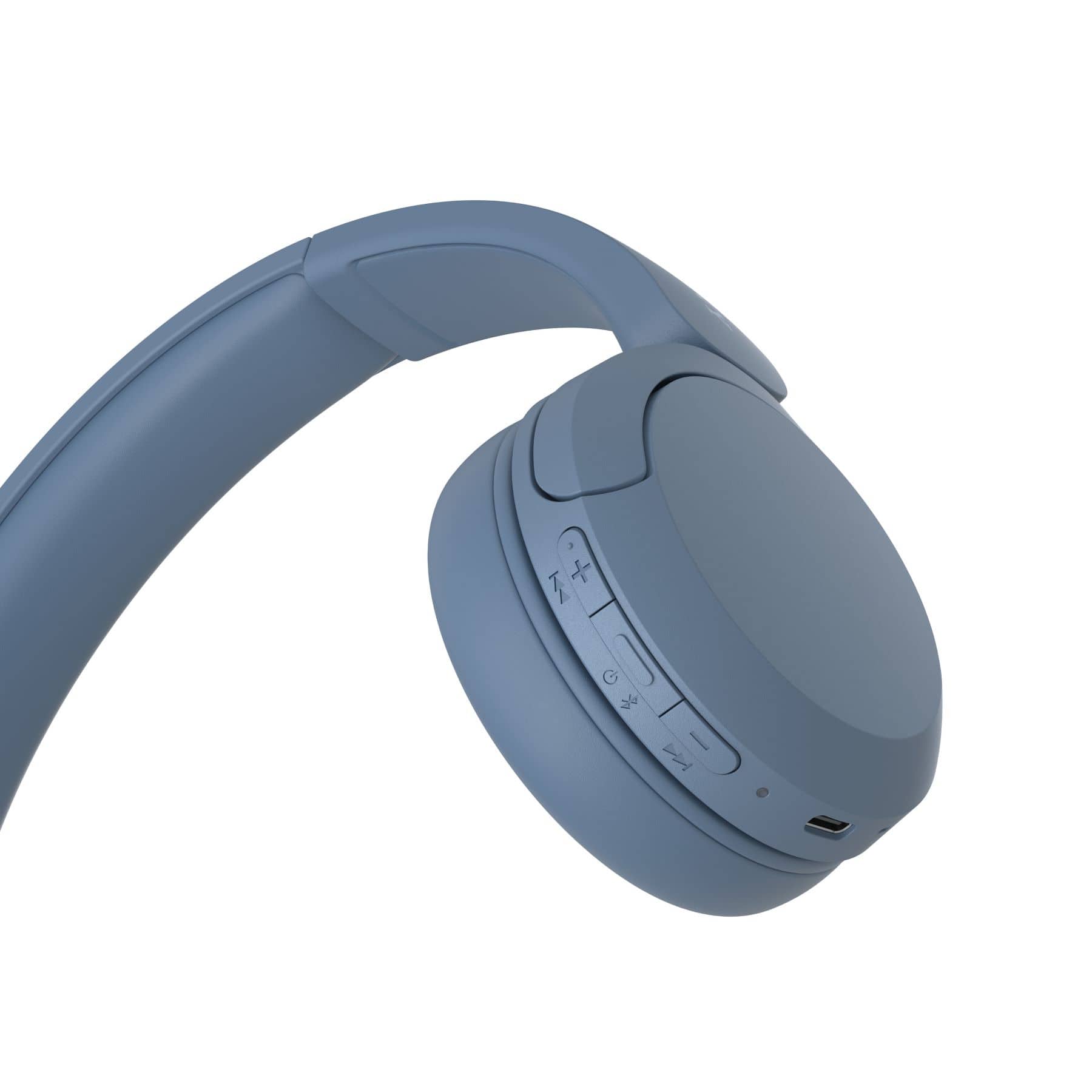
    • Answer The charging interface for these headphones is USB-C.
    This question and answer was generated by AI based on customer and product data.
  • QuestionCan you adjust the headband on the headphones?

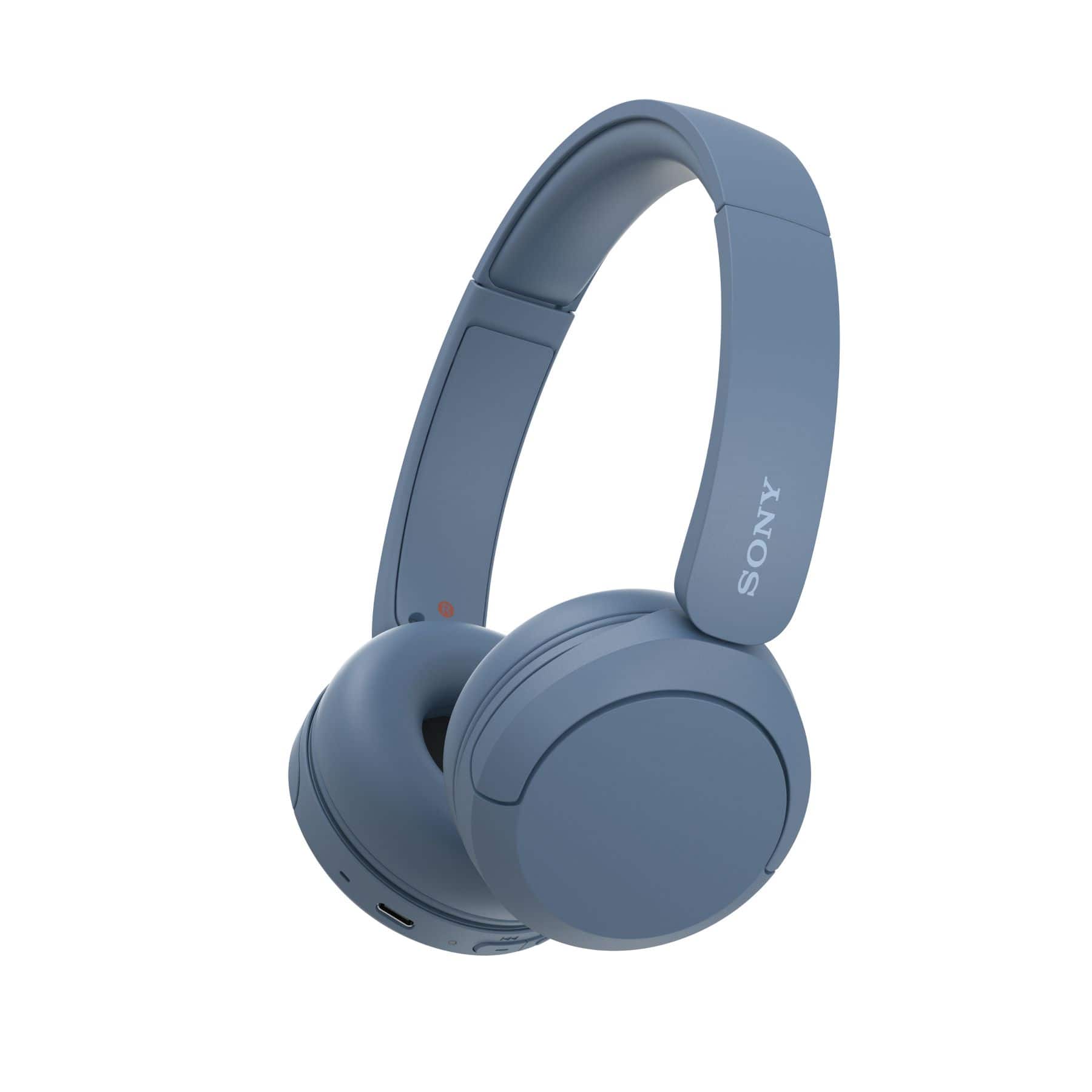
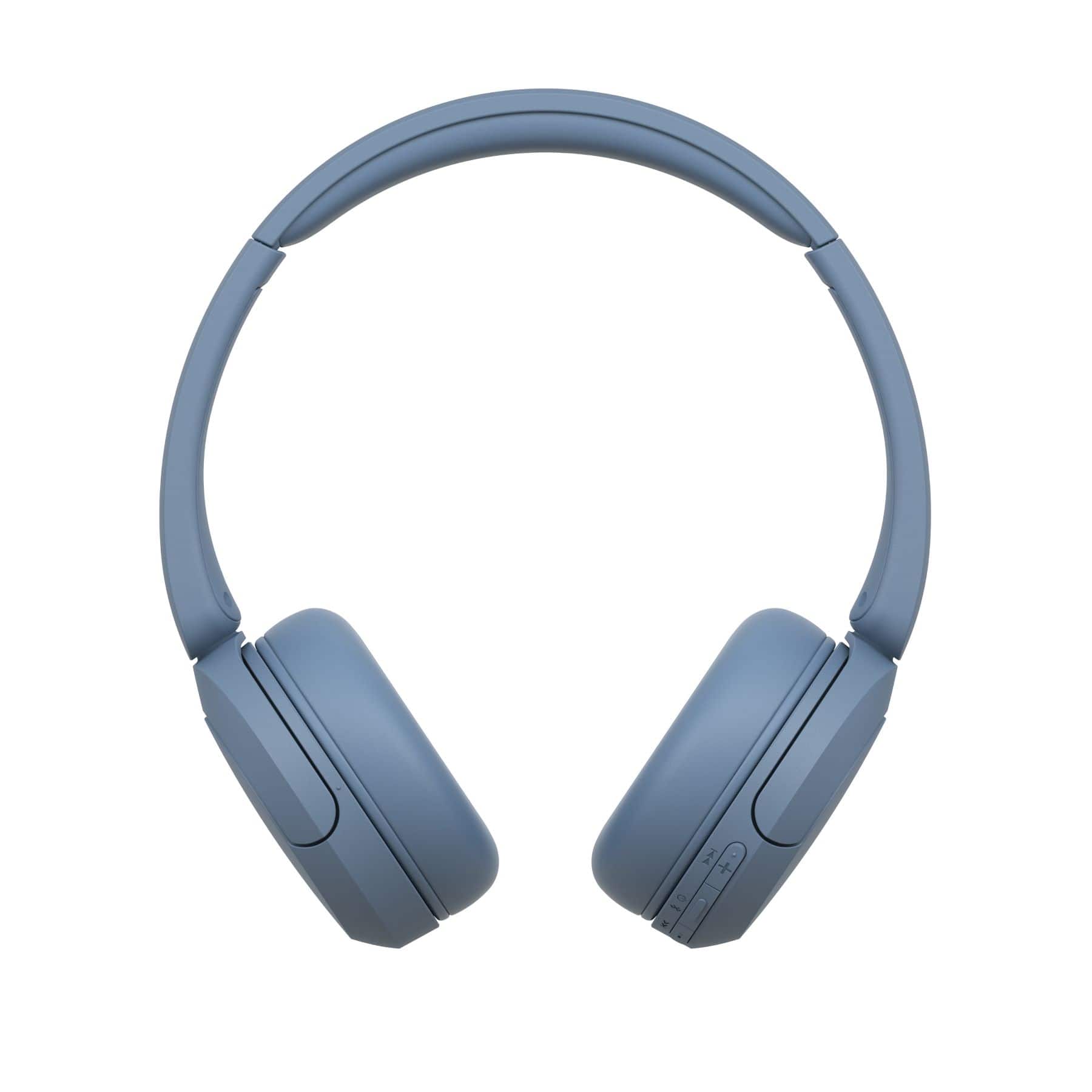
    • Answer The headphones have an adjustable headband.
    This question and answer was generated by AI based on customer and product data.
  • QuestionWhat is the battery life of the headphones?

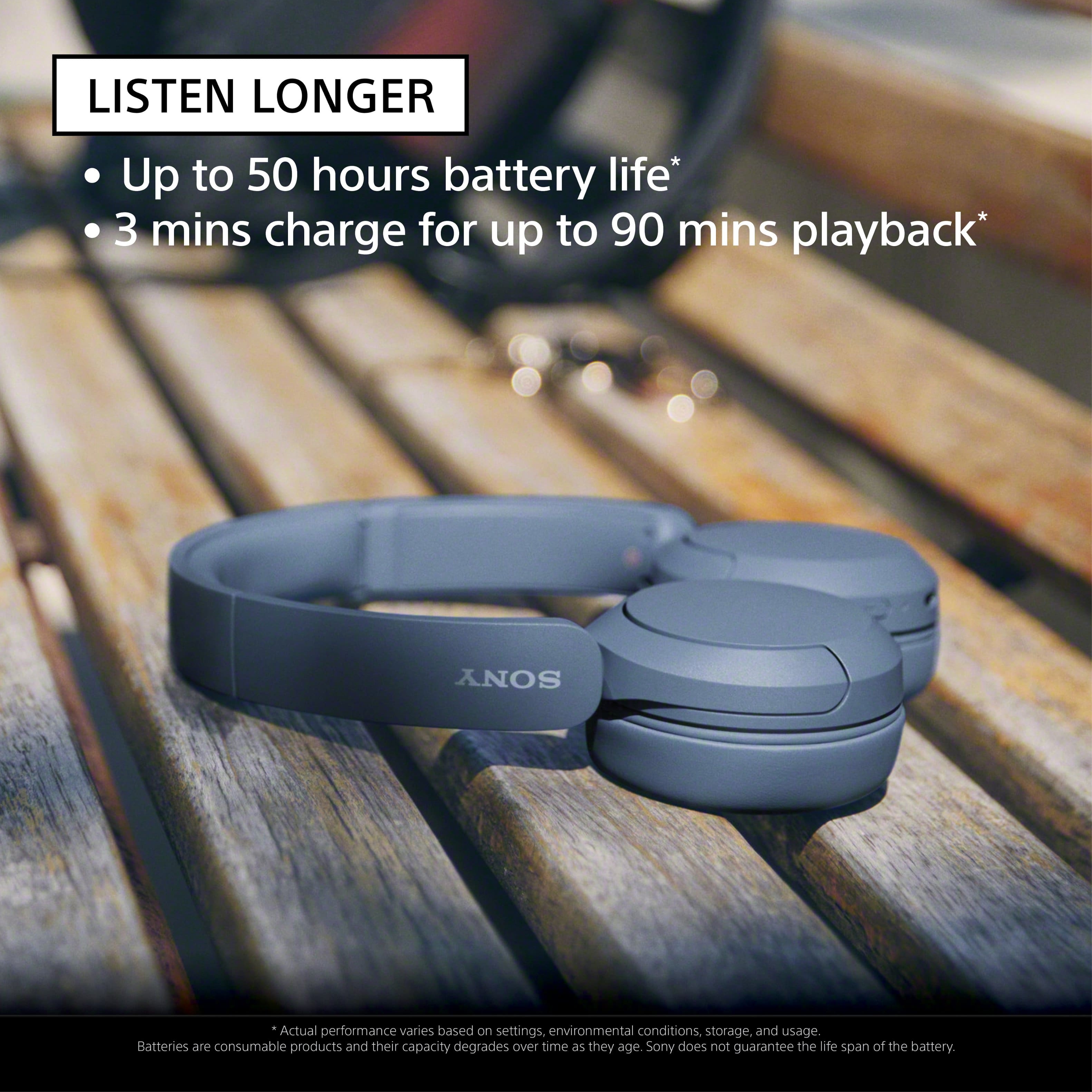
    • Answer The battery life of the headphones is up to 50 hours.
    This question and answer was generated by AI based on customer and product data.
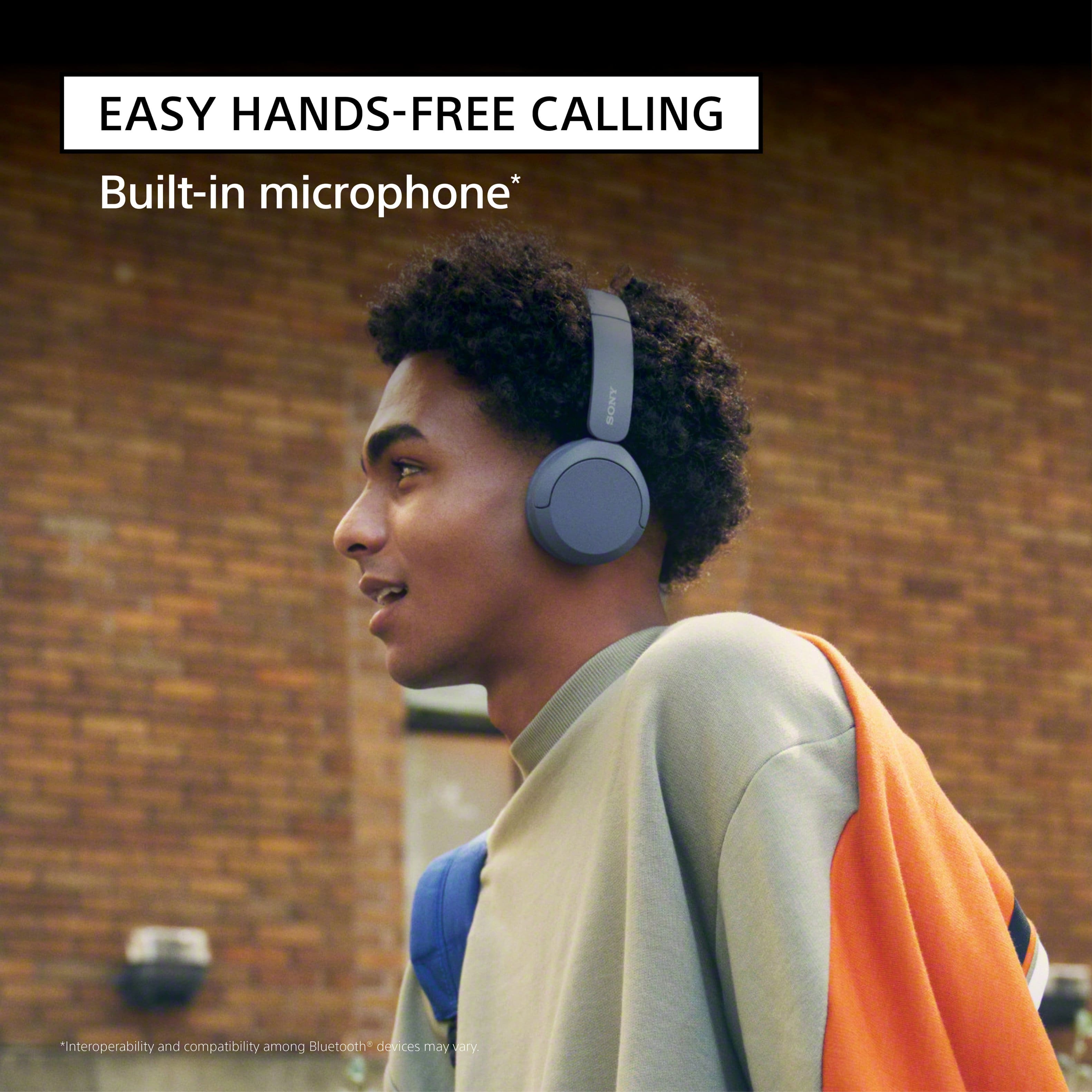
  • QuestionDoes the headphone have a built-in microphone?

    • Answer This headphone model has a built-in microphone.
    This question and answer was generated by AI based on customer and product data.
  • QuestionDo the headphones work with a smart tv, for example a Samsung?

    Asked by Diamond.

    • Answer As long as it is bluetooth

      Answered by AnnaB

  • QuestionWill they work with an android phone?

    Asked by Rich.

    • Answer Great question, Rich! Absolutely, yes. The WH-CH520 Wireless Headphones will work with an Adroid phone and any other devices that supports Bluetooth A2DP (Advanced Audio Distribution Profile) profile for wireless music playback. With the WH-CH520 headphones, you will enjoy high sound quality all day long. With up to 50 hours of battery life, stable connectivity, and enhanced call performance, meet the demands of your day. I hope this helps! Best regards, Romeo

      Answered by SonyListens

  • QuestionAre these headphones compatible with a Sony PS5?

    Asked by H3LP.

    • Answer Hi H3LP, Thank you very much for your question. The PS5 doesn't have native Bluetooth audio support. That means you can't natively connect these headphones directly to the console. However, you can connect our WH-CH520 Wireless Headphones to your television via Bluetooth (the TV must support Bluetooth A2DP (Advanced Audio Distribution Profile) profile for wireless speakers and headphones connection) so you can get the audio from the PlayStation 5. With the WH-CH520 headphones, you will enjoy high sound quality all day long. With up to 50 hours of battery life, stable connectivity, and enhanced call performance, meet the demands of your day. If headset that will perfectly work with our PlayStation 5 is your priority, then we can recommend you our INZONE Headsets (INZONE H9, INZONE H7, or INZONE H3). To learn more about each model, please visit Sony support website. Hope this helps you, and thanks again for your inquiry! - Romeo

      Answered by SonyListens

  • QuestionCan I use these at work job involves calls on office computers

    Asked by Loke.

    • Answer I work from home and have multiple calls or online meetings weekly. These are just what I need for my work day.

      Answered by GregTV

  • QuestionAre these headphones on-ear or over-ear? Thanks!

    Asked by EllaA.

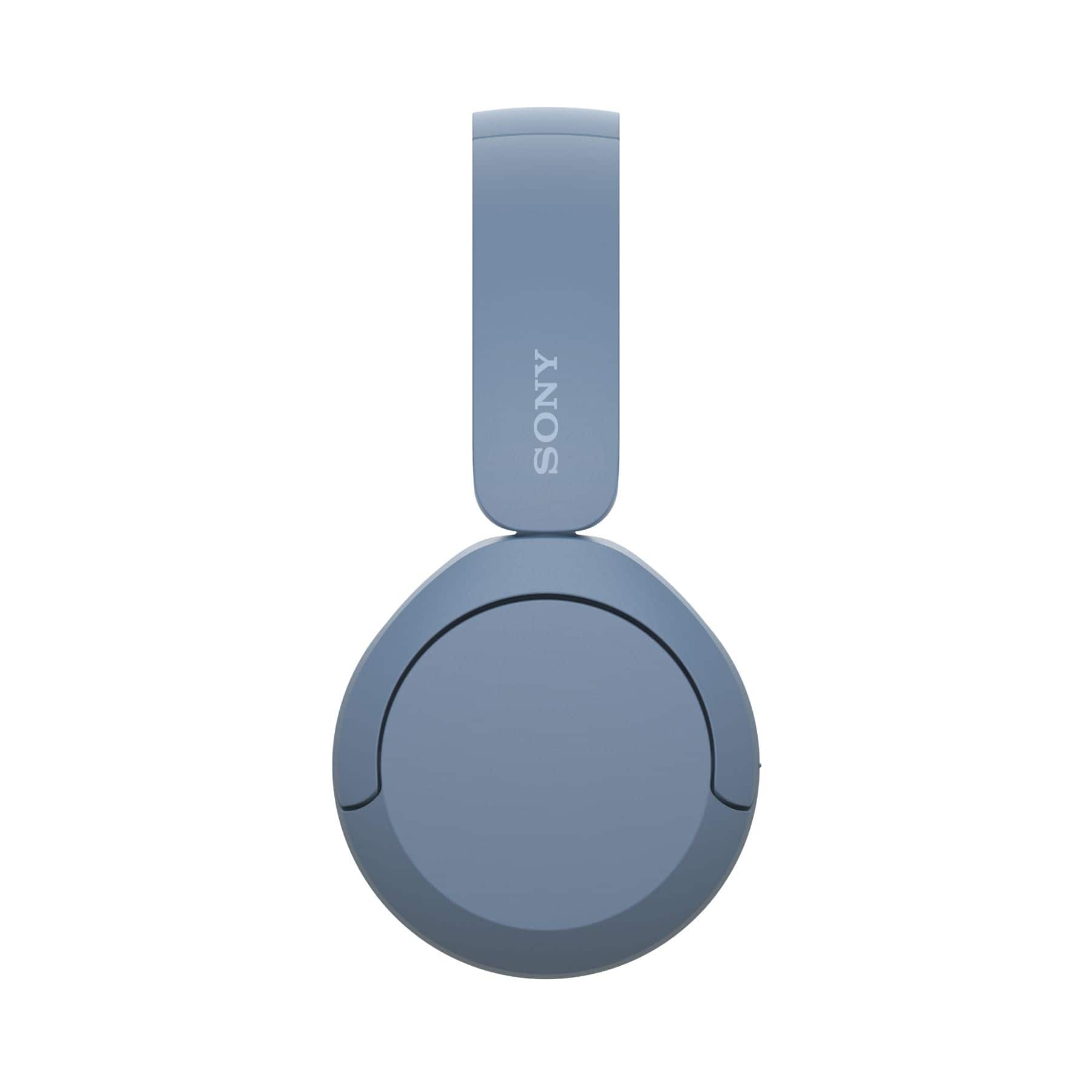
    • Answer It depends on the size of your ears but I would say ON the ear from my experience.

      Answered by VtRobo

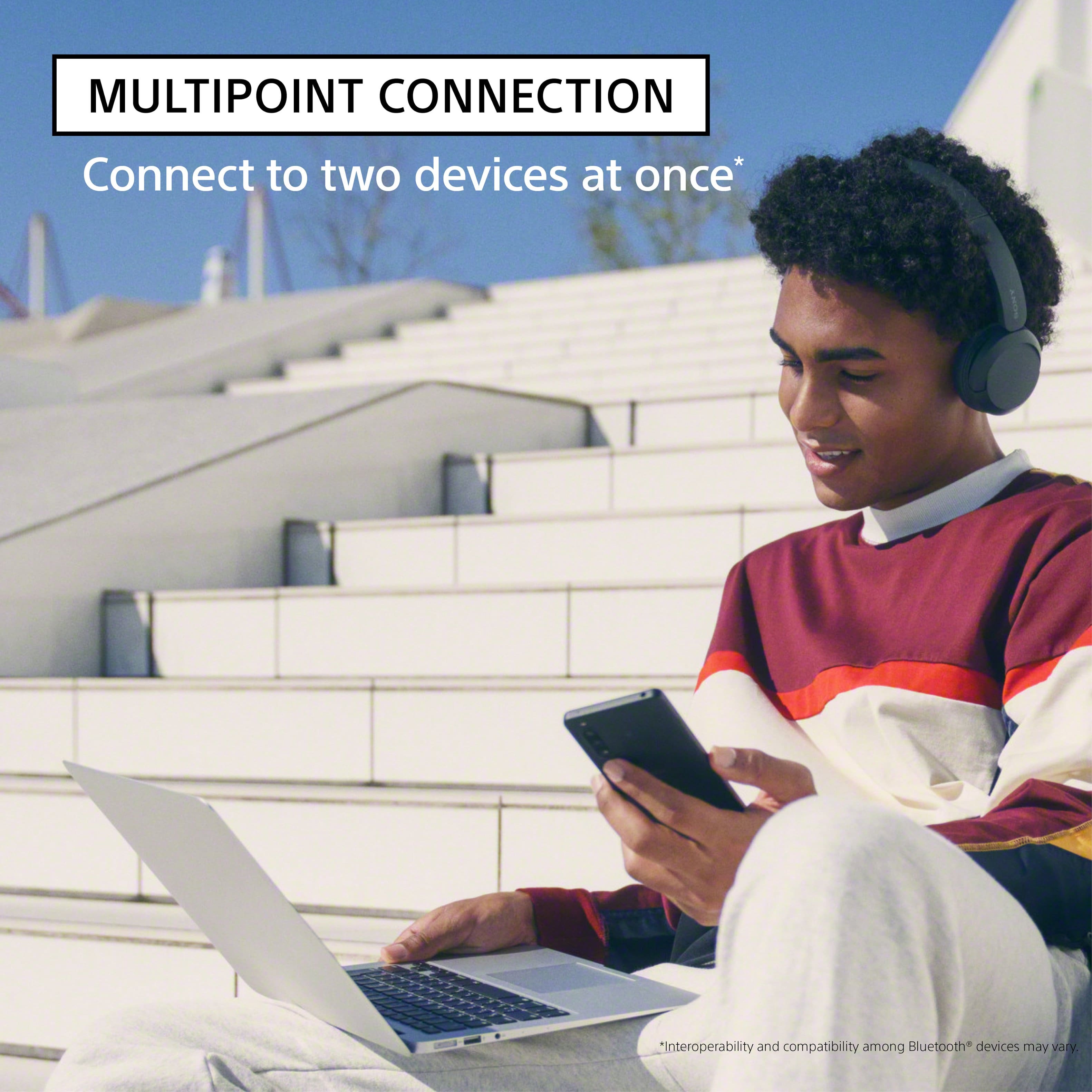
  • QuestionHi, do I need the app to be able to connect to two different devices at the same time? One device is my Samsung phone the other is an ipod touch. Thanks

    Asked by NutriNinja.

    • Answer Hi Quent97, Thank you very much for your question. Yes, to use the multipoint connection feature, you will need to download the Sony | Headphones Connect app on one of the devices and make sure it has the latest update. When [Connect to 2 devices simultaneously] is turned on with the “Sony | Headphones Connect” app, the headset can connect to 2 devices via Bluetooth connections simultaneously, allowing you to do the following. • Waiting for an incoming call for 2 smartphones - You can listen to music played on one smartphone with the headset, wait for an incoming call for both smartphones, and talk if an incoming call arrives. • Switching music playback between 2 devices - You can switch the music playback from one device to the other without performing a Bluetooth reconnection. For more details, please visit Sony support website and search for the following: • Connecting the headset to 2 devices simultaneously (multipoint connection) • Connect the headphones to two devices simultaneously (multipoint connection) With the WH-CH520 headphones, you will enjoy high sound quality all day long. With up to 50 hours of battery life, stable connectivity, and enhanced call performance, meet the demands of your day. I hope this helps you, and thanks again for your inquiry! Best regards, Romeo

      Answered by SonyListens

  • QuestionIt works to watch TV

    Asked by Titi.

    • Answer Yes working to watch TV.

      Answered by AnilWale

  • QuestionMy daughter bought these headphones for fathers day, less than 2 months ago and they have been working great. So today he put them on a charger and nothing happens. Not even the light comes on. Any advice!!!! Will they still have a warranty?

    Asked by Lightbulb.

    • Answer Hi Lightbulb, thanks for choosing and purchasing our product for your daughter. We're sorry to hear that you have an issue with your SONY unit. Please isolate the issue by following these steps: -The headset cannot be turned on while charging the battery. Remove the USB Type-C cable and turn on the headset. -Make sure that the USB AC adaptor is firmly connected to the AC outlet. -When using a commercially available USB AC adaptor, use one capable of supplying an output current of 0.5 A (500 mA) or more. Initialize the headset: -Turn off the headset. Remove the USB Type-C cable. -Press and hold the (power) button and – (volume –) button for about 10 seconds or more. When the initializing is complete, the indicator (blue) flashes 4 times Should you need further assistance, please visit the Sony support site. Unfortunately, due to the current Best Buy phishing protocol for your protection, we cannot provide a direct email or phone number for customer support as of now. Please find Sony Electronics' Support information: Go to our support website > click on “Support” > scroll down click on “Contact Support” > click on "(select your product type)" and from there you'll see different ways to contact us. Apologies if you disclosed some of this information in your review and to customer service, we just want to ensure that we have your accurate details at the time of communication. Name: BestBuy Username: Model Number: Question/concern: Telephone Number: Thanks for choosing SONY. ~Earl

      Answered by SonyListens

  • QuestionI work from home, does this have a mute button for calls i am on?

    Asked by LM219.

    • Answer Don't see a mute button

      Answered by Walking774

  • QuestionI have large ears. Are these comfortable?

    Asked by ednsb.

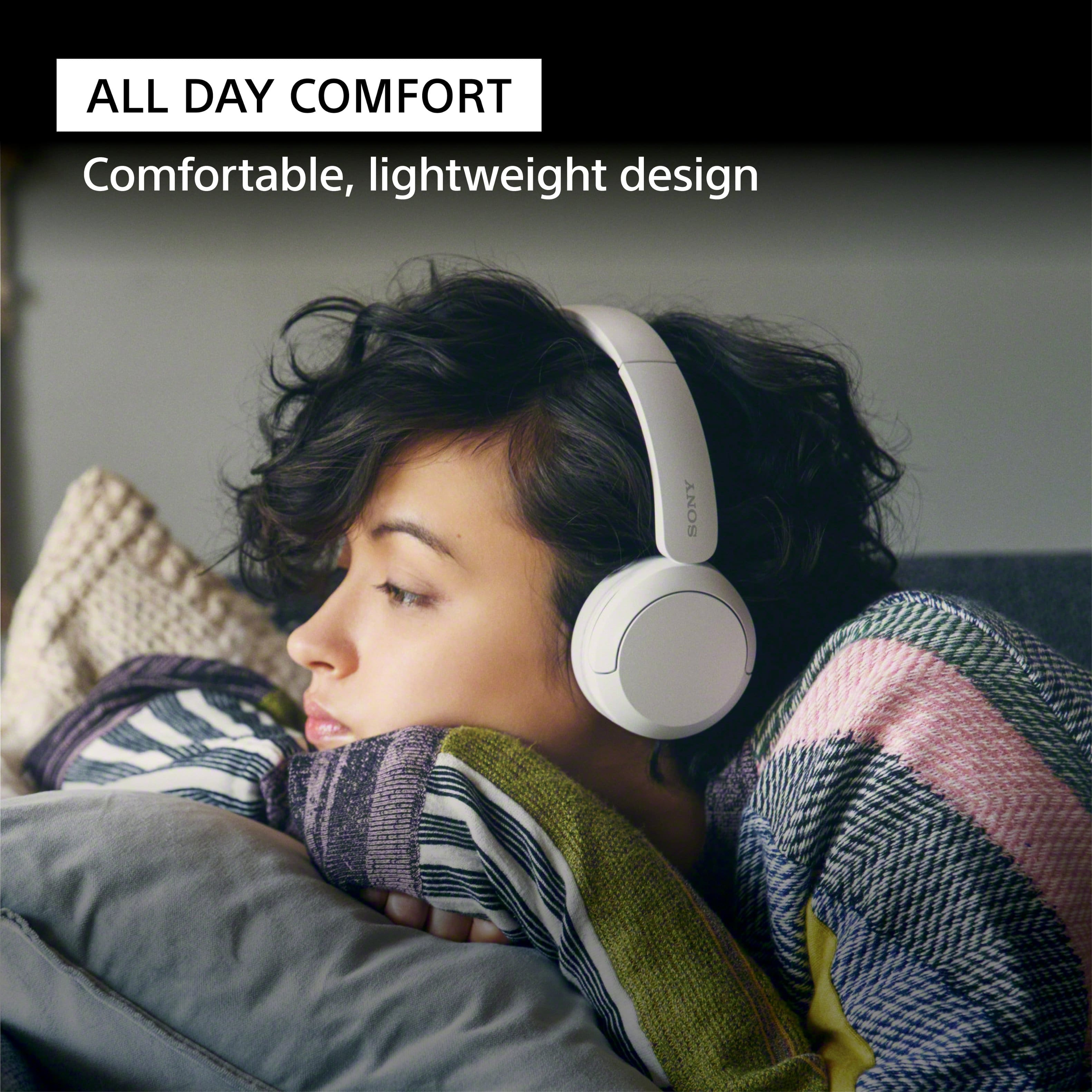
    • Answer My husband has large hears and he said they fit comfortably. I used the smaller Sony one’s for me which were too small for him. They both feel soft.

      Answered by user888923

  • QuestionWill these fit well on a big head?

    Asked by Drew76.

    • Answer They definitely fit on my big ginormous head so comfortable

      Answered by JesseB

  • QuestionIs there a setting for auto power down? I dont see any setting in the Sony apt that may help

    Asked by BobS.

    • Answer Hi BobS, Thank you for reaching out. Unfortunately, there’s no option for auto power down. Thank you for your understanding. Should you may need more information/technical assistance with our product in the future, please feel free to email us at [email protected] with the following details and we'll be more than happy to assist you. Name: BestBuy Username: Model Number: Issue: Telephone Number: Thank you so much for choosing Sony! Best regards, Romeo Sony Social Support

      Answered by SonyListens

  • QuestionHello, Can I connect these headphones to: 1) IPhone 2) Lenovo Ideapad Flex 5 (laptop) Thank you

    Asked by Oksi.

    • Answer Hi Oksi, Great question! If your iPhone and Lenovo laptop support Bluetooth A2DP (Advanced Audio Distribution Profile) profile for wireless music playback, then yes, you can. For pairing and connecting instructions with an iPhone and computer/laptop, please visit the Help Guide of the WH-CH520 (can be found in Sony's support website) and search for the following: • Pairing and connecting with an iPhone • Pairing and connecting with a computer • Connecting the headset to 2 devices simultaneously (multipoint connection) With the WH-CH520 headphones, you will enjoy high sound quality all day long. With up to 50 hours of battery life, stable connectivity, and enhanced call performance, meet the demands of your day. I hope this helps you, and thank you for considering Sony! Romeo

      Answered by SonyListens

  • QuestionDo theses headphones turn off or mute the external sound from the tv when they are paired and used with a tv?

    Asked by Anonymous.

    • Answer Hi there, Thank you for your question. We are not sure what brand/model of TV you have. However, if it's a Sony TV that is compatible with Bluetooth A2DP (Advanced Audio Distribution Profile) profile, then yes, the TV's speakers sound will turned off when you connect the WH-CH520 Wireless Headphones. Connecting any audio device via Bluetooth takes audio away from the TV’s speakers. You may check with your TV manufacturers' information to confirm the compatibility and operations of the wireless headphones. With the WH-CH520 headphones, you will enjoy high sound quality all day long. With up to 50 hours of battery life, stable connectivity, and enhanced call performance, meet the demands of your day. I hope this helps, and thanks again for your inquiry! - Romeo

      Answered by SonyListens