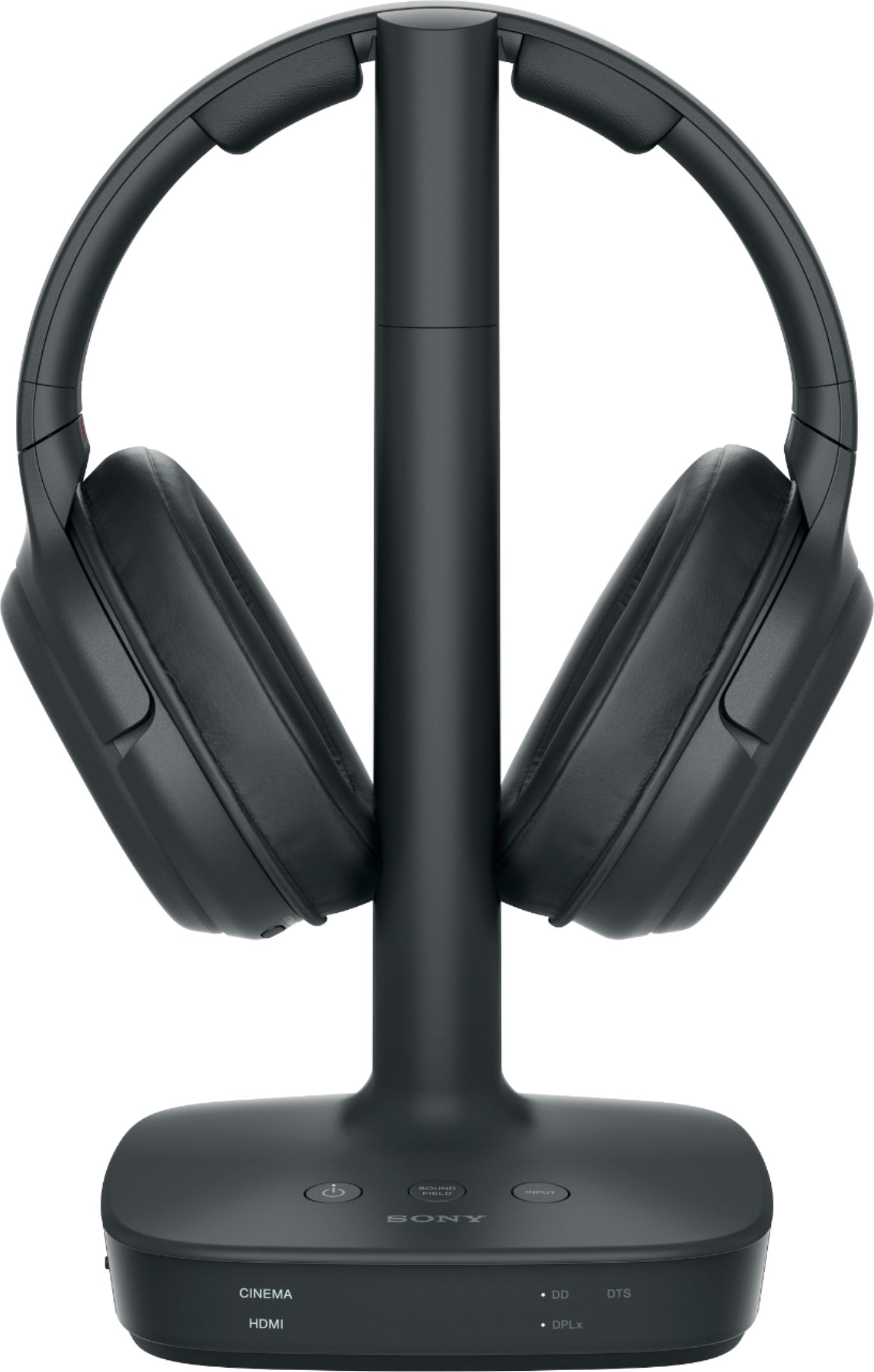
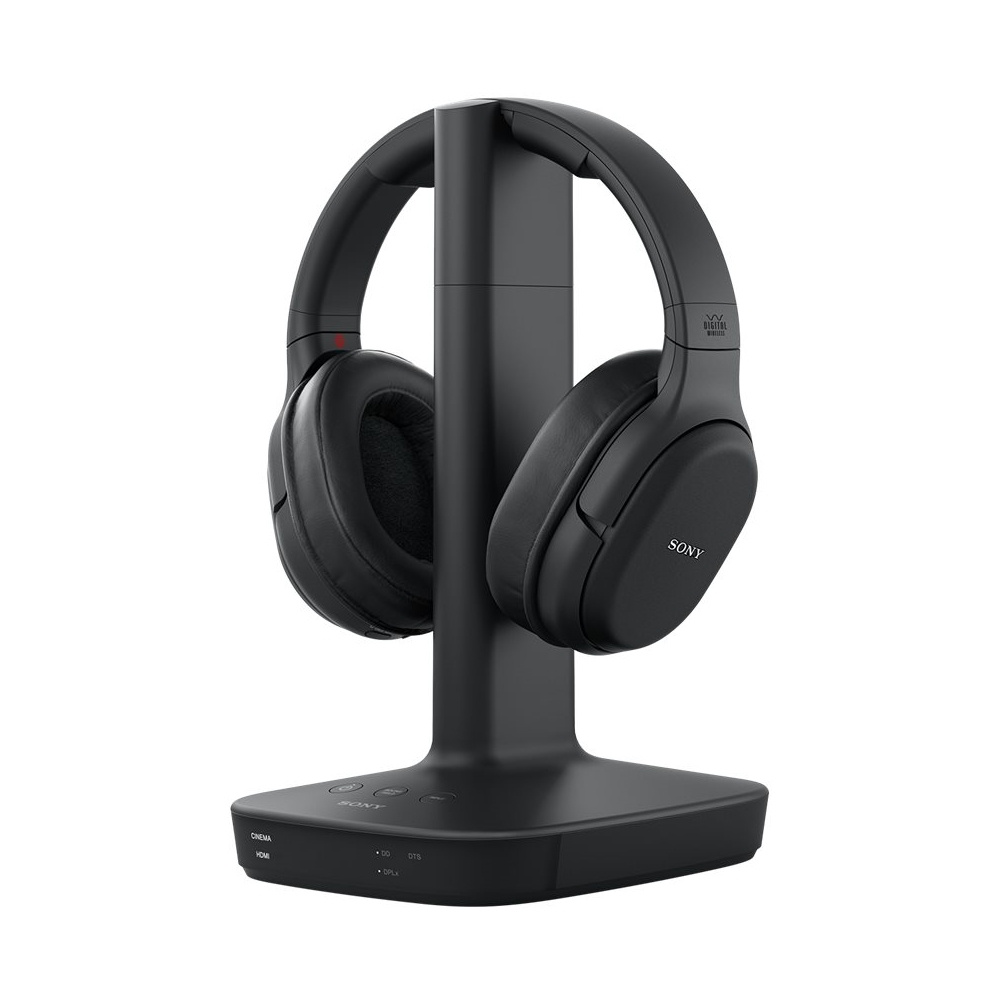
A:AnswerHello Bertj ~ I researched and got this information directly from the Sony website. It sounds like a radio frequency problem to me. I also own these headphones and have them plugged directly into my optical port on the TV. I have had virtually no cutting out of noise. Anyway hope the following information helps you.
Follow the instructions below if the sound from the WH-L600 Digital Surround Wireless Headphones cuts out:
Make sure the battery of your headphones has enough charge.
Make sure there are no other wireless devices using the 2.4 GHz wireless frequency band or a microwave oven around the processor and headphones.
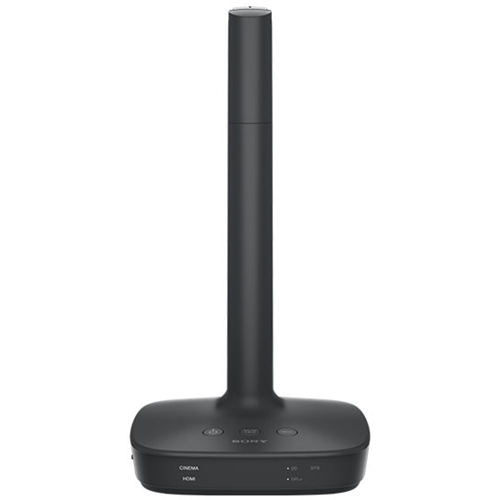
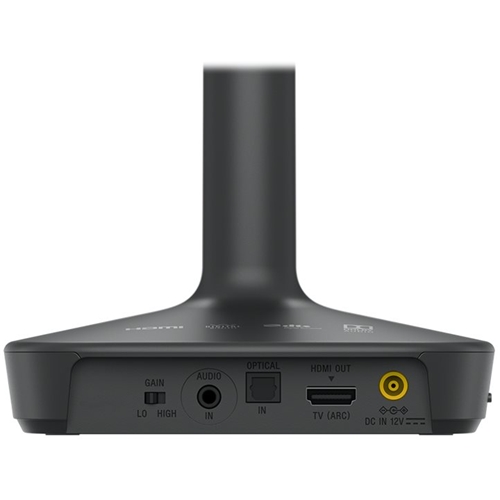
Switch GAIN on the processor to LO.
If you connect the headphones jack of the AV device to the AUDIO IN jack of the processor, decrease the volume on the connected device.
If there's an OPT terminal on the connected device, use an optical cable to connect the device to the headphones (as mentioned this is what I use and it works perfectly).
Set the output signal to 96 kHz on the device connected to the processor.
The headphones are compatible with 96 kHz.
Sound may be output for a moment when inputting a 192 kHz signal. This is a normal operation.
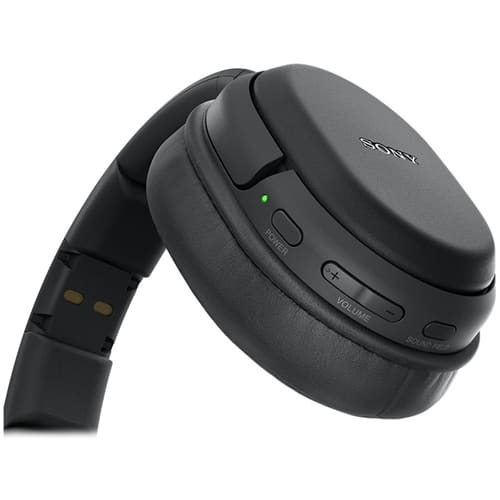
A:AnswerUnit has a 'mono' sound mode. Find the sound field button on the headset or use the sound field button on the base unit to select a different sound mode (cinema, sports, etc.) and you should hear sound in both ears.
A:AnswerHi Maggie! There are many different choices of optical splitters available online or possibly right at your Best Buy store. You really only need something like this: Optical Cable Splitter, Toslink Digital Fiber Optical Audio Splitter 2 Way in/Out Optical Splitter Adapter. You should be able to hook both of your headsets up using just one connection to your Samsung TV. I only have one headset so haven't personally tried this but am sure it's probably what you would need. Get a high quality splitter though or you may have interference/compatiblity issues. Hope this helps.
A:AnswerI tried using HDMI and got no sound out of the TV’s speakers while the headset was off the cradle. I had to use the digital audio out. Not sure if it should have worked, but once I used the digital audio out it did start working.
A:AnswerThis headset will connect to the optical output from your TV. In fact the optical cable is supplied with the headset. You will not need to plug in two devices. Note that the optical output on my Sony TV only gets its signal from the internal TV tuner. If you have cable TV for your source there will be no sound coming from the optical output. I had to connect a 1/8" headphone jack to the headphone out jack on the TV to get sound for cable TV programs. You can also connect to ARC HDMI port if you have one, this is not the same as the HDMI inputs. Check the manual or look for an ARC HDMI, my new Visio TV has an ARC HDMI but I have not tried it to see if it provides sound from cable TV source.
A:AnswerThey are not noise canceling.
Have purchased more than once over the last 10 years for personal use and as gifts. Use them with TV. Multiple ways to connect transmitting base to sound output sources......ability to connect to pc for streaming, but have not used this option.
A:AnswerIf you connect the base unit properly, all sound from your TV will be heard on the headphones. I used an optical splitter adapter to share the tv's audio output with the Sony headphone base unit and my soundbar.
A:AnswerI have a 2700 sq ft home. The base is near my television in my den which is about the center of my home and I walk all over my house with my headset on and am able to hear anywhere I go.
A:AnswerCheck your TV back if you have a optical audio port you don’t need anything extra, it comes with a cord . If you want to connect withHDMI you need to het a cable