Winter SaleEnds 1/19. Limited quantities. No rainchecks.Shop now

Main Content

Questions & Answers

Your price for this item is $49.99
The comparable value price is $69.99
Page Showing 21-40 of 62 questions
  • QuestionCan these be used just to cancel noise as in a concert or movie theater

    Asked by Kitkat.

    • Answer If you’re listening to music yes but will not work if you’re just have them on for noise cancelling

      Answered by Cole

  • QuestionCan I answer the phone through the headphones?

    Asked by Tom.

    • Answer Yes you can. The headphones sound clear and have a mic. The center button on the headphones answers and hangs up the call.

      Answered by Anonymous

  • QuestionDo they work on IPhone

    Asked by Anonymous.

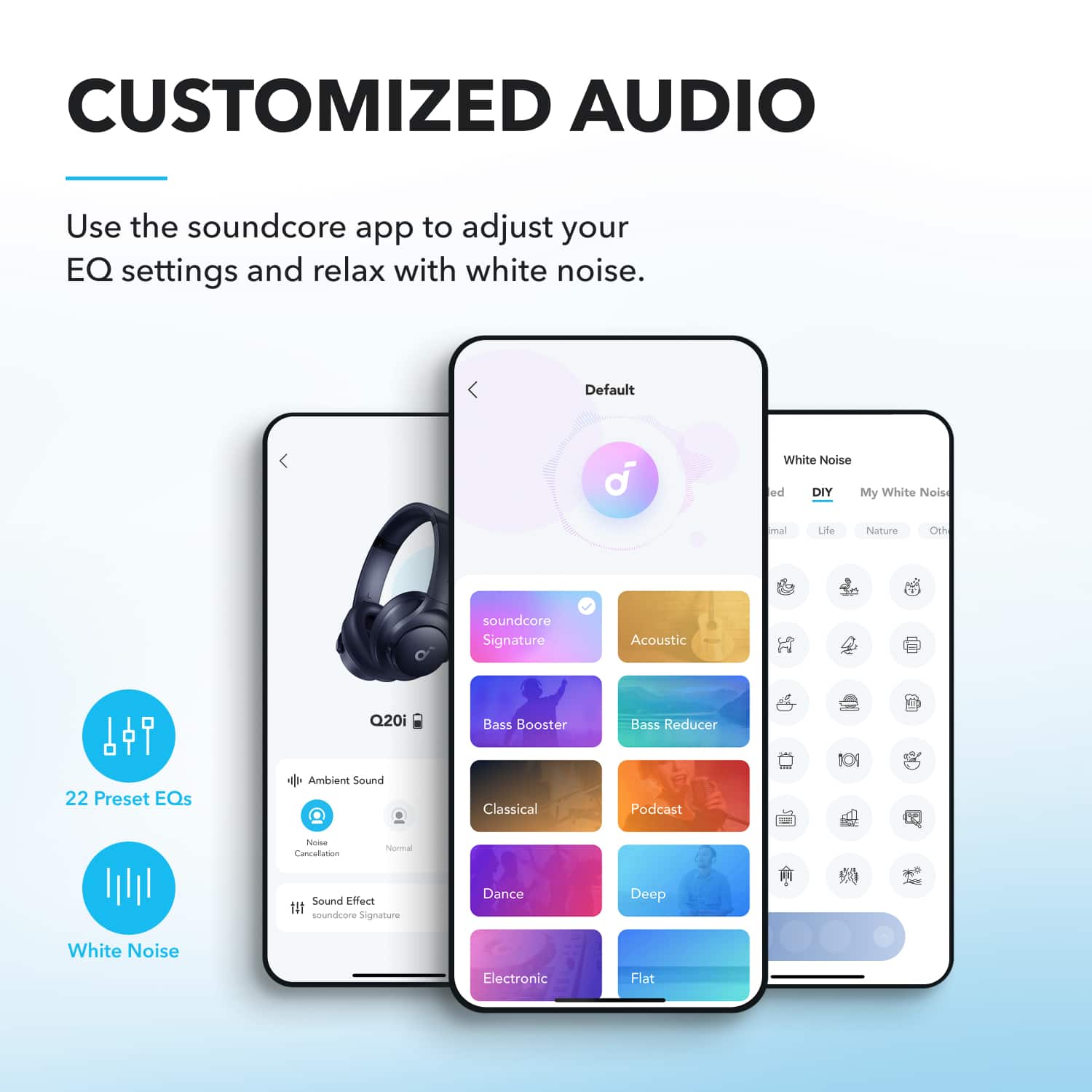
    • Answer Yes, via Bluetooth. There is also an app to configure sound settings. But it does not have to be installed to use them with an IOS device.

      Answered by Matt

  • QuestionIs this headphone can connect in an airplane phone jack

    Asked by Noel.

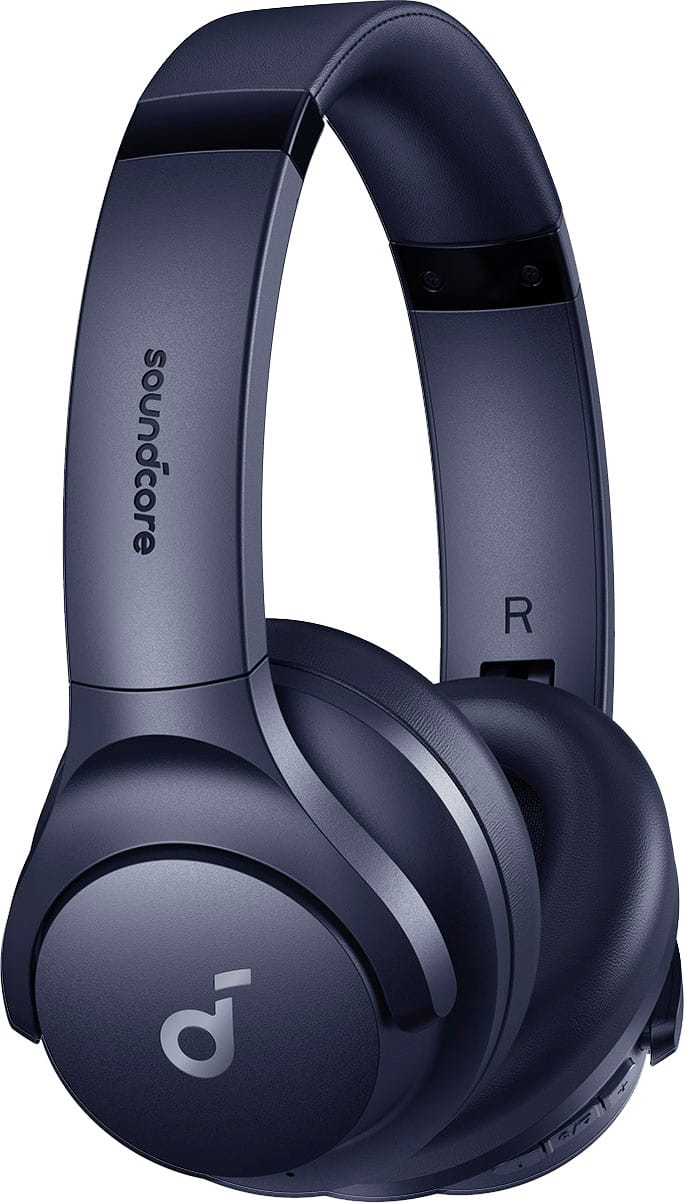
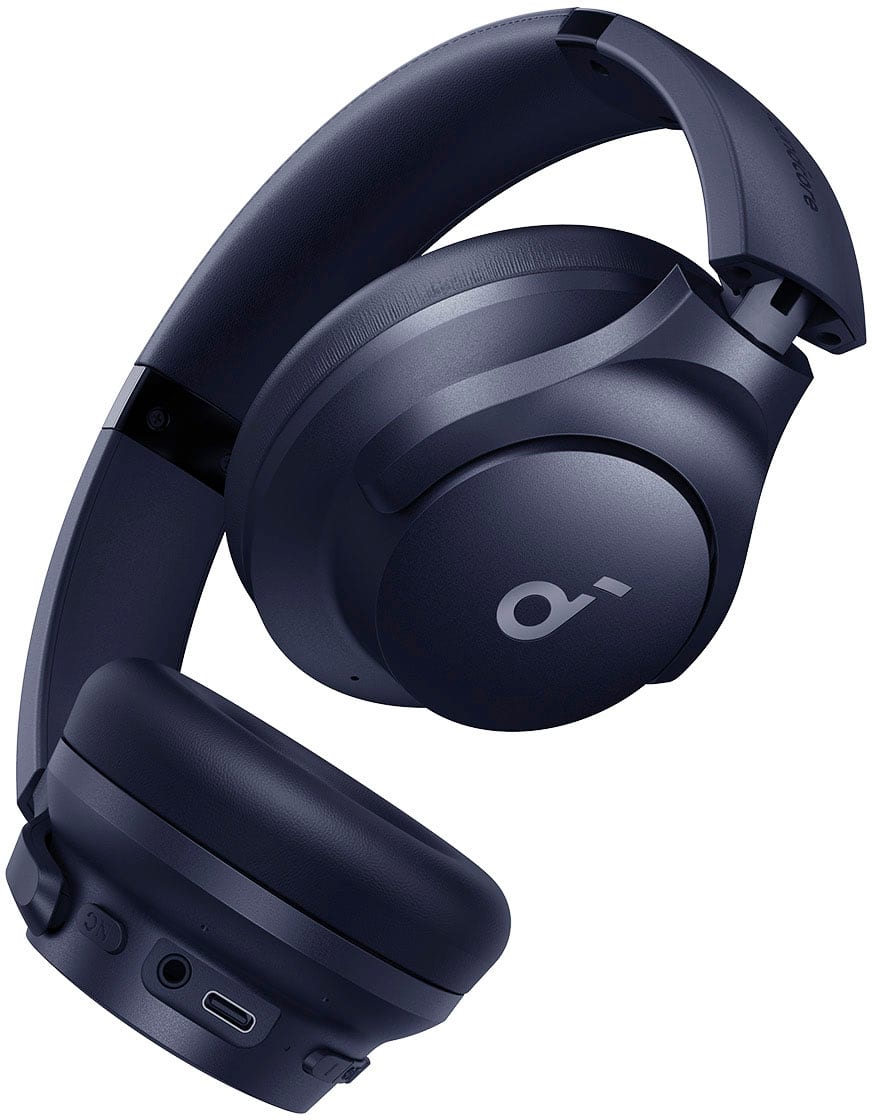
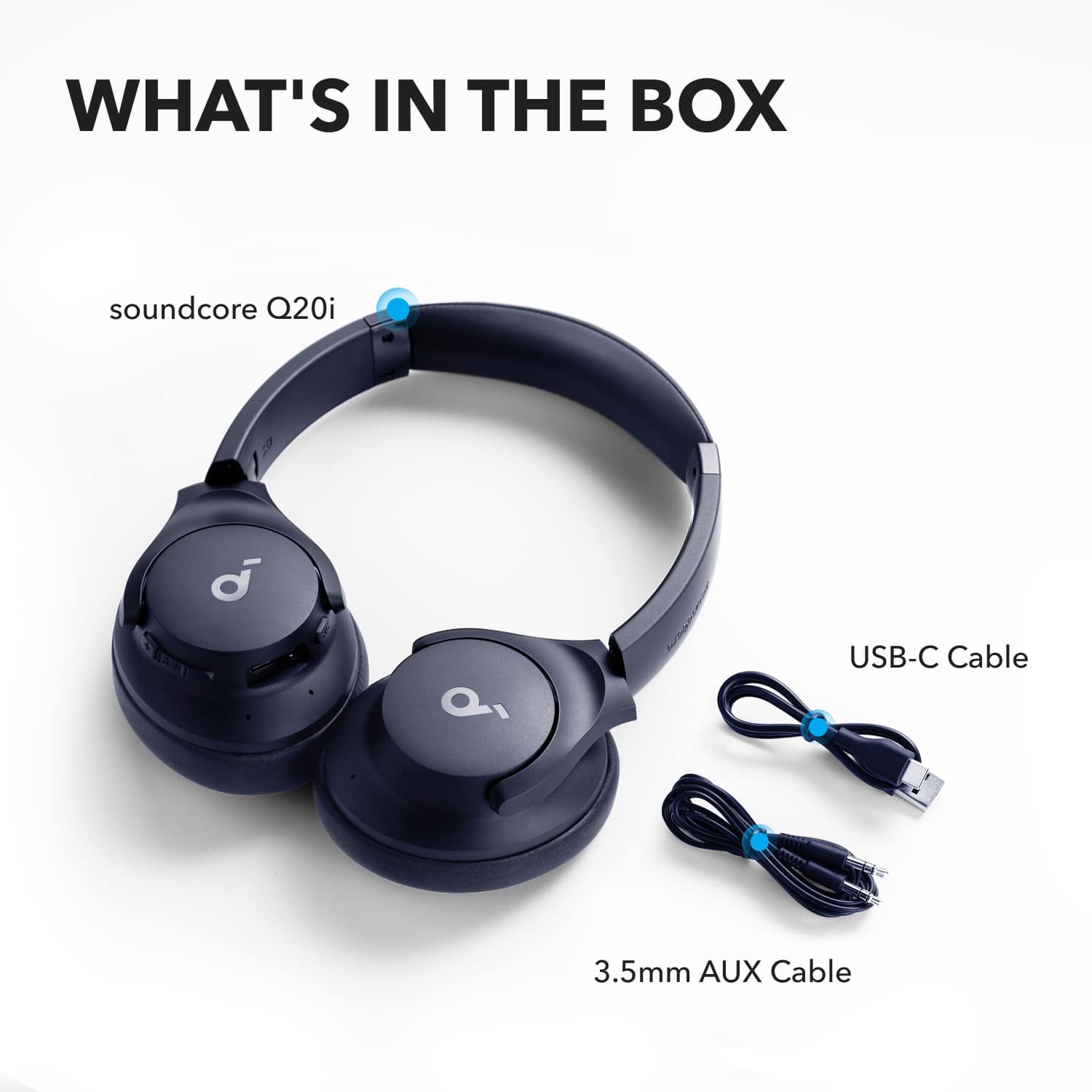
    • Answer Thanks for your interest in our products. Yes, Q20i will come along with an aux cable, which allows you to connect them in a jack. Please feel free to contact us via [email protected] with your order information and problems. We will always be more than happy to help you.

      Answered by Soundcore Team

  • QuestionDo these headphones have a built in microphone?

    Asked by Anonymous.

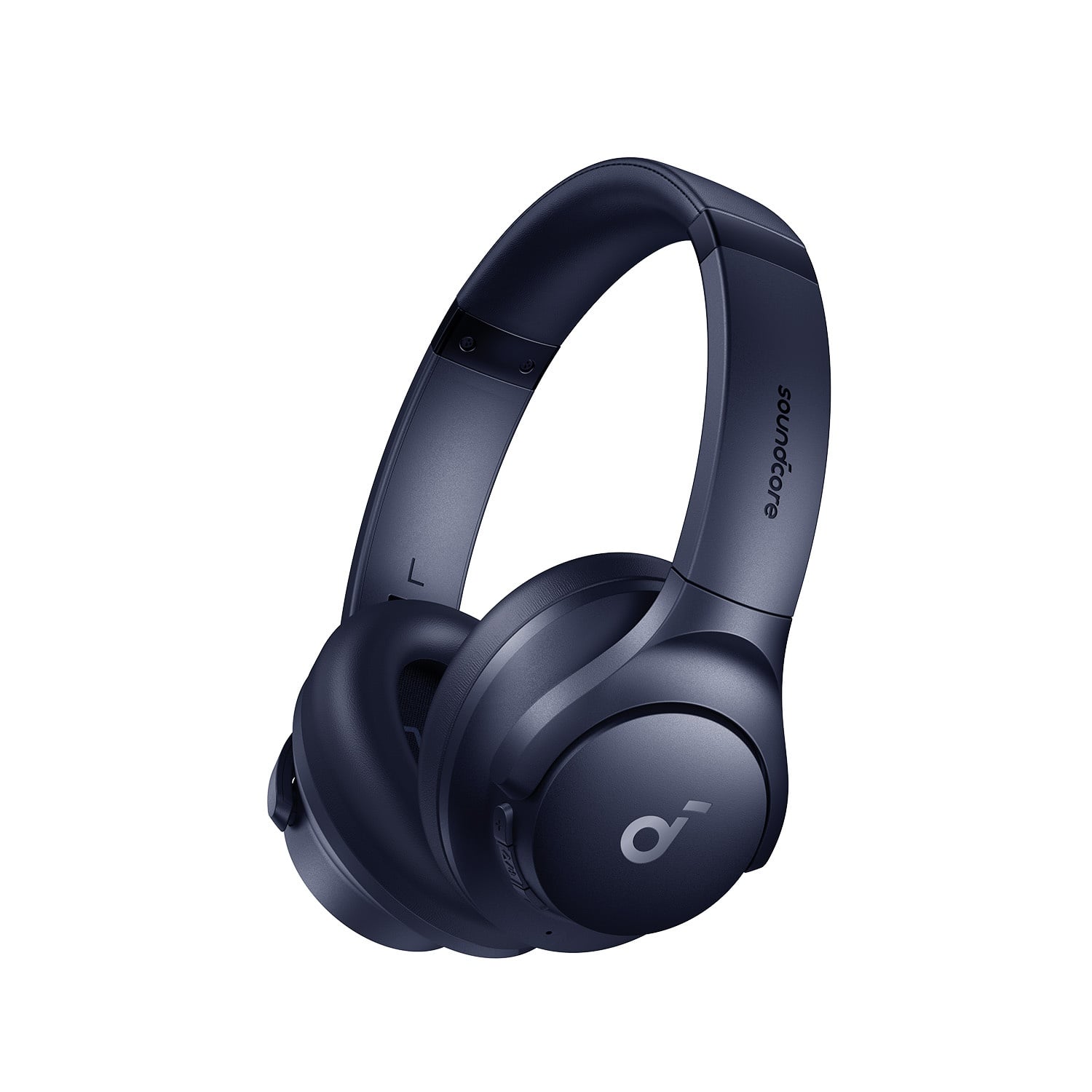
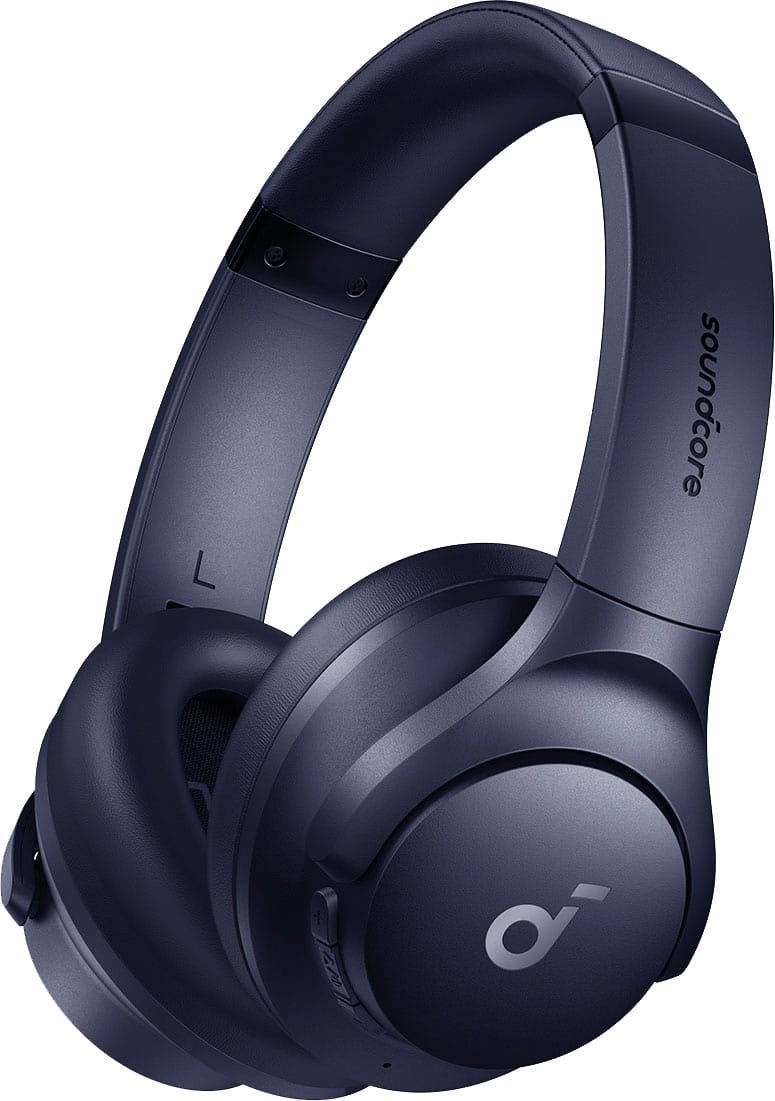
    • Answer Thanks for the message. Yes, Q20i has a built-in microphone. Please feel free to contact us via [email protected] if there is anything we can help you with.

      Answered by Soundcore Team

  • QuestionHow to do a hard reset on the sound core headphones?

    Asked by 2222.

    • Answer To perform a hard reset on your Soundcore Q20i headphones: Ensure the headphones are in the pairing state. Long press the power button and the volume + button simultaneously for 5 seconds. This will clear the Bluetooth pairing information and reset the headphones. This should help resolve issues like connectivity problems or audio glitches.

      Answered by Soundcore Team

  • QuestionI’ve followed instructions to turn off mono and set the balance to the center but didn’t fix the sound. What else can I do?

    Asked by 11111.

    • Answer Based on the knowledge retrieved, here are some steps you can try to fix the sound issue with your Soundcore Q20i headphones when the balance is already set to the center: Clean the Hardware: Remove the ear tips from the headphones and gently clean the metal filter mesh. Use a Q-tip with a small amount of rubbing alcohol to clean the surfaces. Make sure the cleaning is thorough, as debris or dirt can affect sound quality. Reset the Headphones: Perform a reset by following these steps: Place the earbuds into their charging case and ensure the case remains open. Hold the button on the back of the charging case for 10 seconds until the LED flashes white rapidly three times, signaling that the reset is successful. Test on a Different Device: If possible, pair the headphones to a different Bluetooth device to determine if the problem is device-specific. Recheck the Audio Source: Ensure that the audio source (e.g., music, app) you’re using has clear and balanced audio so that no distortion is coming from the source itself. Customize EQ Settings: Use the Soundcore app to set or adjust the equalizer (EQ) to fine-tune the sound per your preference. By following these tips, you should be able to improve your headphones’ sound. Make sure to test after completing each step. If the issue still persists, you may need to explore other solutions.

      Answered by Soundcore Team

  • QuestionHow do you pair this earphones with your phone?

    Asked by Dede.

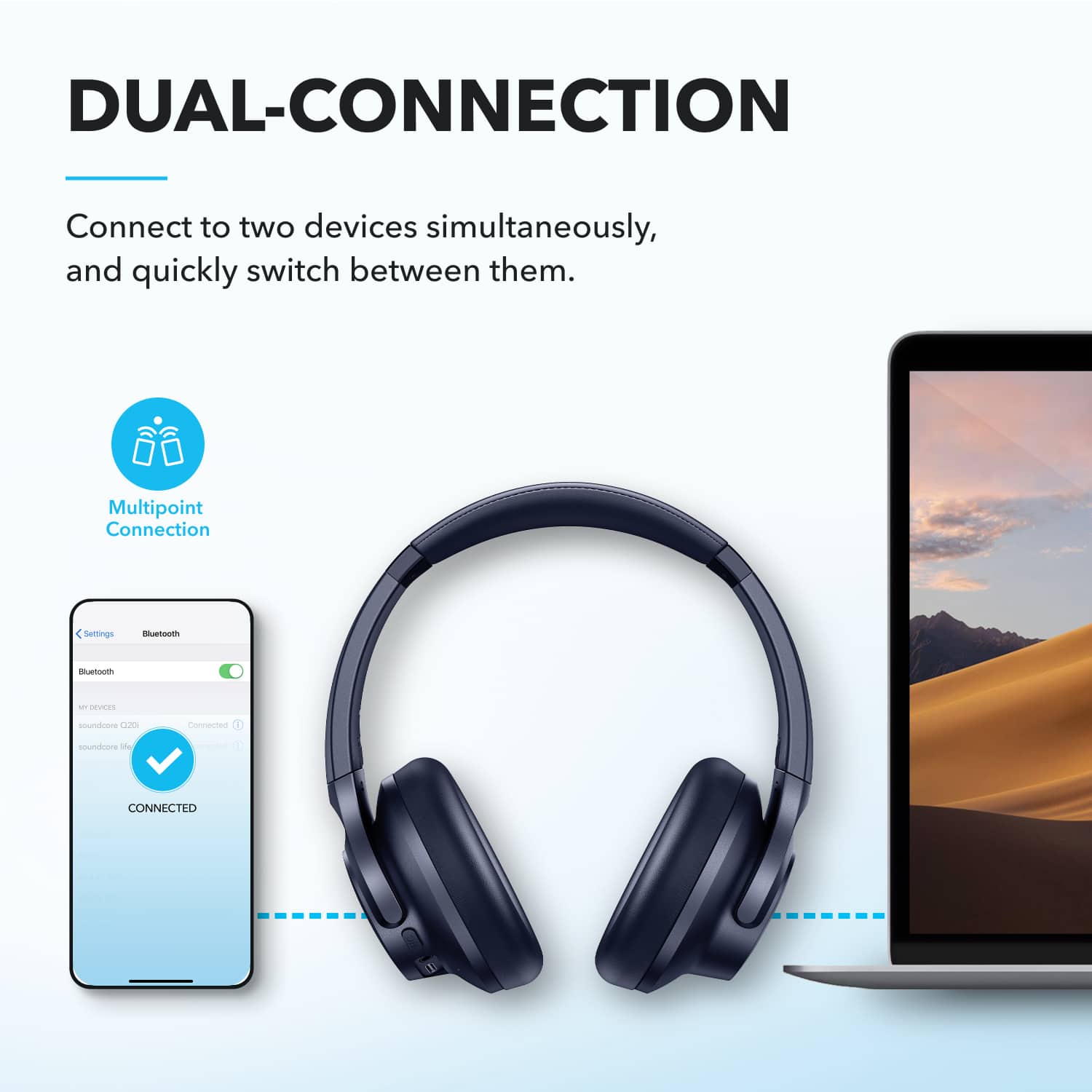
    • Answer Here are the steps to pair your Soundcore Q20i Over-Ear Headphones with your phone: Initial Pairing: If this is the first time pairing the headphones, press and hold the "power on" button for 5 seconds while the headphones are off. This will activate pairing mode. Reconnections: If the headphones were previously paired with your phone, press and hold the "power on" button for 1-3 seconds until you hear the boot-up tone. The headphones will automatically attempt to reconnect to the last paired device. If reconnection fails after 5 seconds, the headphones will re-enter pairing mode. Pairing with a New Device: If the headphones are already paired with a device and you want to connect them to another, manually disconnect the current connection from the Bluetooth settings on the phone. The headphones will then automatically enter pairing mode, allowing you to pair them with a new device. Connecting to Multiple Devices: To connect to a second device while staying connected to the first, double-click the switch button. This puts the headphones back into pairing mode for connecting to the second device. Also, when pairing, you can locate the device name in your phone's Bluetooth list and select to complete the connection. Once the pairing is successful, the blue light on the headphones will flash slowly.
      Answered by Soundcore Team

  • QuestionIf im listening to music on moderate volume can outside people hear my music like some other brands?

    Asked by Rainn.

    • Answer Regarding the Soundcore Q20i True Wireless Noise Canceling Over-the-Ear Headphones, they are designed to provide a comfortable listening experience and an expansive soundstage. While the product does exceptionally well at minimizing sound leakage, under moderate volumes, it is unlikely that people nearby will hear your music. Sound leakage typically occurs more noticeably at higher volumes, but this is not a flaw in the headphone design—it's a natural consequence of the open-sound design that allows for better environmental awareness. So, when listening at moderate volumes, your music should stay private and not disturb those around you.

      Answered by Soundcore Team

  • Questiondo these block out snoring noises from spouses?

    Asked by Pam.

    • Answer The Soundcore Q20i True Wireless Noise Canceling headphones can partially block out snoring noises from spouses, thanks to their Active Noise Cancellation (ANC) feature. To maximize the ANC sound quality, here are some recommendations: Ensure that you are wearing the headphones correctly with proper orientation for left and right ears. Verify that the ear covers completely enclose your ears for optimal noise cancellation performance. Adjust the headphone length for a proper and comfortable fit, as this enhances ANC effectiveness. Please note that while these headphones are effective at reducing low- and mid-frequency sounds (e.g., car or airplane noise), they may not completely eliminate certain noises, including human voices and snoring, but they can significantly reduce their disturbance.

      Answered by Soundcore Team

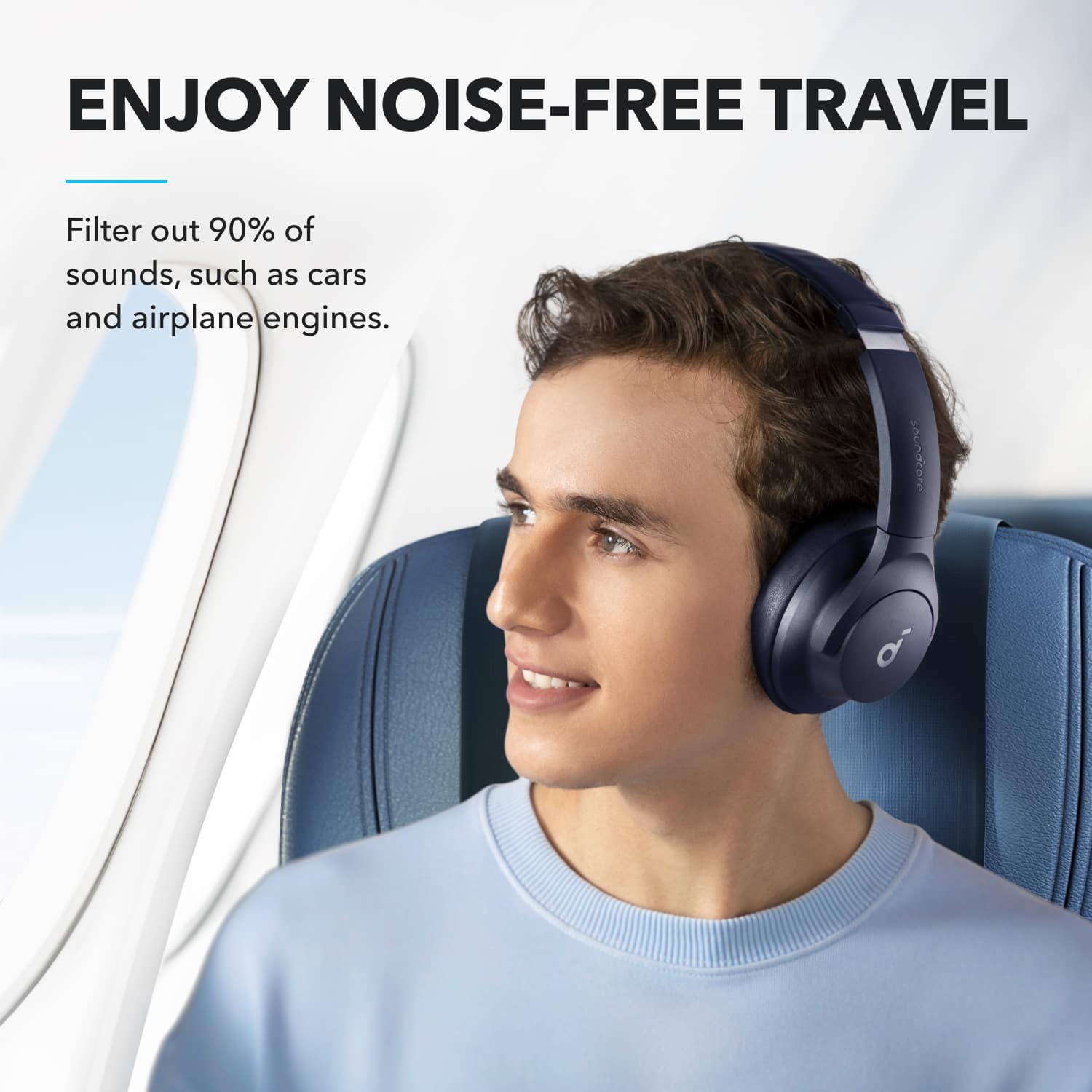
  • QuestionWhat is the sound reduction on a plane when using noise cancelling mode

    Asked by Sh.

    • Answer The Soundcore Q20i headphones' noise cancellation is primarily designed to eliminate low-frequency noises, such as the roar of airplane engines, but it does not provide complete silence. Human voices and certain higher-frequency sounds may still be audible. This feature helps reduce environmental noise effectively, particularly in situations like planes, improving your listening experience but not completely isolating all sounds. For the best noise cancellation experience, ensure that you are wearing the headphones correctly and activate the "Active Noise Cancellation" mode to optimize their performance.

      Answered by Soundcore Team

  • QuestionDoes it work with ps5 ?

    Asked by Anonymous.

    • Answer Yes.

      Answered by Kingleo31

  • QuestionCan you replace the ear padding. It’s staring to tear and show the foam stuff inside

    Asked by Alana.

    • Answer Unfortunately, the provided knowledge base does not specify instructions or policies regarding replacing the ear padding of Soundcore Q20i True Wireless Noise Canceling Over-the-Ear Headphones. Typically, such replacements are not mentioned as part of regular maintenance or support for the headphones. You may consider checking third-party options for compatible ear pads if necessary. If you'd like other assistance related to your headphones, feel free to ask!

      Answered by Soundcore Team

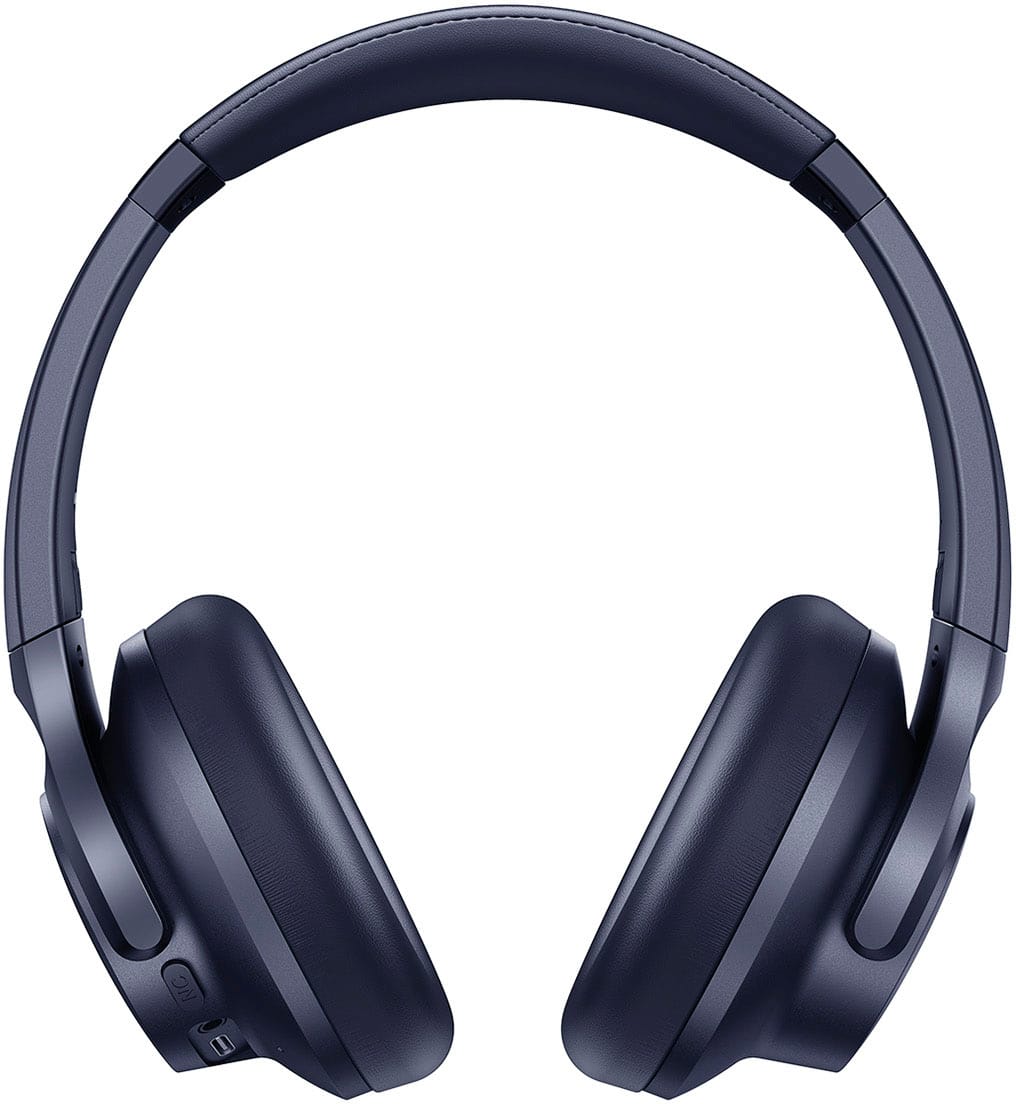
  • QuestionWhat is the height of the inside of the cup? I want to see if my ear will fit in them

    Asked by Adri.

    • Answer It looks about 2 1/4 inches

      Answered by Toddthep

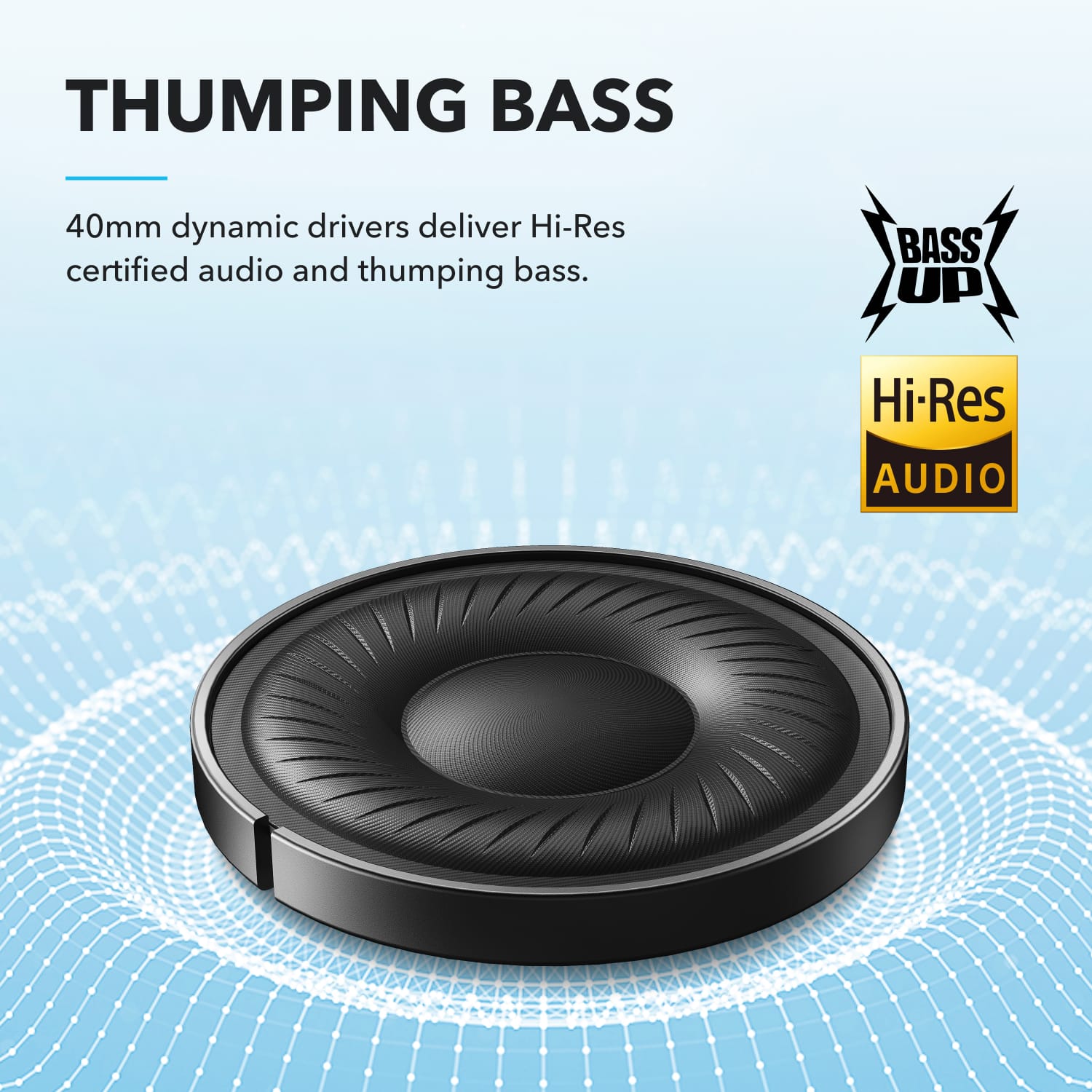
  • QuestionIf you play music with bass, will the headphones play it clearly, or will the bass break the headphones if it is too loud?

    Asked by Taya.

    • Answer The bass break the headphones if too loud

      Answered by BellaA

  • Questiondo the headphones come with a case?

    Asked by josie.

    • Answer No

      Answered by Anonymous

  • QuestionCan the noise cancelling be turned off without having to touch them? For example, if you start speaking will the noise cancelling automatically turn off?

    Asked by Claire.

    • Answer Thanks for your interest in our products. I regret that Q20i doesn't support this function. Please feel free to contact us via [email protected] if there is anything we can help you with.

      Answered by Soundcore Team

  • QuestionCan I attach to tv so I can listen while I watch

    Asked by Lynn.

    • Answer My tv does not have blue tooth. If you use Roku stick/tv the Roku remote app can be installed on phone and the headphones paired with phone.

      Answered by JudyM

  • QuestionDoes this product come with a case

    Asked by Royalty.

    • Answer No, it does not.

      Answered by Robert

  • QuestionDoes these headphones work for Samsung?

    Asked by Anonymous.

    • Answer They do not work for Samsung model QM75Q60RAFXZA series tv. Tv recognizes the headphones via Bluetooth but will not pair.

      Answered by Anonymous