A:AnswerIf you bought the equipment from Best Buy you need to contact them directly, they are in charge of the delivery, if you bought it directly from Starlink please create a ticket here: https://support.starlink.com/create-support-ticket?sourceType=web_link&sourceValue=support_landing
A:AnswerThe roaming plan is intended for stationary use moving from one location to another, having to set it up once you arrive at your destination, the mobile priority plan is meant to be used on the move but instead another equipment must be purchased, for more information please check this link: https://www.starlink.com/service-plans
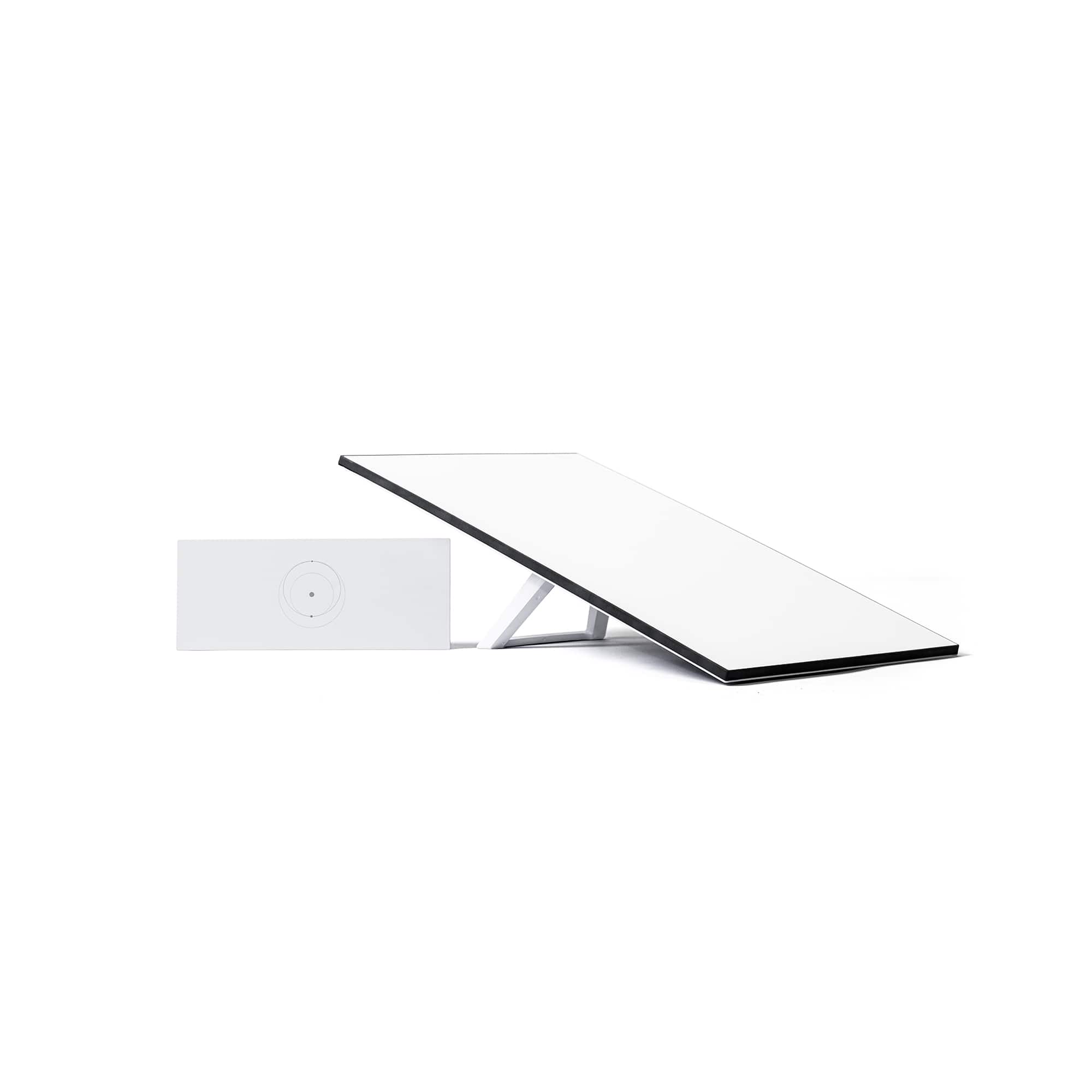
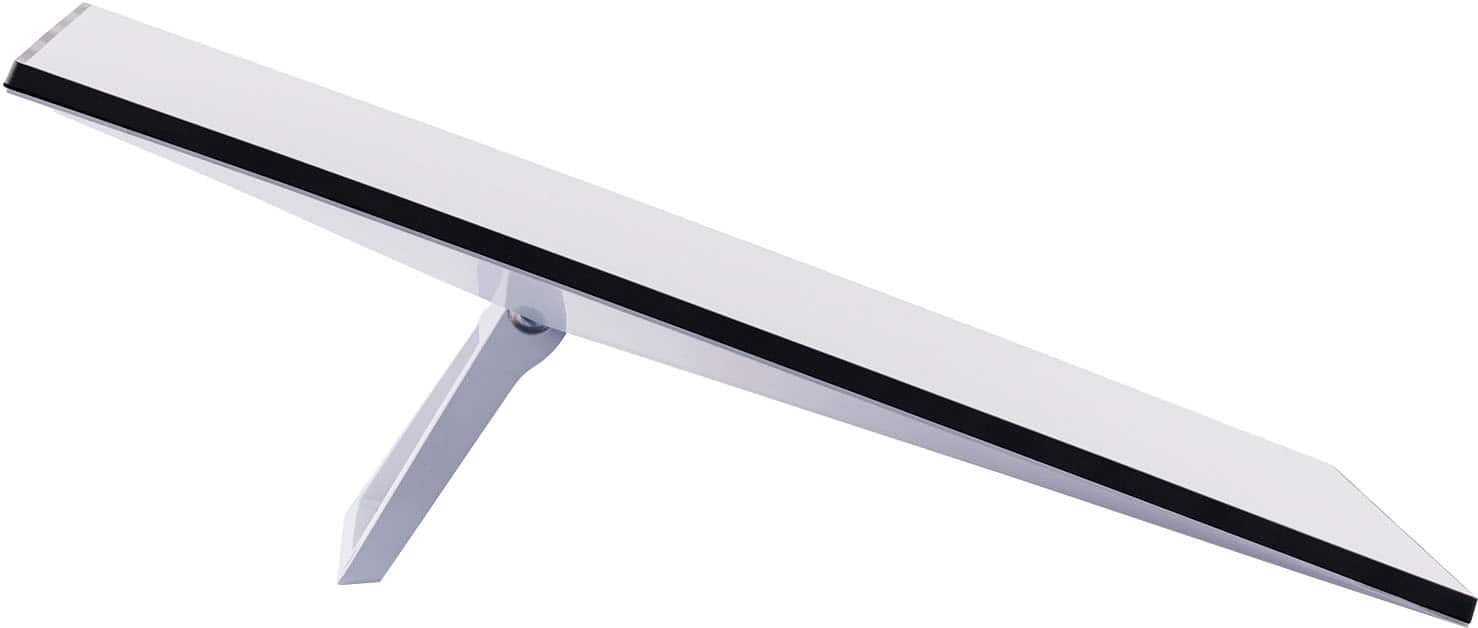
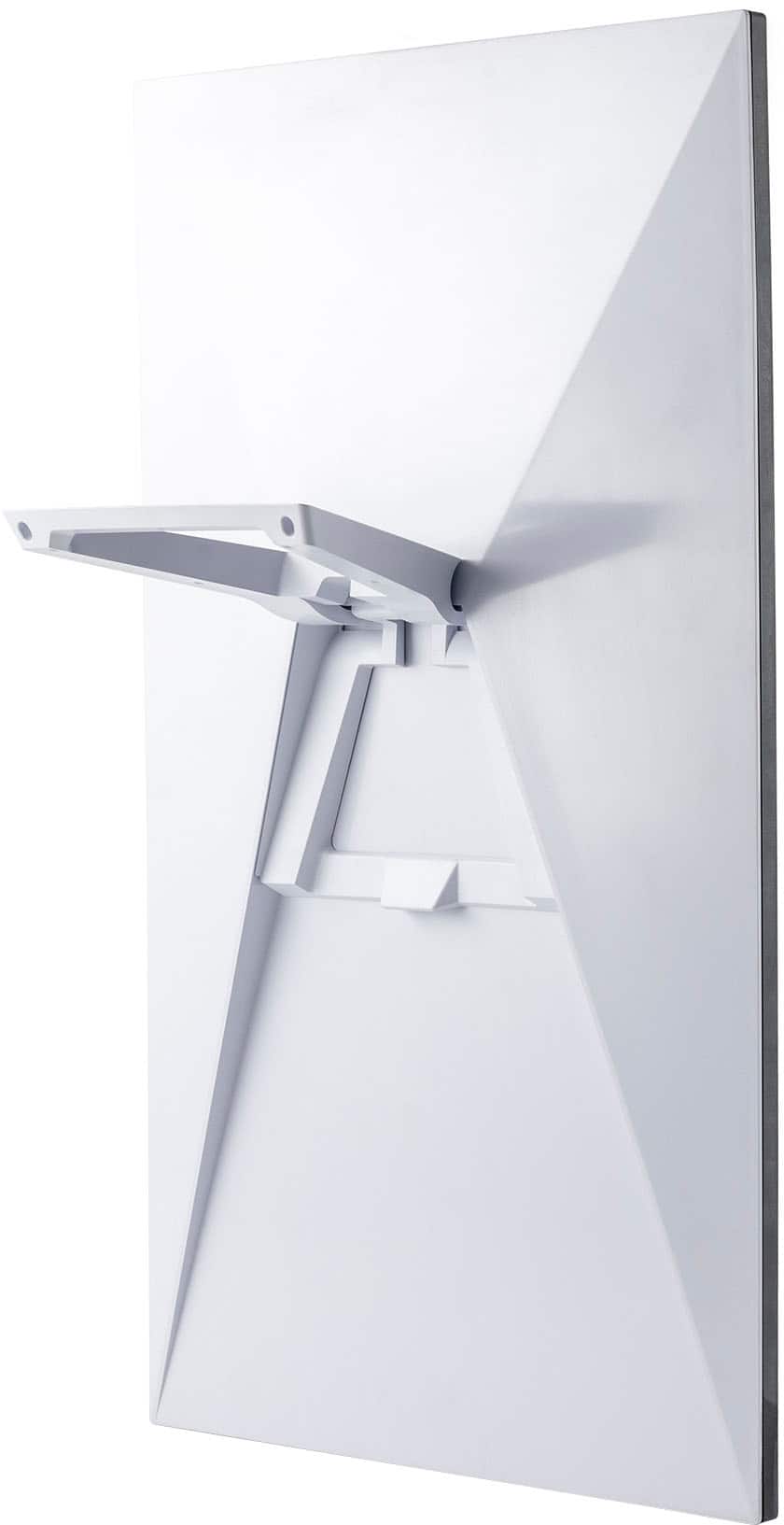
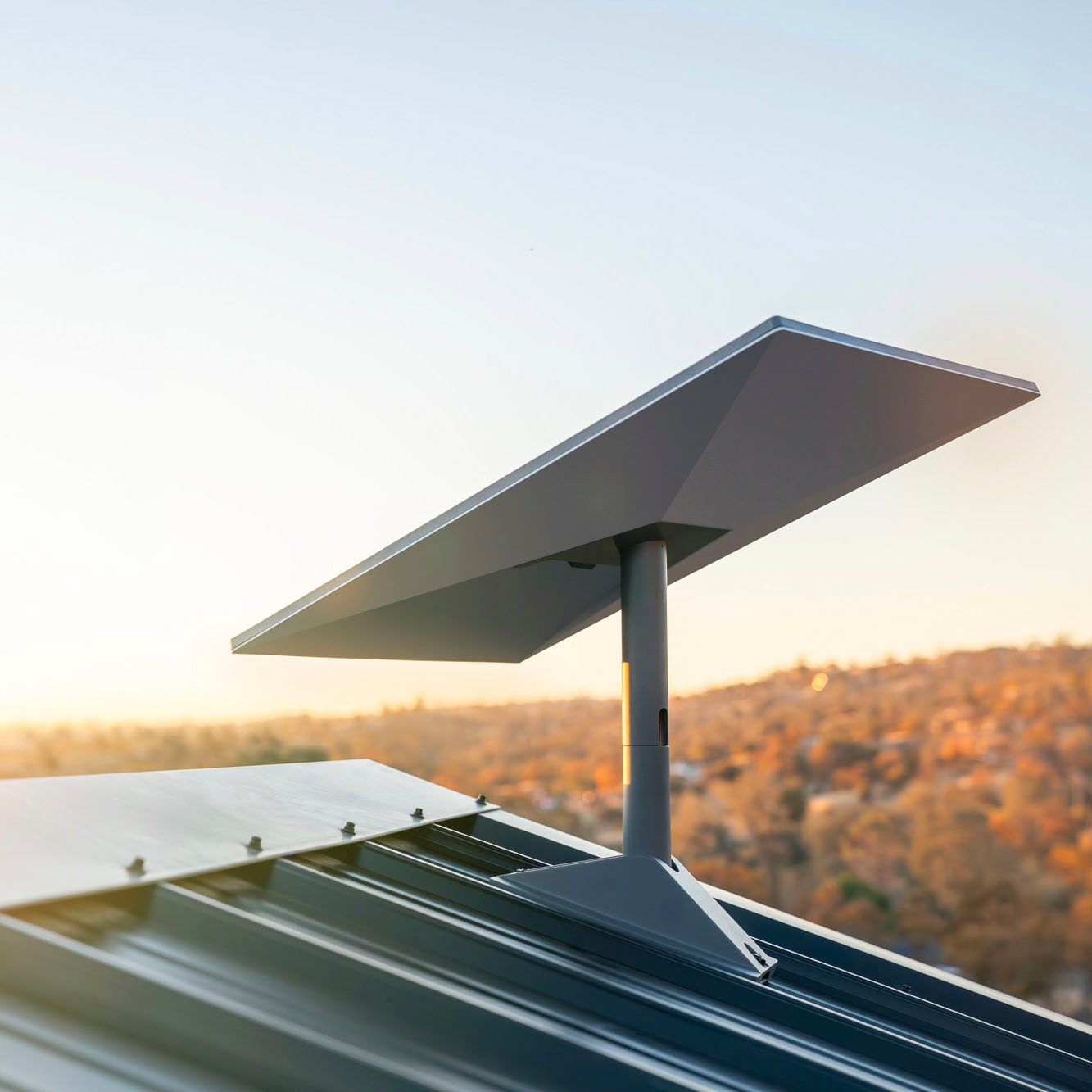
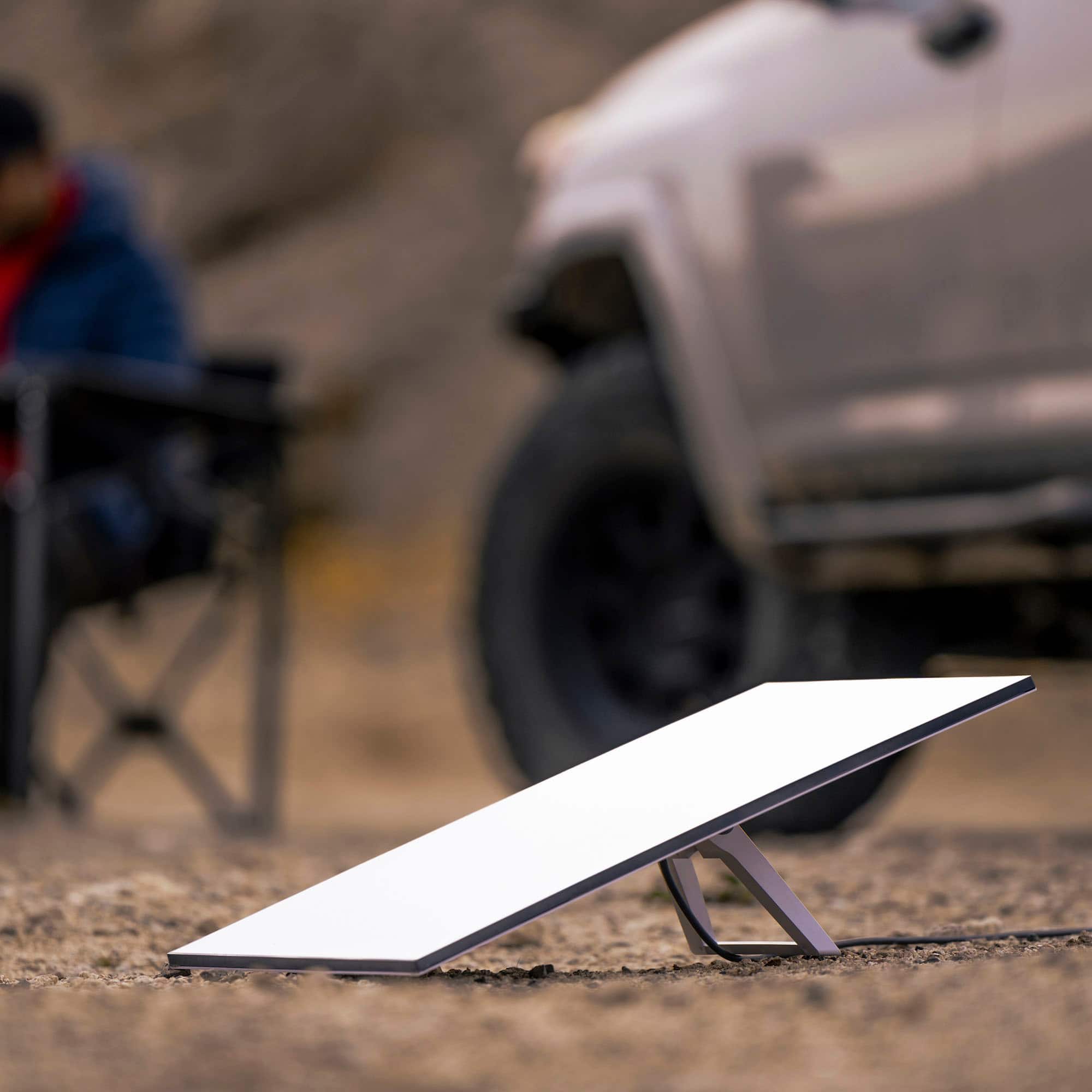
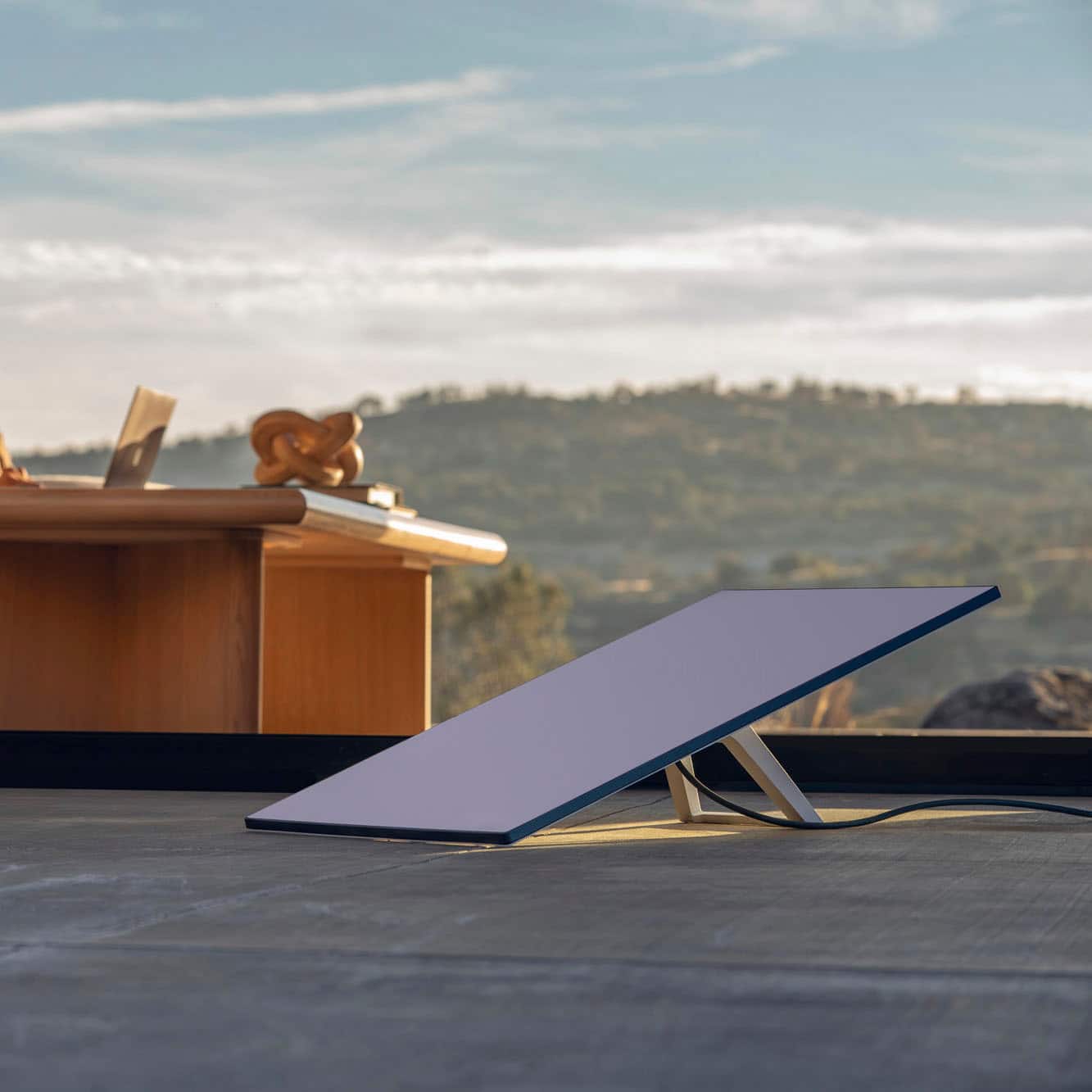
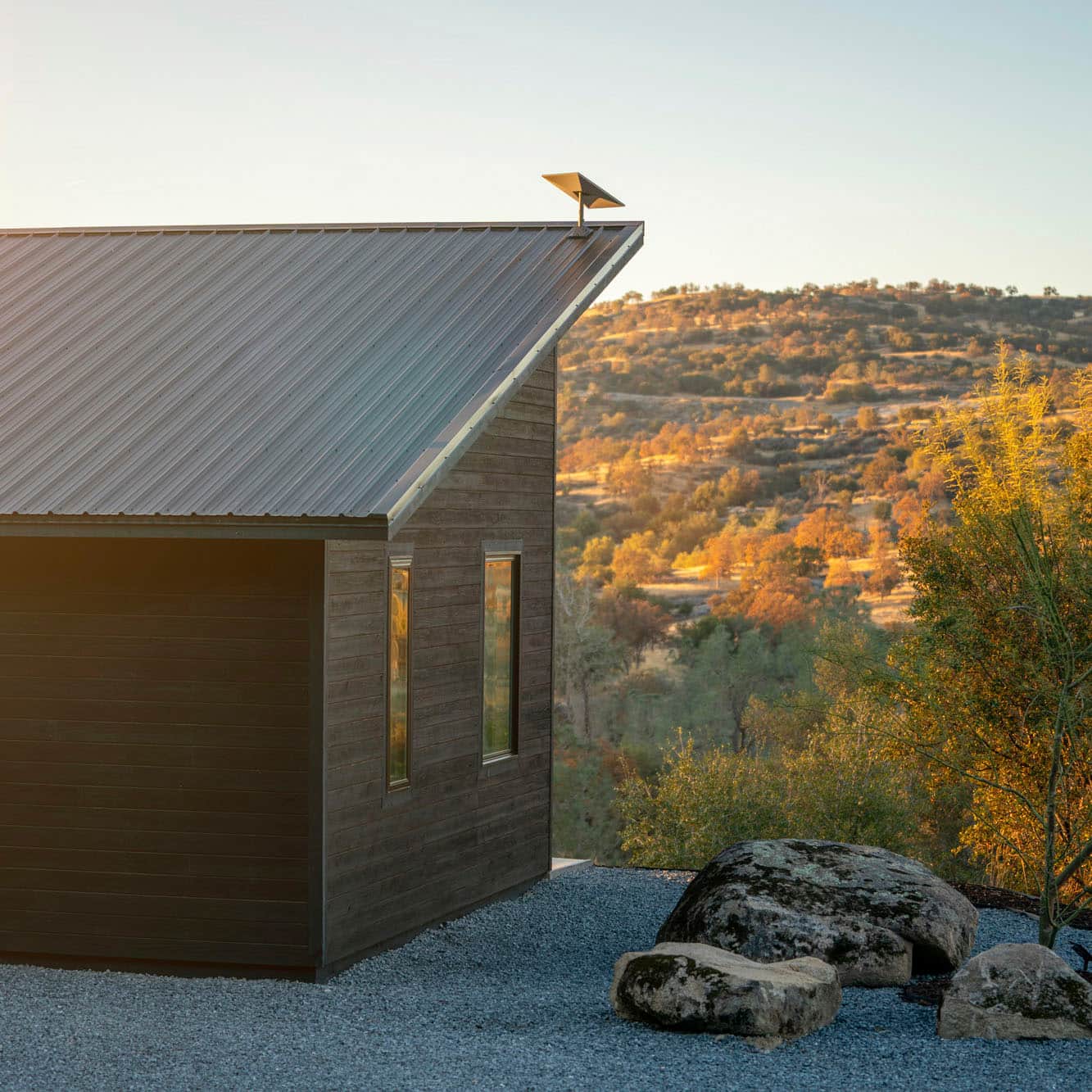
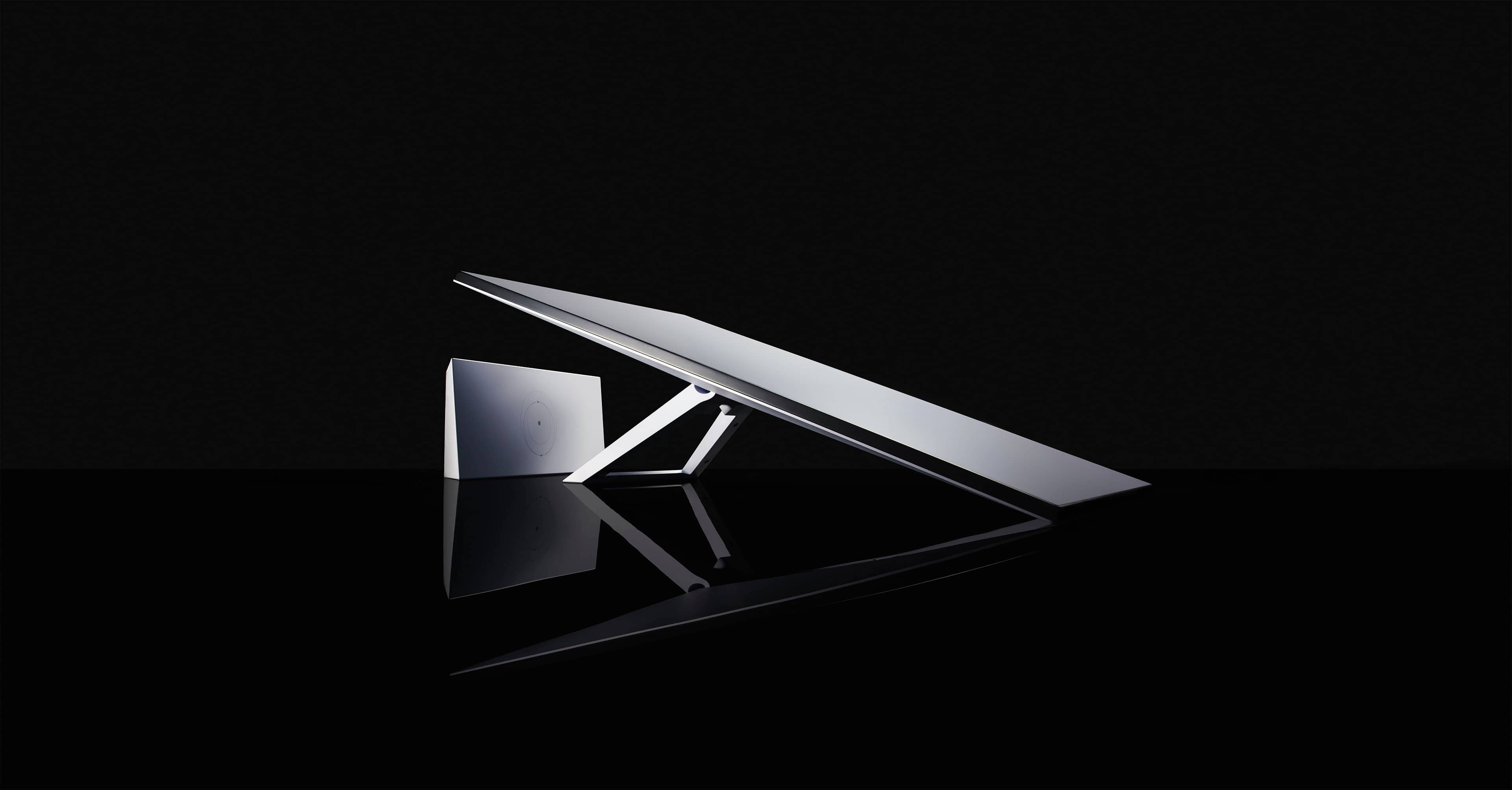
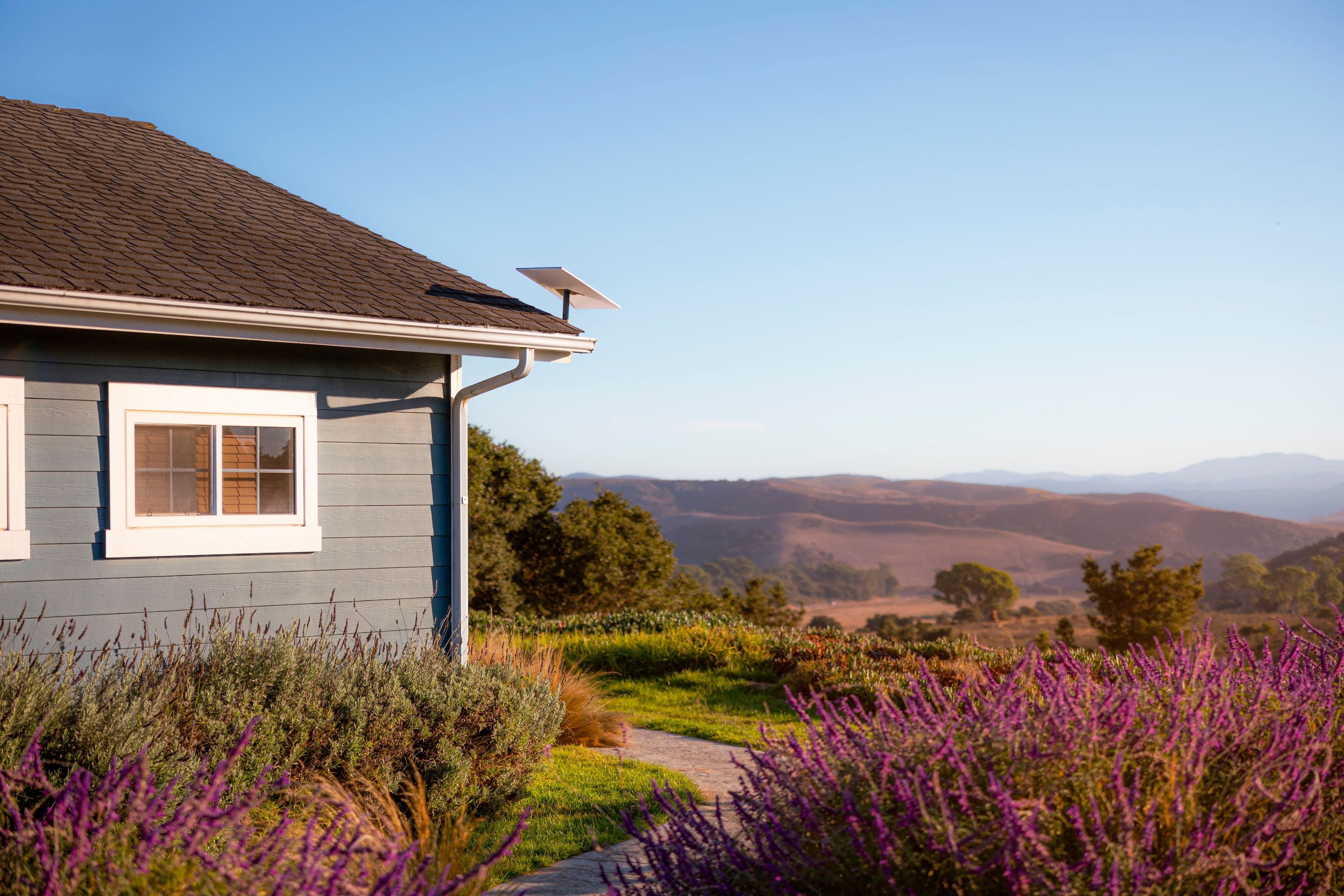
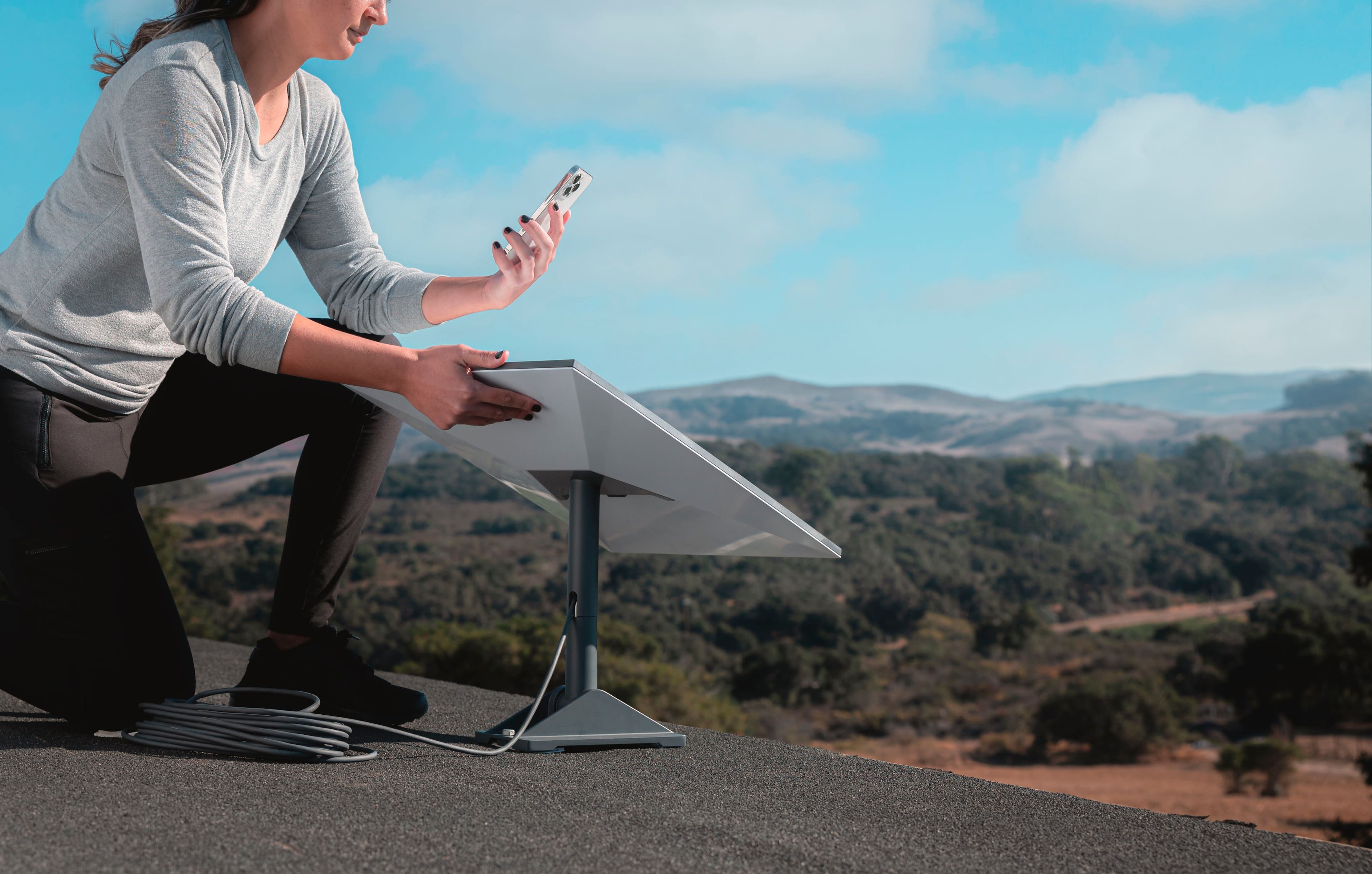
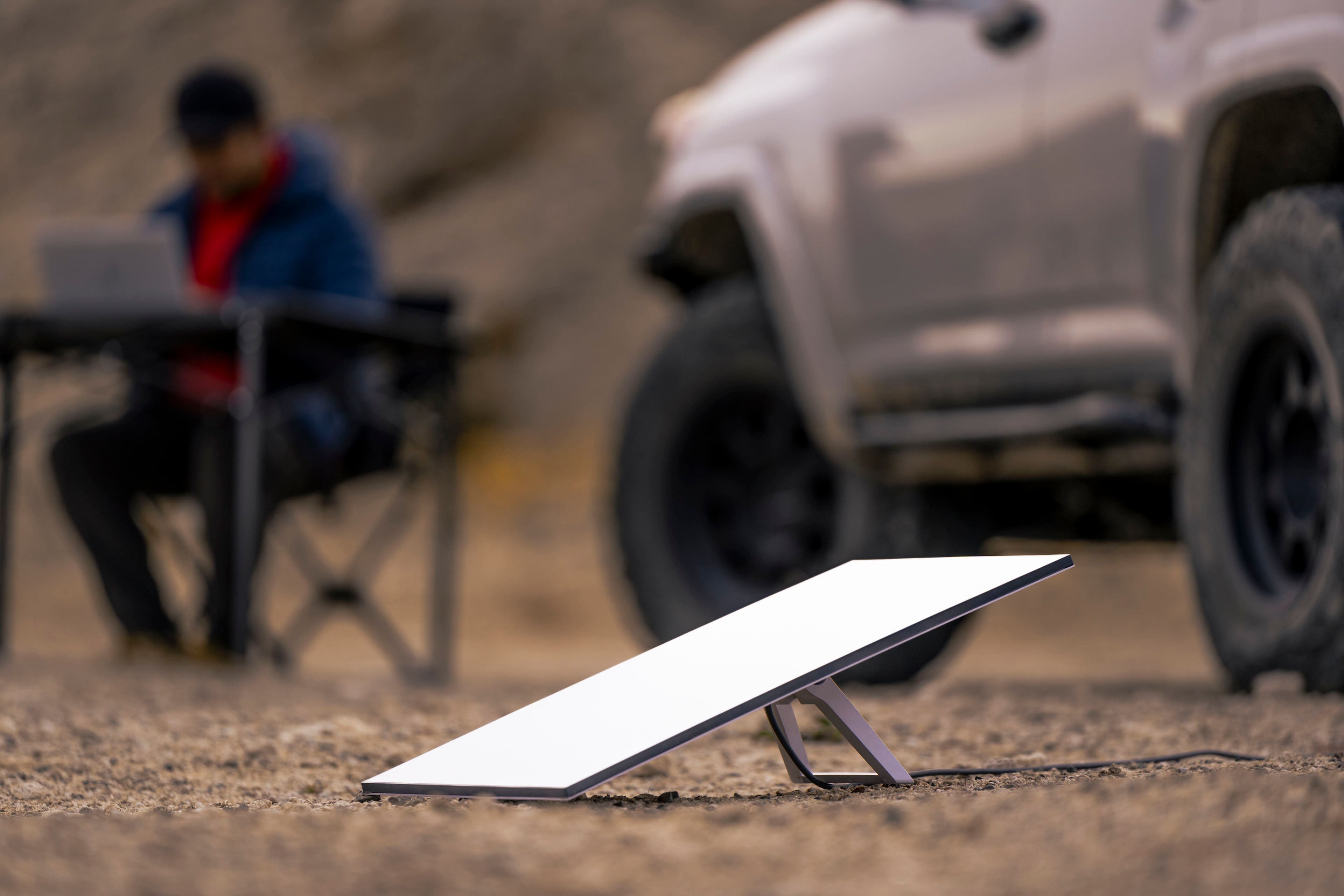
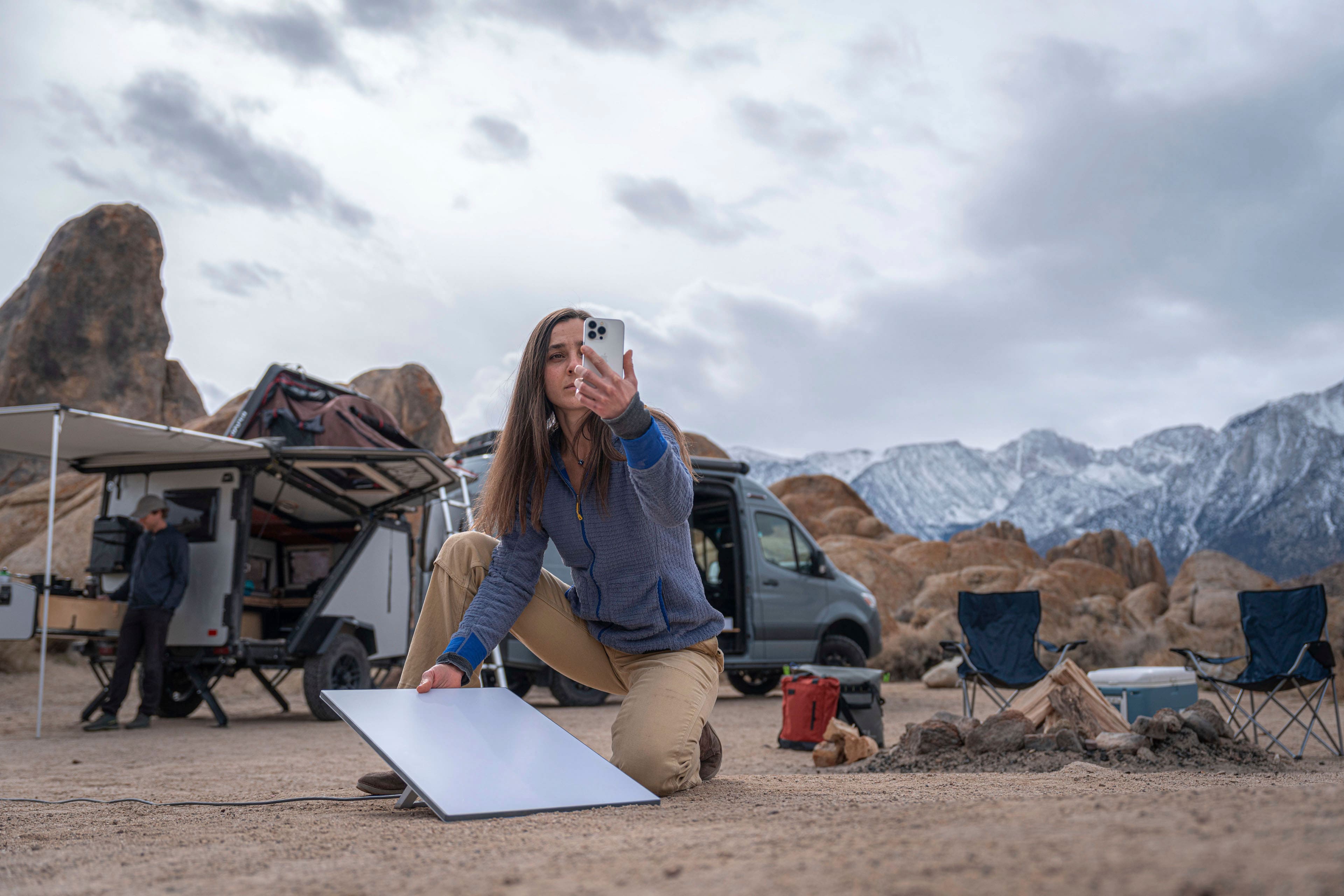
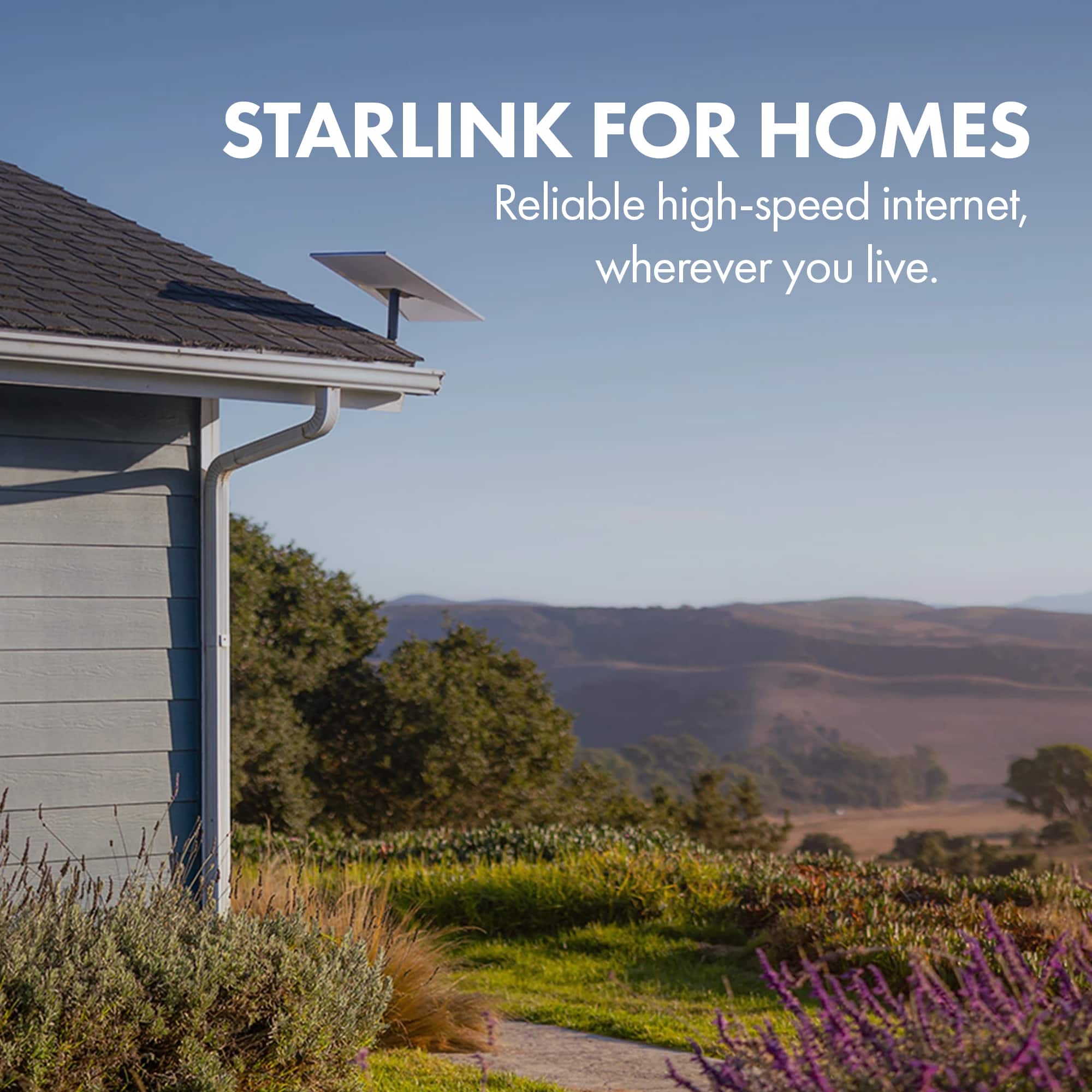
A:AnswerThe kickstand mount that comes with the kit can be removed and a pivot mount can be install to put it on the roof. Please see the videos for step-by-step instructions and the types of equipment available for mounting on the roof.
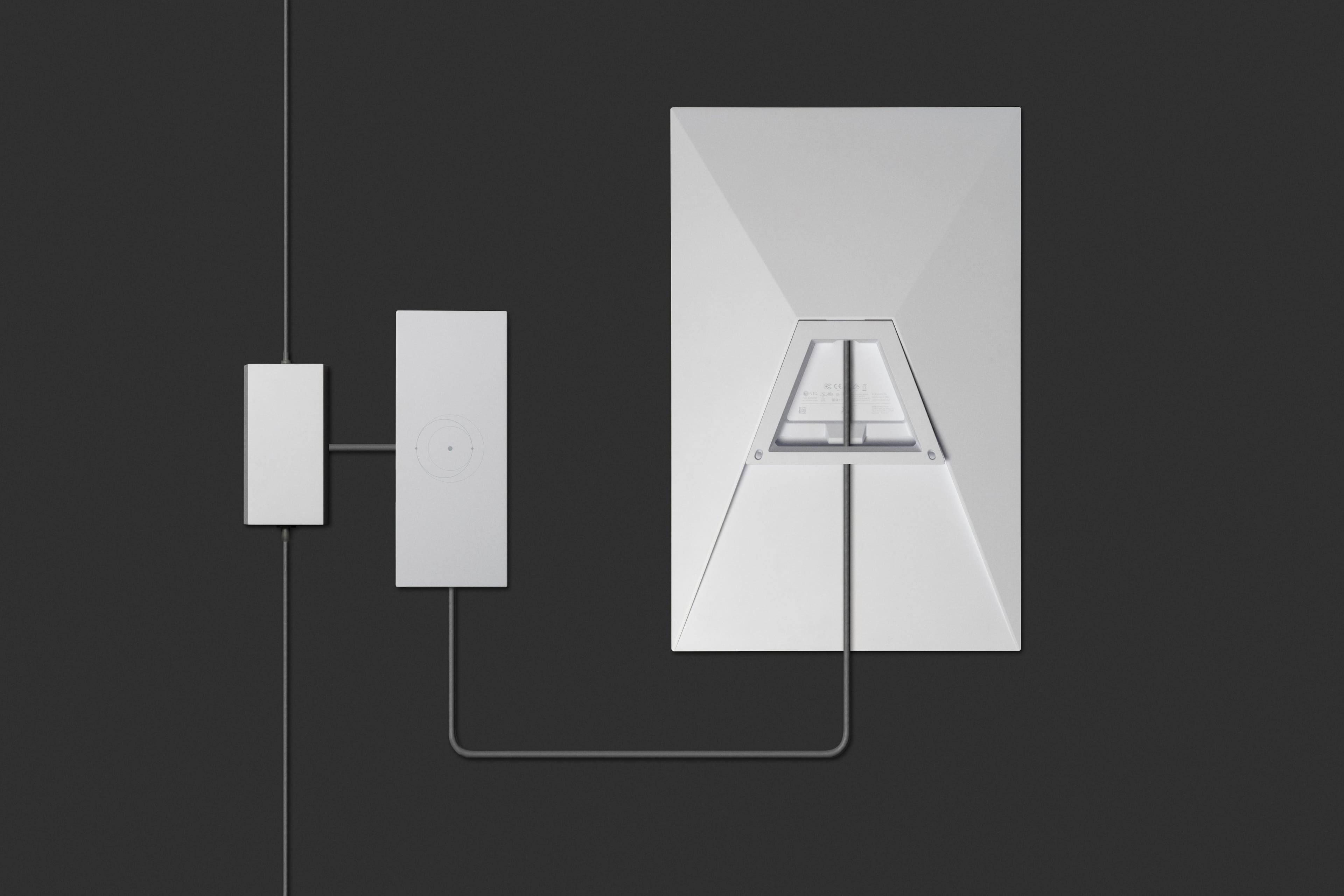
To find resources such as Setup Guides, Accessory Guides, Specs Guides and Installation videos, click here: https://support.starlink.com/topic?category=6&category=85&category=72 and select your Starlink Kit.
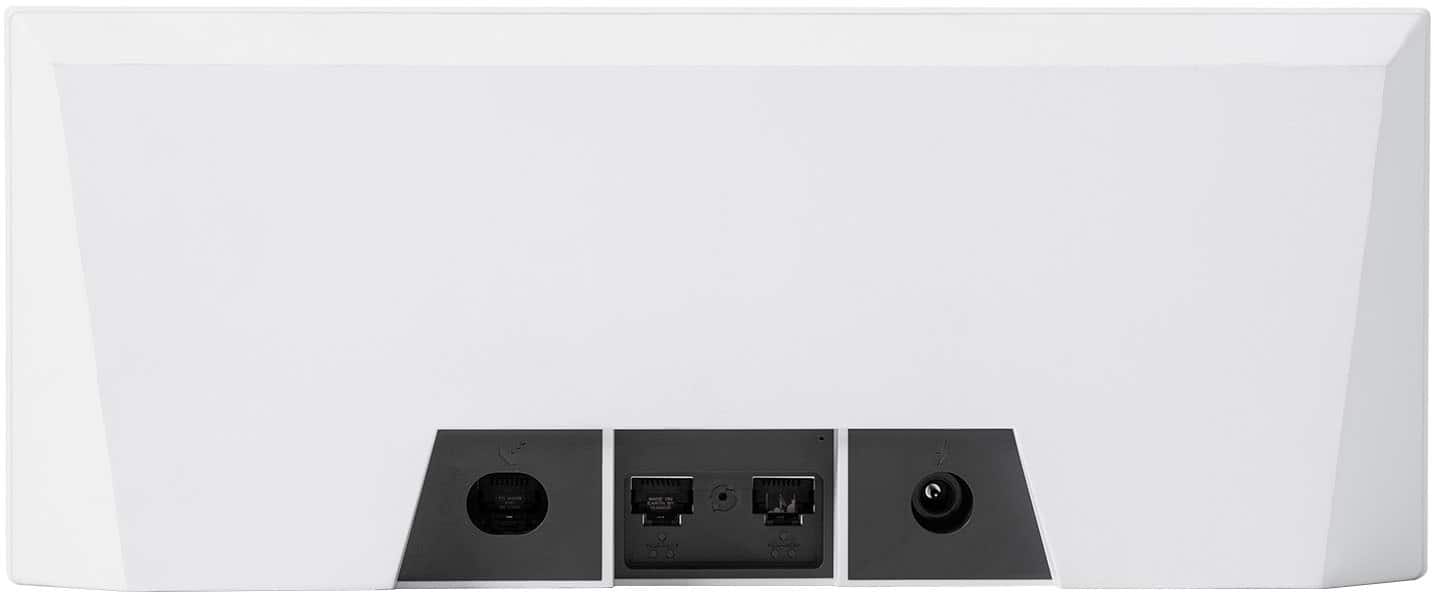
A:AnswerStarlink's standard kit includes an ac-mains power supply with wide input range; it will work on 220Vac. If you buy it in the States, it will have a U.S. standard mains plug.
A:AnswerThere are no USB ports. if you are using NAT with ethernet, it should work fine. If your external hard drive only has USB connection, then no. Although, if you are tech savvy, you can probably rig it up
A:AnswerI agree they should have all adapters for each version. They aren’t that expensive bb could cover it because people are going to buy starlink. Example here is your brand new PS5 or Xbox but we don’t sell games
A:AnswerMine sitting in yard. You could get a treated 4x4 and dig 4 ft put cement to hold it and make sure it’s level then get the adapter for mount. As long as no trees around your house you mount it at peak also.
A:AnswerNot sure the number I found to contact Space X
Headquarters is (310) 363-6000.
They are open from 8 am to 6 pm
Monday-Friday closed on weekends.
A:AnswerOnce you create an account with Starlink it gives you the option to access their store. In the store you can buy all the mounts to position on pols and buildings etc.