A:AnswerHi Mj. Yes, we have people in over 50 countries around the world using our cameras and security systems. As long as the location has high speed internet it should be fine. -SD, Swann team
A:AnswerHello Mount,
Thank you for reaching out to us with your question. We are not sure we understand what you are asking. Please reach out to a live agent for further assistance. Click on the blue box on the bottom right-hand corner to live chat with a technical support agent or contact us over the phone.
https://support.swann.com/hc/en-us
Please let us know how we may further assist you,
Thank you.
JV
Swann Customer Support
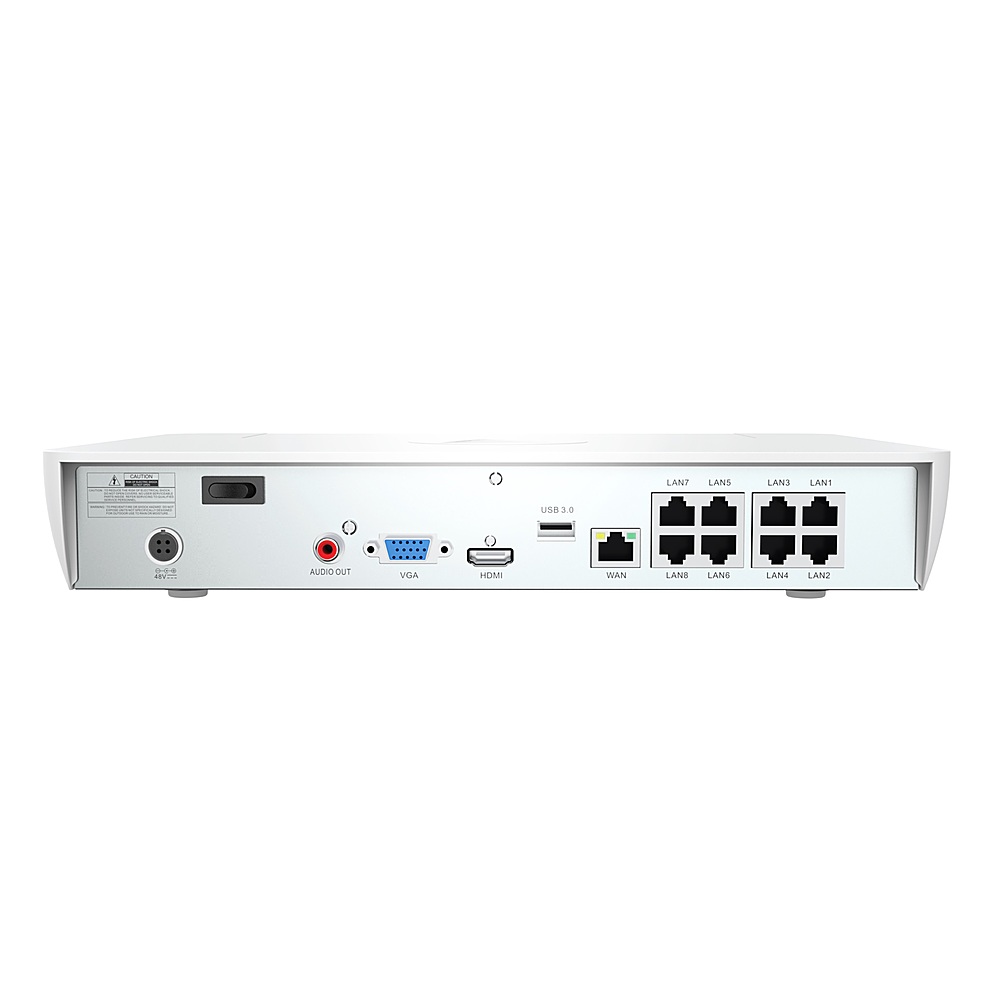
A:AnswerHi Fung. You will only need to connect the ethernet cable between each camera and the back of the NVR. The ethernet cable is capable of carrying Power, Video and Audio over the same cable. You can ignore the second connection coming out of the camera cable, it is an optional DC power input port but most people don't use it or need it. -SD, Swann team.
A:AnswerHello Izzy,
Thank you for reaching out to us with your question. You can reach out support team at 1-800-627-2799.
Please let us know how we may further assist you,
Thank you.
JV
Swann Customer Support
A:AnswerHello Lost,
Thank you for reaching out to us with your question. The cameras included in this kit record in 8 megapixels.
Please let us know how we may further assist you,
Thank you.
JV
Swann Customer Support
A:AnswerHello izzy,
Thank you for reaching out to us with your question. Please open the application and check if you have any messages or notifications. This may also mean that the application was recently updated. Please reach out to a member of our support team when you are in front of the device to begin troubleshooting.
Please let us know how we may further assist you,
Thank you.
JV
Swann Customer Support
A:AnswerHello RealtorMom,
Thank you for reaching out to us with your question. None of our products require a subscription for remote access and control. See the link below for information on our Secure Plus Plans. The camera does not have any motorized function but can be adjusted to the needed position manually.
https://us.swann.com/swann-security-subscription/
Please let us know how we may further assist you,
Thank you.
JV
Swann Customer Support
A:AnswerHello Izzy,
Thank you for reaching out to us with your question. Based on the information provided, we would recommend reaching out to a member of our support team and requesting to be set for a callback with a Level 2 Support Team member. Click on the blue box on the bottom right-hand corner to live chat with a technical support agent or contact us over the phone.
https://support.swann.com/hc/en-us
Since there are many variables that can contribute to the issues you are having, we are not able to troubleshoot through this forum.
Please let us know how we may further assist you,
Thank you.
JV
Swann Customer Support
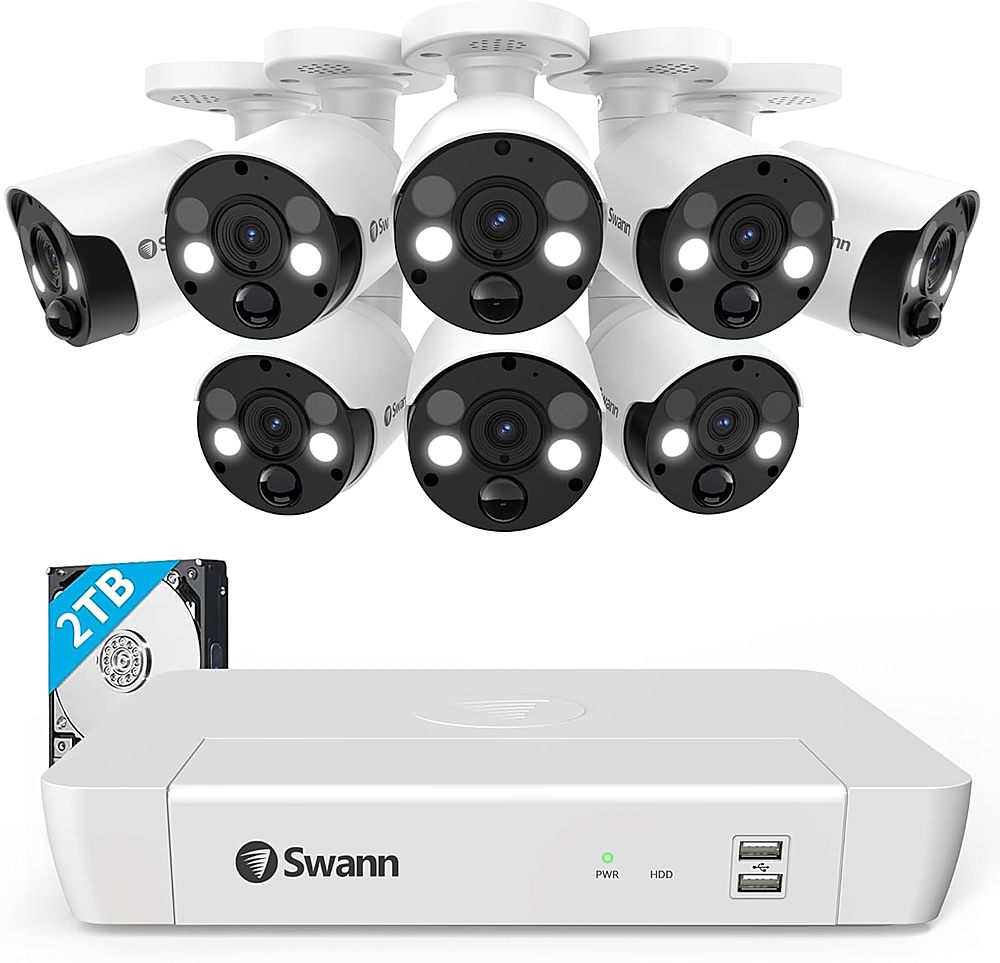
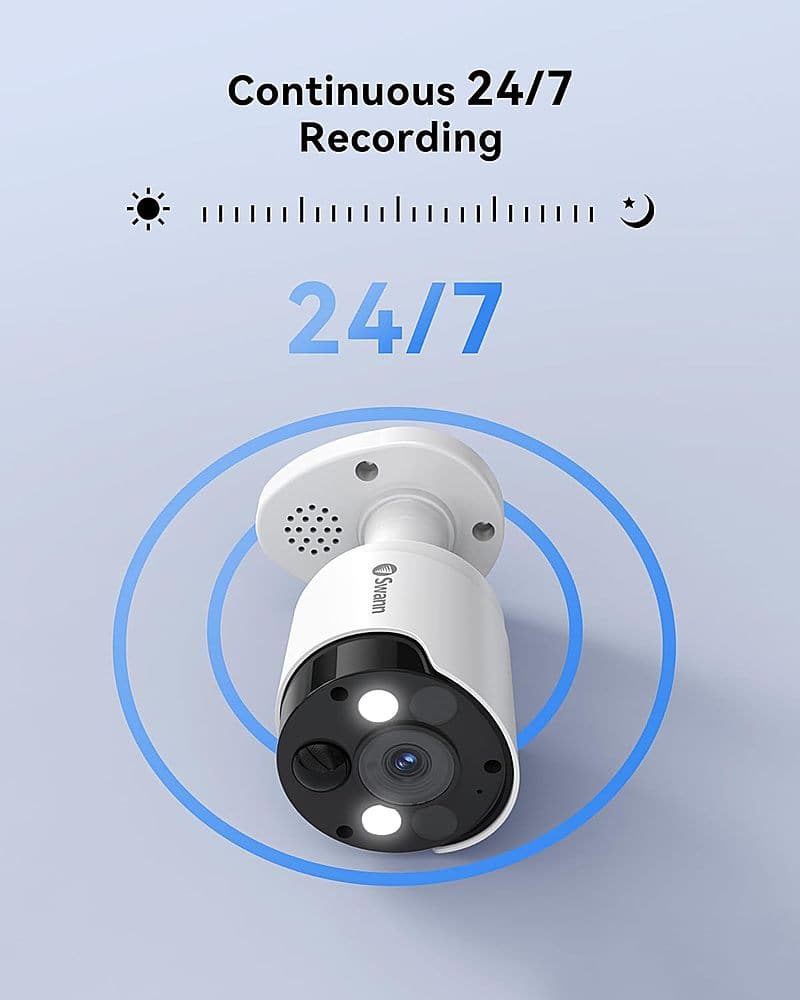
A:AnswerHi SpeakerFritz. Swann's DVR & NVR systems can be set to record either from motion, or continuous 24/7 recording. Due to the accuracy of the PIR sensors & video analytics on each camera we would normally recommend that customers use motion-based recording as it means that you get more relevant clips & notifications. With continuous recording you will end up with hours of clips with nothing happening, but, the system has this option if you require it.
If you scroll to the bottom of Swann's product page there is a Download section which contains user manuals for this system: swann.com/swnvk-88680w4fb/ -SD, Swann team