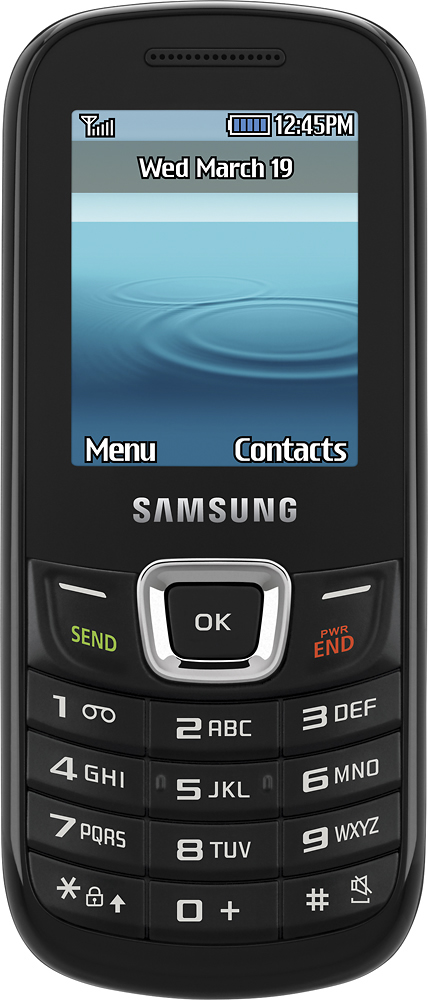
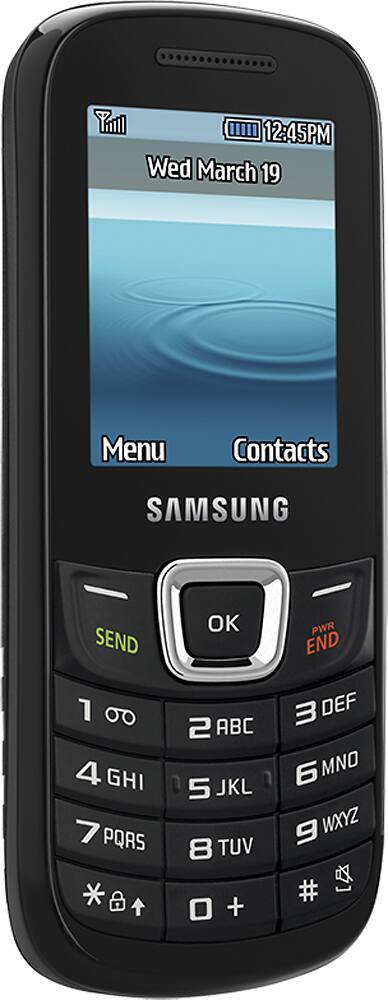
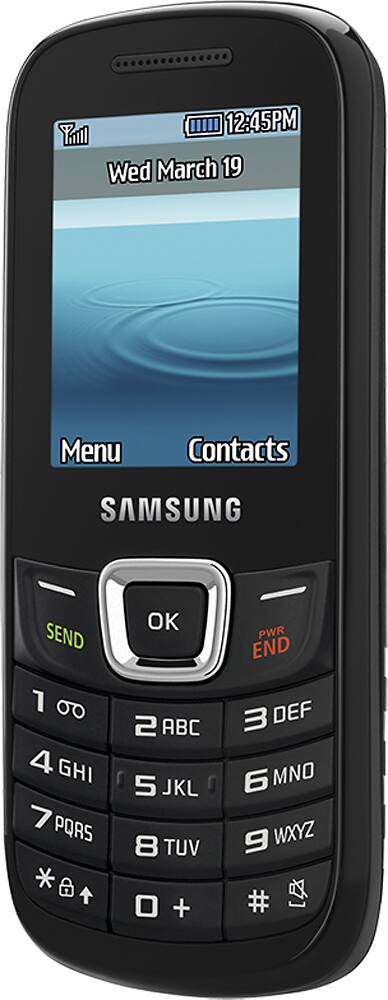
A:AnswerVERY EASY PUNCH IN PHONE NUMBER TO TEXT TO, THAN ON THE RIGHT SIDE OF LOWER PART OF SCREEN SHOULD SHOW OPTIONS. PUSH OPTIONS AND A LIST WILL COME UP WITH SEND TXT MESSAGE. HIGHLIGHT IT AND PUSH IT THAN IT WILL GO TO THE PAGE WHERE TO TYPE THE MESSAGE IN. WILL SHOW THE ABC LOWER LEFT, SO U CAN CHANGE THE TEXT CAPITALS, LOWER LETTERS ETC. THE SEND BUTTON IS IN THE CENTER THAT U WILL PUSH TO SEND UR MESSAGE WHEN DONE.
A:AnswerThey can add the minutes for you at the store, for most carriers. I use T-Mobile, which they didn't handle at the time, so they referred me to the local T-Mobile store.
The particular carrier will have instructions for adding more minutes. There's typically a phone number you can call to do this and pay using a credit card.
A:AnswerHi, I just had the same thing happen to our ancient cell phone. We just went to Best Buy and asked them for another phone that would fit the same SIM card. It cost us 19.99 and everything rolled over to the new phone. Cheap and easy! Hope this helped. But you will have to re enter your contact list. Only your phone number and unused minutes will roll over to the new phone.
A:AnswerI also have family mobile. Wanted the ALCATEL FIERCE 2. Cheaper at best buy because discontinued. Put SIM & SD card in from previous family mobile phone (LG optimus). Both phones compatable with T-MOBILE. All worked out fine. No problems. Hope this helps
A:AnswerYes, the phone will work in Europe to call other european numbers. Please note, however, that the phone is locked to be used only with a T-Mobile USA GSM card.
A:AnswerIt needs to be used with T-Mobile. After you are with T-Mobile for a while you can request the unlock codes, check with T-Mobile for their requirements