A:AnswerHey Vero1, you sure can. You can use the Lenovo Freestyle app, or the Smart Connect app for this functionality, while the latter offers more software integration features.
A:AnswerHi, Sarah. Although your question wasn't seemingly pointed towards us, we'd like to help. Given the steps you've already taken to resolve this, we recommend reaching out to our support team here: 855-253-6686, and providing a representative with details of your issue, so that they may help by providing a solution for you. Please let us know how things go for you and reach out should you need anything!
A:AnswerHey Santa. Here's a link to a Lenovo Support Forum webpage: (https://forums.lenovo.com/t5/Lenovo-Android-based-Tablets-and-Phablets/Tab-M9-TB310FU-Setup-problem/m-p/5353537), where a user experienced a similar issue. We recommend following the troubleshooting steps shared by the Lenovo Support specialists to see if this resolves the issue.
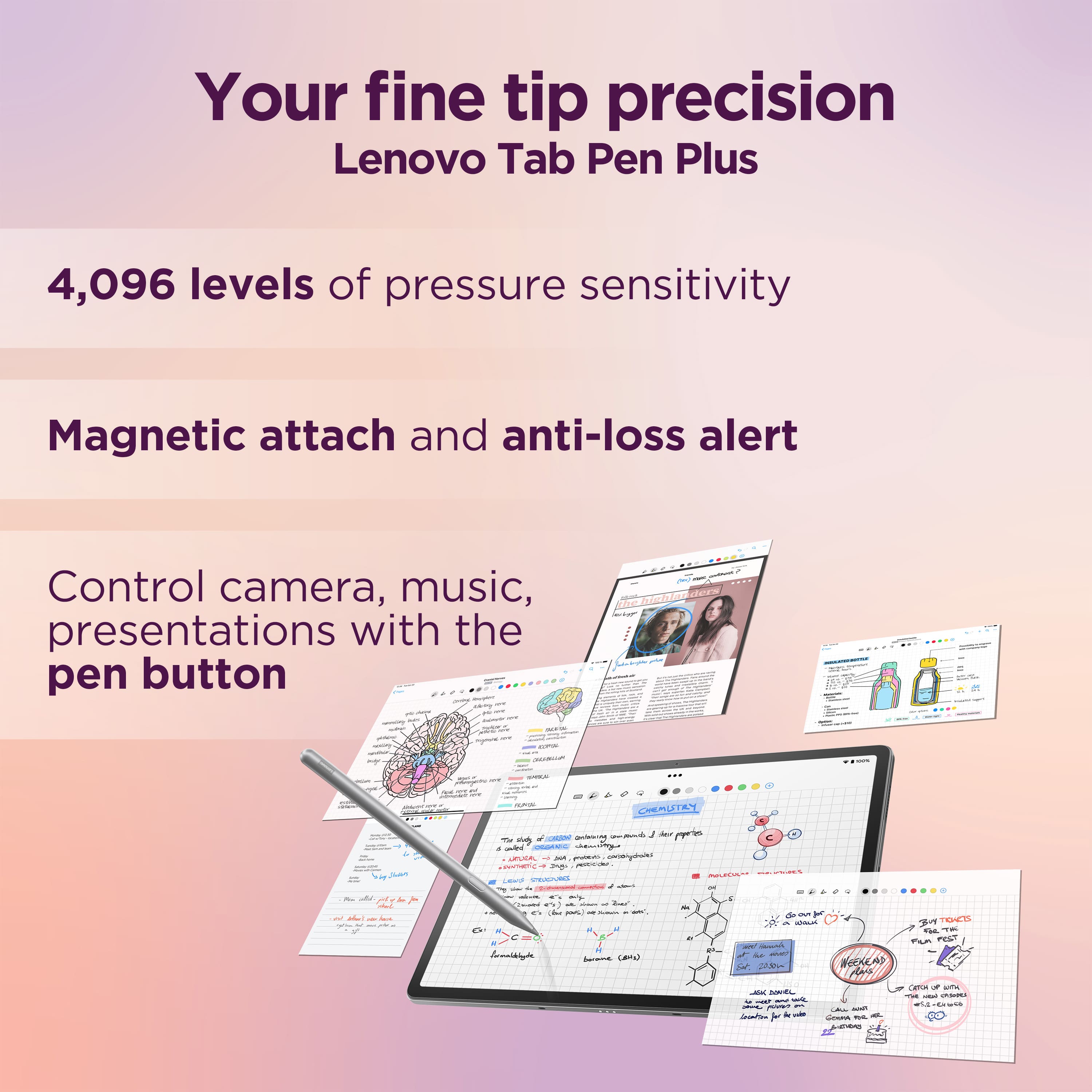
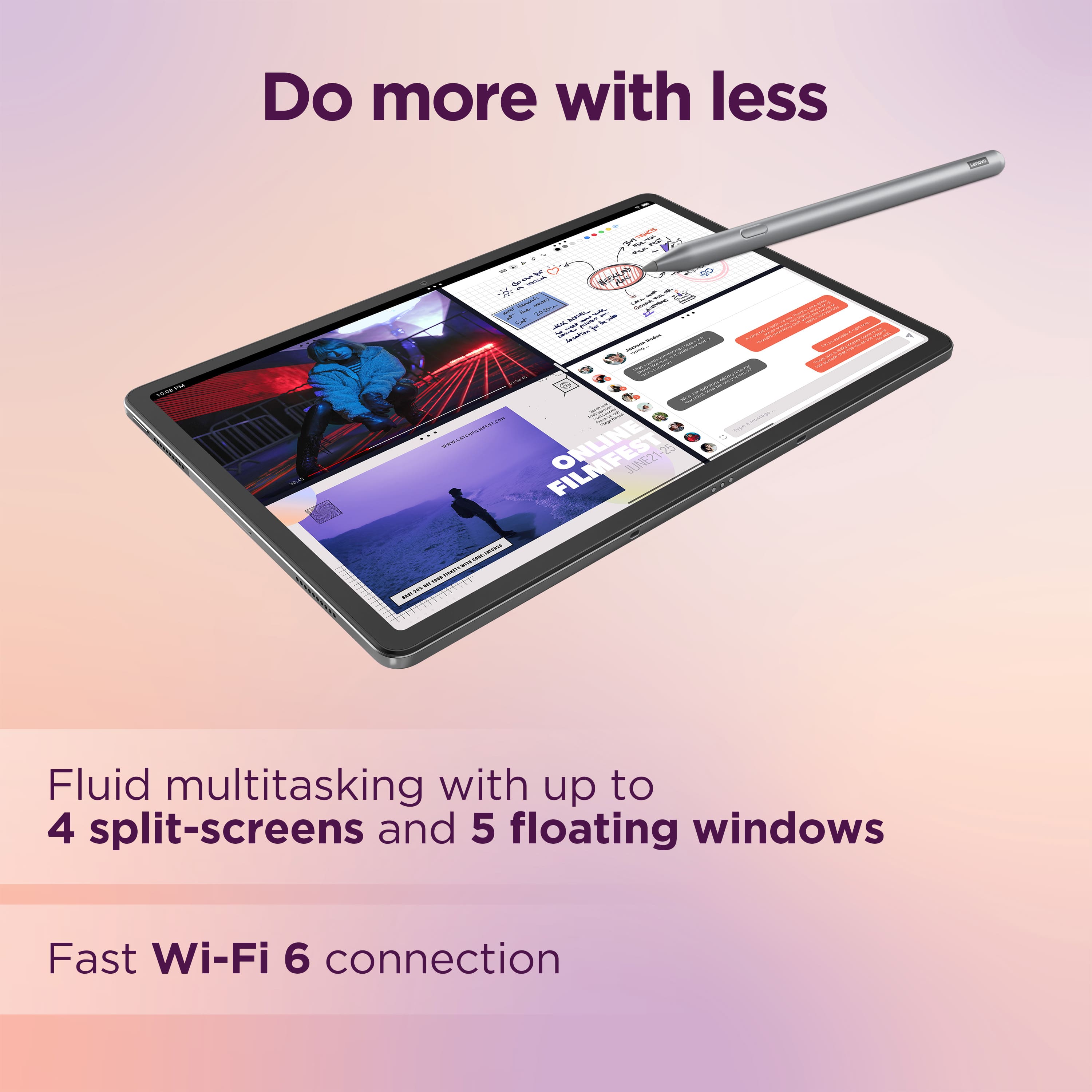
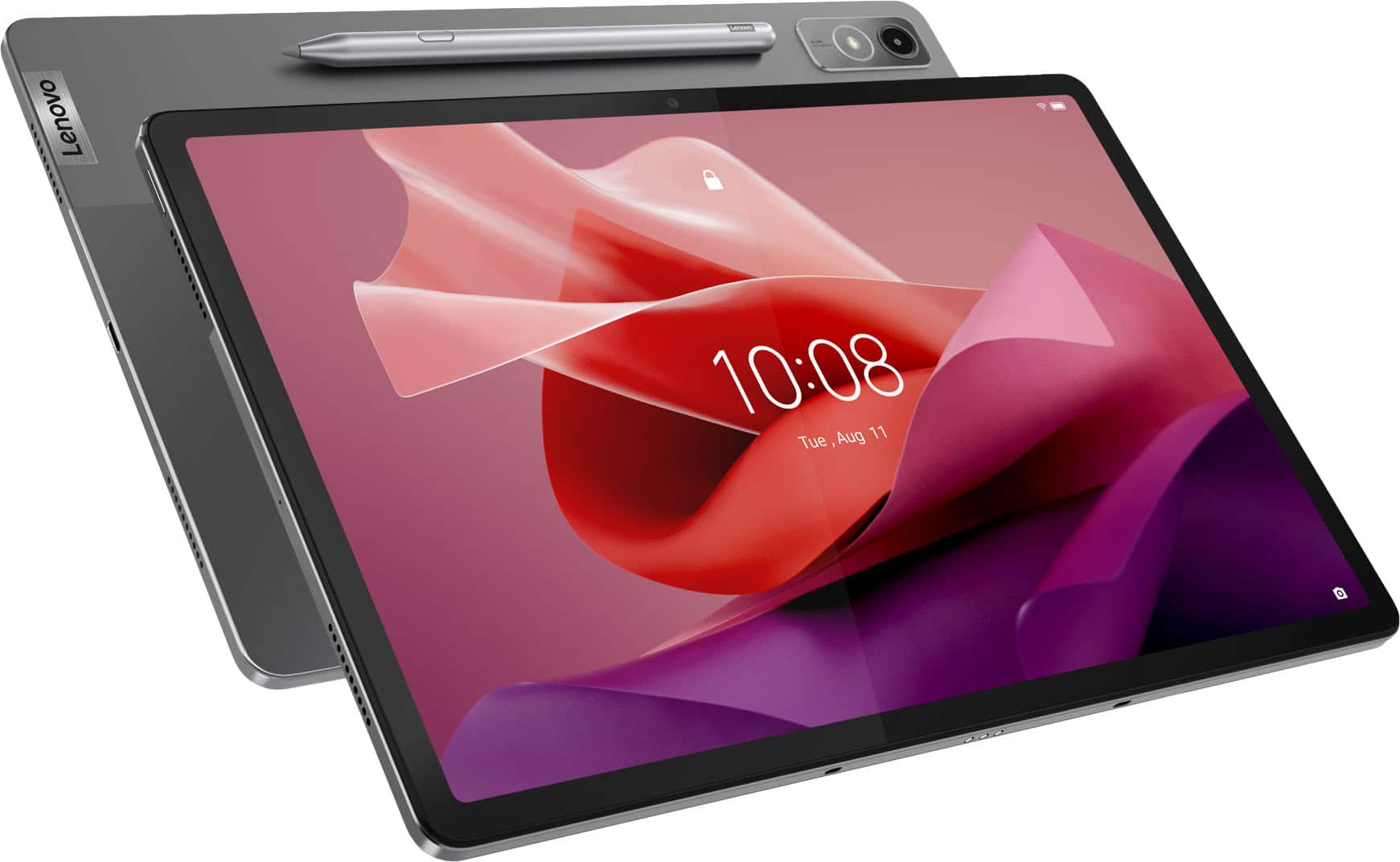
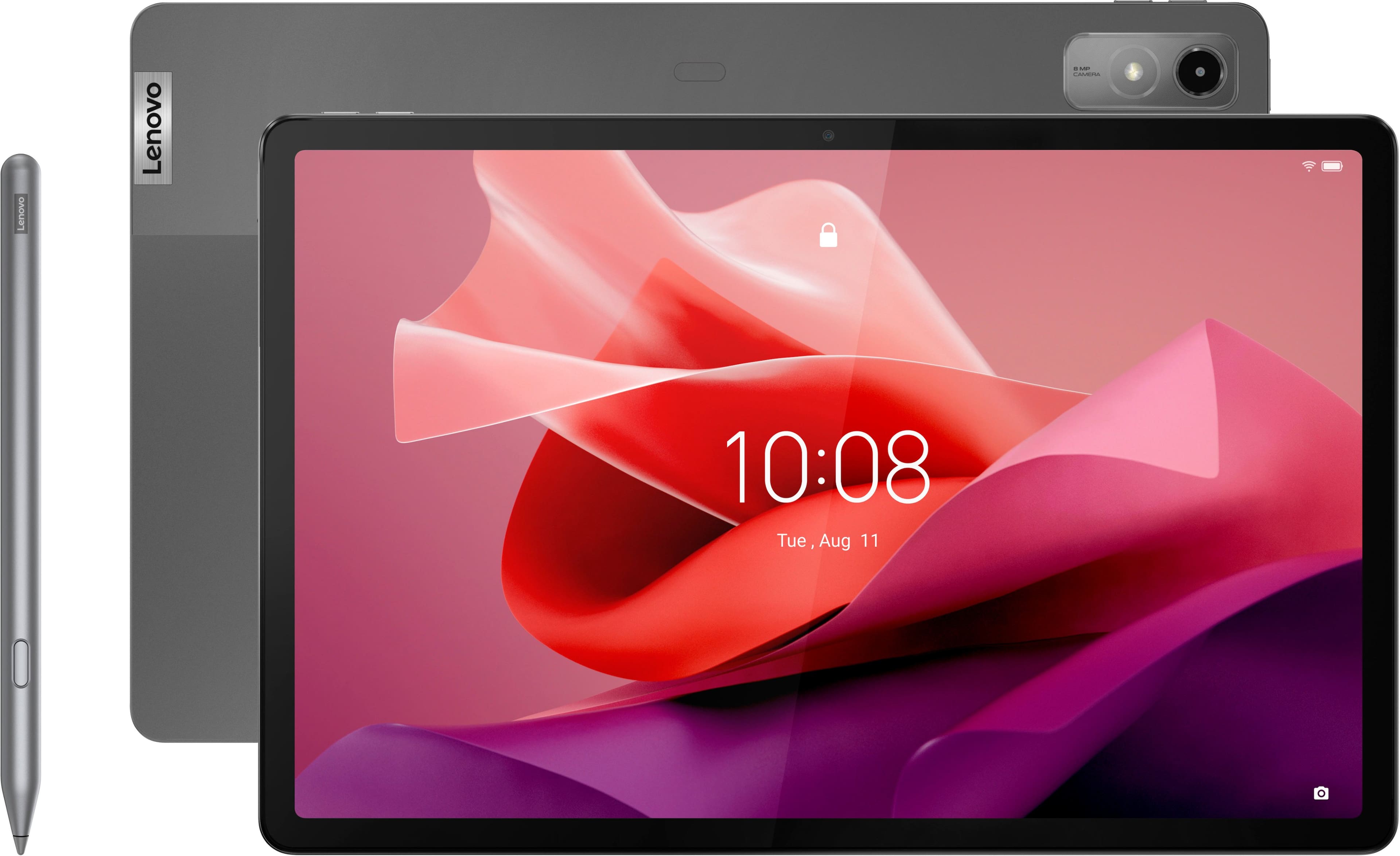
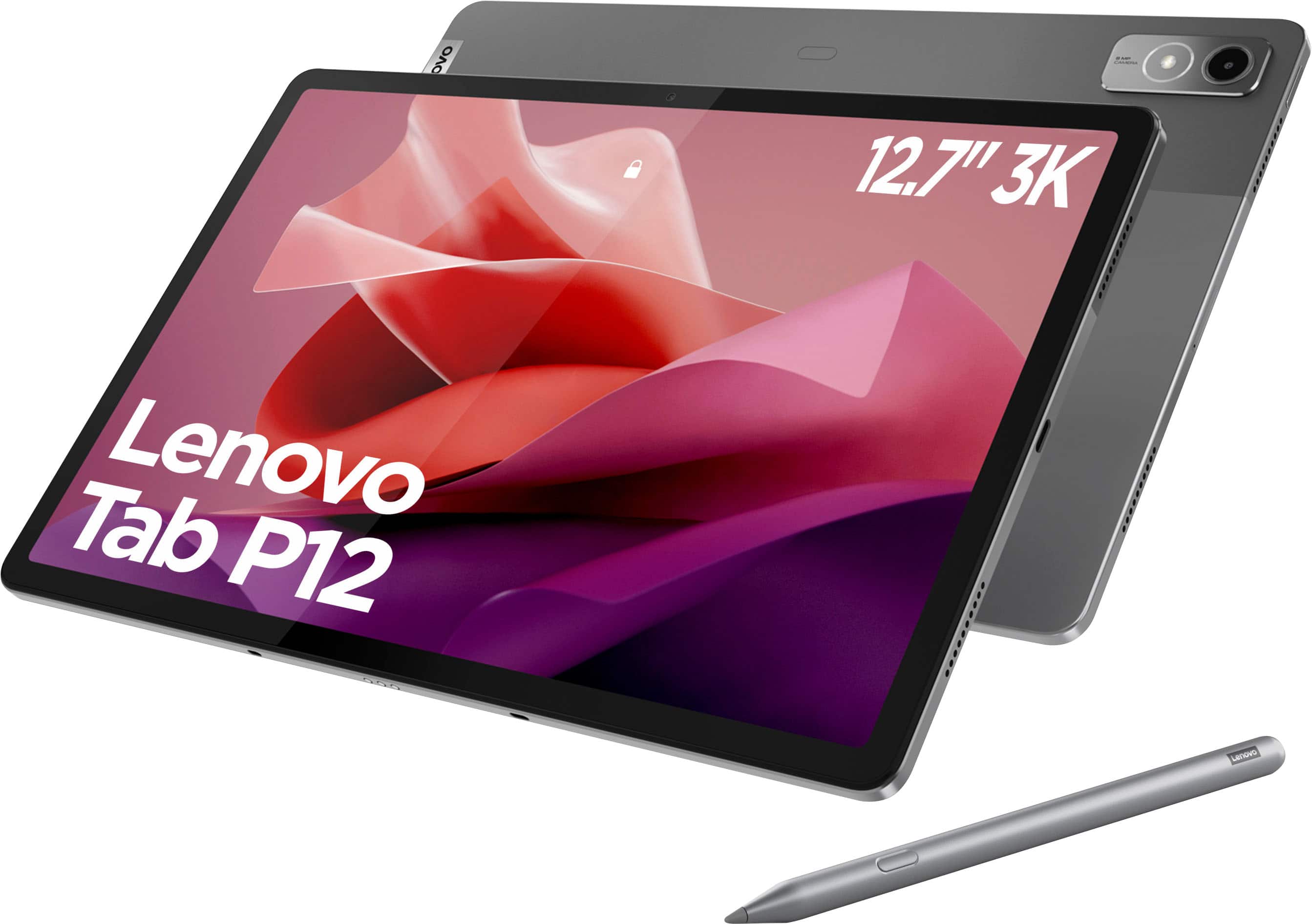
A:AnswerHey, thank you for your question. With the deep integration of pen support with the Tab Pen Plus, it should only depend on what applications you plan to use for drawing/animation, and if they are offered in the Google Play Store to be downloaded on the P12.