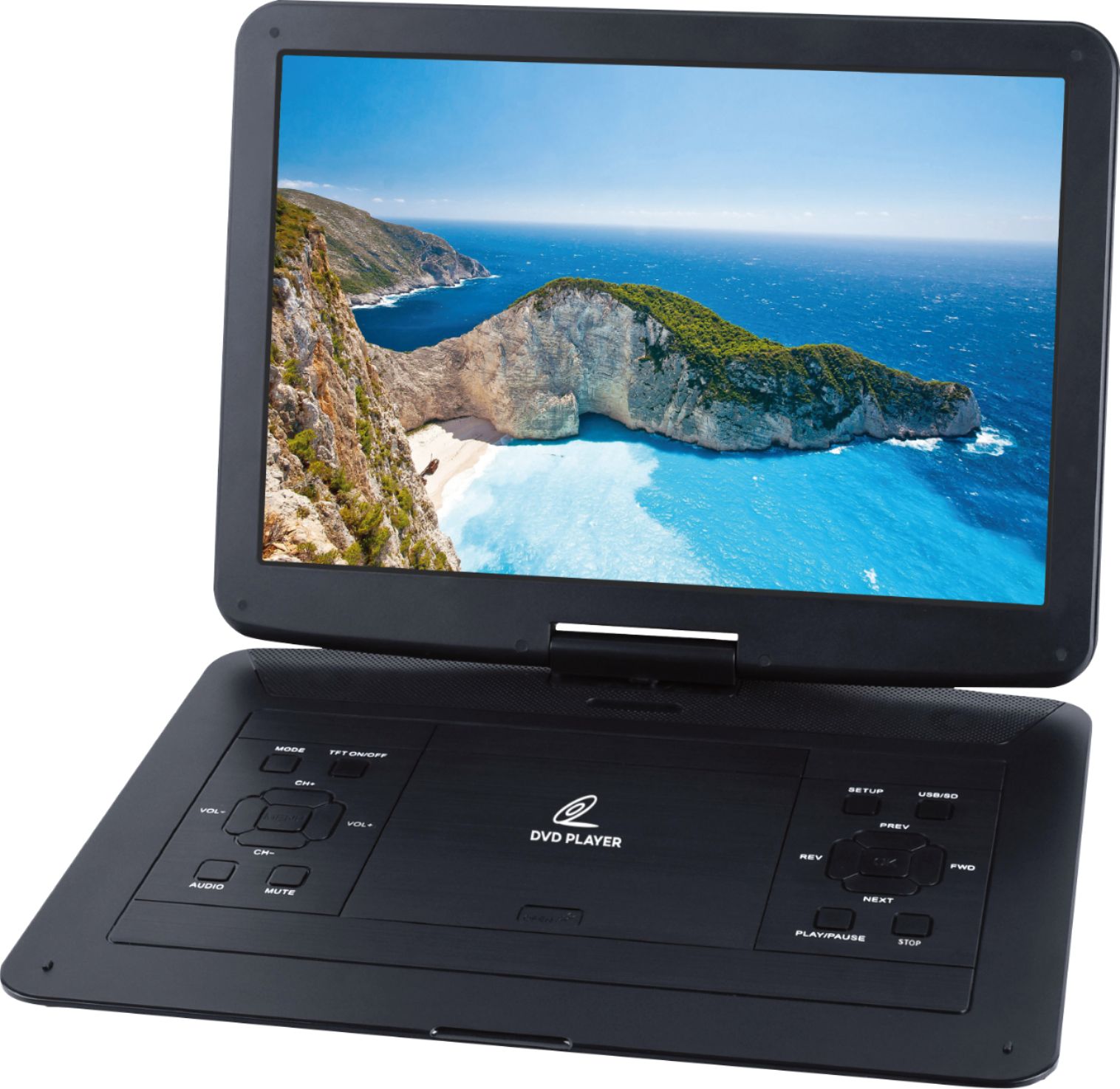
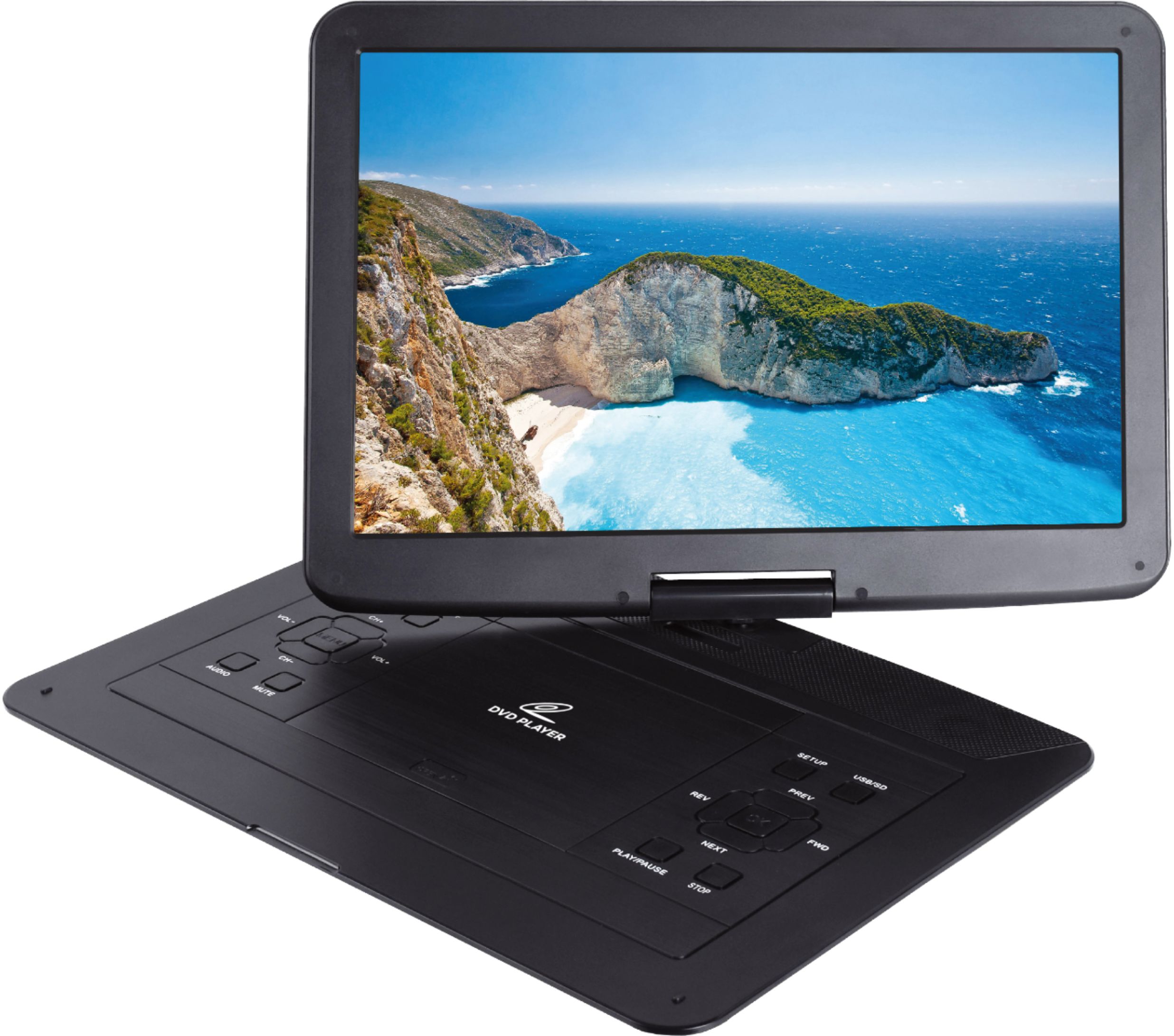
A:AnswerIf there are multiple segments on your DVD you can go back to the list of these by using the "Menu" (all black) key on the left and then select the segment you want. If you just want to go back to something you recently viewed, use the "REV"erse key on the right to go back to the area you want se see again then use the "Play" key on the right.
A:AnswerIt’s not a blue tooth capable unit . It does have a port for headphones. It’s not a blue ray player . Those are more expensive. Most of the dvd’s I have are non blue ray and that’s why I chose this player .
A:AnswerIt comes with an A/V in plug, so feasibly you should be able to run an A/V cable from a device already streaming or whatever and watch it that way, but that's not what your'e asking,is it?