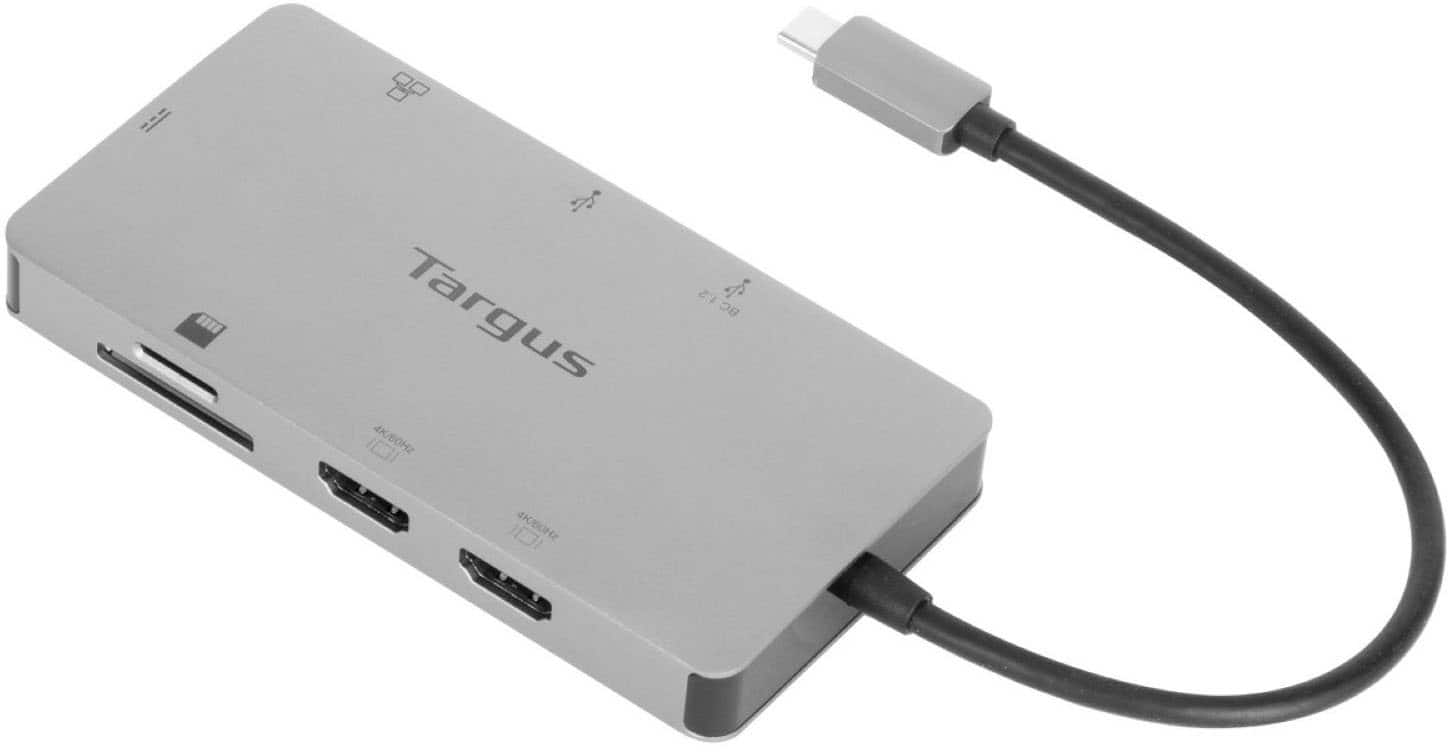
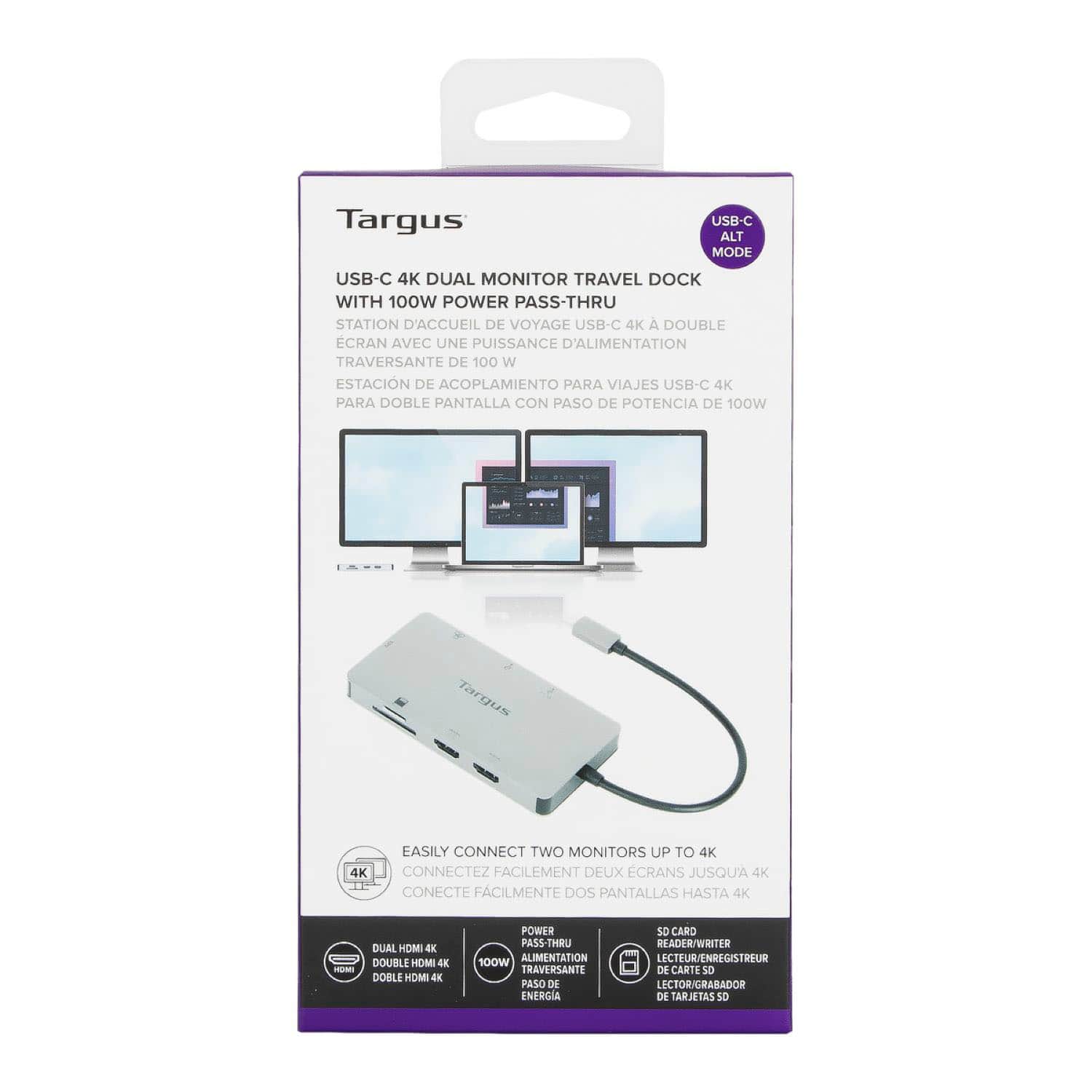
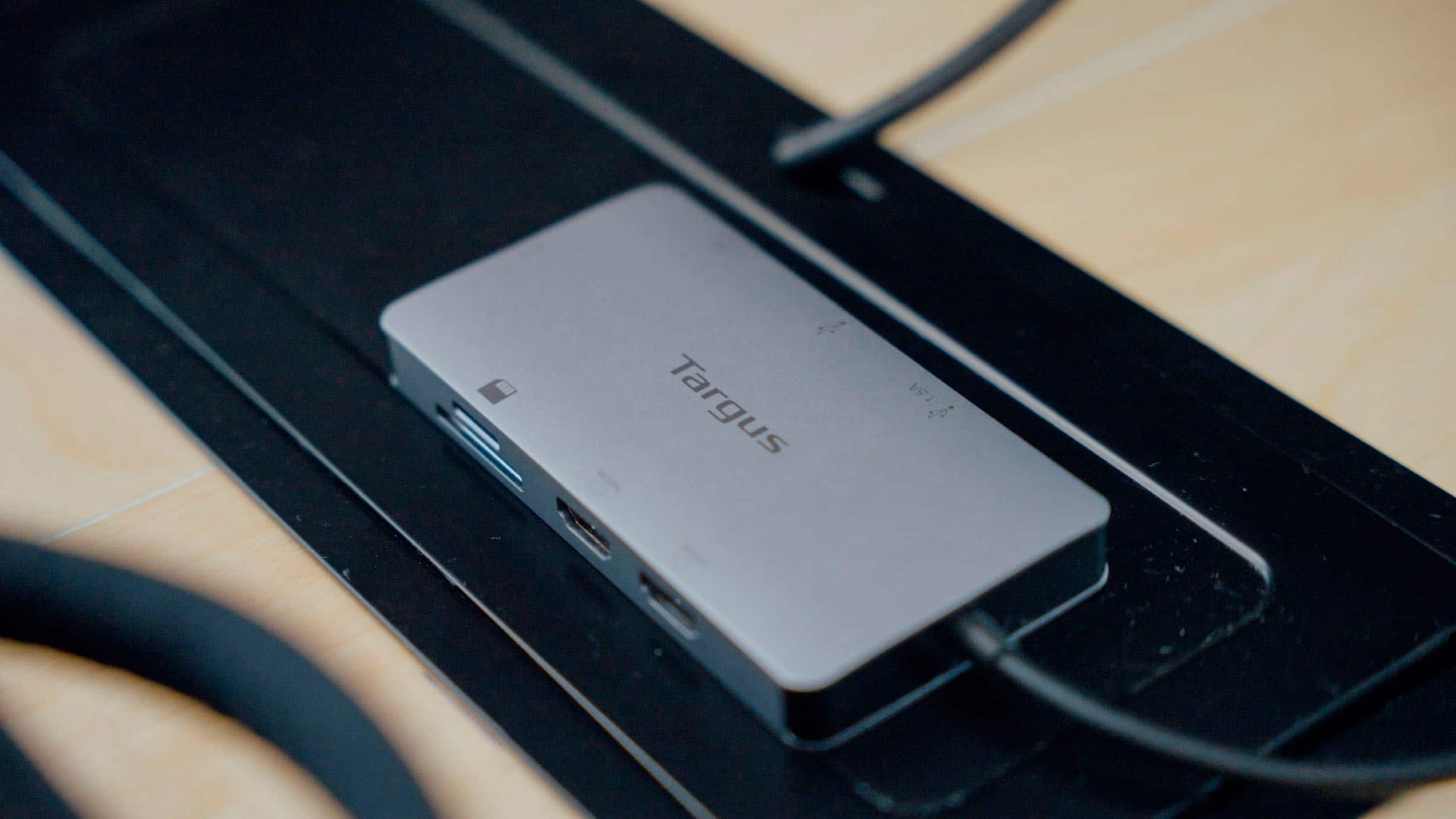
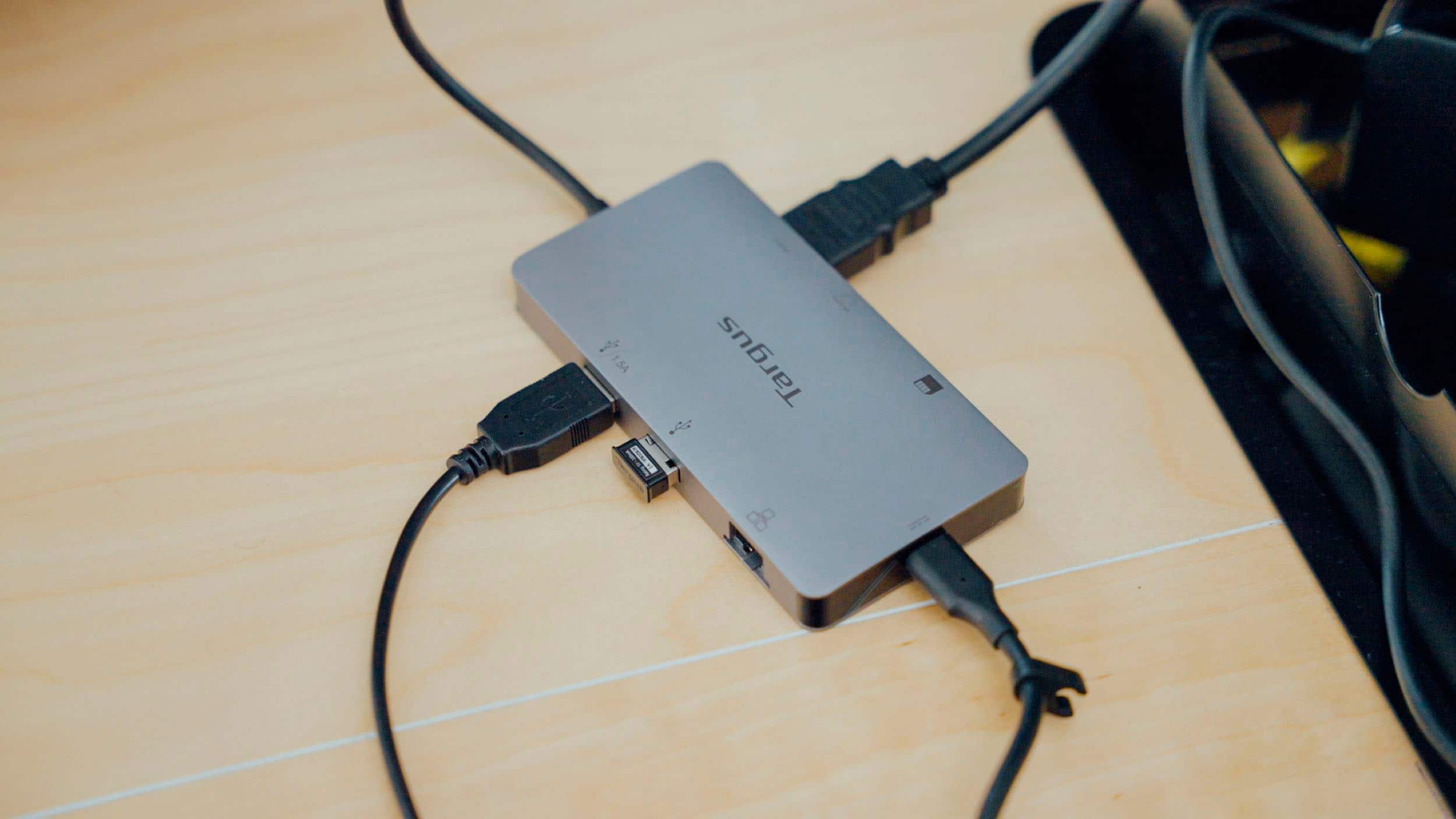
A:AnswerI purchased this product for that very reason. It runs my 2 HDMI monitors very well and I am not using mirror mode. I have them displaying different screens.
A:AnswerYes you will need a power source for the docking station but will no longer need the cord for your computer as the docking station will power your computer.
A:AnswerYes, the USB-C Dual HDMI 4K Docking station with 100w PD Pass-Thru will work with your laptop closed if supported by the operating system/device used. For Windows-based systems, you can go into your power settings to adjust what the laptop does when the screen is closed, and for MacOS especially newer a Mac you will need an AC power adapter or external display providing power over USB-C or Thunderbolt 3. Please reach out to our customer support team at 877-482-7487 Monday thru Friday 10 AM to 7 PM EST. They will be happy to assist you with setting up your Targus Dock.
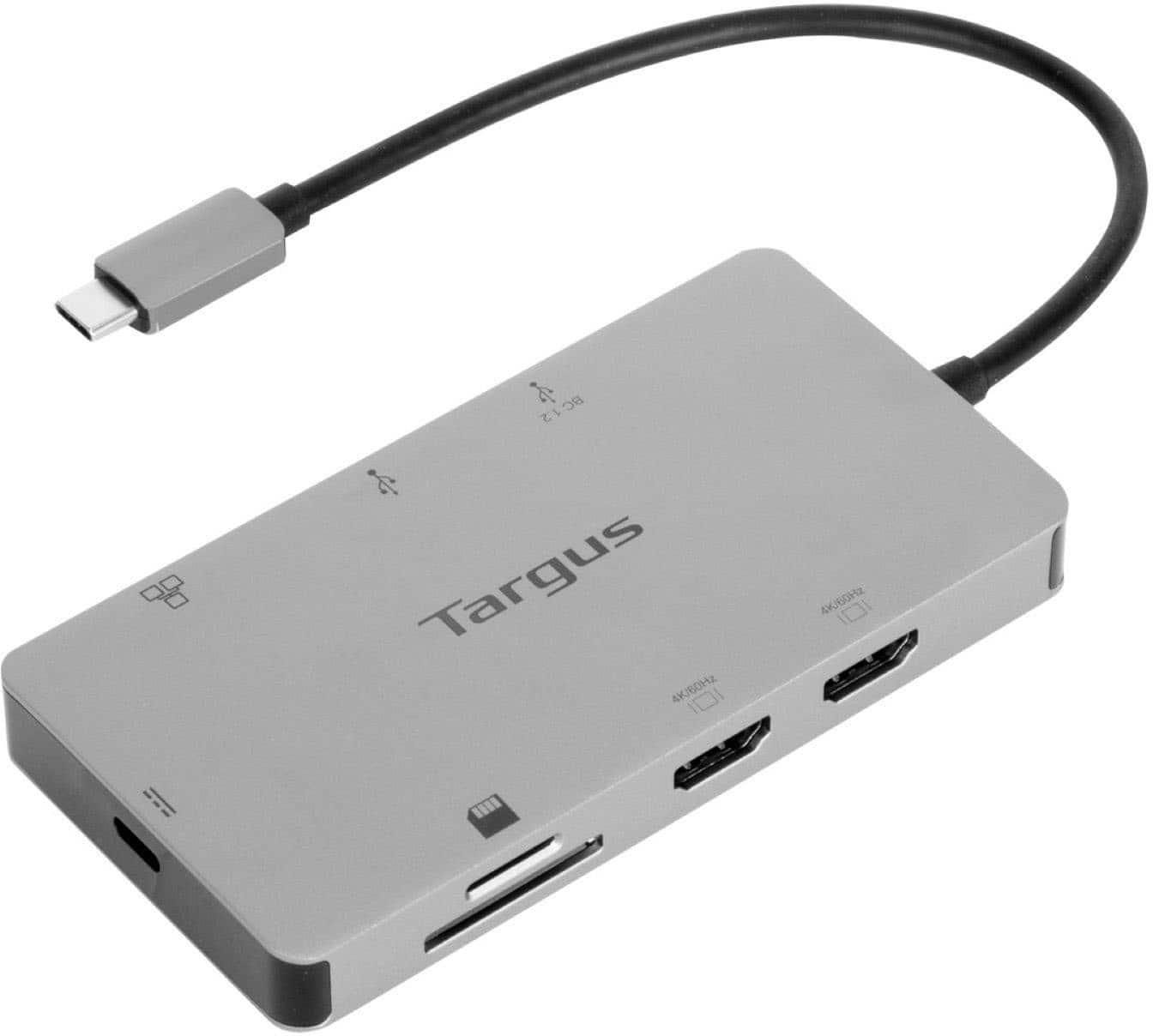
A:AnswerYes, the USB-C Dual HDMI 4K Docking Station with 100W PD Pass-Thru will work with an LG Gram that supports DP Alt Mode in its USB-C or Thunderbolt ports.
A:AnswerIt does appear that this will work with that laptop. However, your performance may not be the best. Productivity should be fine, but gaming defiantly not. Hope this helps
A:AnswerAlthough, we do have a cable that has a tethered USB A on it for legacy devices it would not work for this dock. This dock requires a USB C with DP Alt Mode to function correctly. Our customer support team would be happy to help you find a dock that would work with your device. Please call them at 877-482-7487 Monday thru Friday 10 AM to 7 PM EST.
A:AnswerYes, the USB-C Dual HDMI 4K Docking Station should work with your Dell Inspiron 7501 as long as one of the USB-C or Thunderbolt ports supports Displayport Alt Mode.