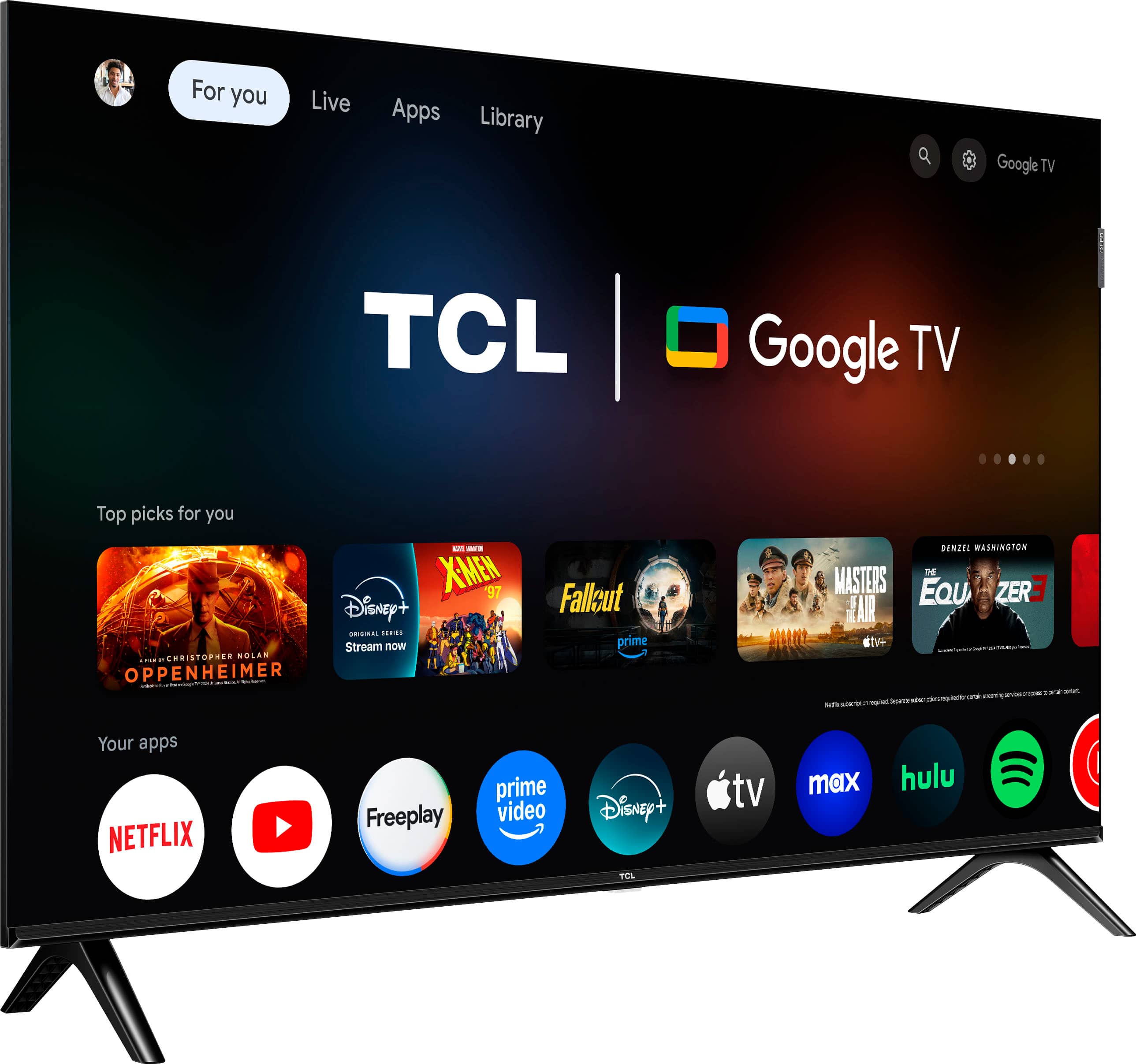
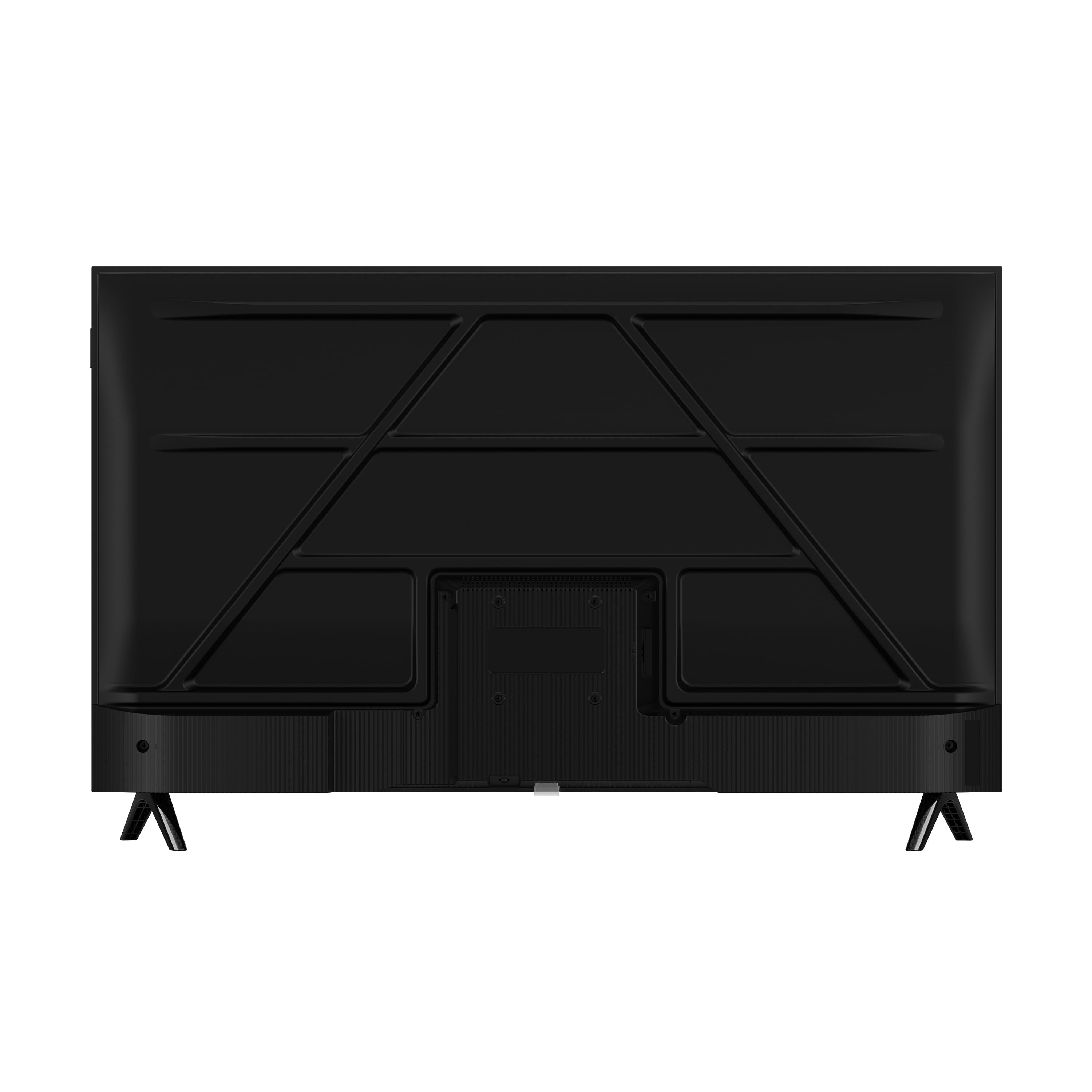
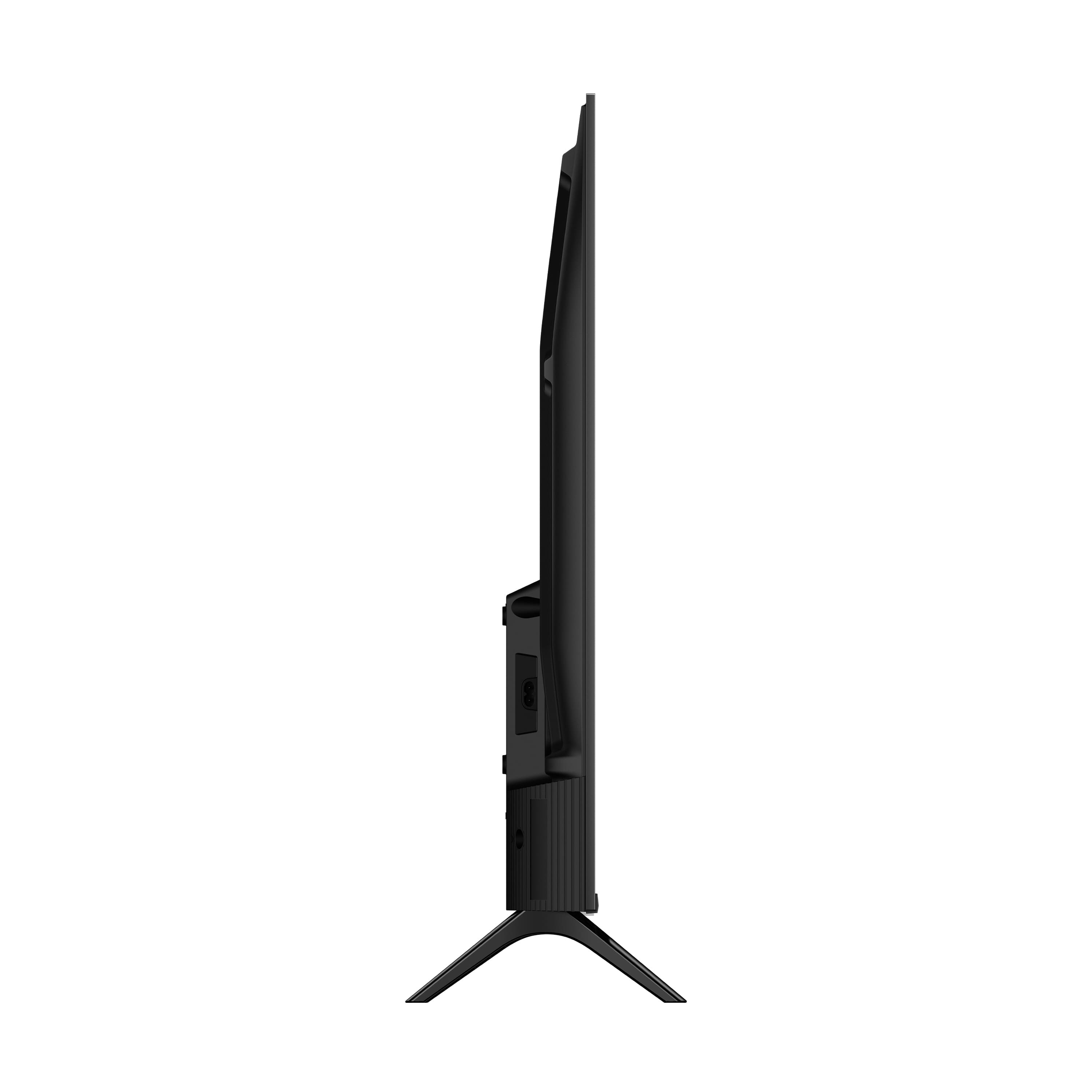
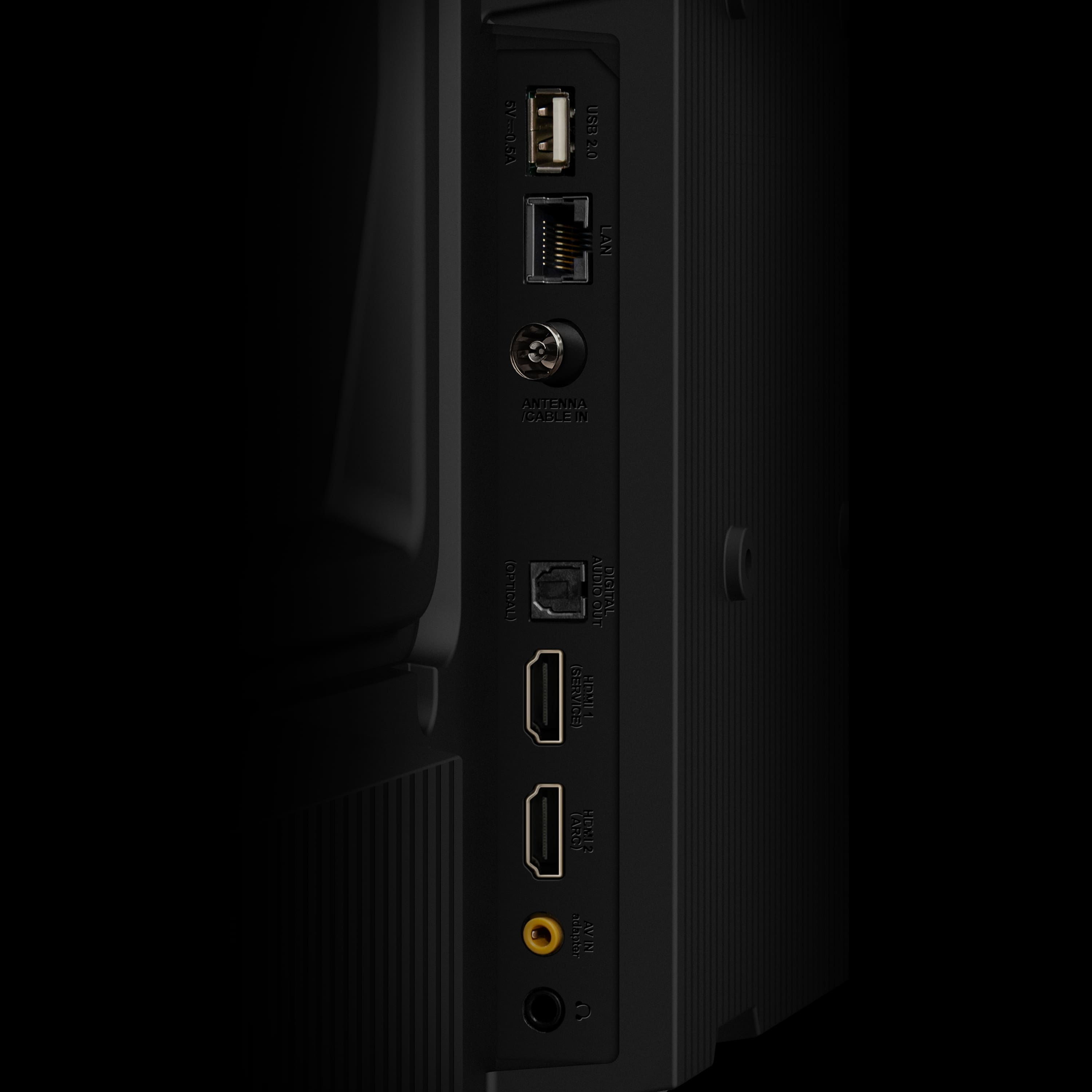
A:AnswerThis TCL TV has a coaxial located on the back of the TV near the other inputs. This input can be used with external devices like an antenna or cable box. Hope this helps! Thank you, TCL Customer Support
A:AnswerConnecting headphones to the TV would automatically disable the TV speakers. Currently, there are no settings to override this. Hope this helps! Thank you, TCL Customer Support
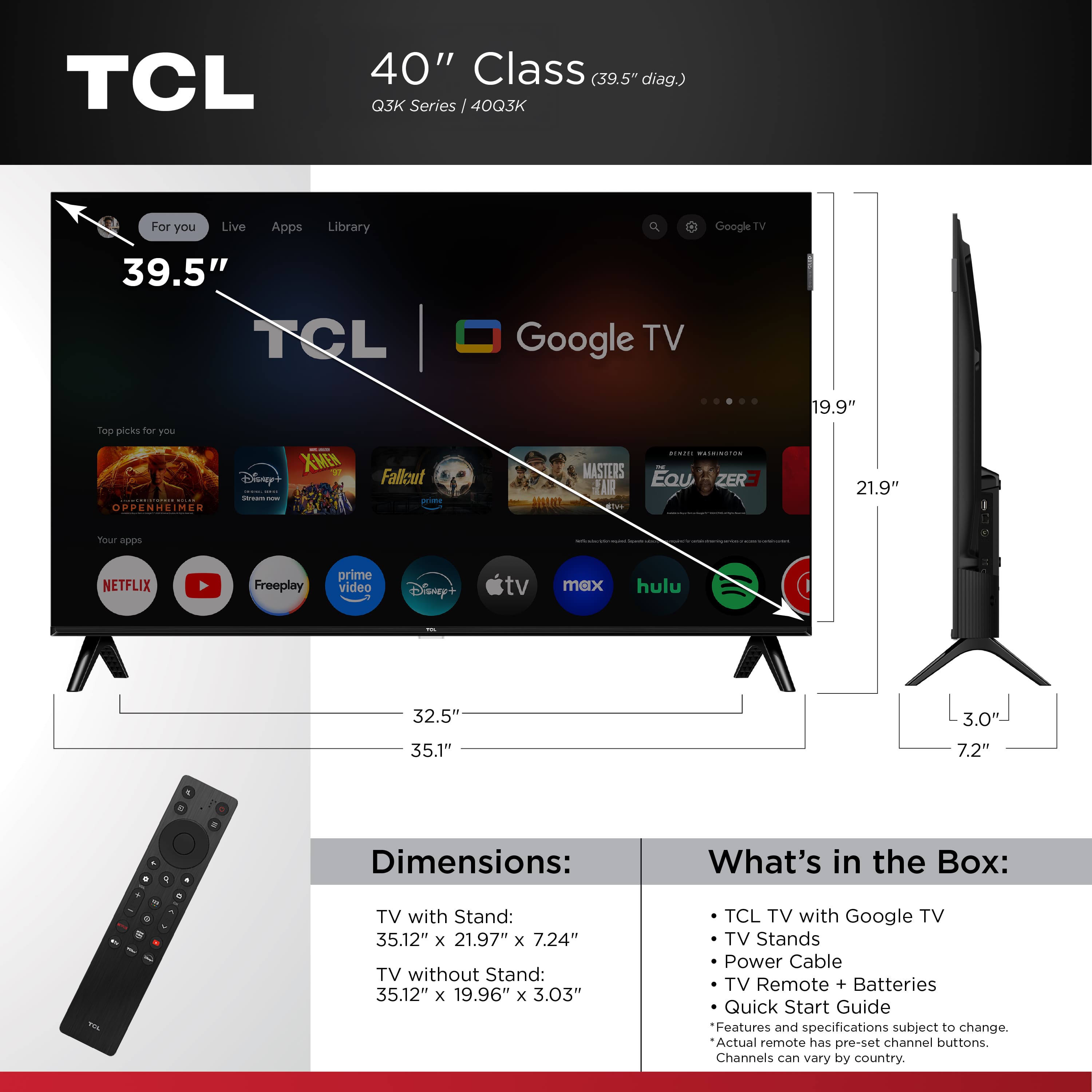
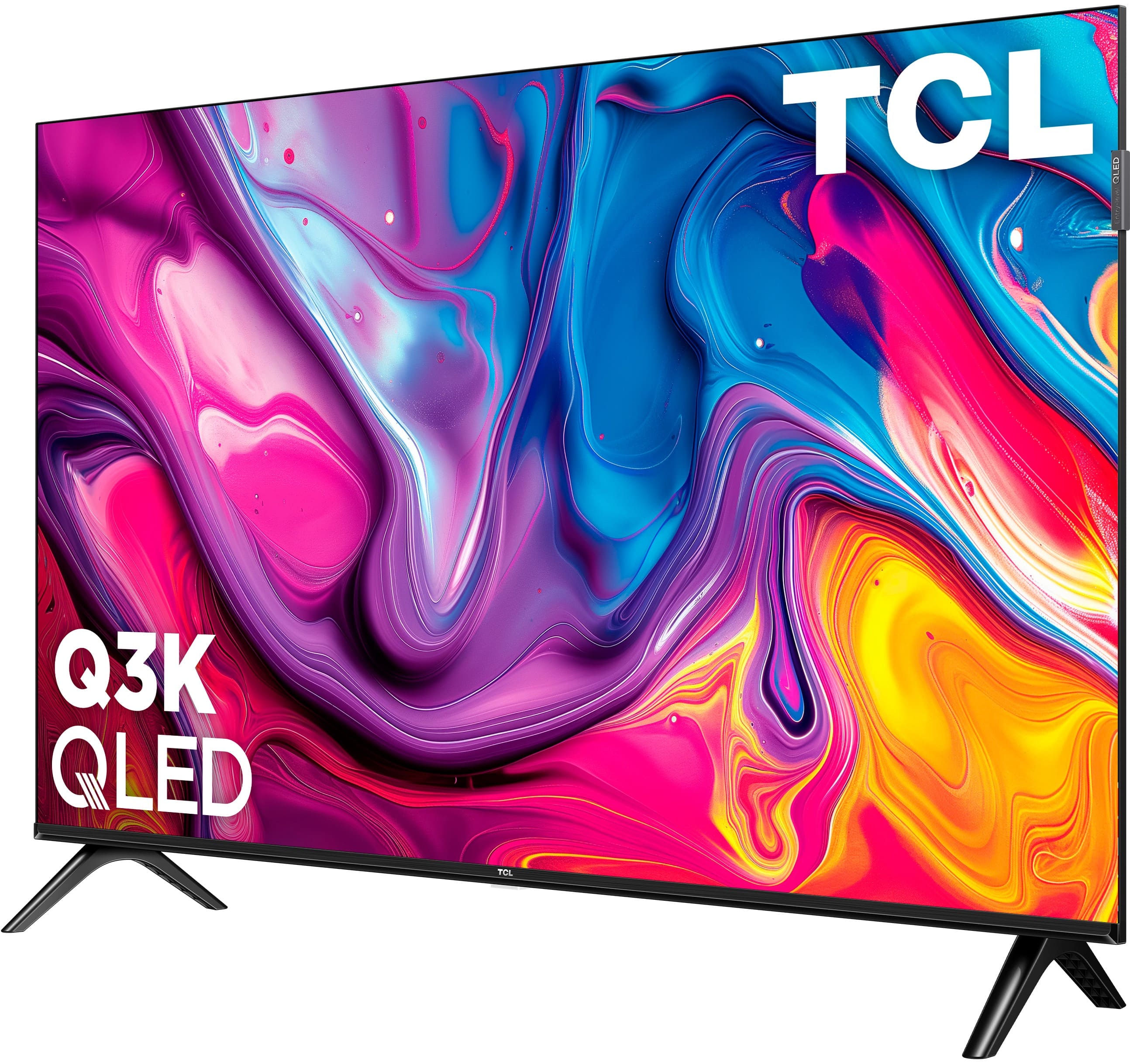
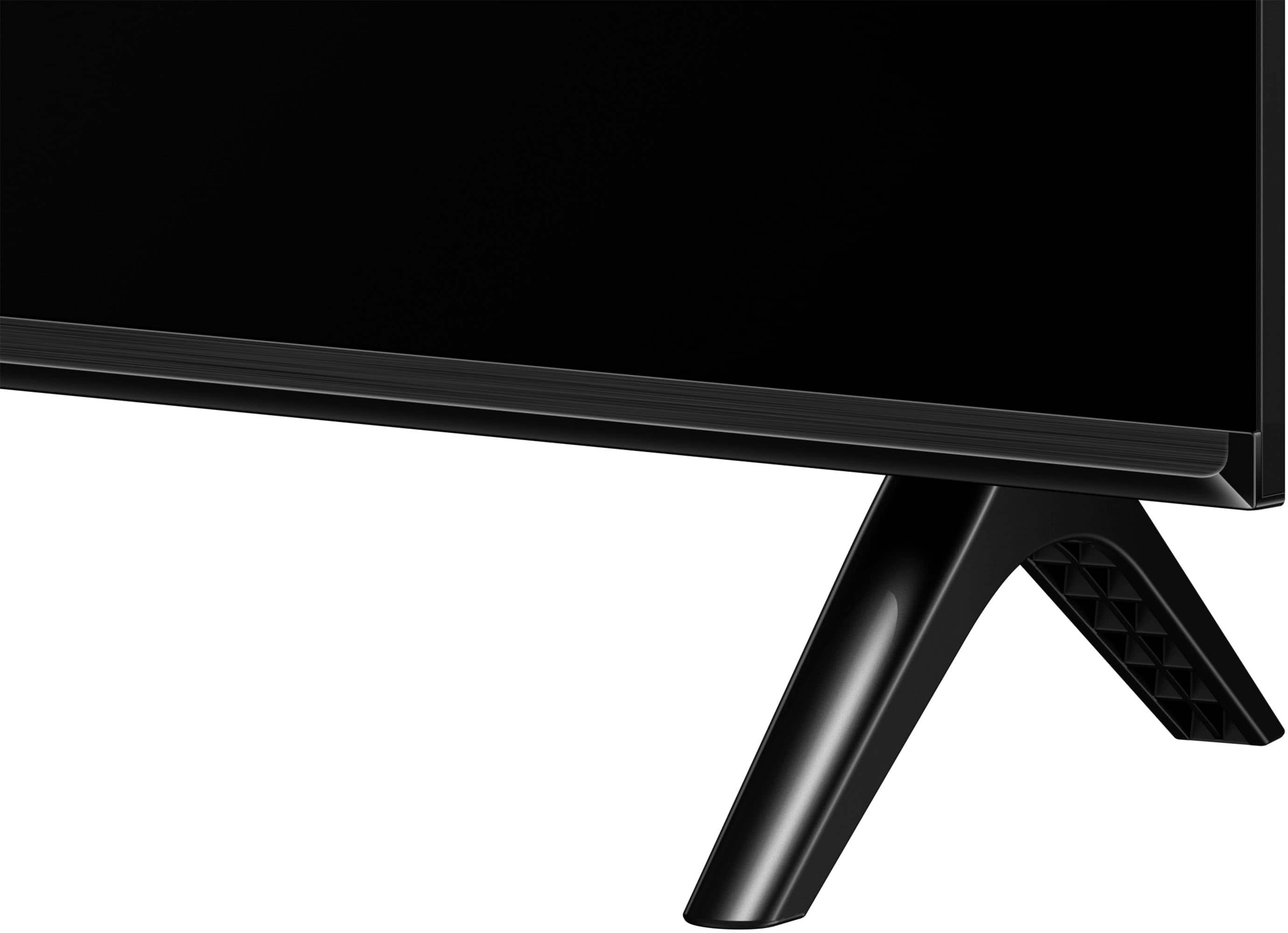
A:AnswerIf you are not mounting the TV, you would need to connect the provided feet in order for the TV to sit safely on a flat surface. Hope this helps! Thank you, TCL Customer Support
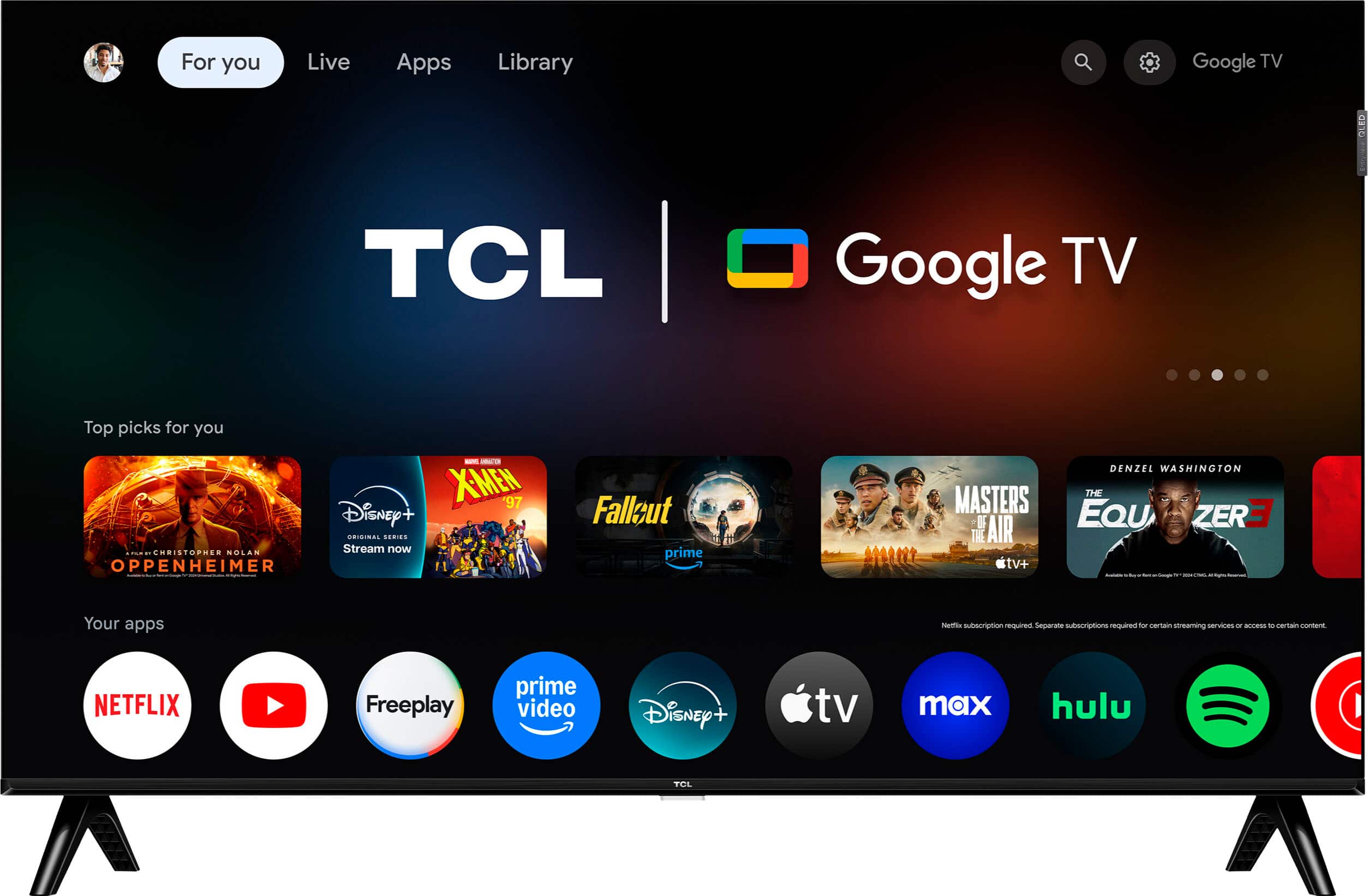
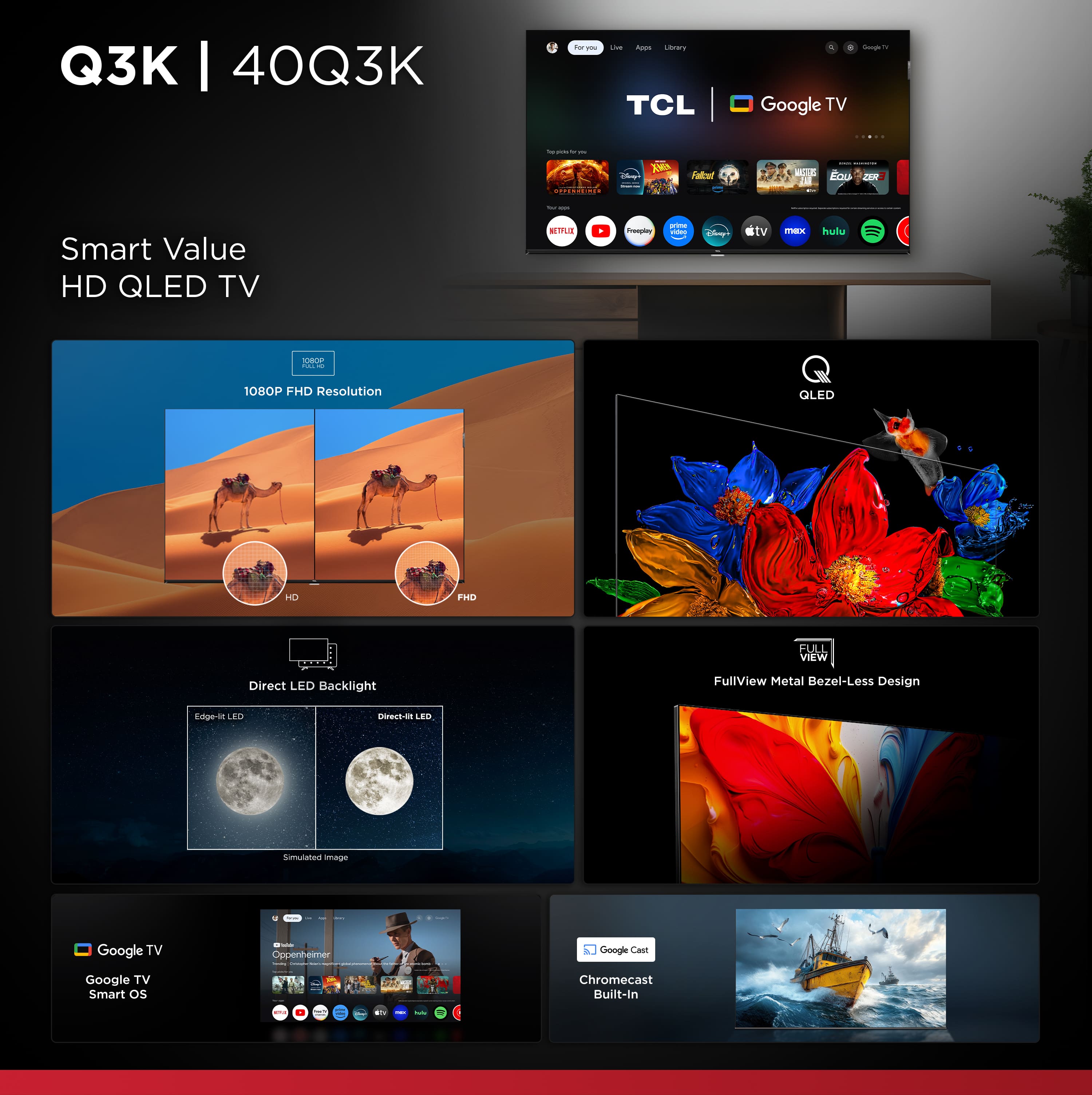
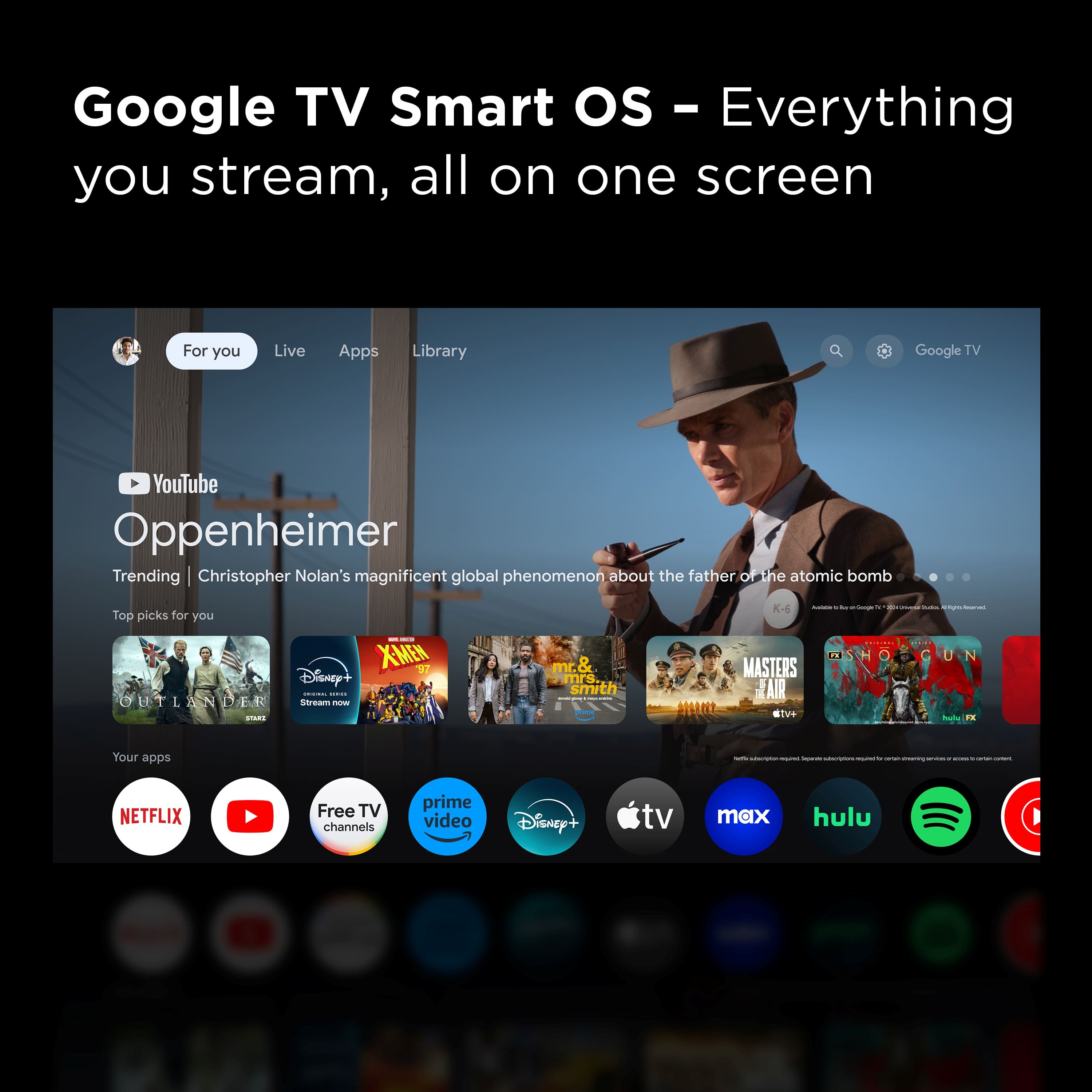
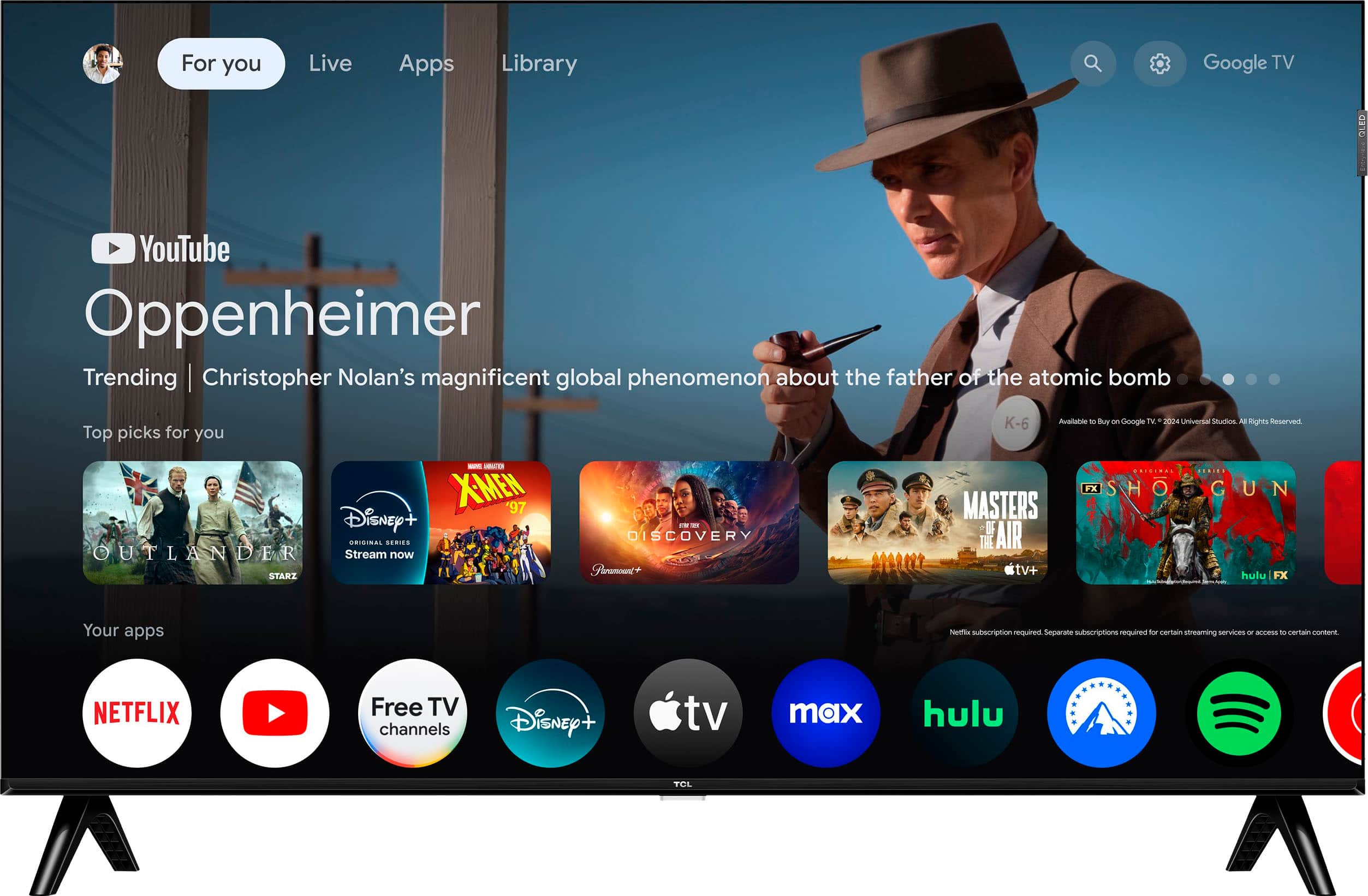
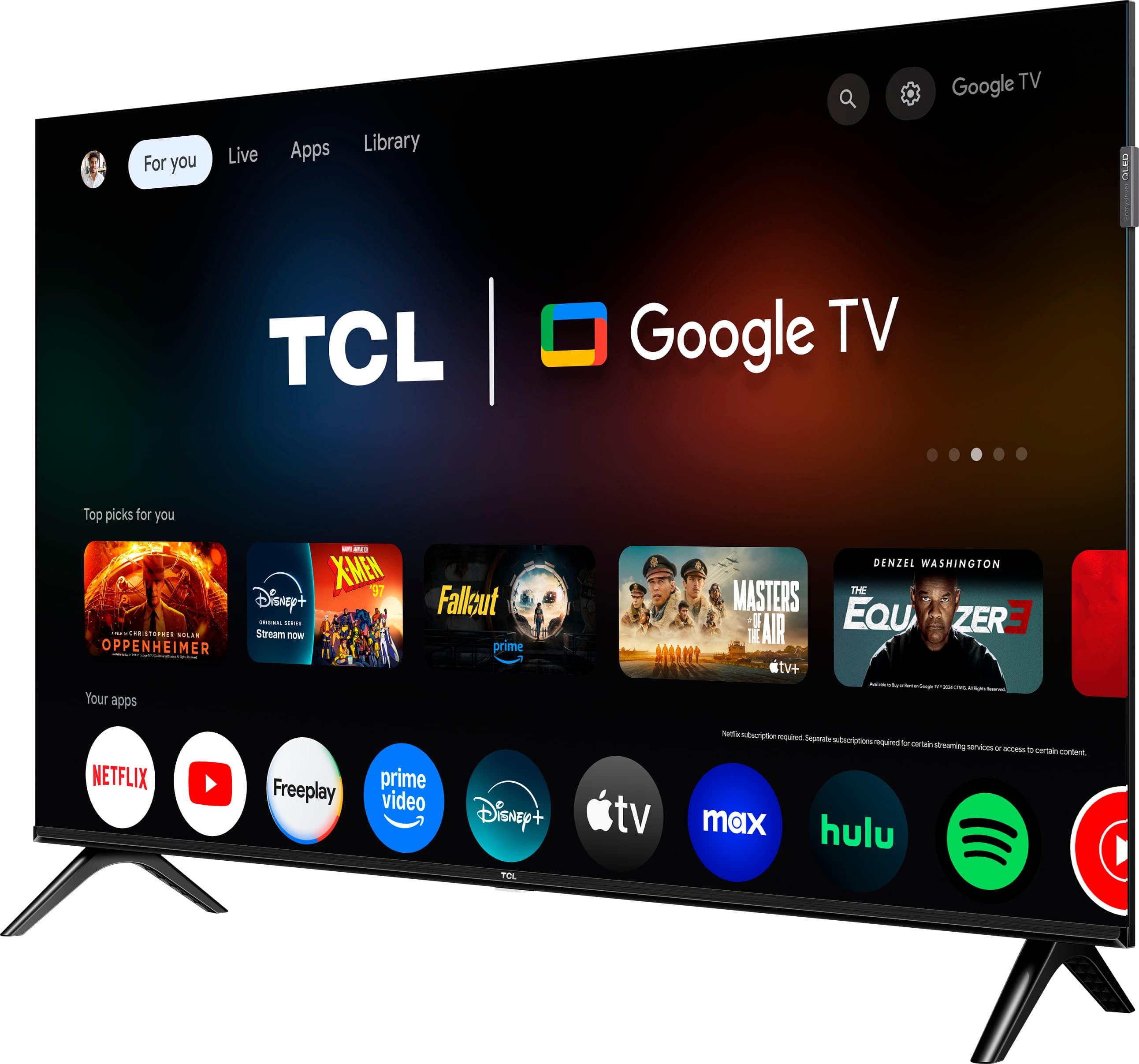
A:AnswerThis TCL TV features a Google TV operating system with access to 5,000+ apps with over 500,000 TV shows and movies available through the App Store. Hope this helps! Thank you, TCL Customer Support
A:AnswerAlthough this TCL TV is designed with the primary role of television in mind, it does come with several HDMI ports. Any of these ports can be used to connect the TV to external devices, such as a PC. Hope this helps! Thank you, TCL Customer Support
A:AnswerIn order to use the smart features on the TV, you would need to complete the guided setup. This includes connecting the TV to the Internet and signing in to a Google account. Hope this helps! Thank you, TCL Customer Support
A:AnswerWhile you can use the TV in basic mode and just use the inputs, it is recommended to connect to the Internet to get all the most current software updates. Hope this helps! Thank you, TCL Customer Support
A:AnswerThis 40 inch TCL TV is compatible with most wall mounts that support a 100mm x 100mm VESA mounting pattern. Hope this helps! Thank you, TCL Customer Support
A:AnswerOur TVs are compatible with most Universal and cable remotes. Many Universal and cable box remotes can be programmed to control select functions on the TV. You can visit https://support.tcl.com/us-remote-codes for more information. If you do not see your specific remote, you would need to contact the remote's manufacturer to obtain the remote code from them. Hope this helps! Thank you, TCL Customer Support
A:AnswerIn order for us to better assist, please reach out to us at tclsocial@tcl.com with your contact information and a description of what you need help with. Thank you, TCL Customer Support
A:AnswerOur TCL TVs featuring Google TV support Bluetooth and can be paired with compatible audio devices that also support and pair via Bluetooth. It does not support BLE and Auracast. Hope this helps! Thank you, TCL Customer Support
A:AnswerOur TVs are compatible with most Universal and cable remotes. Many Universal and cable box remotes can be programmed to control select functions on the TV. You can visit https://support.tcl.com/us-remote-codes for more information. If you do not see your specific remote, you would need to contact the remote's manufacturer to obtain the remote code from them. Hope this helps! Thank you, TCL Customer Support
A:AnswerThis TCL TV is compatible with most soundbars and speakers and can be connected via HDMI eARC, Optical, Bluetooth, or the 3.5mm headphone jack. Hope this helps! Thank you, TCL Customer Support
A:AnswerThis TCL TV features various inputs that can be used to connect external devices like a FireStick. Hope this helps! Thank you, TCL Customer Support
A:AnswerIn order for us to better assist, please reach out to us at tclsocial@tcl.com with your contact information and a description of what you need help with. Thank you, TCL Customer Support
A:AnswerIn order for us to better assist, please reach out to us at tclsocial@tcl.com with your contact information and a description of what you need help with. Thank you, TCL Customer Support
A:AnswerAlthough this TCL TV is designed with the primary role of television in mind, it does come with several HDMI ports. Any of these ports can be used to connect the TV to external devices, such as a PC. Hope this helps! Thank you, TCL Customer Support