A:AnswerIf you choose to operate the tv via the app, there is a button to toggle between the tv’s speakers, and those of your phone. A good set of wireless earbuds synced with your phone work great, but you may plug a set into your phone, as well(I have an iPhone).
So, if you're in the middle of watching something, simply use the app to switch the sound output from tv to phone(or visa versa), via the button with the headphone symbol.
A:AnswerAbsolutely! There is not a physical button for it, but there is an option for it. Simply press the asterisk (*) button on your TCL Roku TV remote while watching content, highlight the sleep time option, and choose how long you want to set it for (30minutes-3hours). Thank you, TCL Customer Support
A:AnswerThis may not answer your question, but unless your going for a very high quality bass, the TV's sound itself is excellent, especially if you live in an apartment. Other speakers may be too bass heavy, and too loud for neighbors.
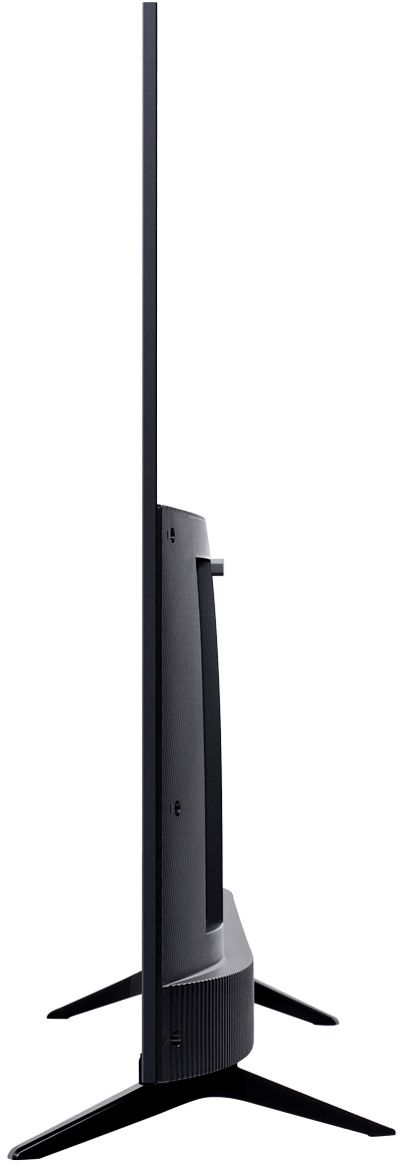
A:AnswerYes, but you should either purchase the TCL mount or one with spacers since the top and bottom of the TV are a different thickness. Most mounts come with plastic spacers but you can always check with the sales person or online.
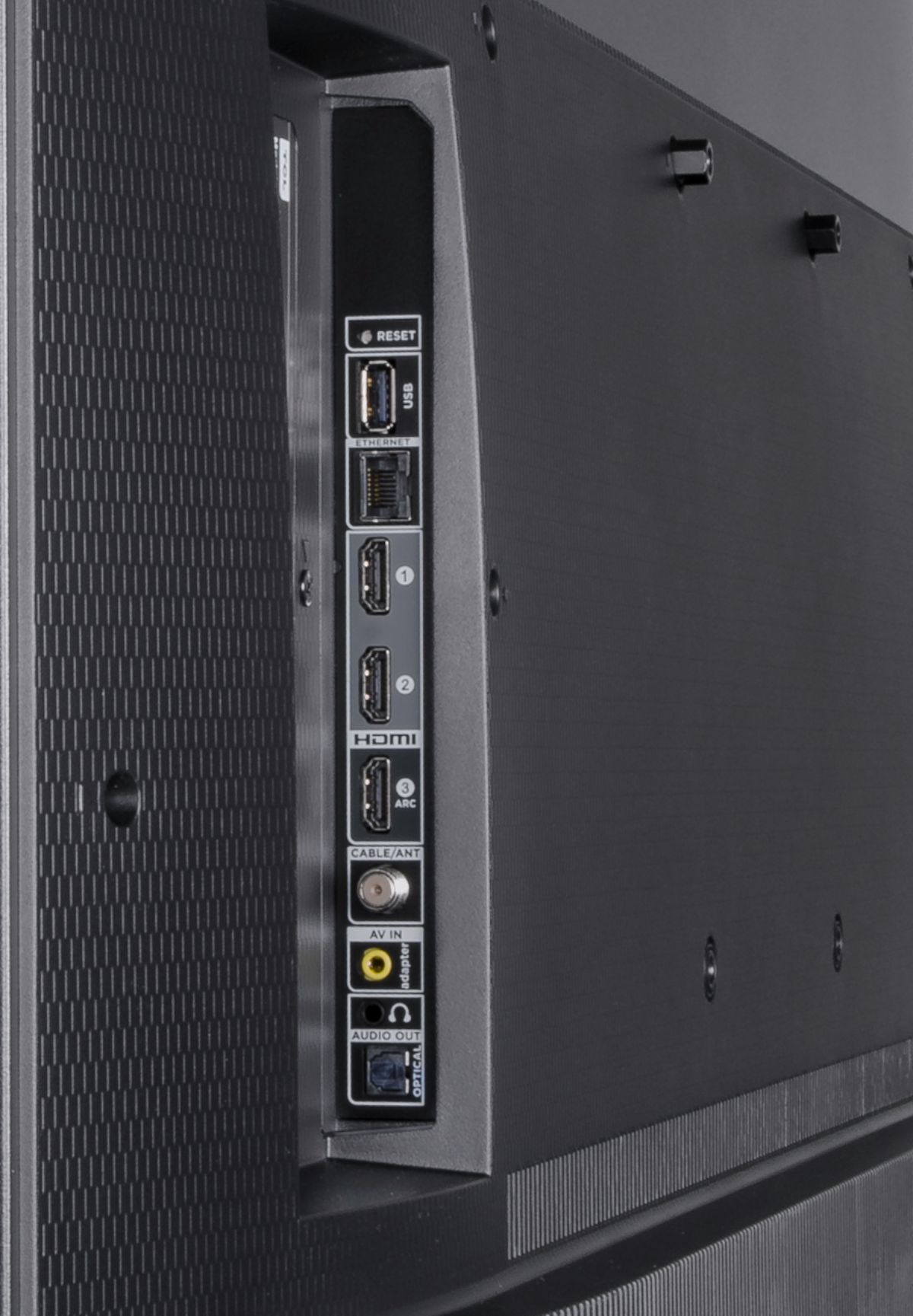
A:AnswerAbsolutely! TCL Roku TVs support screen mirroring with compatible Android and Windows devices. Here is a great article with more details how: https://support.roku.com/en-ca/article/208754928-how-to-use-screen-mirroring-with-your-android-or-windows-device. Additionally, this TV has 3 HDMI ports that can be used to connect external devices, such as a Chromecast. Hope this helps! Thank you, TCL Customer Support
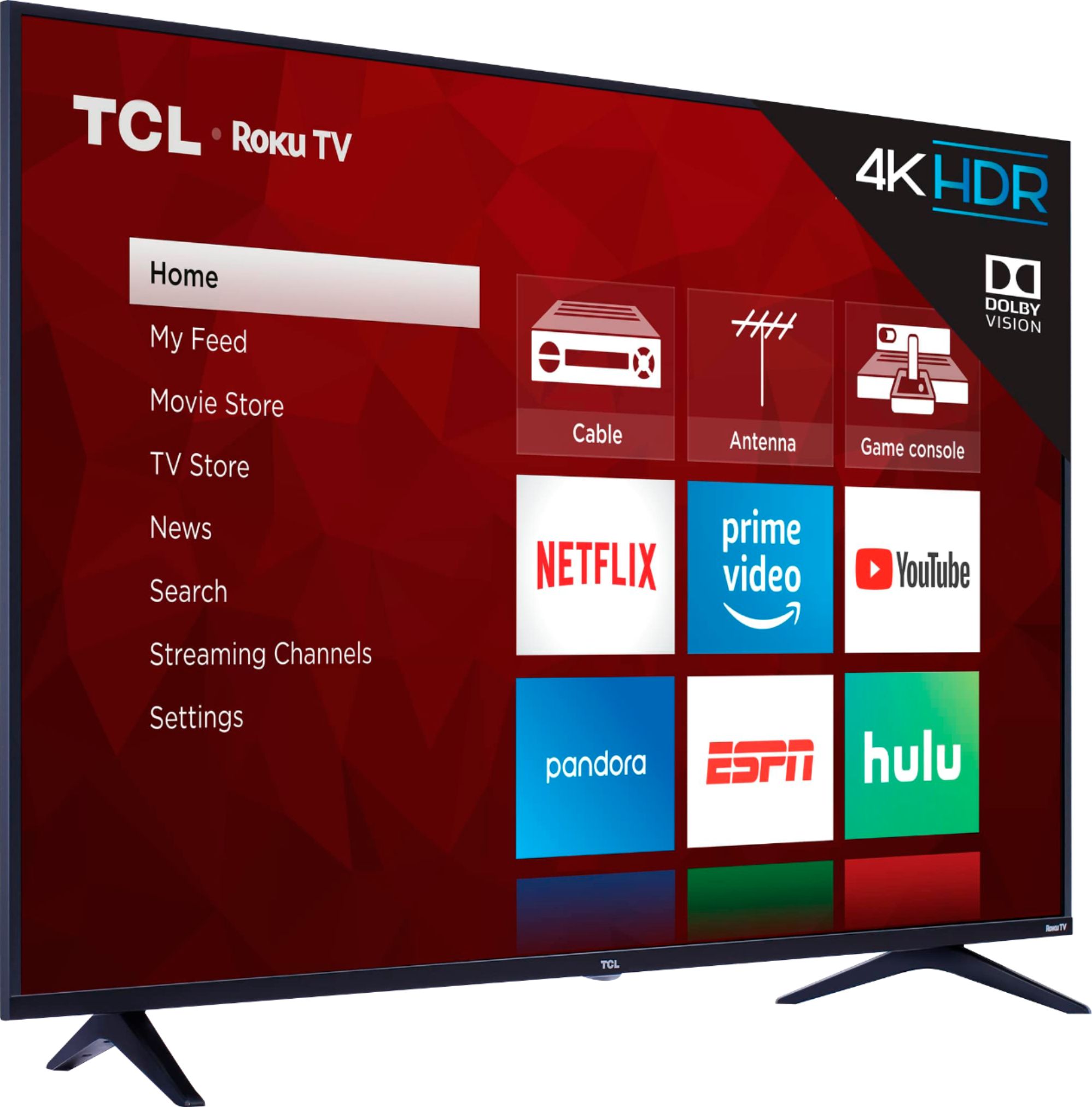
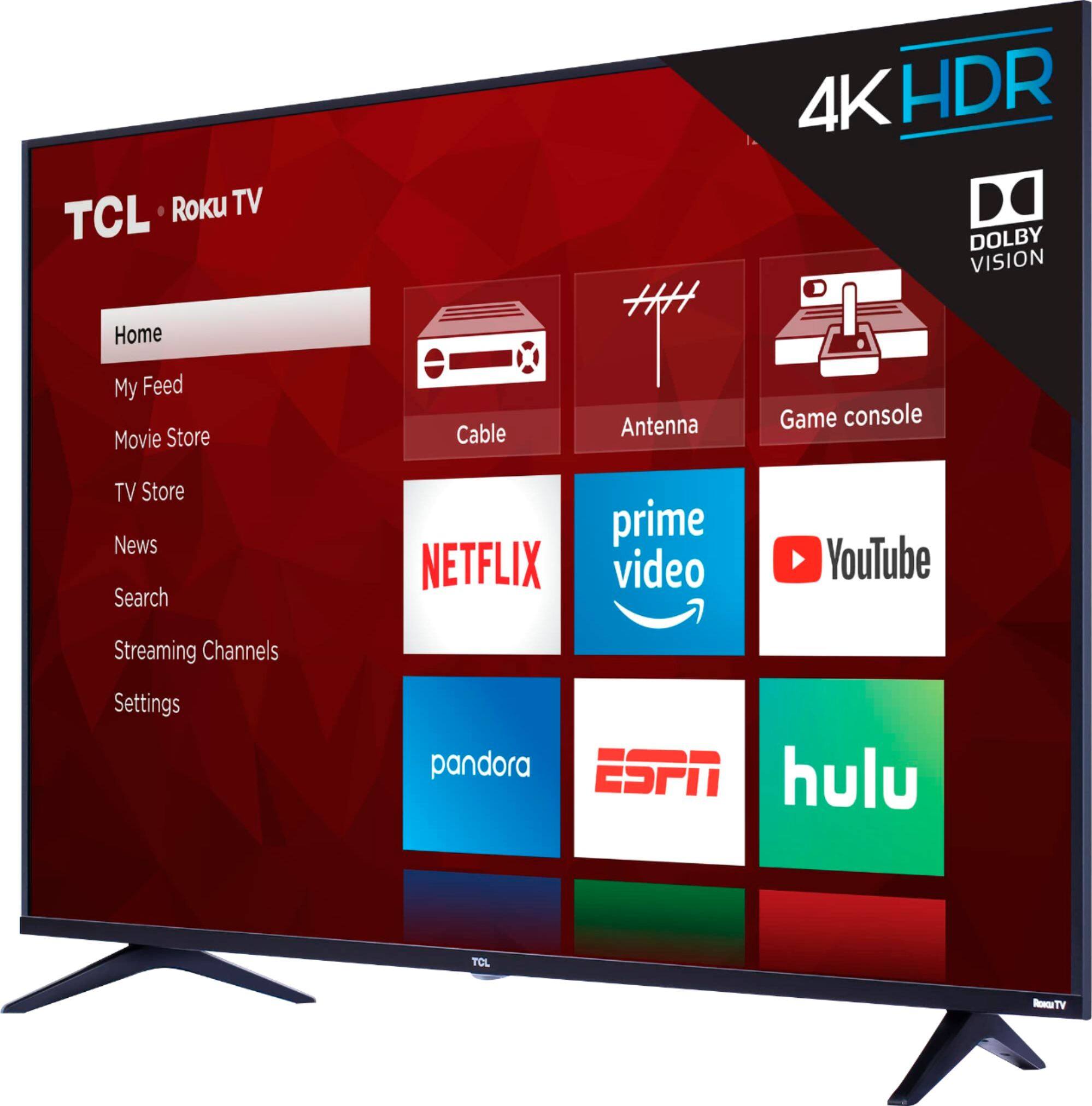
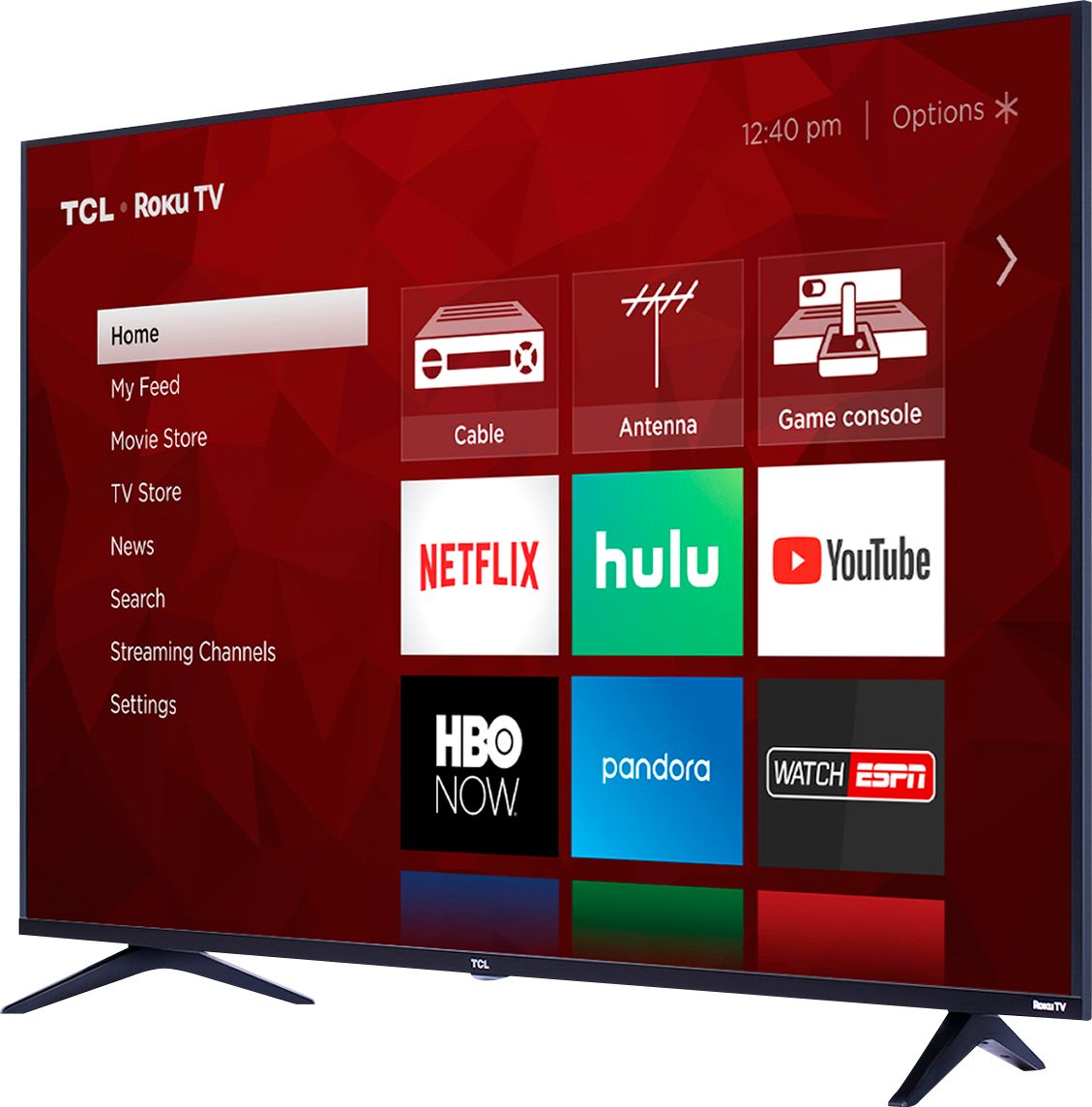
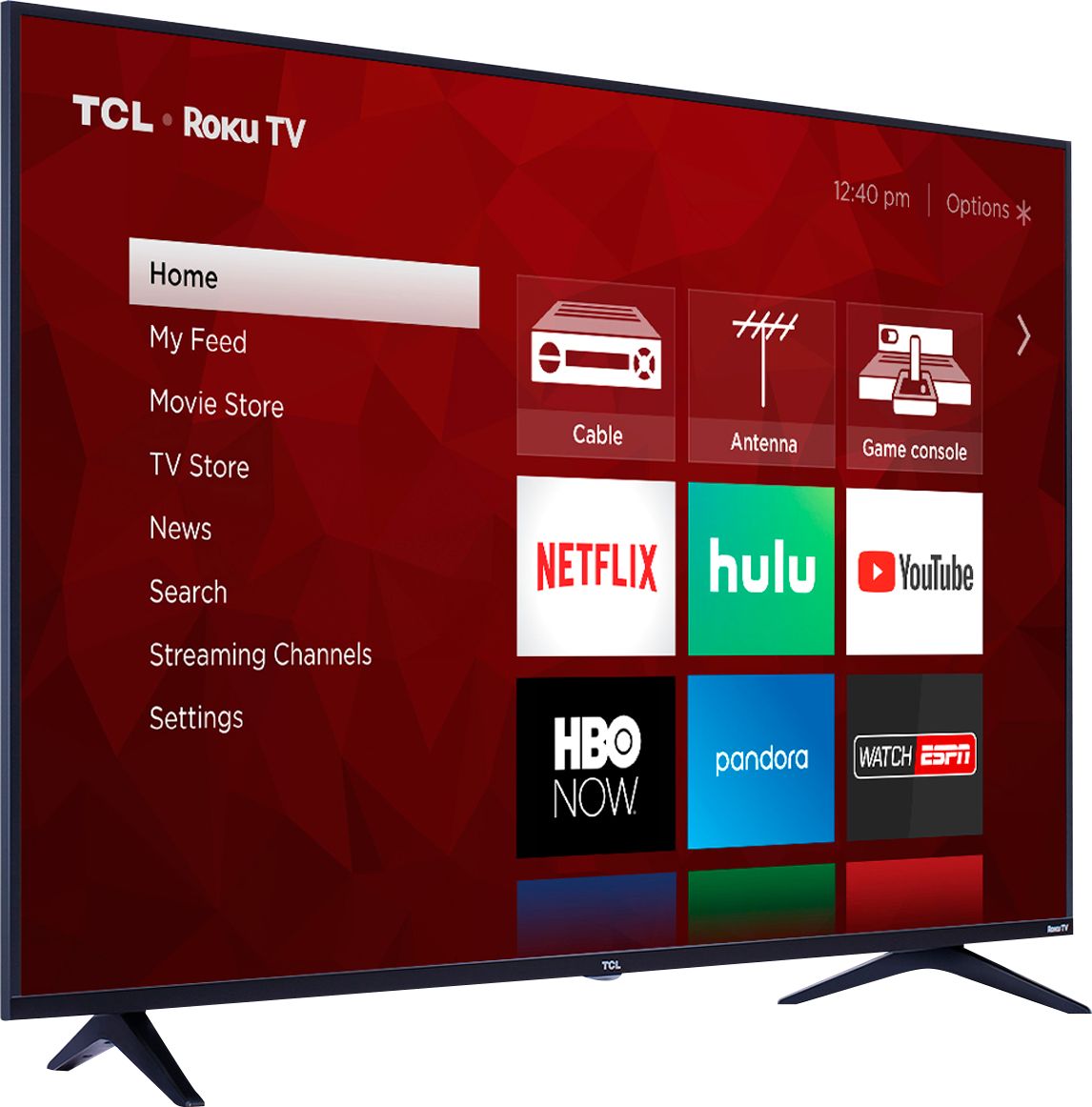
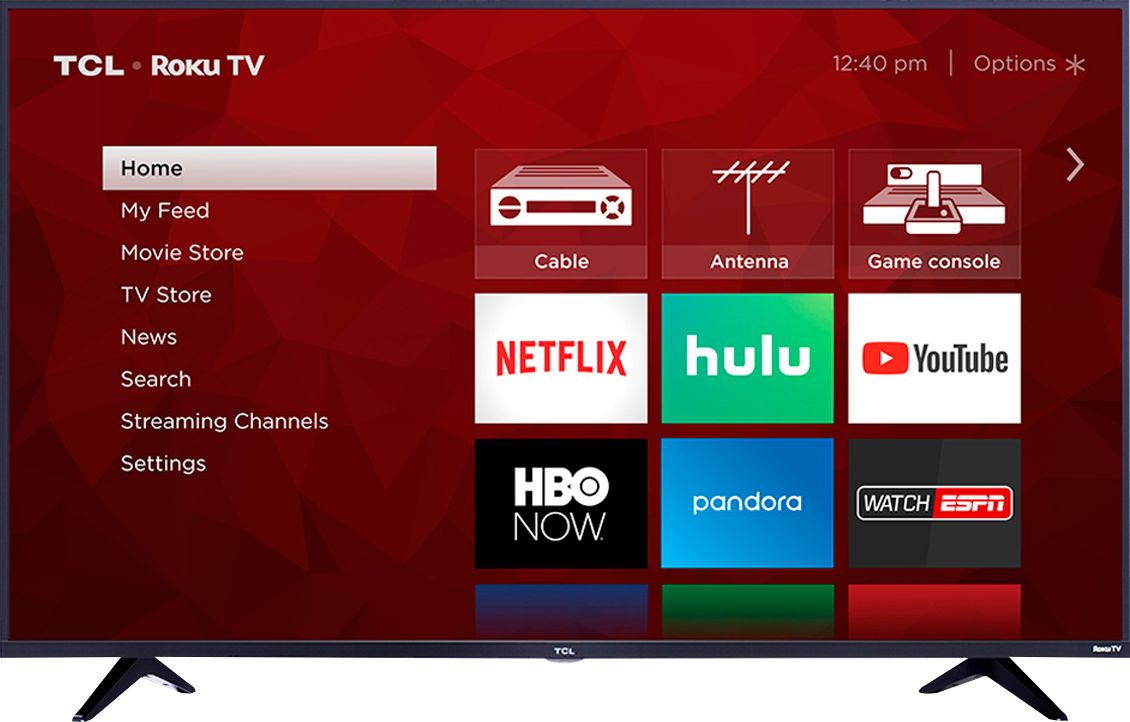
A:AnswerAbsolutely! The Roku is incorporated within the TV, so no need for an additional device. Prime Video is one of the thousands of streaming channels available. Additionally, our TVs are now compatible with Alexa. You can visit https://support.tclusa.com/using-amazon-alexa-to-control-your-tcl-roku-tv for more information on this feature. Hope this helps! Thank you, TCL Customer Support