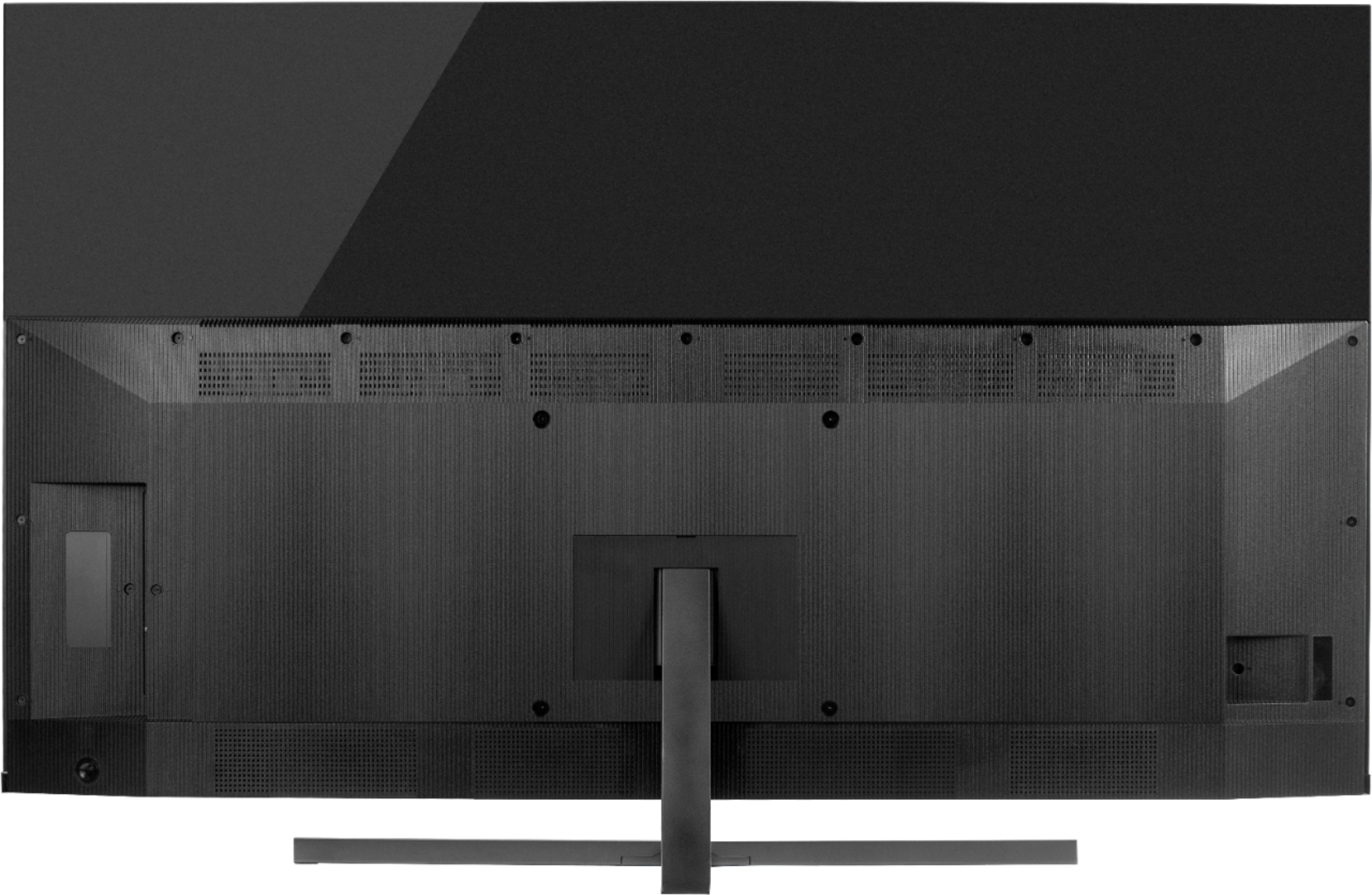
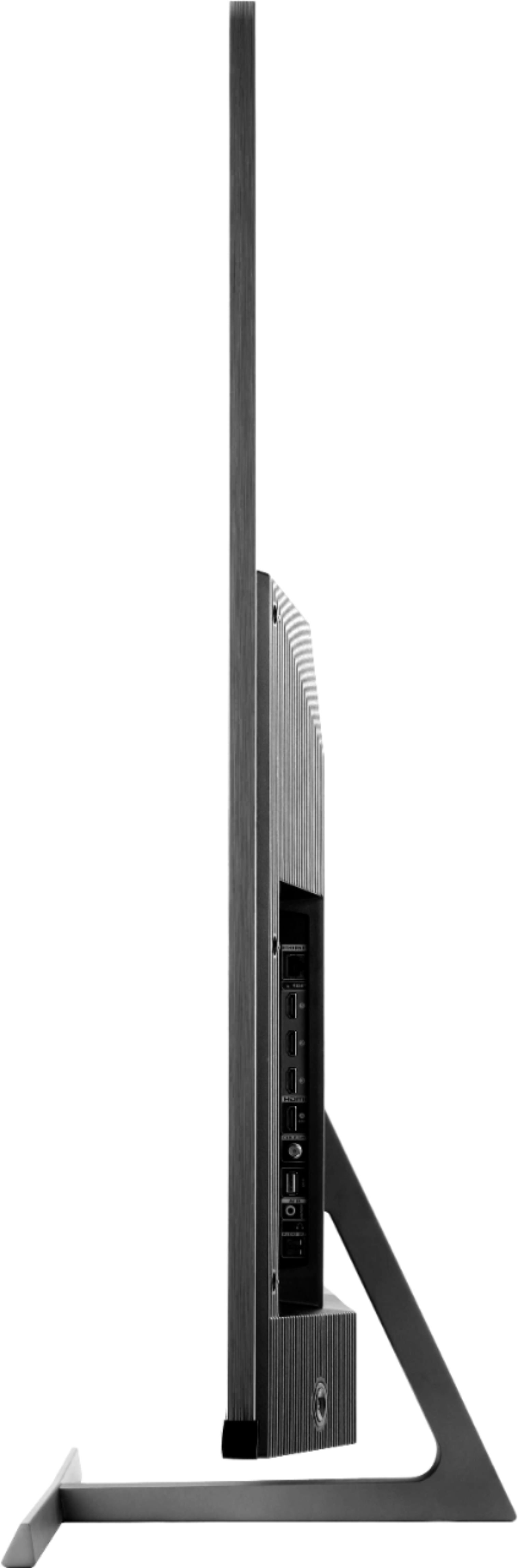
A:AnswerThe distance from the bottom of the TV to the bottom mounting holes is approximately 4 inches. Hope this helps! Thank you, TCL Customer Support
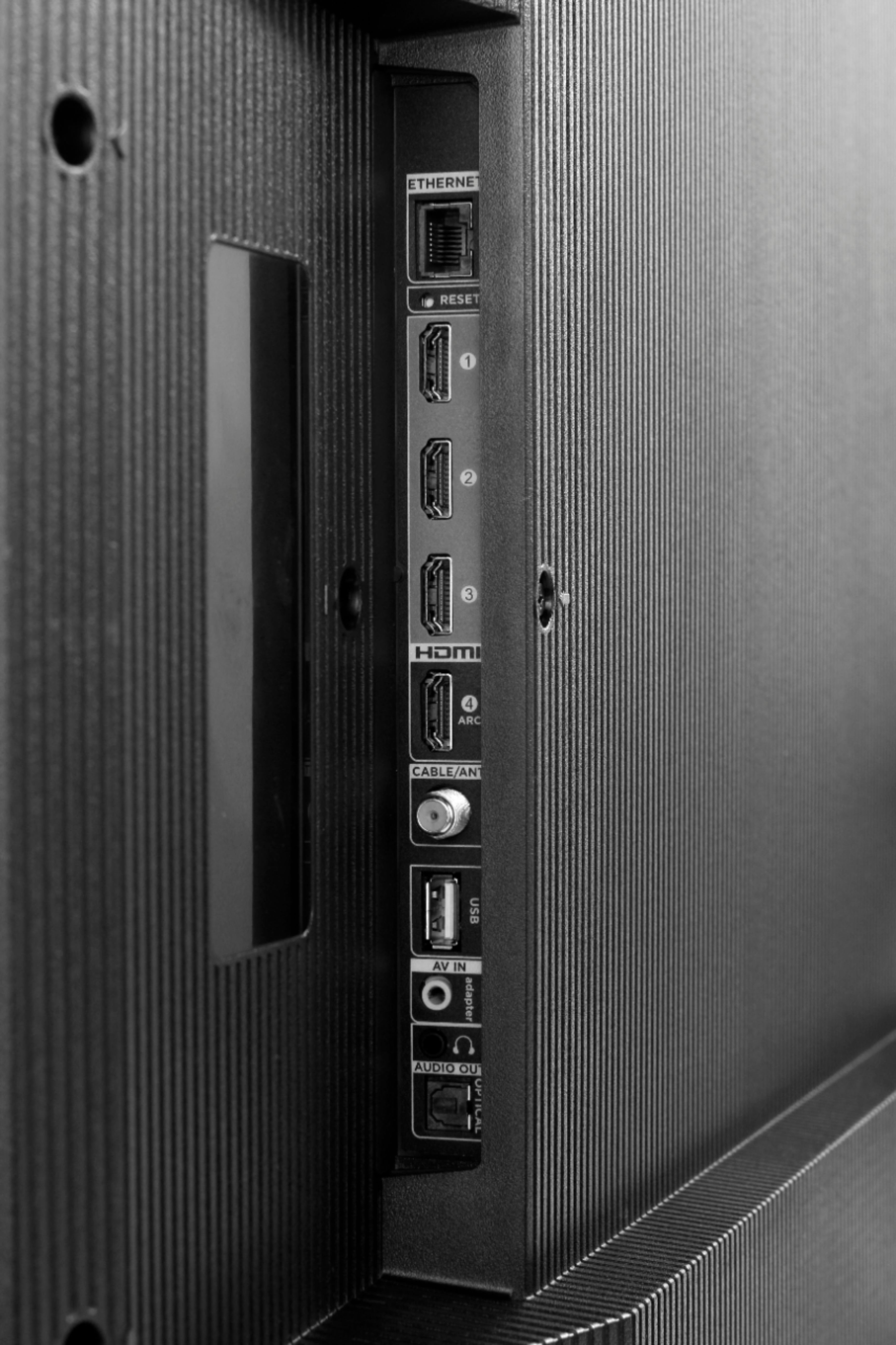
A:AnswerAs far as future models I'm sure it they will. Just a note that on this particular TV the last firmware update gave the ability for eARC connection. Just have to go into system setting and make sure your fully updated.
A:AnswerCurrently, our smart TVs do not support the direct input of channel numbers for OTA. However, if your TV is connected to the Internet, you can press the left arrow key to populate a channel guide and navigate channels this way. Additionally, you can enable "favorites" for over the air channels so that your most-watched channels will automatically appear towards the top. To enable favorites you would go to Home>Settings>TV inputs>Antenna TV>Favorite Channels>Enable. Hope this helps! Thank you, TCL Customer Support
A:AnswerTCL Roku TVs support screen mirroring with compatible Android and Windows devices. Here is a great article with more details on how: https://support.roku.com/article/208754928-how-to-use-screen-mirroring-with-your-android-or-windows-device. Hope this helps! Thank you, TCL Customer Support
A:AnswerThis TCL Roku TV is compatible with most wall mounts that support a 300mm x 300mm VESA mounting pattern. Any sort of wall mounting brackets or hardware would need to be purchased separately. Hope this helps! Thank you, TCL Customer Support
A:AnswerAn0181-
The 8 series will be receiving an update sometime this year. It will support the PS5. The update will include Auto Game Mode, Variable Refresh Rate and eARC.
-TCL USA Support
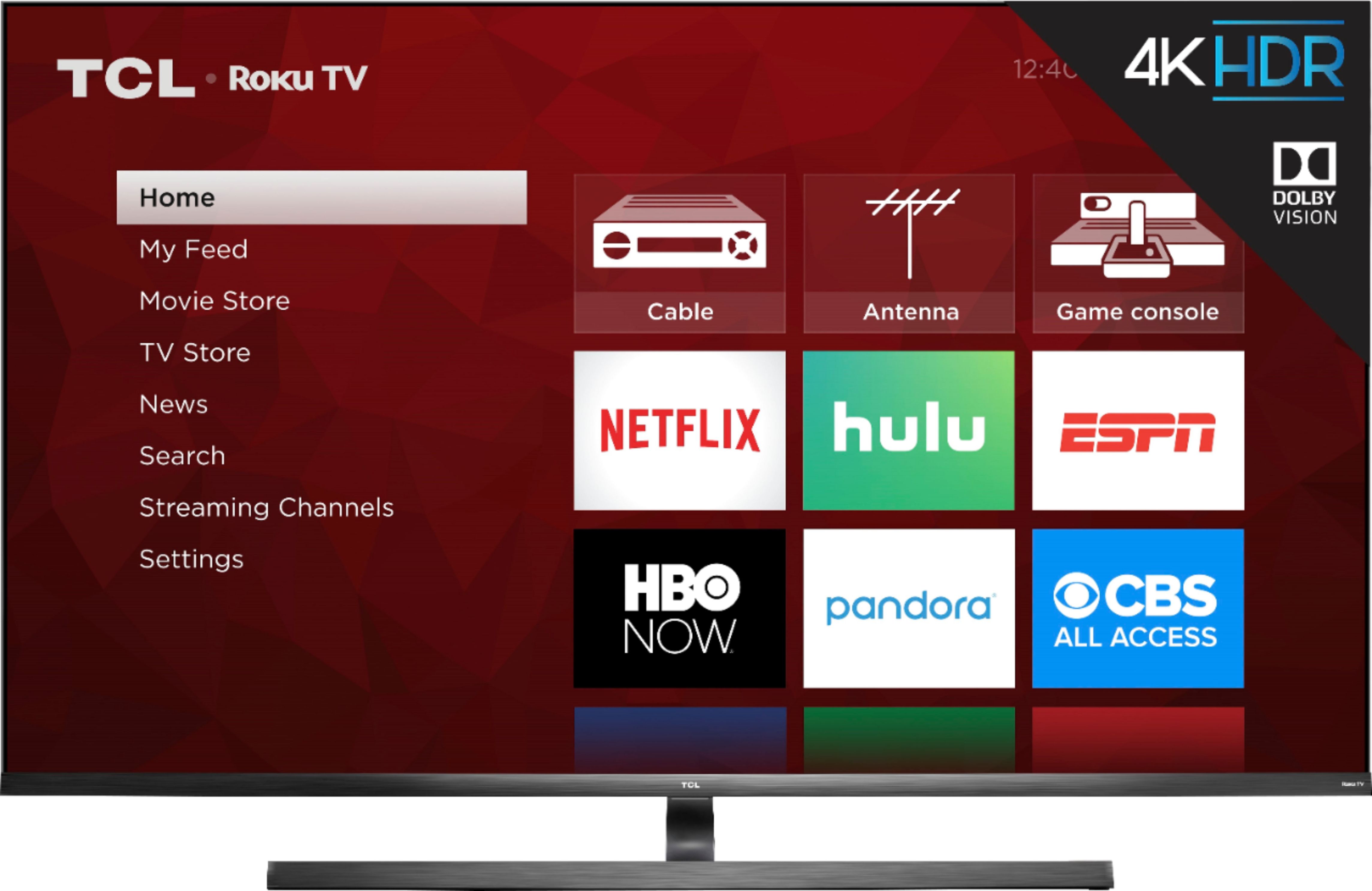
A:AnswerBoth of these TVs fantastic options. Both of these series are 4K UHD, have HDR and Dolby Vision support, have a Roku operating system, wide color gamut, auto-game mode, an edge-to-edge glass display, QLED technolog, mini-LED technology, CCZ, etc. The new 6-Series also features eARC, Variable Refresh Rate, and THX Certified Game Mode. You can also visit www.tcl.com/us/en/products/home-theater/6-series and scroll down to "Compare All Models" to see all models compared. Hope this helps! Thank you, TCL Customer Support
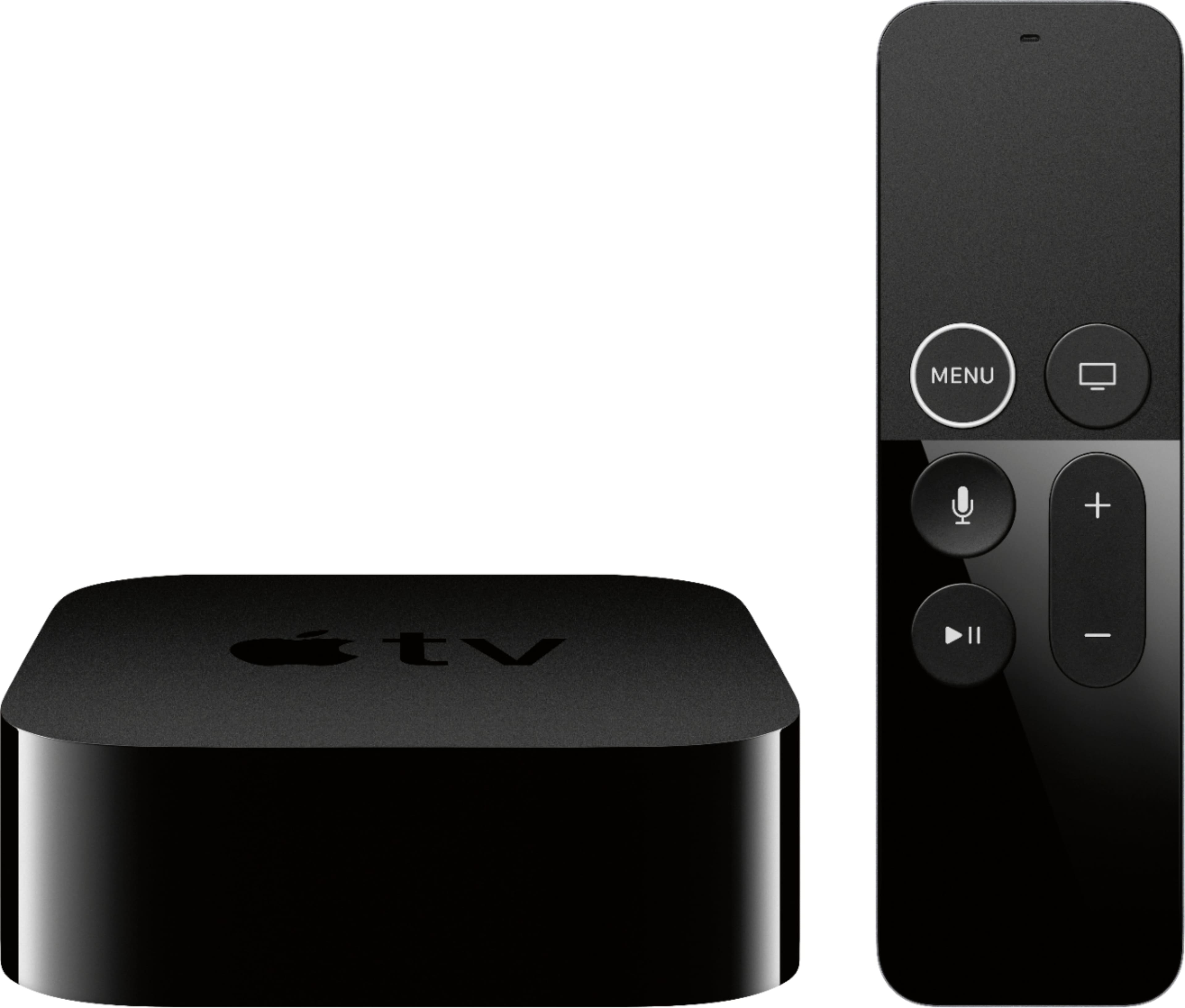
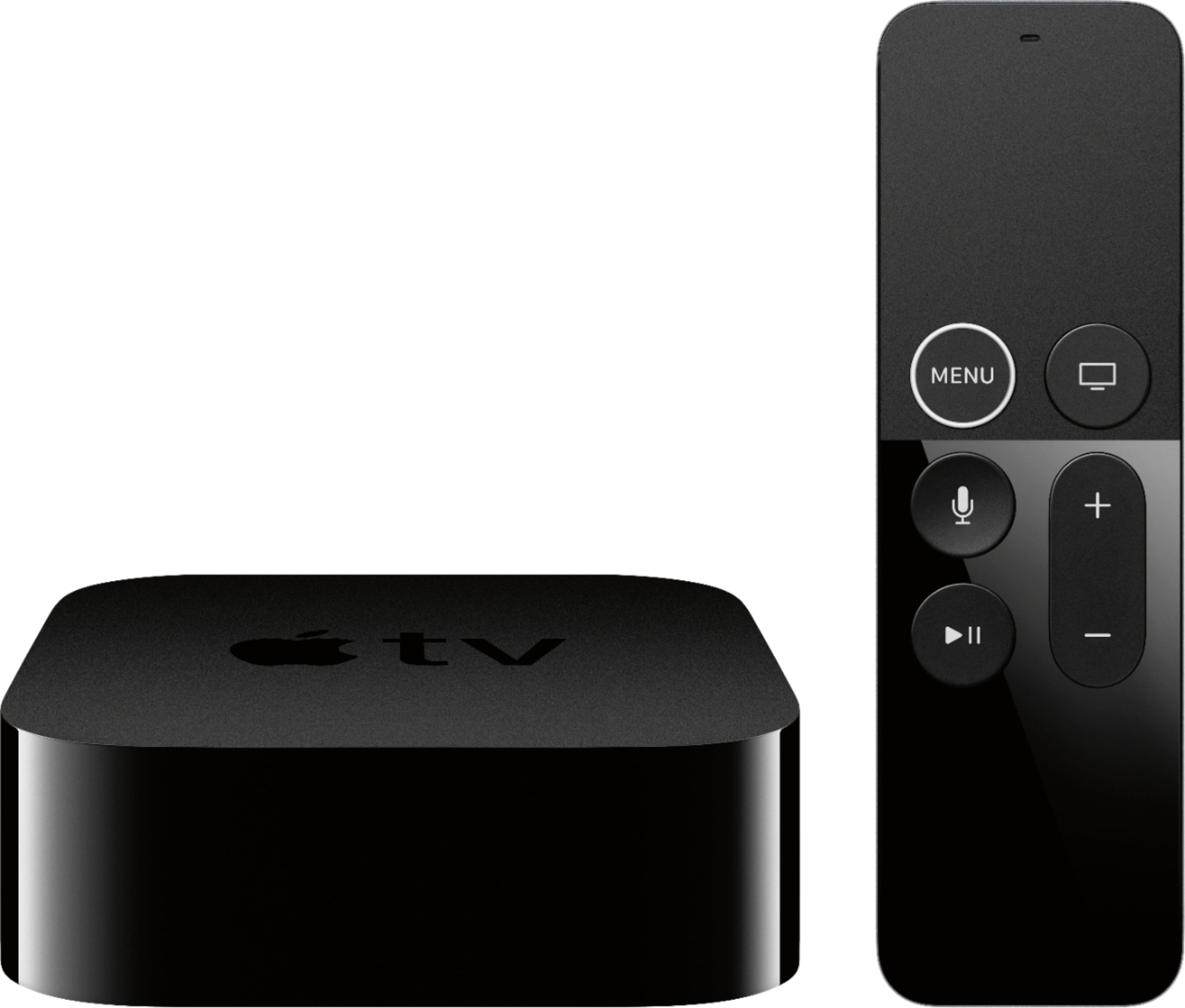
A:AnswerI can't answer for Android, but this TV does not support AIrPlay for iOS devices. I already had an AppleTV device which of course supports AirPlay and AirPlay2, so this was not an issue for me, but it would have been nice to have AirPlay built into the TV.
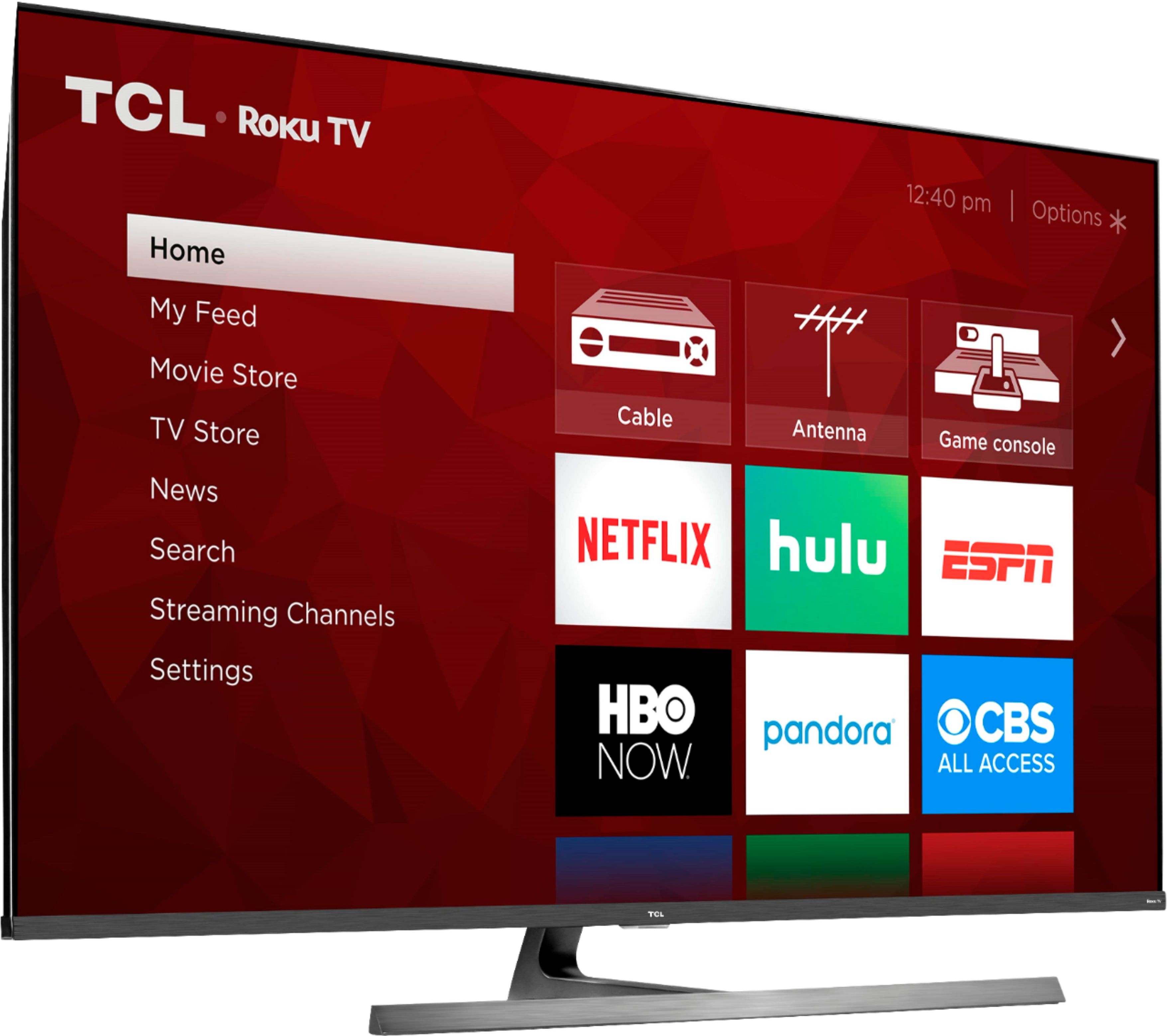
A:AnswerFor all of our TCL Roku TVs, you can program the TV to power on to a specific input or the last used input. To do this, you would go to Home>Settings>System>Power>Power on>Select the option you would like you TV to power on to. Hope this helps! Thank you, TCL Customer Support
A:AnswerHello,
The 8 series is indeed able to provide Dolby Atmos sound from both the internal speakers and also pass on to external Dolby Atmos sound systems. The content of course needs to support this as well.
-TCL Customer Support
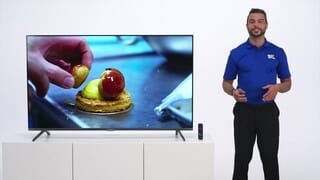
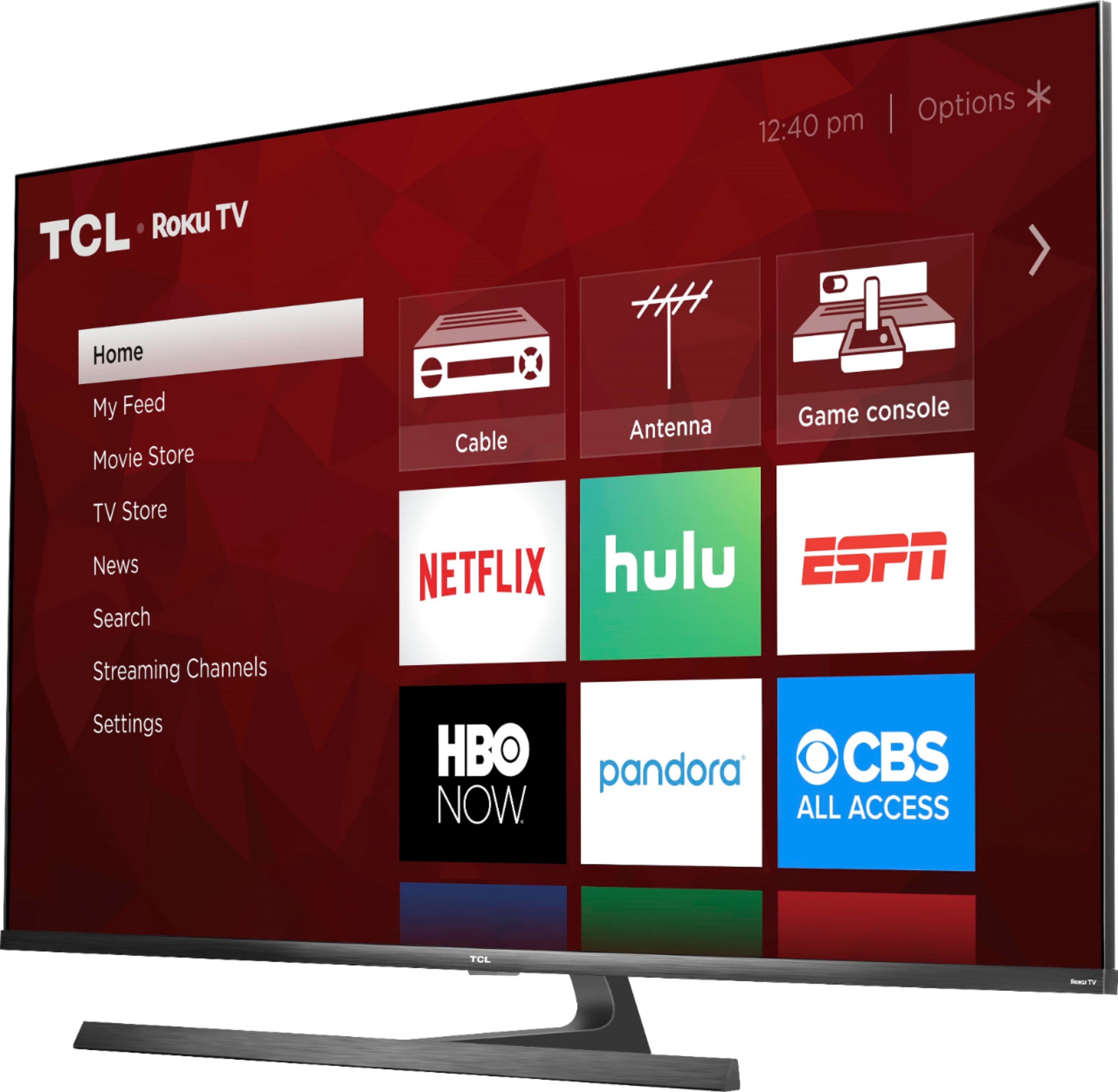
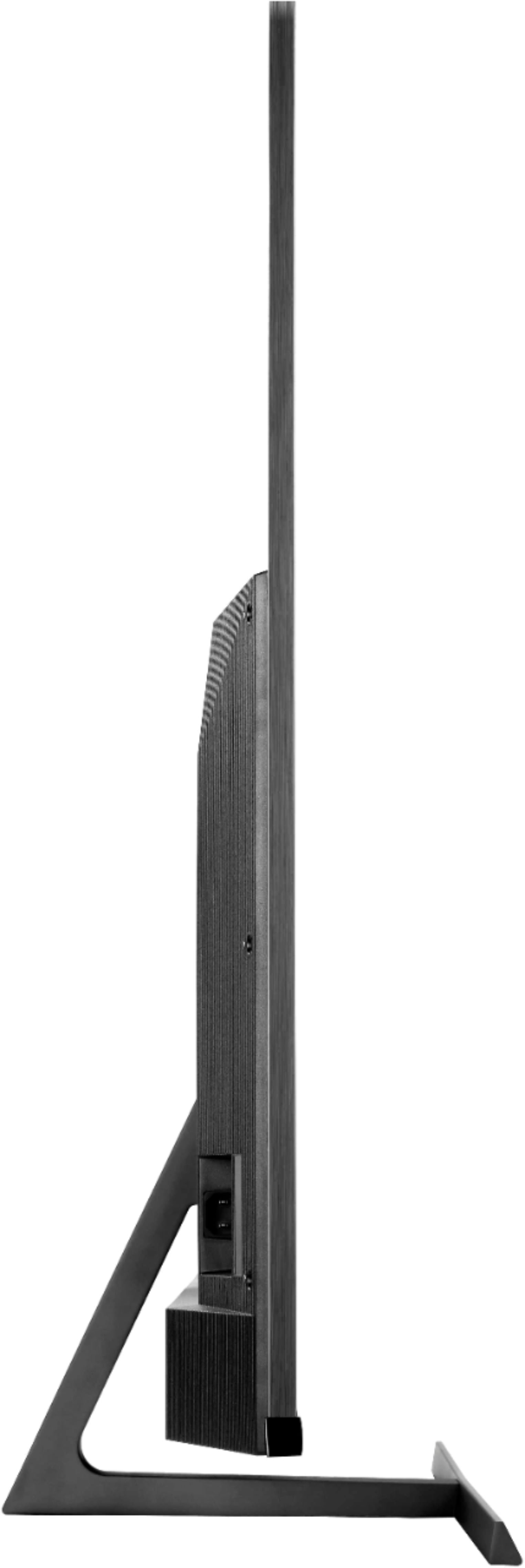
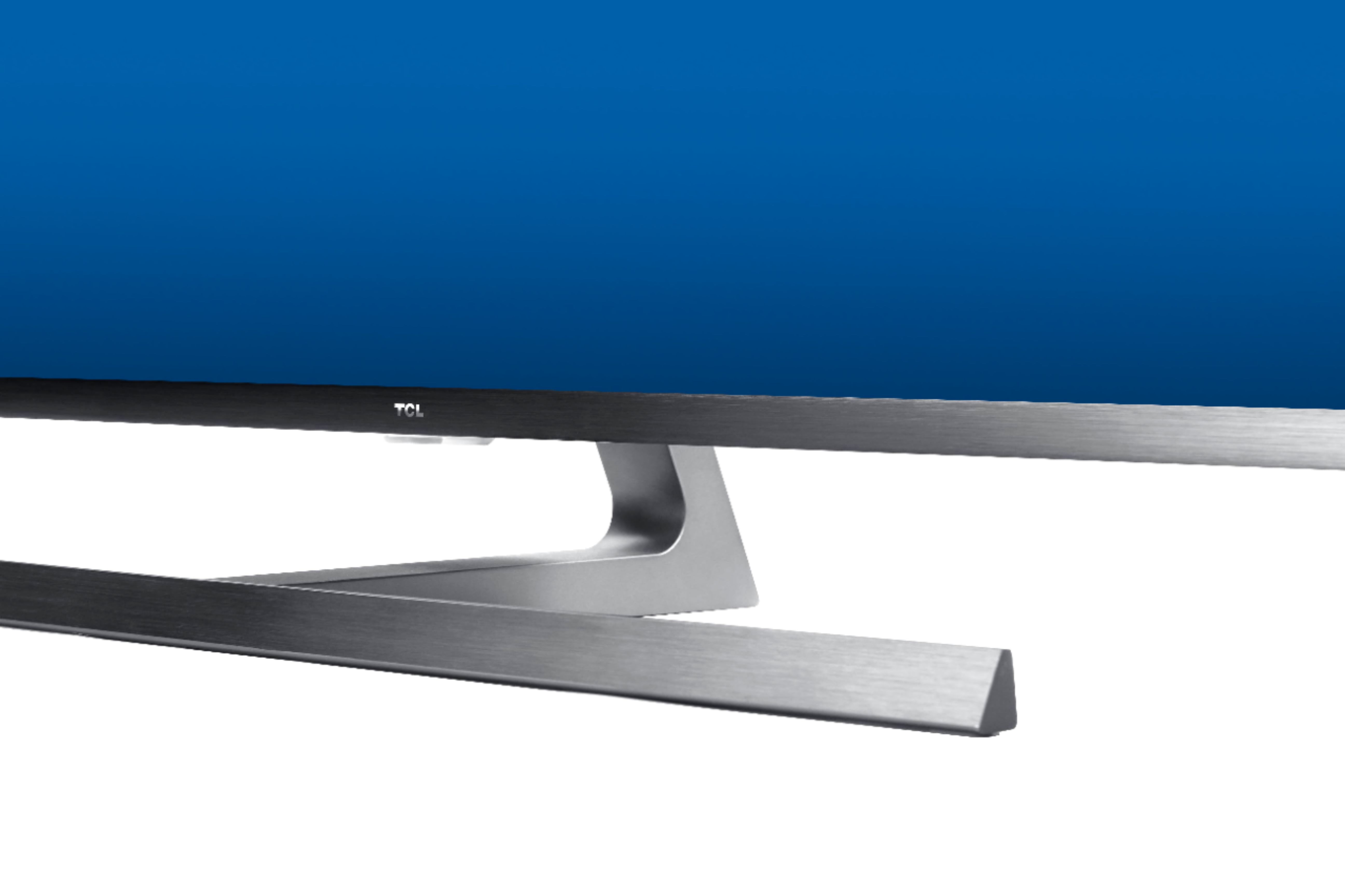
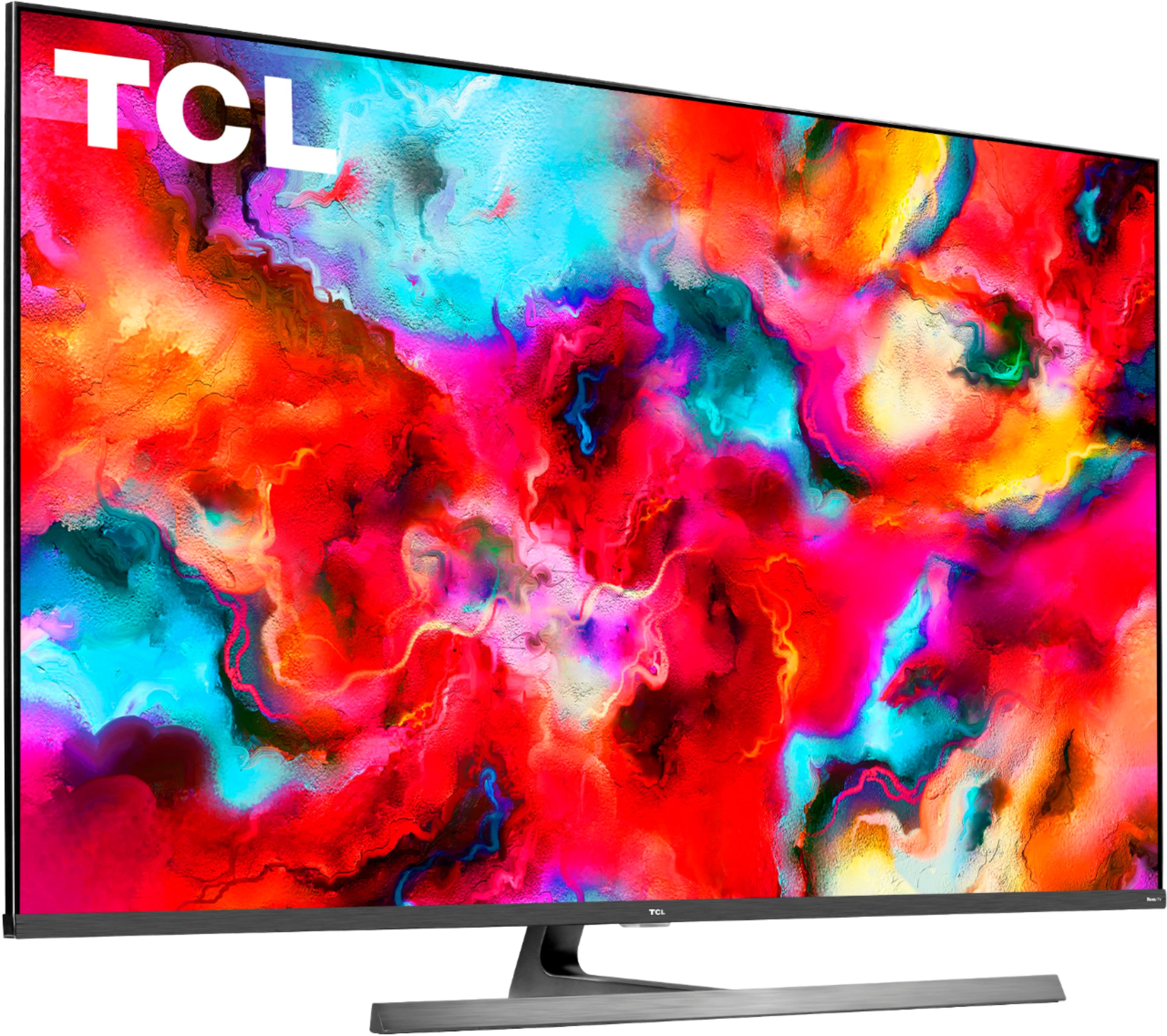
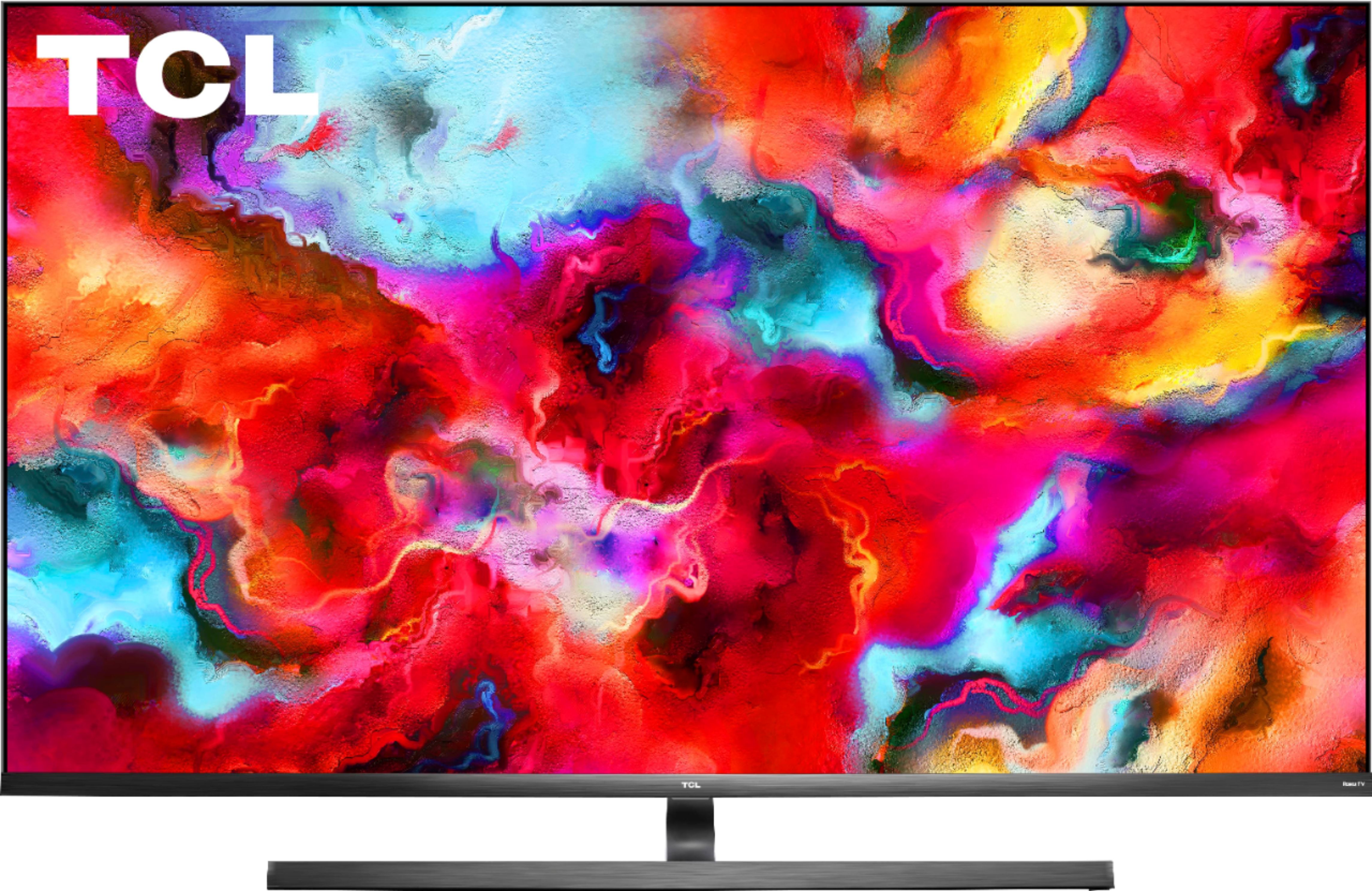
A:AnswerOur new 8-Series features a T-pedestal brushed metal stand that can be seen in the product pictures. Additionally, this TV does not feature a Jewel Power Button, but rather has a power button located on the back of the TV. Hope this helps! Thank you, TCL Customer Support