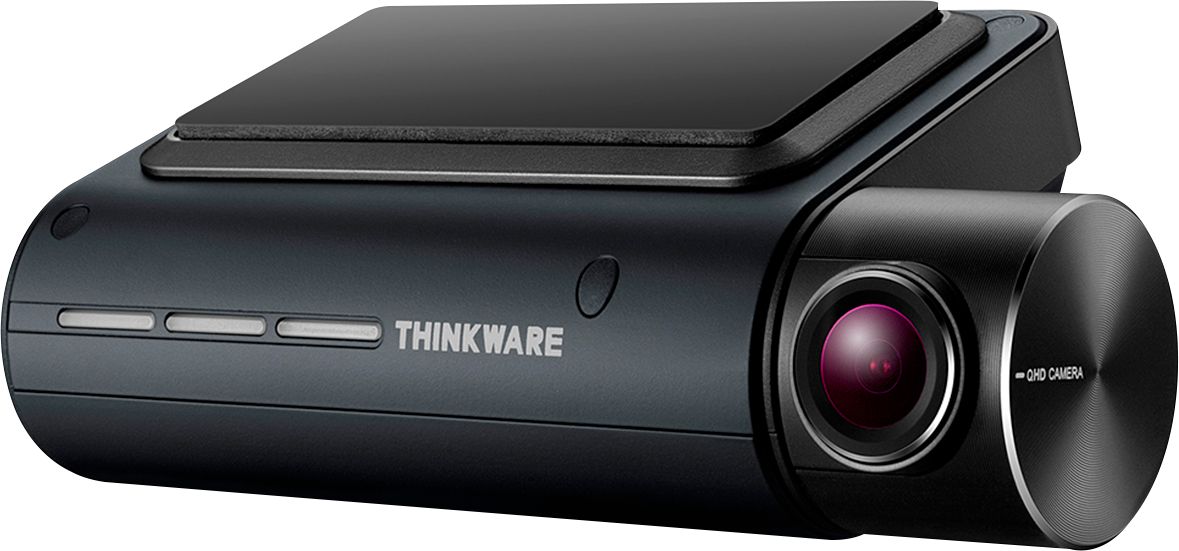
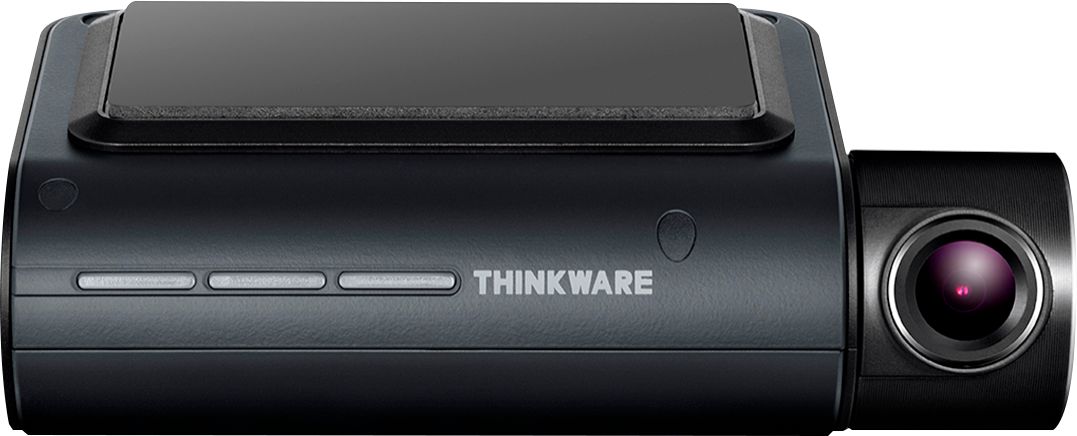
A:AnswerNo...it is only a front facing camera with 140 degrees of sight. There is a separate rear camera add on, but that only sees out the back window. The sides are NOT visible.
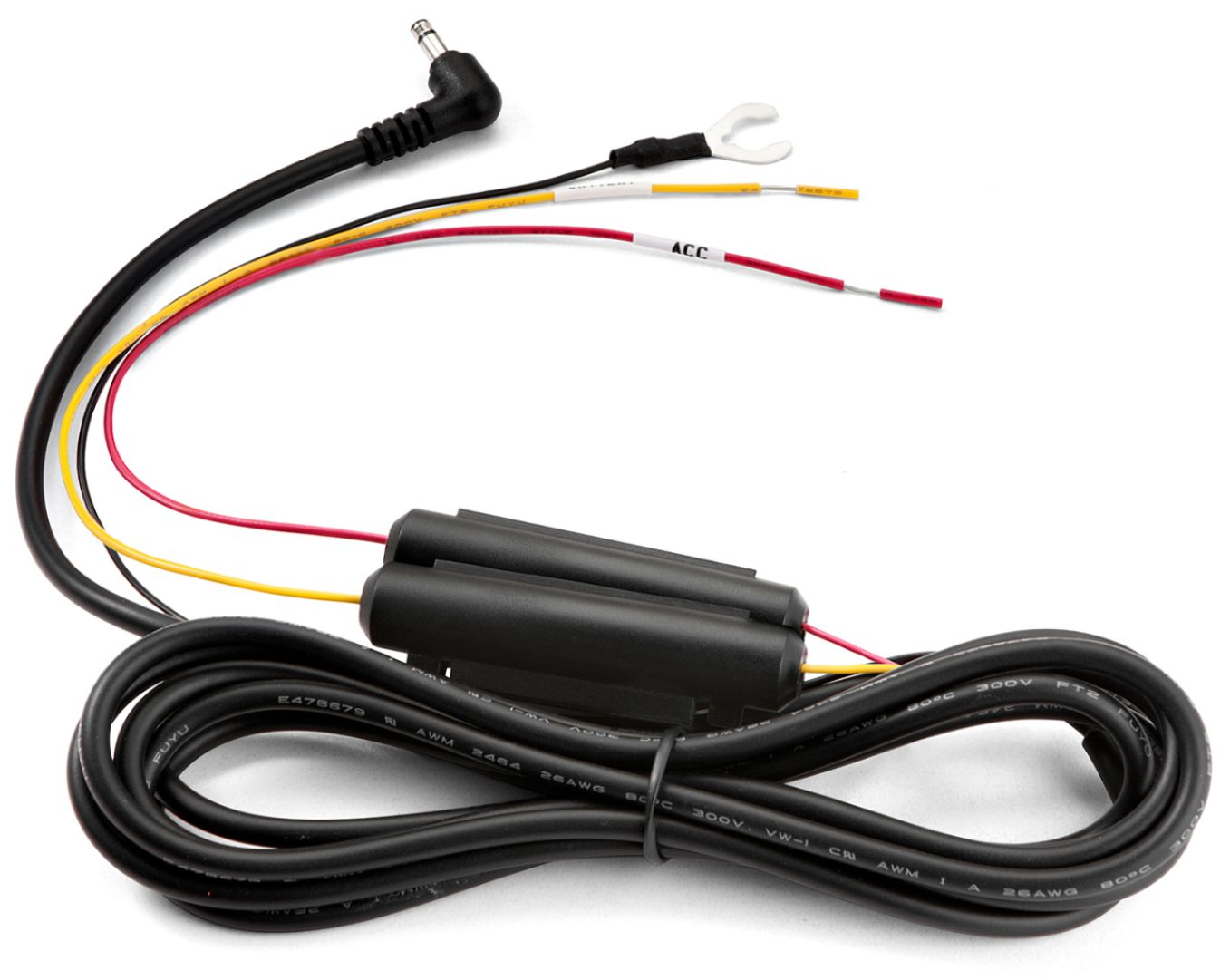
A:AnswerHello There, If the Dash Cam is powered with our Hardwiring Kit, OBD-II Harness, or iVolt Battery Pack, the Q800PRO Dash Cam will have the ability to enter parking mode when you turn off the ignition. The Q800PRO has 3 options for Parking Mode; Motion Detection, TimeLapse and Energy Savings Mode.
A:AnswerHello There,
If you have the Dash Cam connected to a Hotspot (Smartphone Hotspot, In-Vehicle Hotspot, or Hotspot Device) while driving, you can set up the Strong Impact Upload. The Dash Cam will automatically send the phone connected to the account a notification and a 20 seconds incident clip. This can also be set up to send to multiple devices. That can then be downloaded to the device directly.
A:AnswerThe answer is yes. I have not seen it at BestBuy, but Thinkware does make it. Some other websites sell the 2 Channel together:
https://www.blackboxmycar.com/products/thinkware-q800-pro-2k-qhd-dash-camera
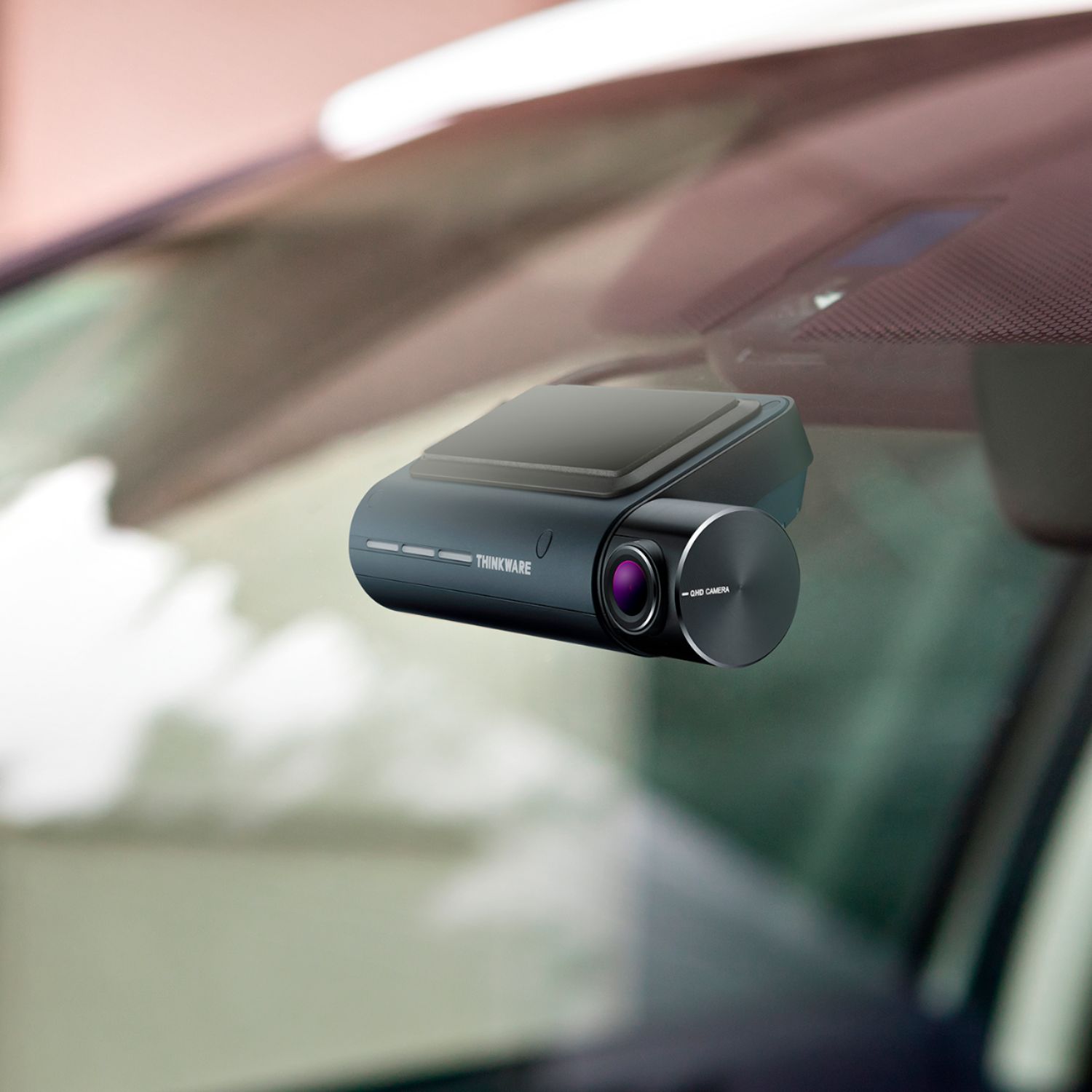
A:AnswerDepends on your sunshade and how to put up your sunshade. If you have the Type S sun shade, which is what I have, you would need to make sure you don't stuff the driver side of the shade in front of the camera. That is, between the camera and windshield. I have never had a problem because the sun shade is held up by the rear view mirror and sun visor, not the camera. If you have an accordion style sunshade it should not be a problem. However, you may lose some periphery on the camera view if one of the folds hug the windshield next to the camera. If it is a problem, I would not have the sunshade hug the windshield as much. Generally speaking the sunshade should not be a problem.
A:AnswerYes. Just be aware that you are charged an installation fee for the front and back separately. I made an appointment online. Also be sure you have everything. I had to pay extra for a piece that wasn't in the package. I think it was because of the type of car I had, a minivan. When it was said and done the tech did a great job.
A:AnswerLet’s see. 1) not sure, there’s an iCloud app that allows you to view the videos in Thinkware iCloud but needs to have a hot spot. So I would call for a more definitive answer since I haven’t used it that way. 2) depends on how long the car sits and how many times the motion sensor activate, you can control a lot of that in the app. Make sure to download the specific app for this model. 3) yes, Best Buy Will install for a reasonable cost. I would recommend that if your not the handyman type.. 4) not sure if they use a third party or if the geeks are able to do it, but at least if you have a problem later on you can always call them. Best Buy had a sale on it last week for $199.00, if you keep an eye on it on your Best Buy app I’m sure you’ll see that price again, I paid $229.00 for mine.
A:AnswerThis item works great I love it. At night you can see clearly in the video. Great investment for my safety as we now have so many crazy drivers in the road and so much road rage.
A:AnswerAt the time Best Buy was not doing installs due to covid19. The wiring harness you need for parking mode was included with mine, the only thing I bought was a couple of fuse taps (<$6) to wire directly into my fuse box. I ran the wires through the fire wall by the steering column. If your fuse panel is inside the cabin you won't need to do this, it's pretty easy. Connect one wire to a fuse that is always hot and the other to a fuse that's only on when the ignition is on, the wires are labeled for continuous or switched .