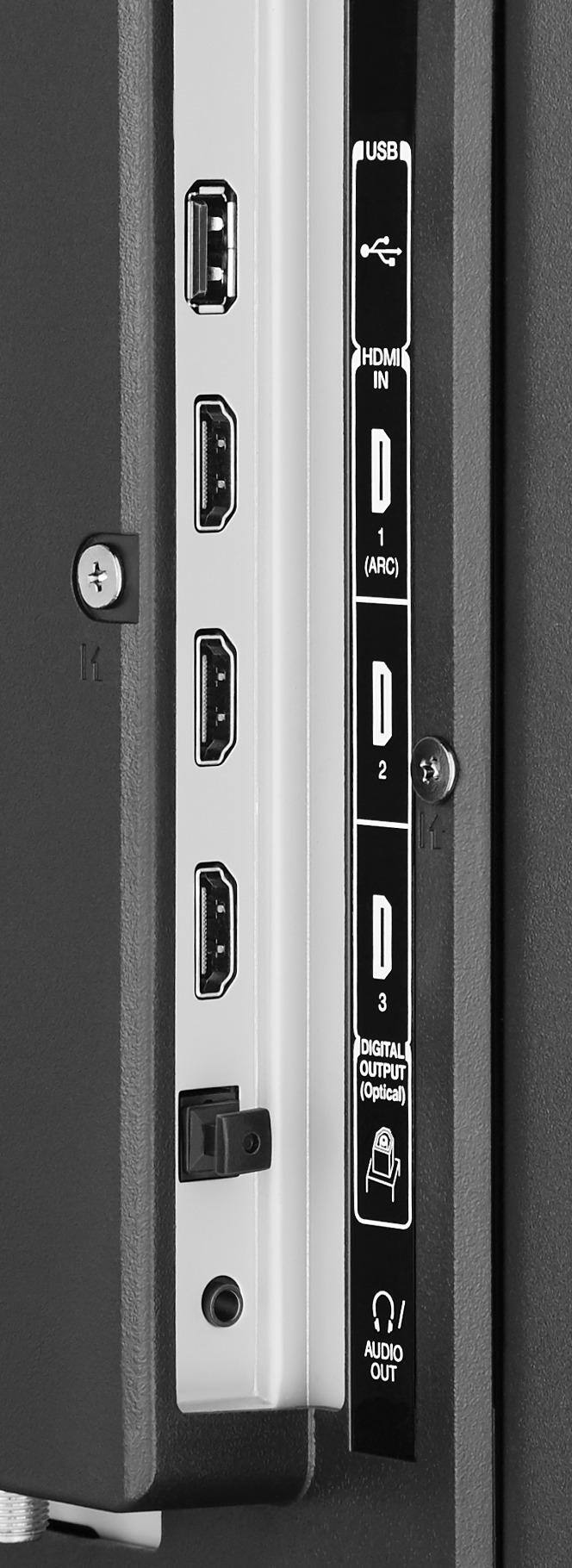
A:AnswerNo it does not have a motion sensor. Maybe if you have a hdmi device hooked up to it. That device may be turning it on. Or you have a neighbor with one of those ninja remotes and they’re messing with you. Of course the tv could be defective, or you have a ghost. Good luck.
A:AnswerI researched this and found out that you have to change the sound setting on your cable box. I have my sound on cable set as PCM to stop the loud chirps and sounds from changing channels or syncing with the different levels of sound from the cable box.
A:AnswerYou don't need to pay someone else to set up this TV. I am a 60+ year old technologically challenged woman and I set it up myself with no difficulty including the Chromecast/App.
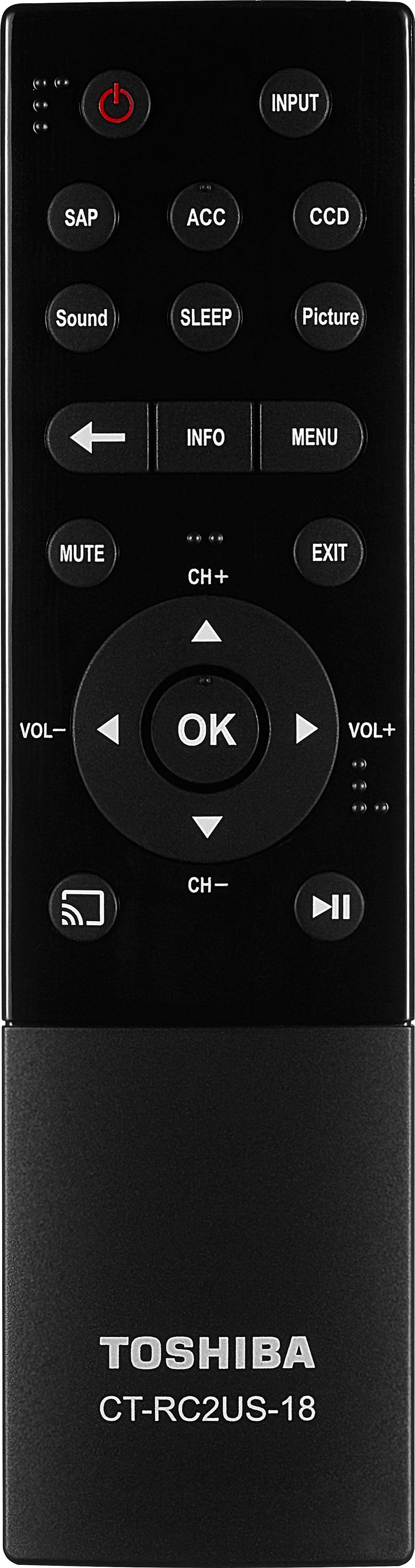
A:AnswerA chromecast uses your smartphone or tablet as the remote. You have to load the apps you want to use on some device then cast them to the tv, so there is not specific remote for any chromecast.
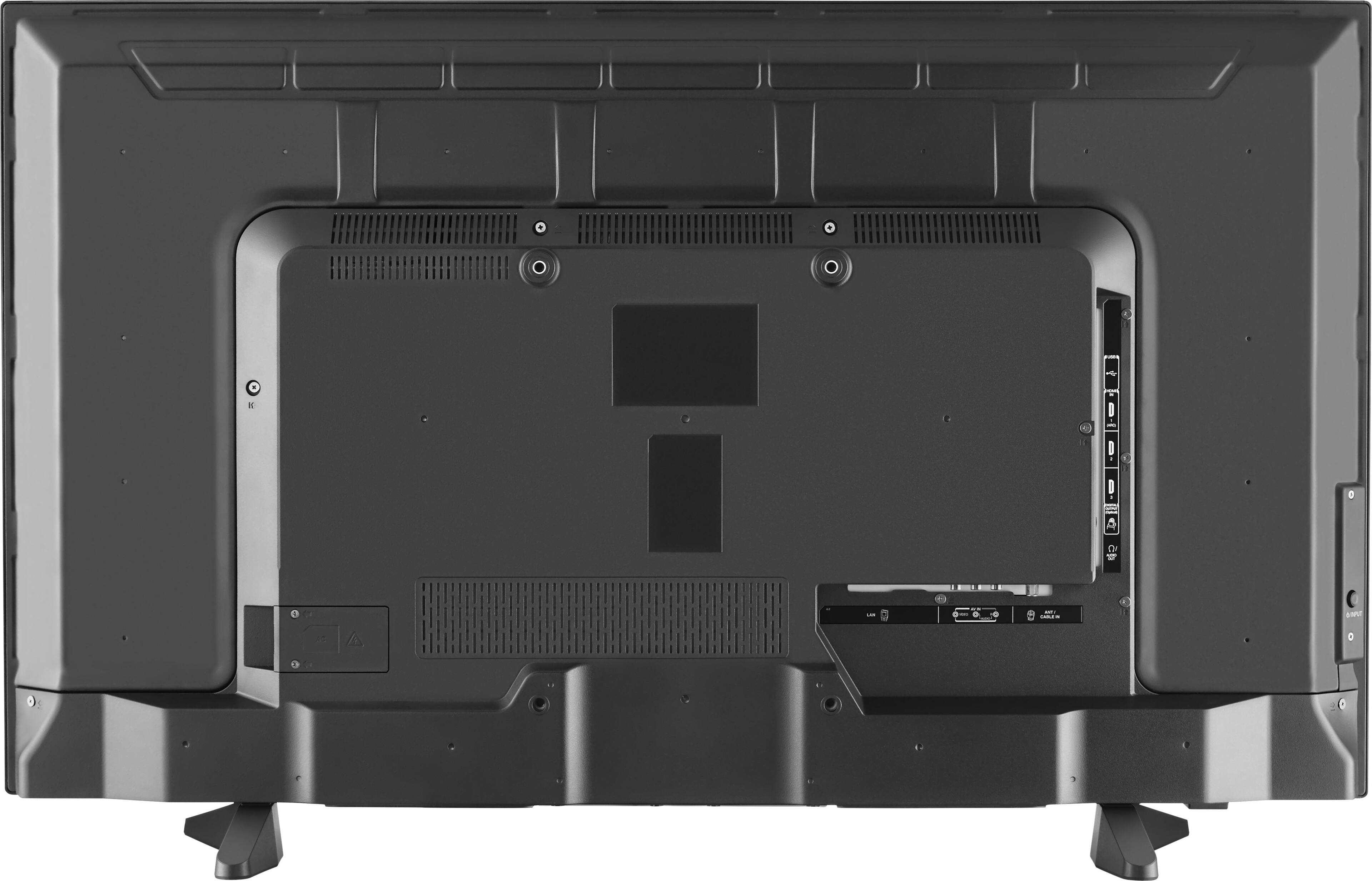
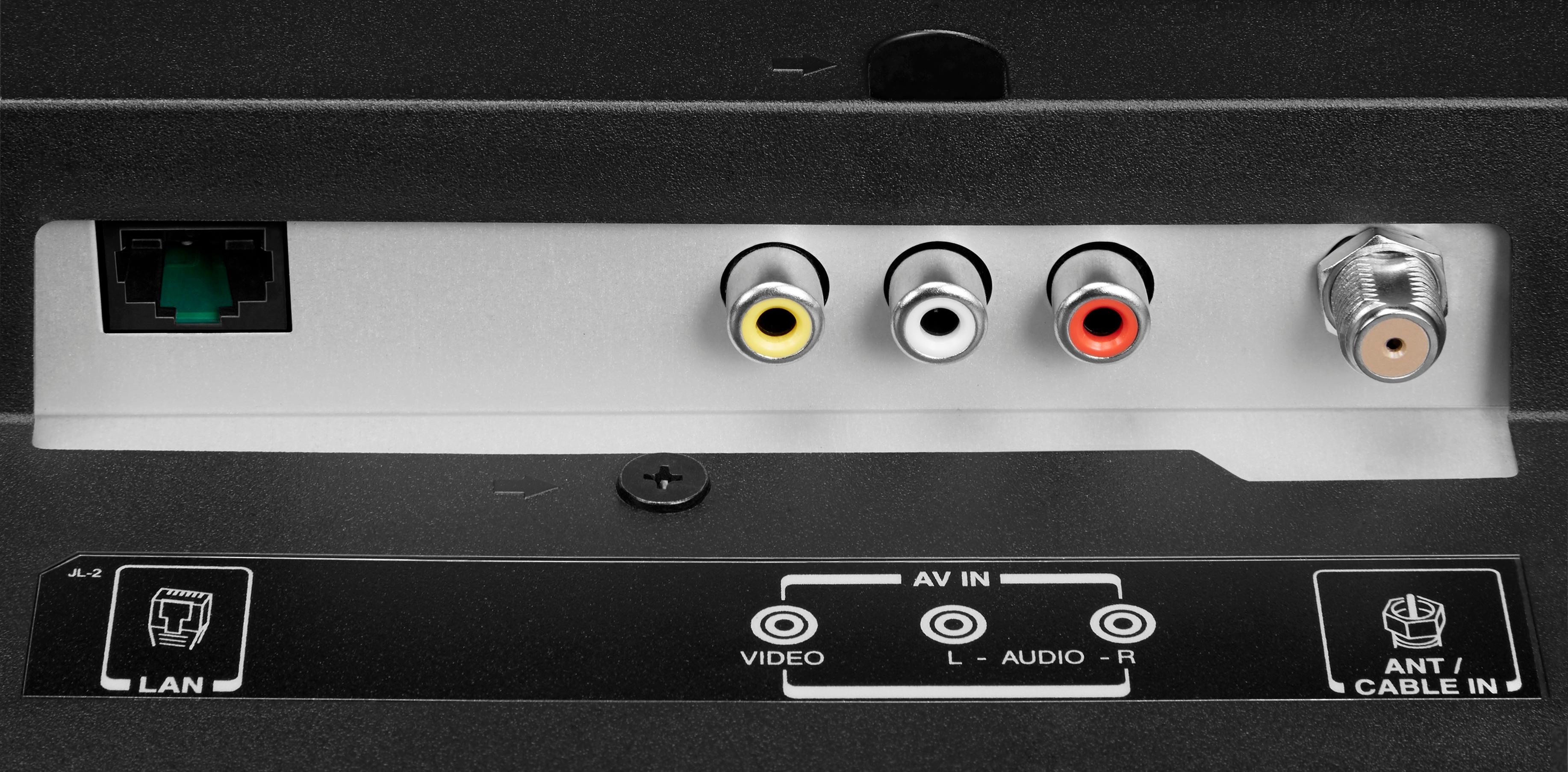
A:AnswerDepends on if you are talking about connecting to your FiOS set top box you change channels with. In that case you just connect using an hdmi cable. If you want to use the smart TV features like Netflix and Hulu then you need to run a cable from your FiOS router to the network port on the back of the TV. The set top box is like a cable box and is not your router, two separate boxes. Hope this helps.
A:AnswerI have seen this before and in my experience it is usually a download speed problem coupled with buffering of the signal. If it has anytime when it does not happen the buffer is full or throughput is fast enough to maintain the sync. If you pause and play and it corrects the sync, then the buffer caught up.
Not easy to say why it happens in every case. No telling if it's a slow source, a slow ISP on your end or too much traffic at some point on the way. It could be too much traffic coming into your home. If you are on a DSL it could be there is too much traffic in your general area for the DSL equipment to keep up with at that time. It may not happen all the time because others are not active in your area.
Most likely the problem is not originating in your TV, especially if a pause and play solves it for some time.
Hope this helps.
A:AnswerYes you can, any device with the chrome browser or google home app can be fully mirrored, to mirror a desktop from your pc launch google chrome and click on the 3 vertical dots in the upper right hand corner and select the cast option. By default it will attempt to cast the tab you have open but if you click the arrow beside where it says cast to you can change between cast tab and cast desktop, if you have multiple monitors you will be able to select which desktop is cast and weather to cast with or without sound.