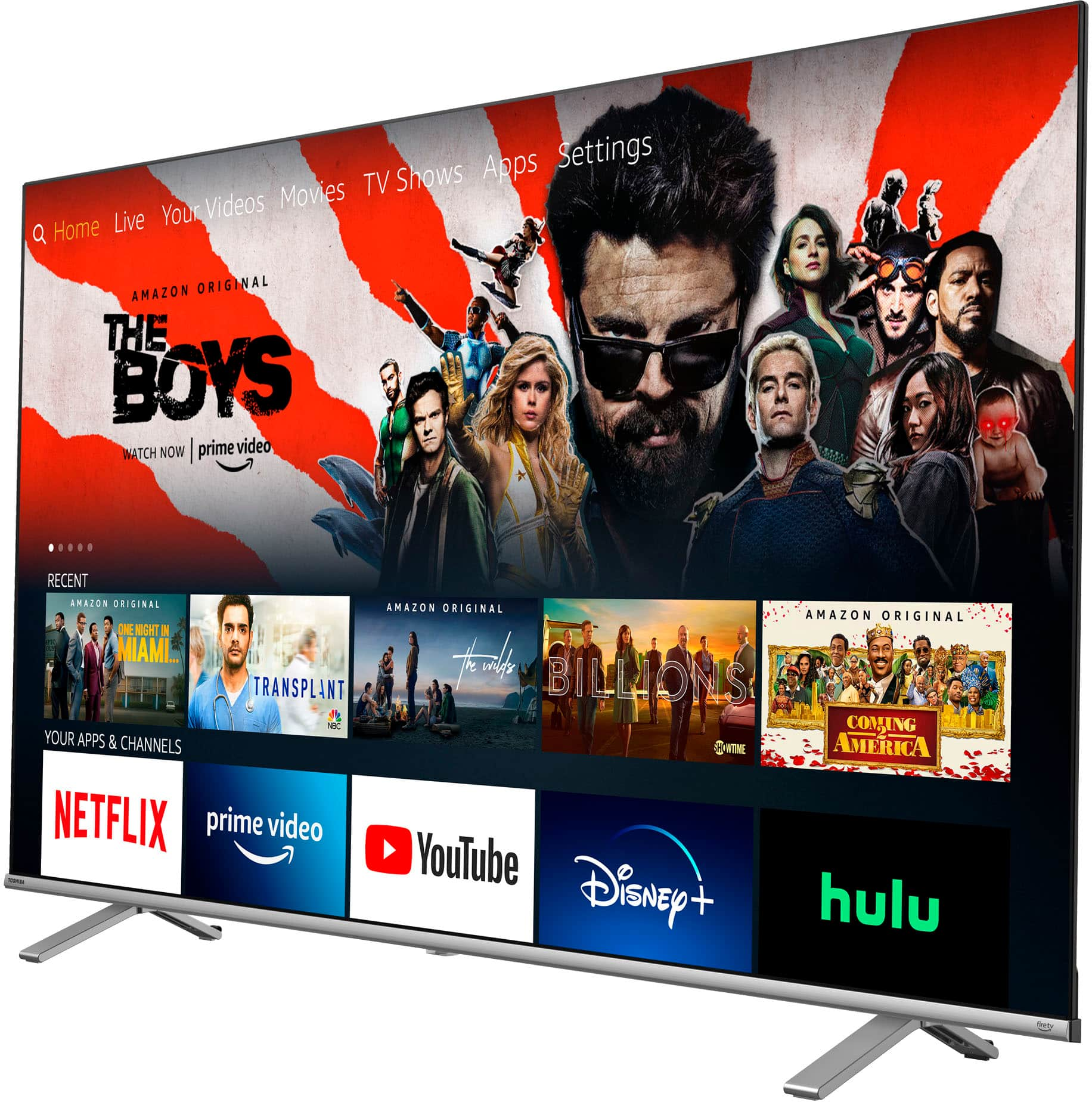
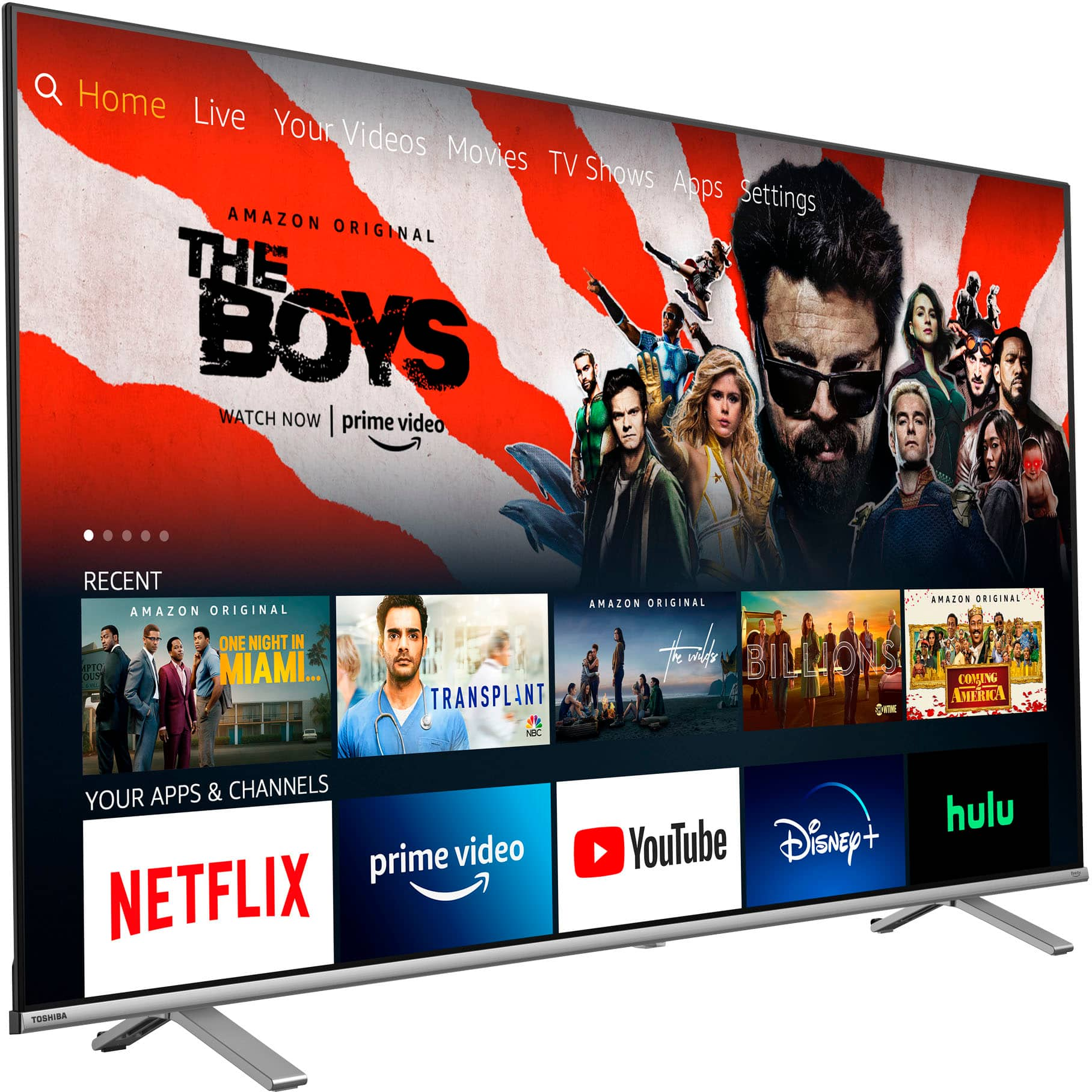
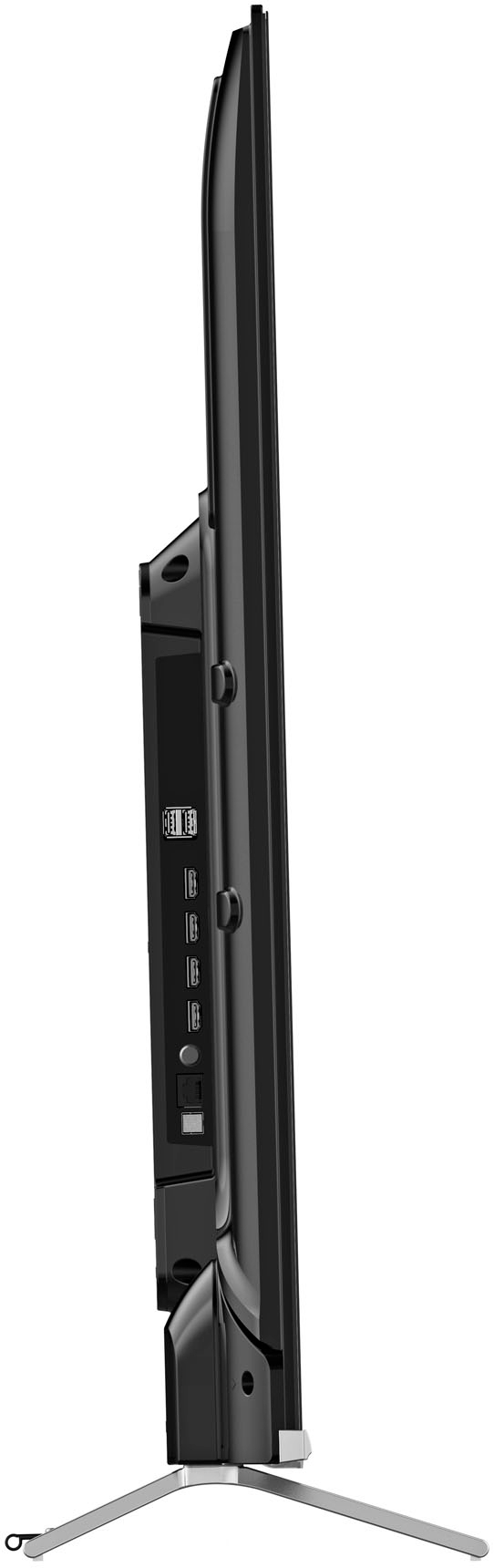
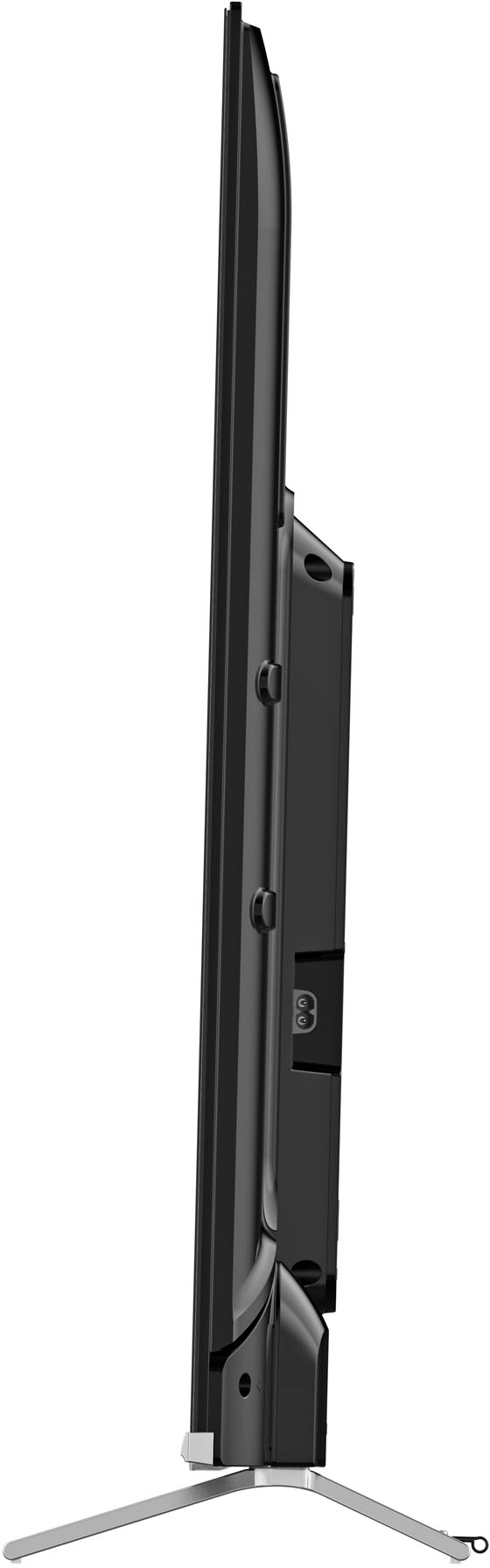
A:AnswerWe just came back from buying one and I asked the sales guy the same thing. He actually had to look at the internal system, then told us 11g. It also has a the ability to put more memory (flash drive?) in it. No other Fire tv in the store had that much storage. They seem to have 4g as opposed to 8g two yrs ago.
A:AnswerFound a portion of the question - the feature closest to what you're describing would allow the Toshiba Fire TV Smart TV to power on using the last HDMI input it was using. To set that up, navigate to Settings > Display & Sounds > Power On > Last Input. Thanks
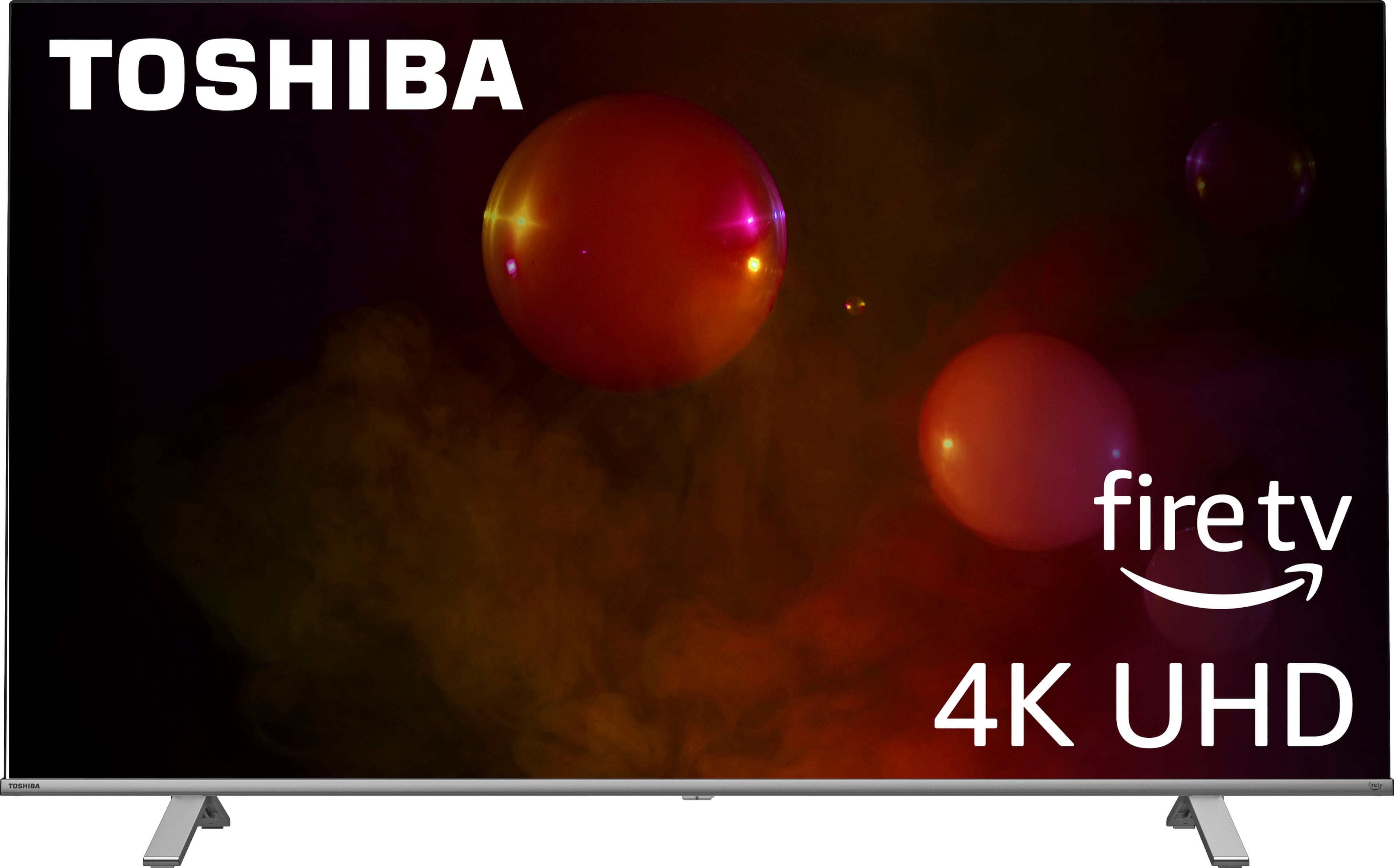
A:AnswerHi Sam, Thank you for your interest in the Toshiba 43C350KU. Yes this Tv has Bluetooth capabilities which you can use a Bluetooth headphone or speaker.
A:AnswerYou only need to register for Amazon acct online. It doesnt mean you have to buy anything tho. Its easy to do and does not require a credit card to do that. Its nice because they holds all your apps and if you ever need to do a reset, or change to a different Fire tv, your stuff will upload as it was before. Amazon is where your apps free or paid will come from so its kind of important to do that first from your computer or phone. I like the Amazon App on my android phone from Google Play.
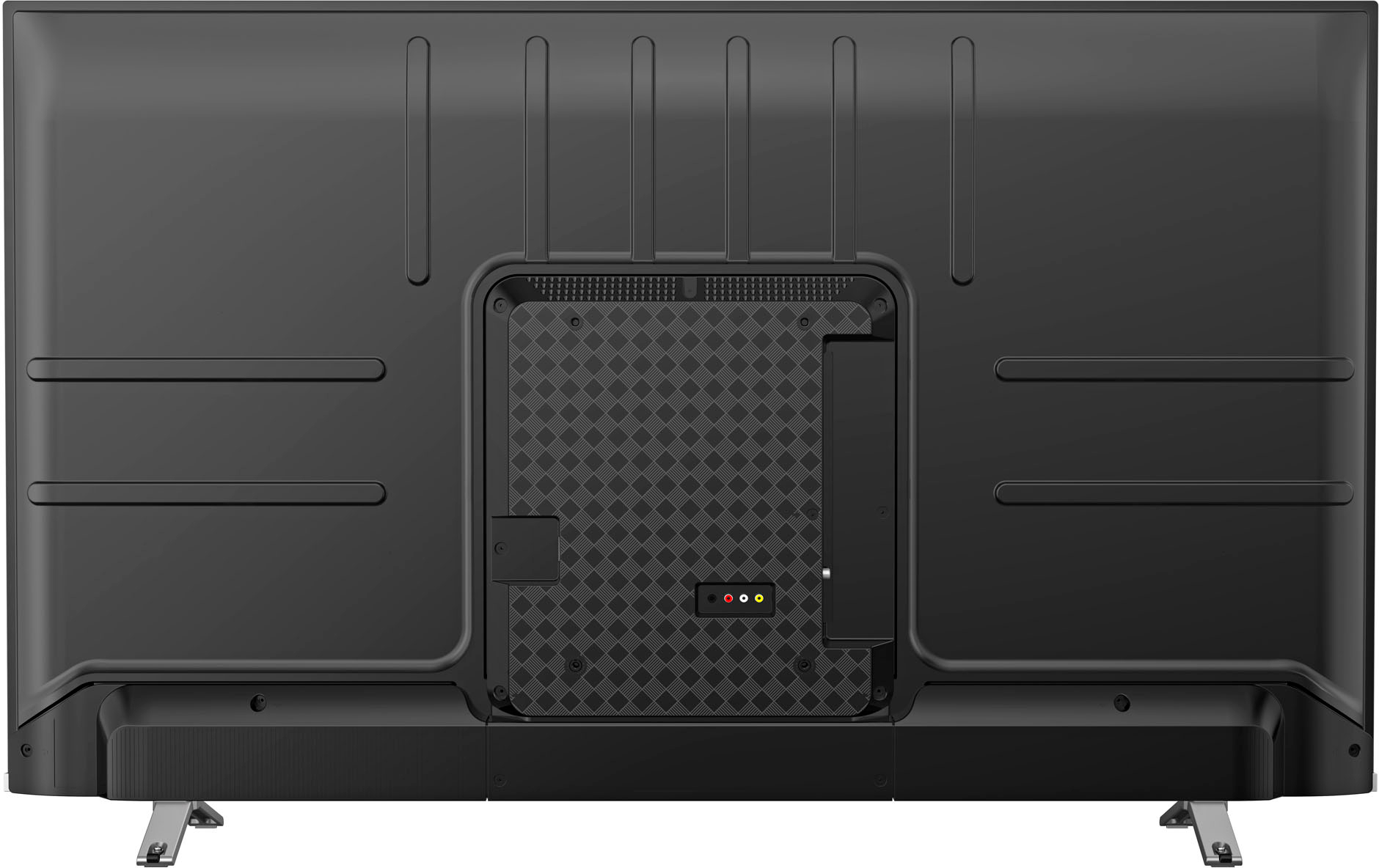
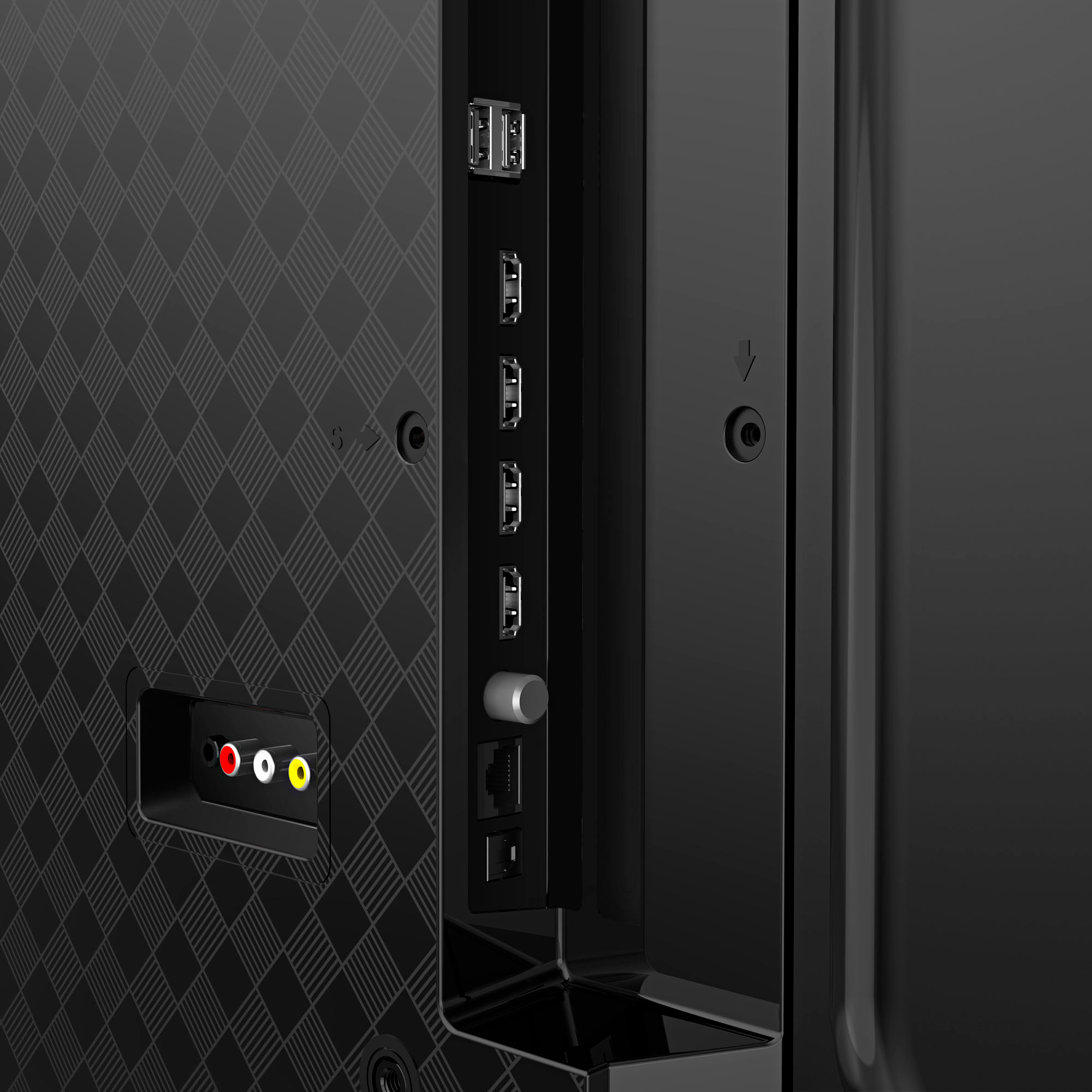
A:AnswerHello Derek, thank you for your interest in the Toshiba 43C350KU. The HDMI 1 input is the one that supports eARC. If you have any further questions or concerns, please give us a call at 1-888-407-0396 or email us at Support@Toshibatv-usa.com. Thanks again, Toshiba Support Team.
A:AnswerYes just like the firestick......if you have a fire stick and a tv imagine the two of them being combined on one remote half tv half firestick. and if you download the free tv apps pluto imdb xumo etc their channels are added to live tv guide line up on the firestick and just change from channel to channel without going to each app individually.
A:AnswerHas a an app library where you can download several apps including espn, netflix, hulu, disney+, paramount +, peacock, apple tv, fubo tv, prime video, you tube, youtube tv, tik tok, bally sports, hbo max and more
A:AnswerNot sure but seeing its a fire tv powered by Amazon chances are their internal software probably wont letyou down load a competitors browser...i have and android tv and i can use google play on that
A:AnswerYes. Under the settings box for “Display and Sounds”, bass and treble adjustments can be found under the “Sound Settings” menu item. This is also accessible from the remote by pressing the settings button (the little gear) and scrolling to “Sounds” at the bottom of the menu
A:AnswerHi Shen,
Put the speaker into Bluetooth pairing mode and make sure it is discoverable.
Navigate to the Bluetooth audio device list on your TV and select the speaker to pair with.
Toshiba Products
Lisa
http://tvna.compal-toshiba.com/us/en/
A:AnswerYes, To use Alexa via the voice remote, hold down the microphone button on the remote control ask what you want - you don't need to say "Alexa". You can also use an Amazon Echo, Echo Dot, or other Alexa-enabled device to control your Fire TV, meaning you don't even need the remote at all.
Rudson S.| Toshiba Support.
A:AnswerHello Rod! You can use the remote control of the TV to adjust the audio volume when it is connected to your hearing aid via Bluetooth. But that also depends on the model of your hearing aid. As there are hearing aid where you can adjust the volume though it.
Mary II Toshiba Customer Support