A:AnswerI have chosen basic on my new TV, have done all the steps, put it on HDMC1, when we go to put it on every morning it does not turn on automatically go right to cable. We have to go to settings and put it to HMDC1. Is there a way to not get that screen when turning on? Spoke to a rep yesterday and was disconnected and did not receive a call back. 43LF621U19
A:AnswerHello,
Thank you very much for your interest in our new Fire TV Edition TV.
To address your inquiry I'm glad to let you know that this TV does include a sleep timer for your convenience.
To access this, press and hold the Home button on your remote and select 'Sleep Timer' from the list to access this feature.
Arely R. - Toshiba Support
A:AnswerPress mic button at firestick for 10-20 seconds, then turn on the tv by releasing mic button and pressing power button on remote. It will be off
A:AnswerThe short answer is YES! (My 85 yo mother enjoys this TV very much). Just make sure that you make a change in the settings so that the TV will switch to HDMI-1 input automatically. Just go to Settings > Display& Sounds > Power On > change setting to Last Input. This will stop the TV going to the home page.
A:AnswerYes, there is a setting to automatically switch to previous input on power on.
Go to Settings > Display& Sounds > Power On > change setting to Last Input.
A:AnswerYes, but it has issues. You can't say "Alexa, turn on TV". You must say "Alexa, turn on Fire TV". If you want it to turn on to HDM1 you have to give it 2 Alexa commands. - "Alexa, turn on Fire TV" then "Alexa, switch to HDMI1" I don't think any Alexa commands can be use with Xfinity cable box. EX "Alexa, show me the cable guide" I could be wrong but maybe someone else can share. I can do some Xfinity TV commands with my Sammy QLED and Fire Cube box.
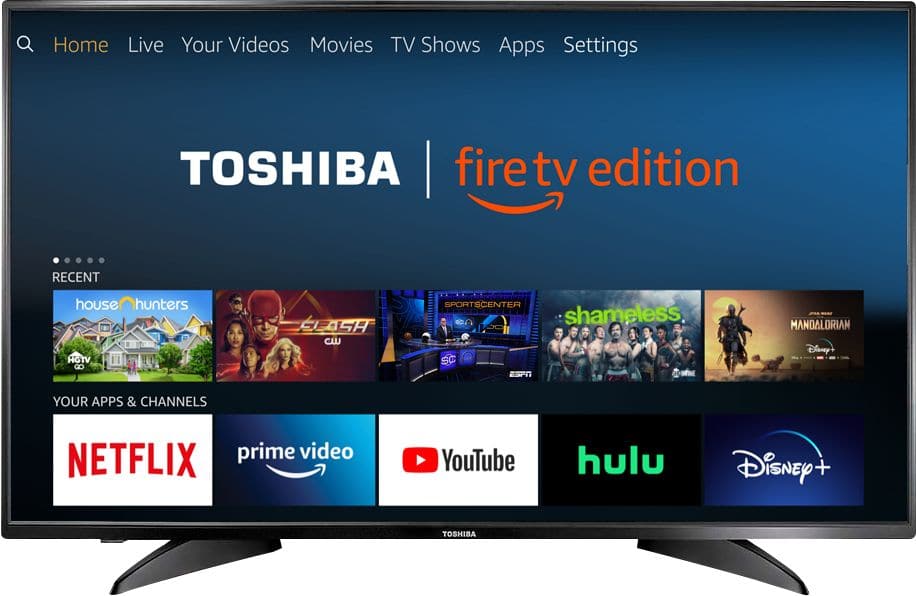
A:AnswerI utilized it as a computer monitor. I have a iMac that I use. The screen resolution is awesome and the TV will display the computer content along with sounds. Works great.
A:AnswerThis TV is everything you would hope for. It does have the built-in digital tuner. Also, the guide for the tuner is on the main "page" of the TV. In other words, you just scroll down to "on now" and there are the digital tuner channels. No switching inputs. Very easy and user friendly. However, I want to caution you about one very annoying thing, this TV does not play nice with a universal remote. If you want to have all of your AV equipment on one remote, you are somewhat out of luck. Everything will work except the power on. For some reason you have to use the original remote to turn it on.
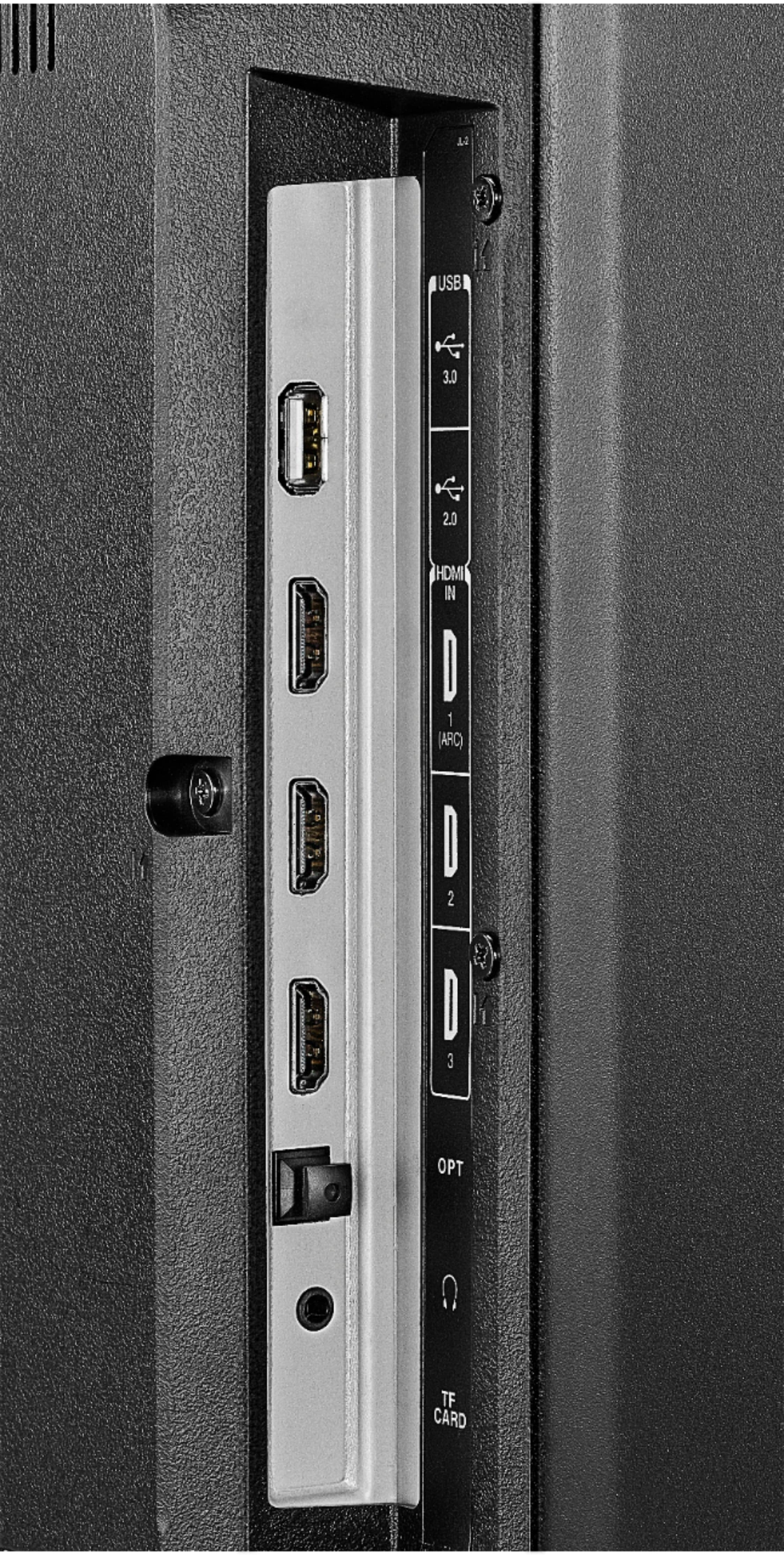
A:AnswerYou need to format the usb drive as FAT32.
You also need to download the VLC player app.
That app will allow you to watch videos from the usb drive, shared drives on your network, or internet locations.
A:AnswerOne of the reviews mentioned not being able to use their tv providers remote but I personally had no problem connecting my cox remote tv. All I had to do is enter my remote code. The only problem I find is the cox remote will turn tv on and adjust volume and cox channels even inputs etc but it doesn’t work using alexa as my remote doesn’t do voice and doesn’t work with the prime video choices I use the tv remote for that. . So far I love the tv. Hope this helps!