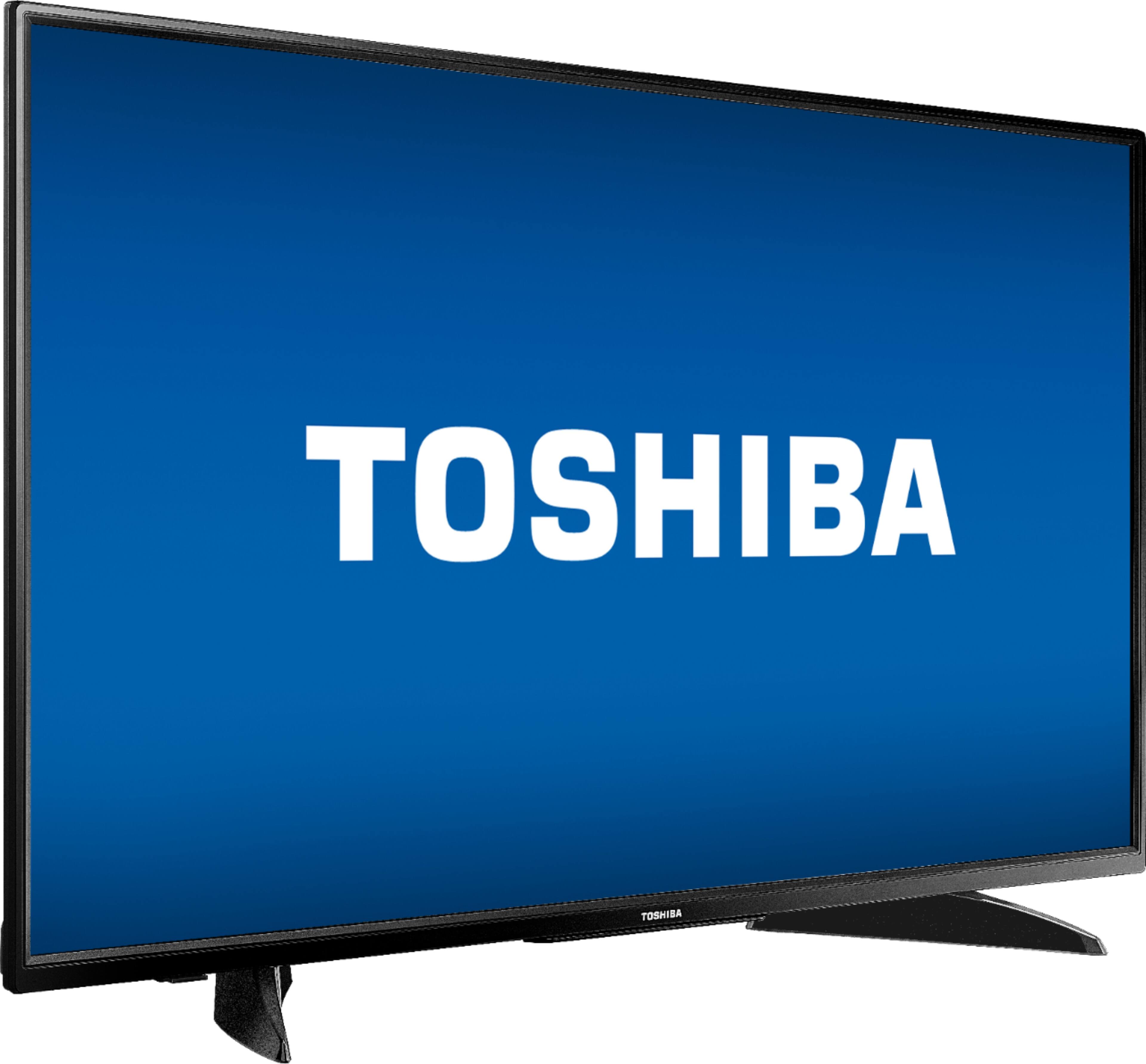
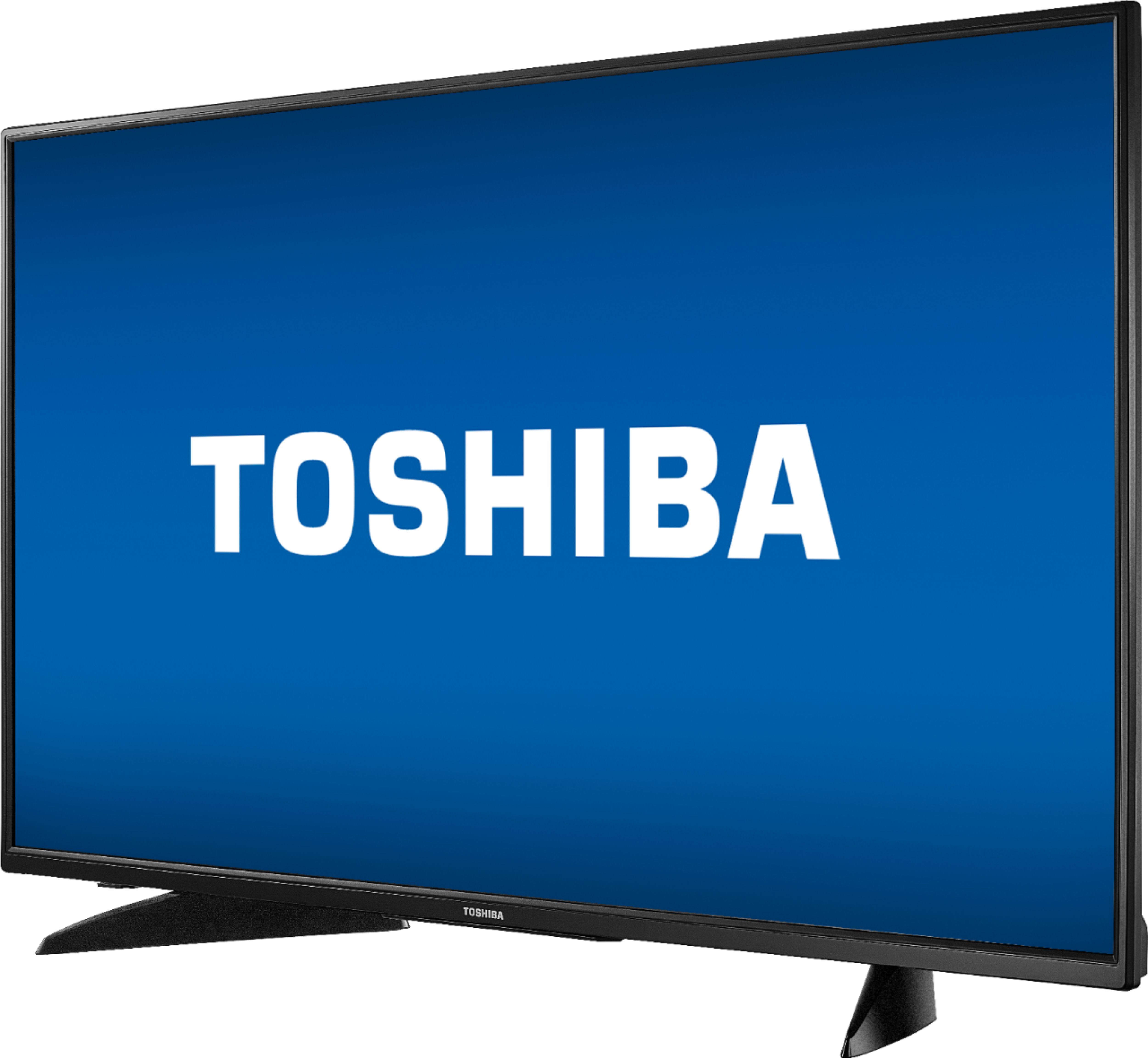
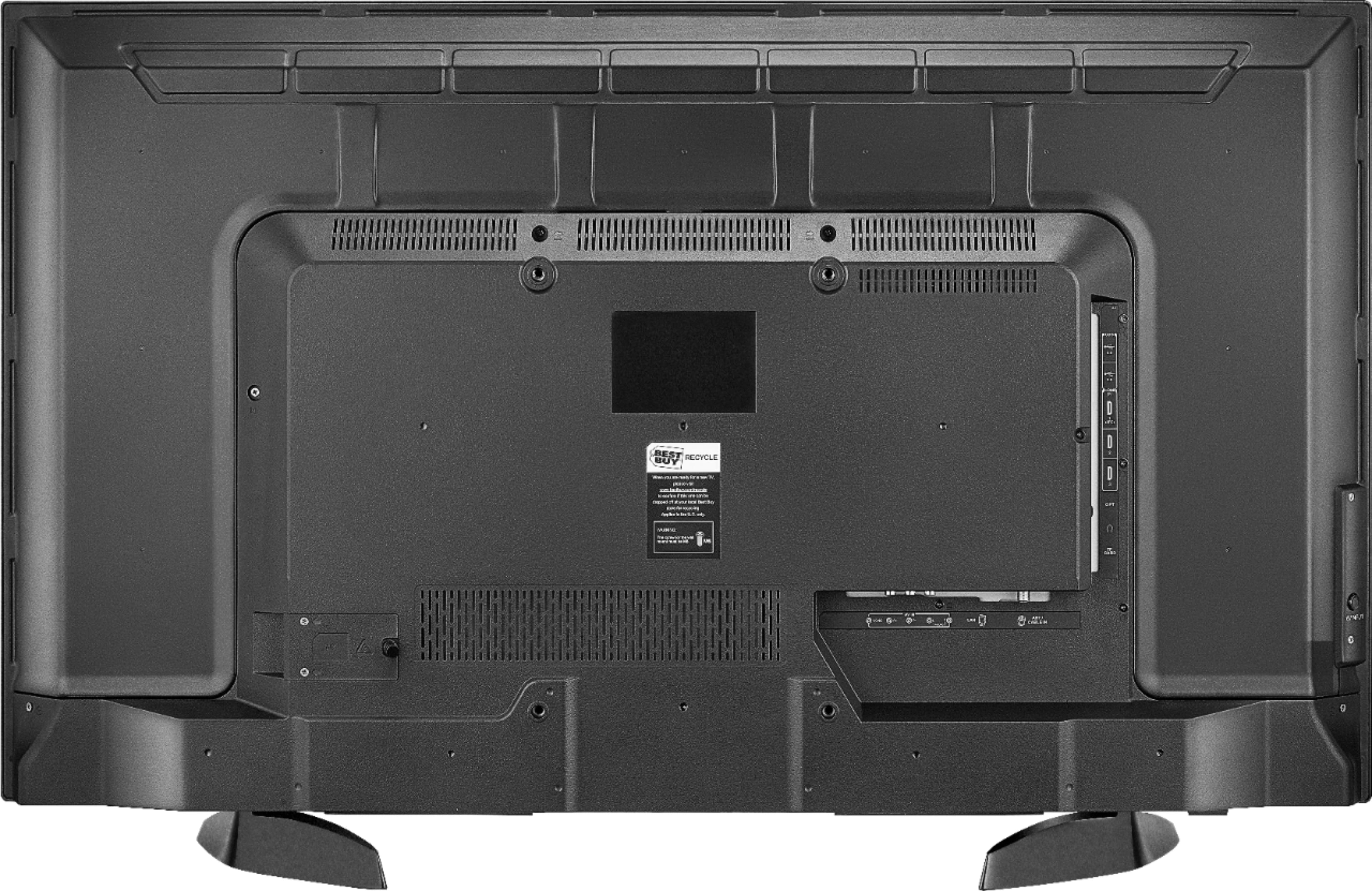
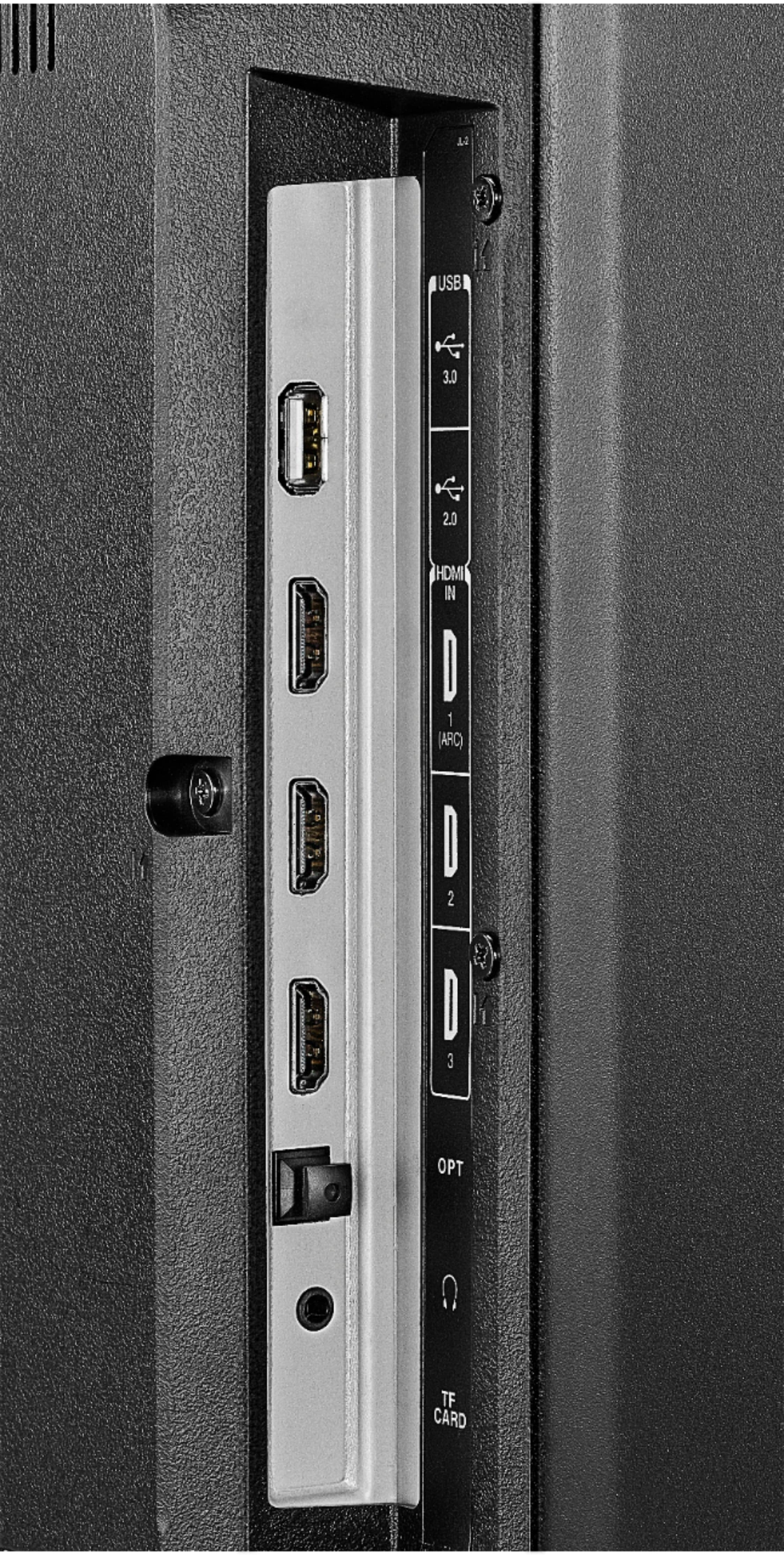
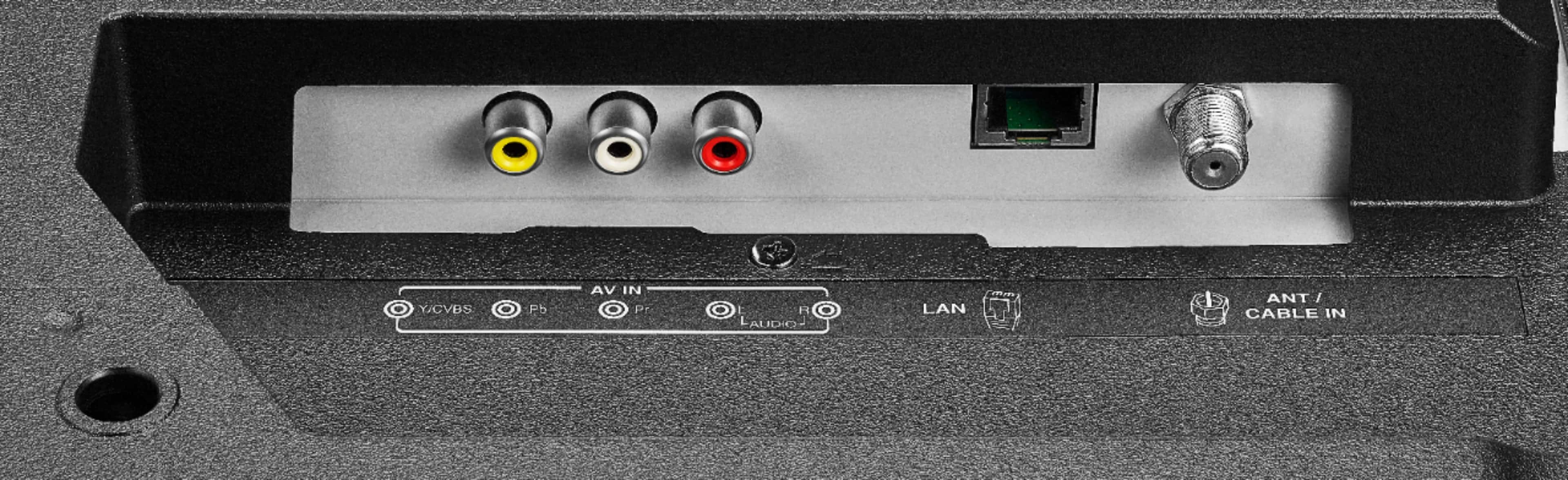
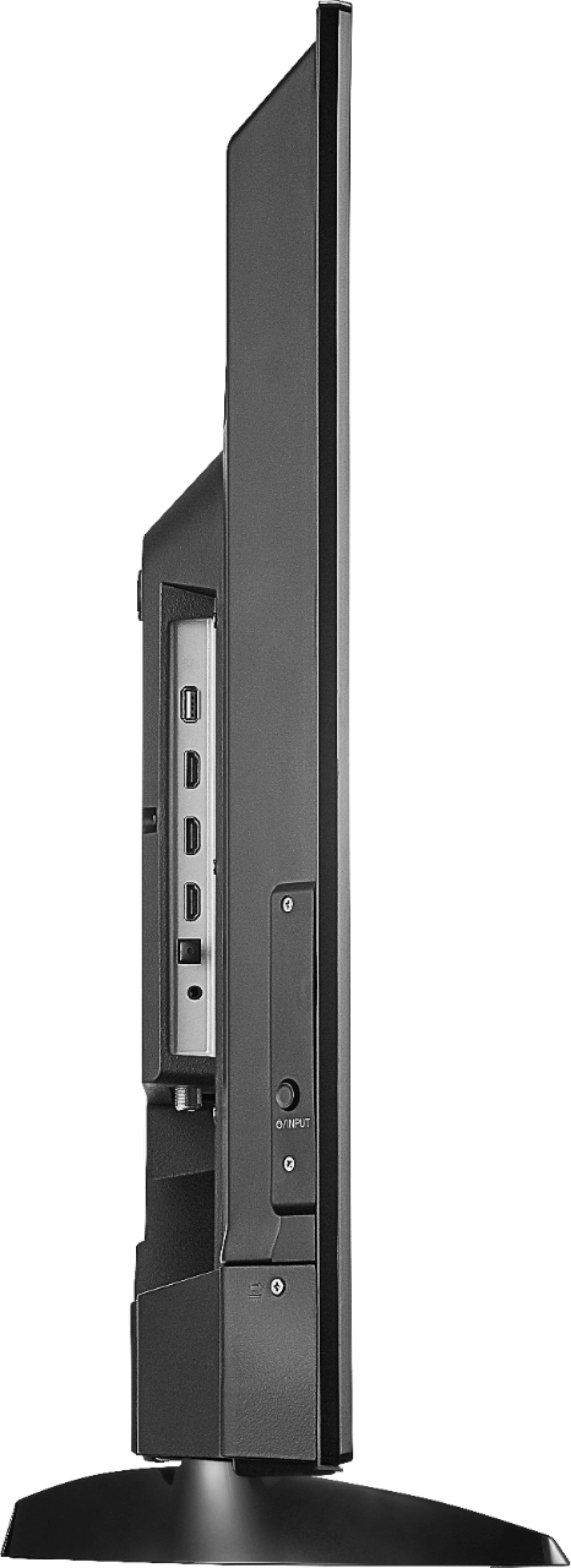
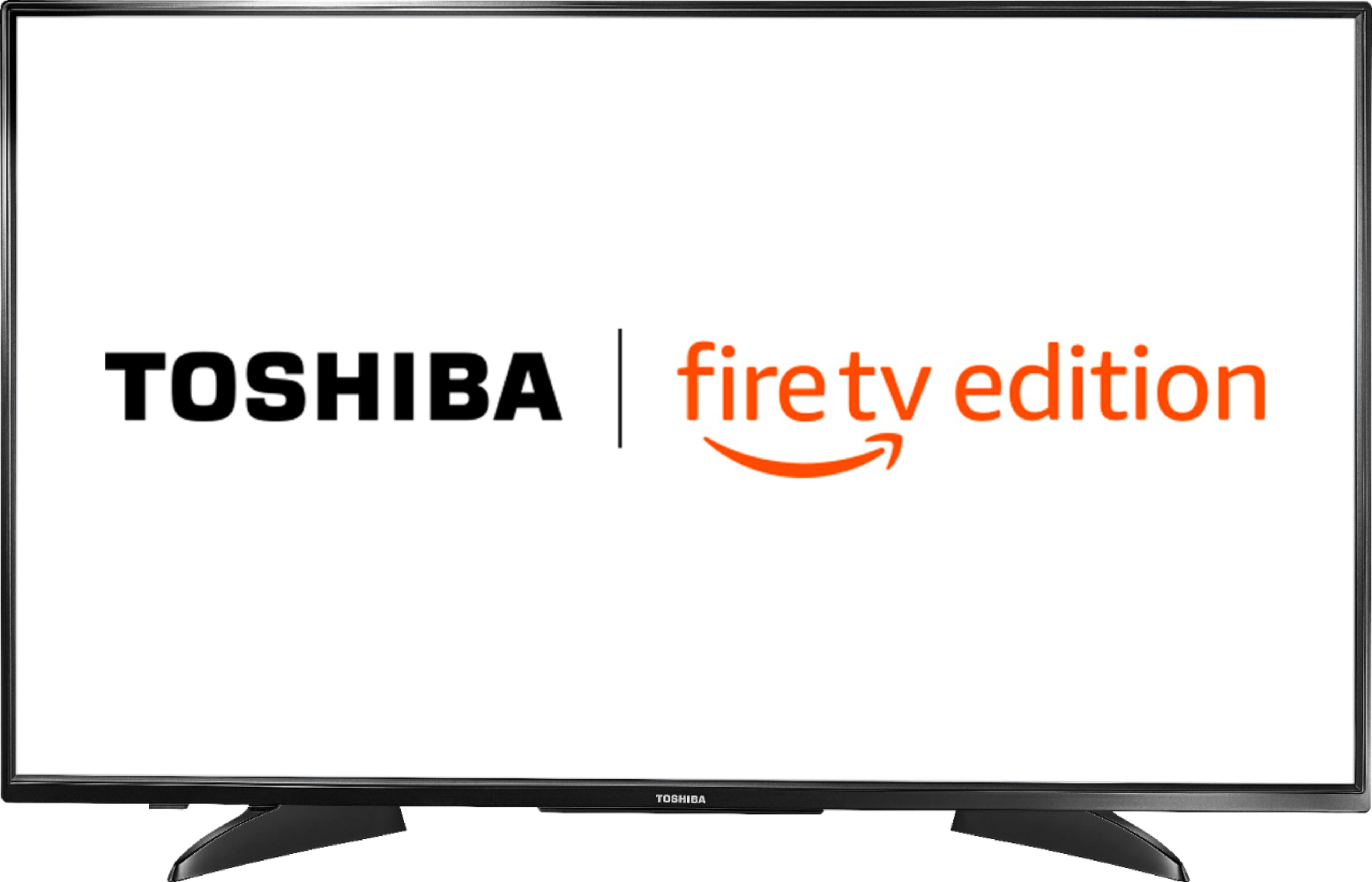
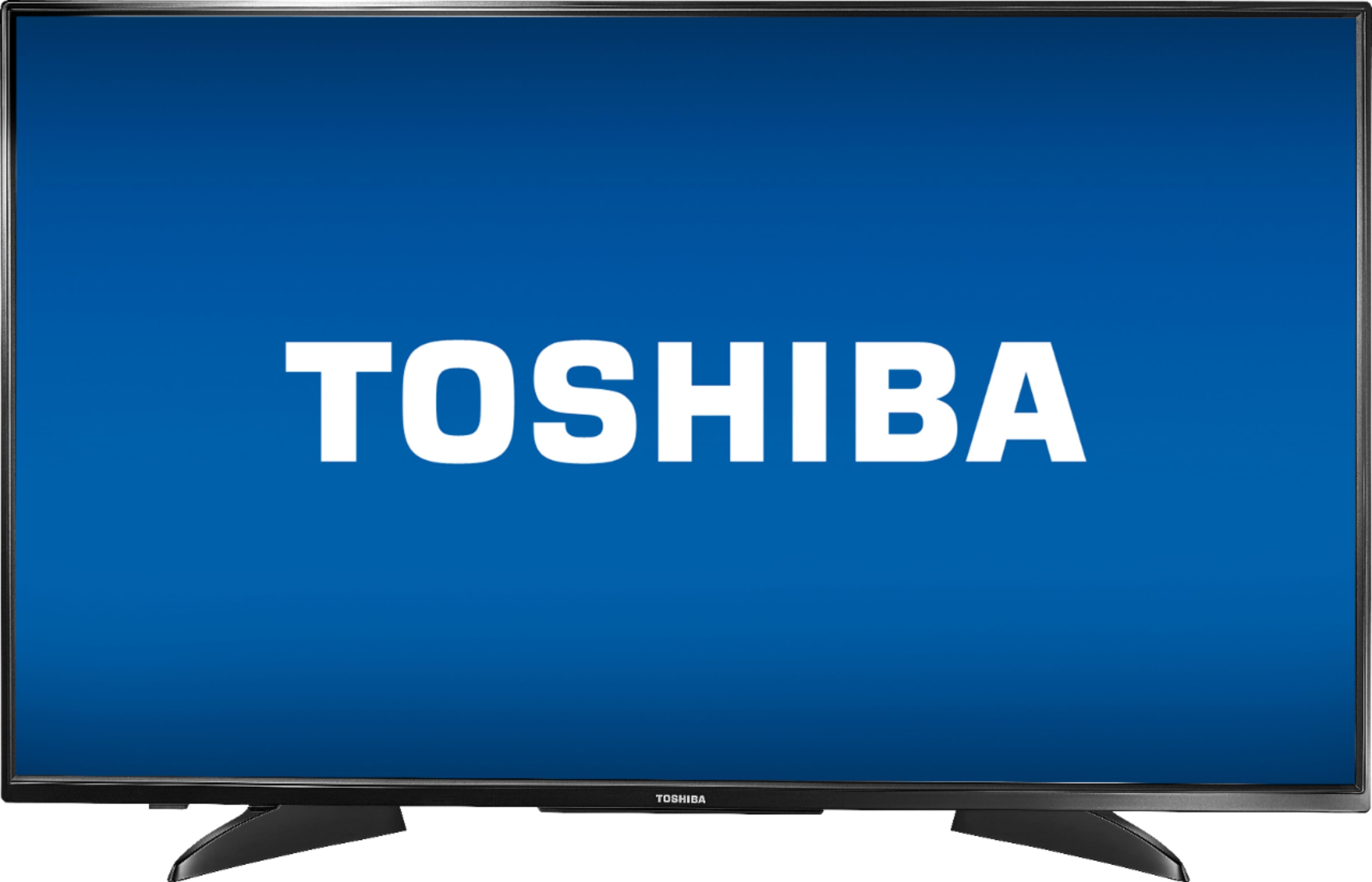
A:AnswerMine didn’t sync with the sound bar so I turned off the tv speakers. But make sure the hdmi is plugged into the port that says “arc” that’s the one that turns on the sound for the bar. If it’s still not working and the bar is new too you may need to download an app that goes with it? We bought the Bose 700 and it didn’t work till we went thru the steps
A:AnswerFor troubleshooting and personalized assistance, please call 1 (855) 527-2411 available from 8 am to 9 pm CT everyday.
David M. - Toshiba Support
A:AnswerThis TV has only one Power/Input button.
The replacement remote Model: NS-RCFNA-19 is available at Best Buy.
Also, you can download the Amazon Fire TV app on your Smartphone to control your TV over Wi-Fi.
David M. - Toshiba Support
A:AnswerJust connect your cable box using and HDMI cable.
For personalized assistance, please call 1 (855) 527-2411 available from 8 am to 9 pm CT everyday.
David M. - Toshiba Support
A:AnswerTo get help pairing your remote, please visit:
amazon.com/gp/help/customer/display.html?nodeId=GEARX33JWH4K6WHJ
If you require personalized assistance, please call 1 (855) 527-2411 available from 8 am to 9 pm CT everyday.
A:AnswerThis TV supports 4K UHD content, you just have to play 4K UHD content.
While watching a video, long press the Home button to launch the Quick Access menu,
select Info to see the resolution of the video that is playing.
David M. - Toshiba Support
A:AnswerThis TV includes one Remote in the box.
You can download the Amazon Fire TV app on your smartphone to control the TV over Wi-Fi.
This TV does not come with HDMI cables.
David M. - Toshiba Support