A:AnswerHi,
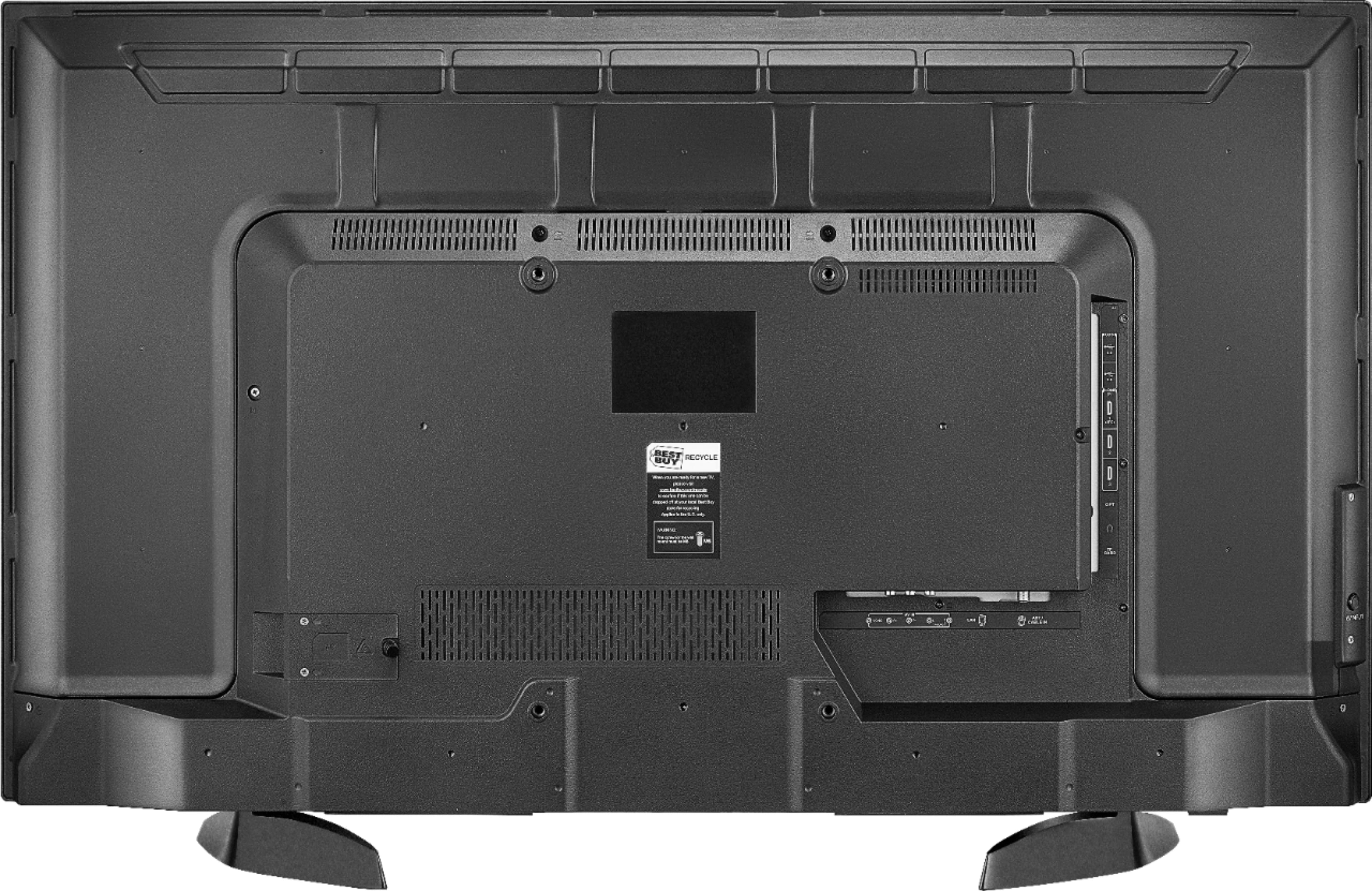
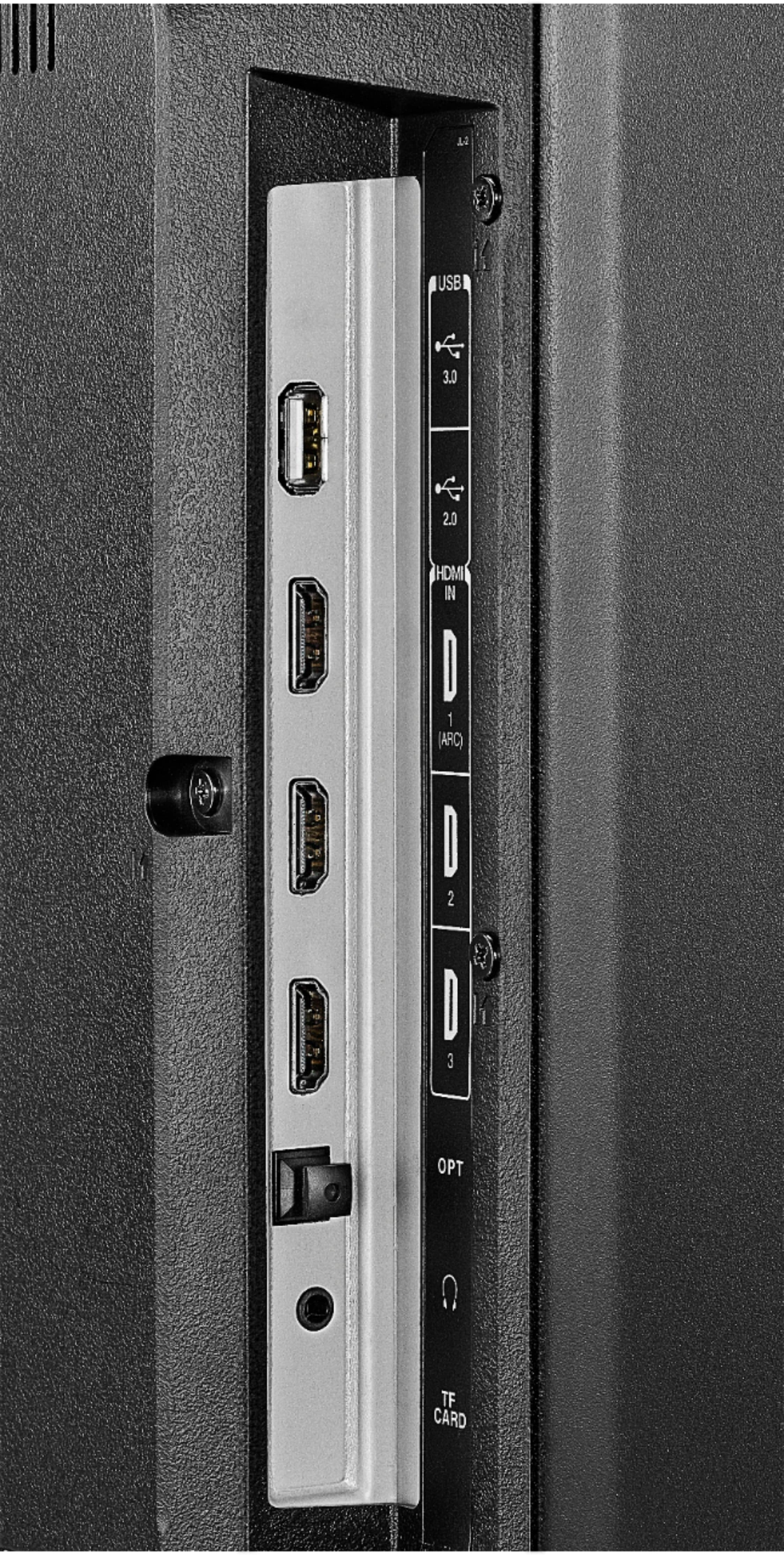
Yes, you can plug your Roku Stick or any other device using an HDMI port and it will work. Remember to use the remote of the Roku device to control your apps from it.
Alan O. - Toshiba Support
A:AnswerFor example a Wall Mount that supports up to VESA 400 x 400 should work.
To purchase a professional installation service please visit geeksquad.com
David M. - Toshiba Support
A:AnswerTo pair a Bluetooth device, go Home > Settings > Controllers & Bluetooth Devices.
For more information, please visit:
https://www.amazon.com/gp/help/customer/display.html?nodeId=GSBSBL44Y4QM59FV
David M. - Toshiba Support
A:AnswerPress the TV button on the remote to launch the Live TV guide, press up or down to navigate through the list and press the center to start watching the highlighted channel.
David M. - Toshiba Support
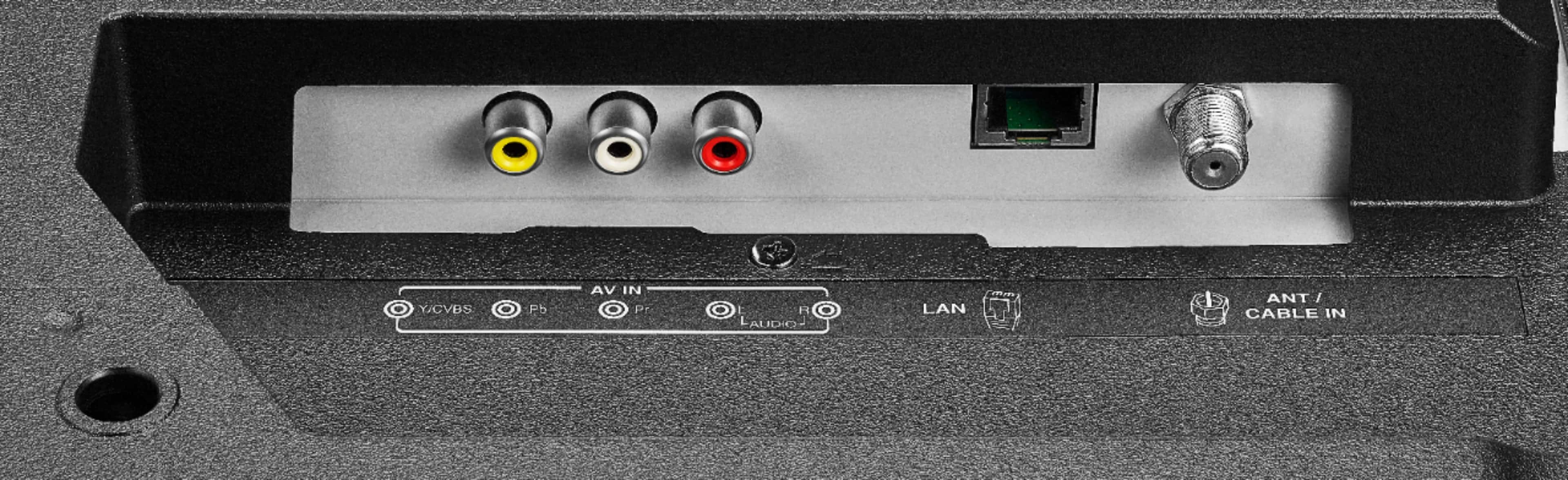
A:AnswerIf your cable box has no HDMI output and your only option is RF output to the TV's RF input, then: Do a channel scan on the TV, so it "sees" the analog channel (3?) of the cable box's output.
A:AnswerThe Fire TV Edition television does not feature AirPlay.
You can connect an Apple TV box to the television using an HDMI cable.
David M. - Toshiba Support