A:AnswerYes, as long as each outlet returns to the same main circuit/breaker panel, this will allow for more flexibility of installation and connectivity.
A:AnswerNo, Powerline adapters must be on the same main circuit (panel) to establish a network connection -- they cannot traverse multiple circuit panels or sub-panels.
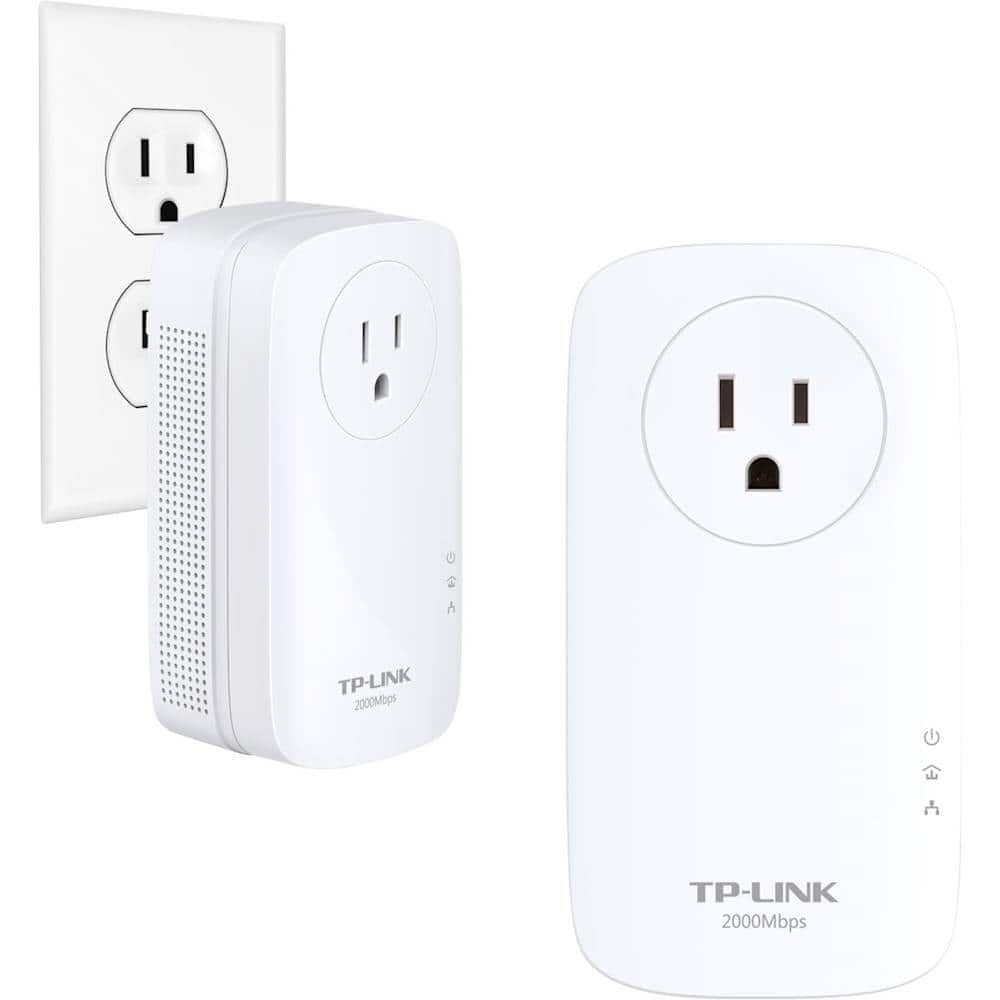
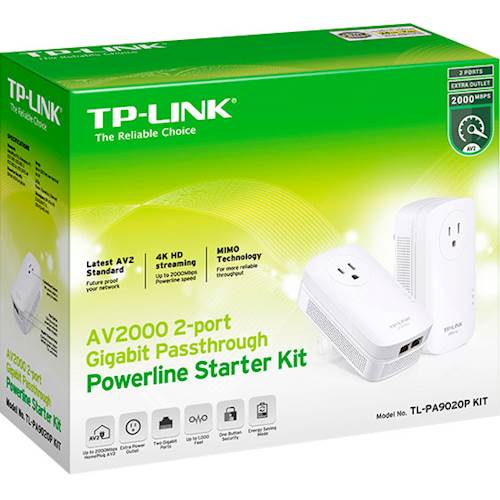
A:AnswerThis system has no power cords, it plugs directly into an outlet and has 2 ethernet connections and a built in outlet on the front as it will block the 2nd wall outlet due to it's size. You will need a longer ethernet cable to connect to your router as the two supplied are only 6.5 ft long.
A:AnswerThe unit does take up some of the upper outlet. I was unable to use a typical three pronged plug with this plugged in. I was able to use a two prong extension cord in the upper outlet with no problem. I also am able to use a strip in the pass through outlet.
A:AnswerUnder ideal conditions, the TL-PA9020P Kit can transmit up to 300 meters over wiring within the same main circuit (panel). However, connectivity will vary due to network environment variables including: distance between adapters, network traffic, noise on electrical wires, building material and construction, quality of electrical installation and other adverse conditions.
Regards,
TP-Link Support
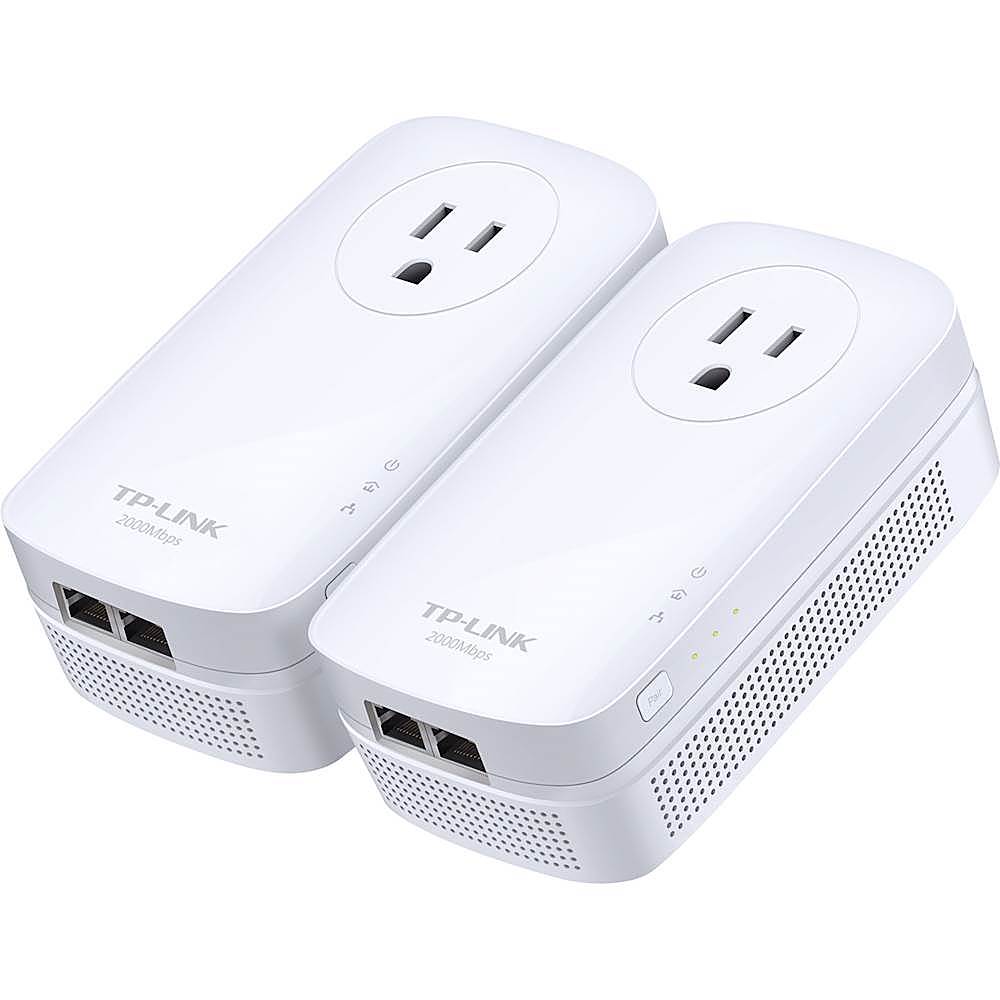
A:AnswerSimply ensure that both Powerline adapters are plugged directly into wall outlets, and are on the same main circuit panel in your home, and you'll be ready to enjoy expanded Ethernet connectivity. Please bear in mind one of the adapters must be connected to your network (i.e. to the router via Ethernet cable), and that the outlets must be three prong (includes ground).
Regards,
TP-Link Support
A:AnswerYes, our Powerline products support 100 - 240V 50/60Hz. Please be sure to use the appropriate socket adapter if traveling.
Regards,
TP-Link Support

A:AnswerPowerline adapter should be plugged directly into wall outlets. Devices such as power strips and surge protectors will directly interfere with the Powerline connection.