Questions & Answers
- Model:
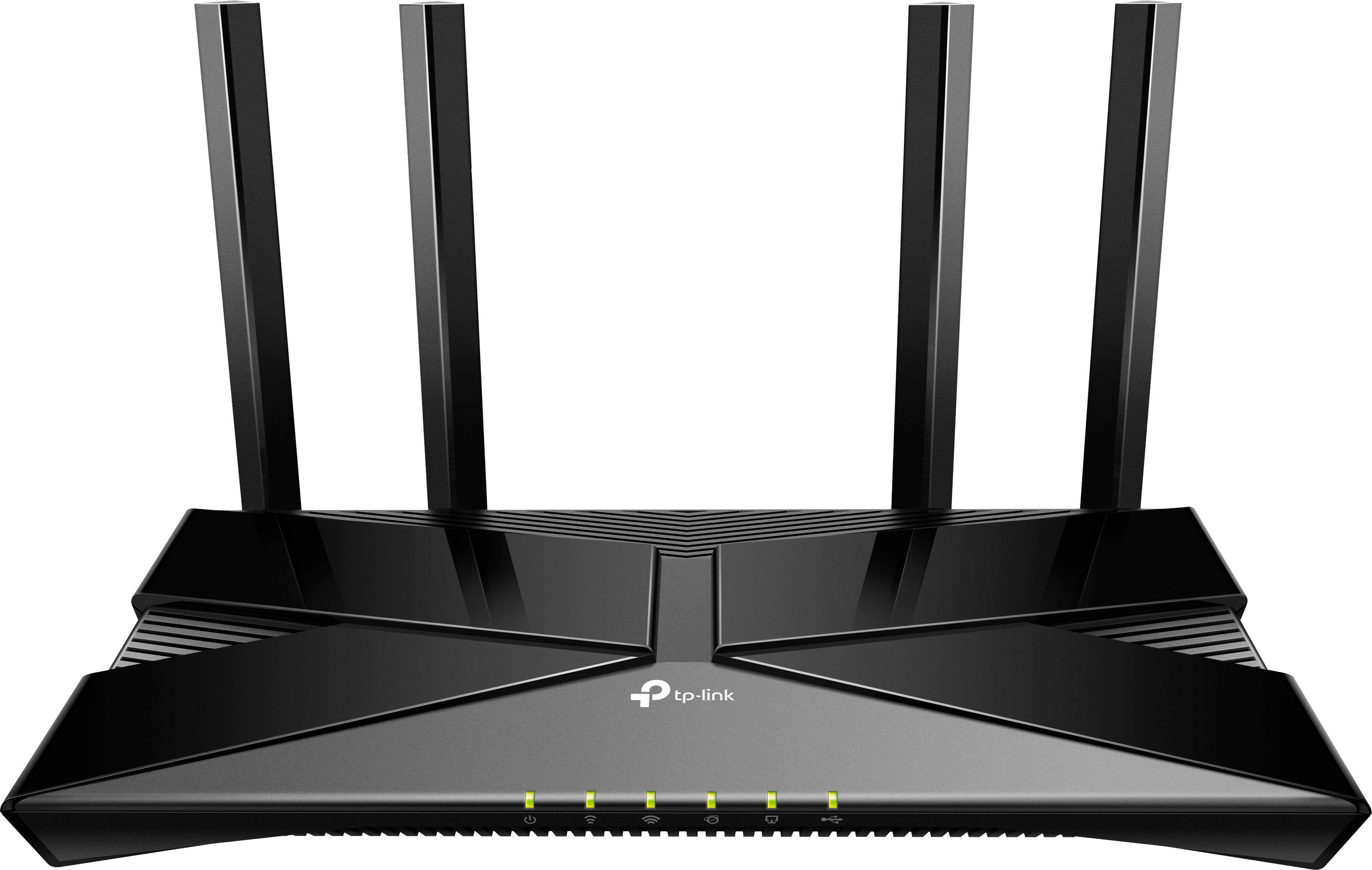
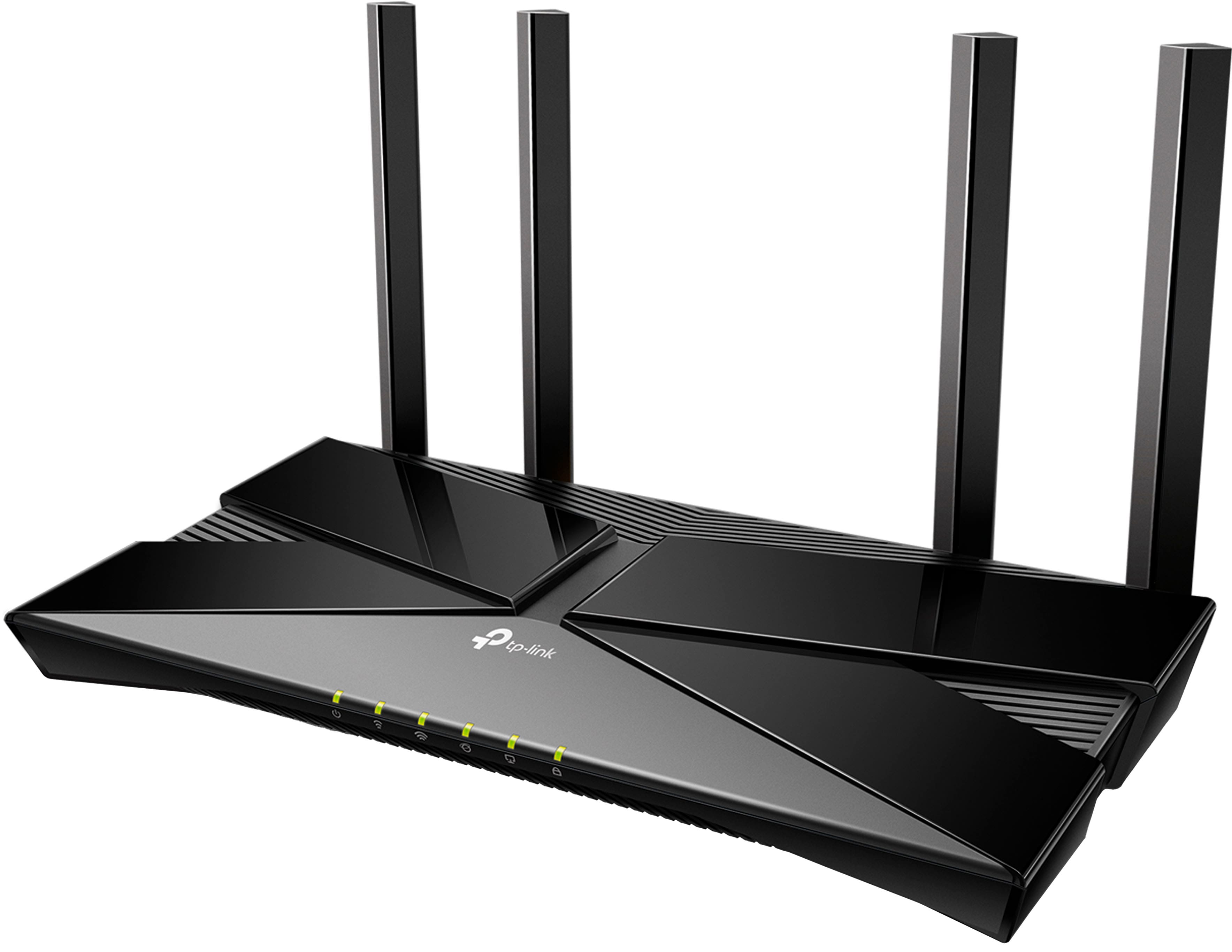
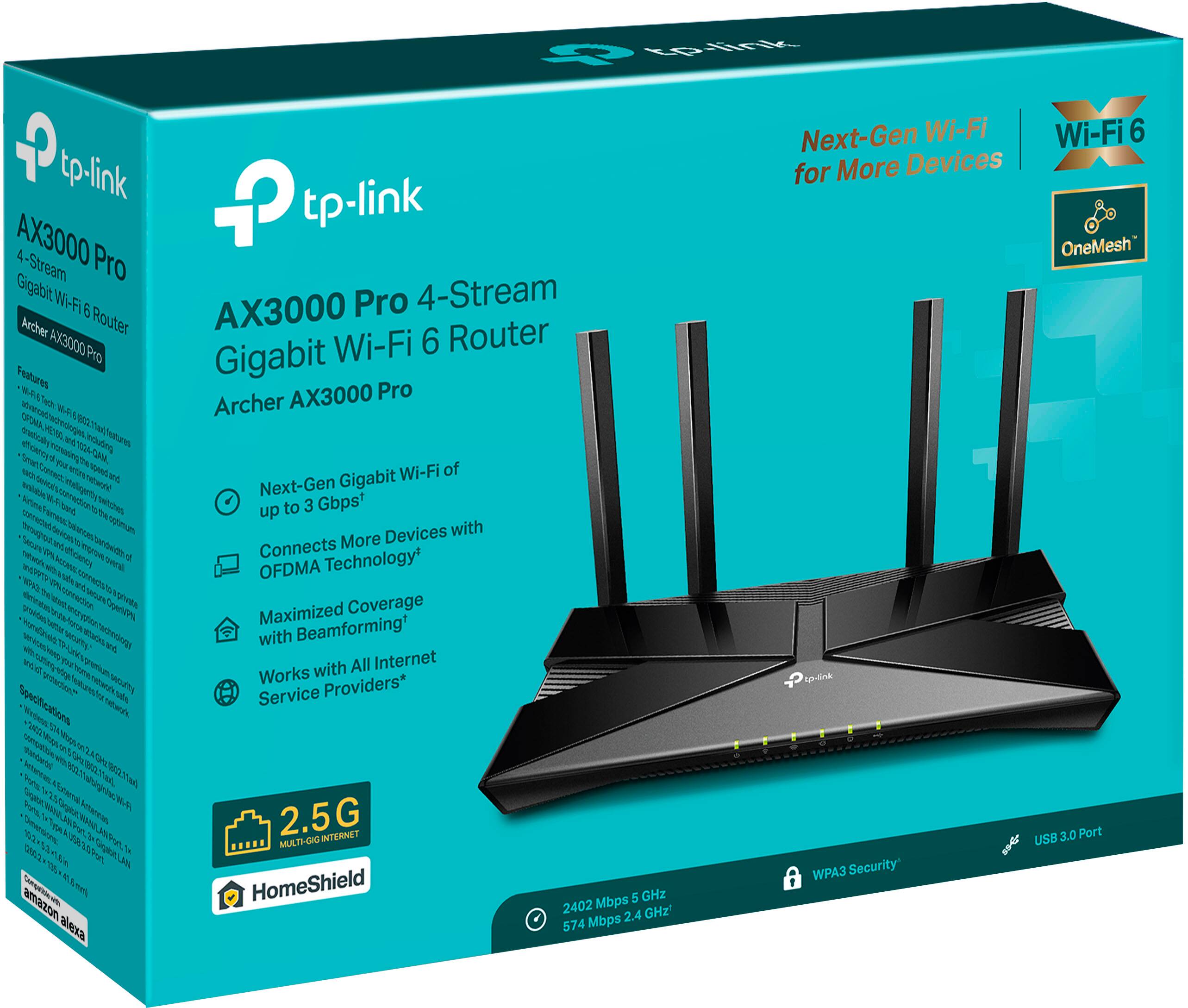
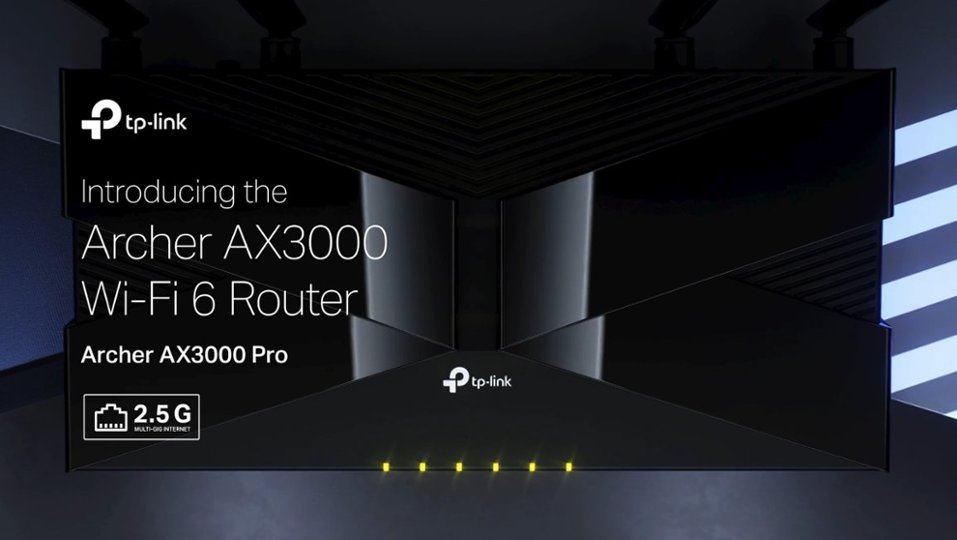
- Archer AX3000 Pro
- |
- SKU:
- 6502056
Q: QuestionHow many networks can be configured on the router?
Asked by Datgrl.
- A:Answer up to 4 in total. 2 main and 2 guest
Answered by TPLinkSupport

Q: QuestionCan this internet connection work good in a basement for streaming?
Asked by lilbear.
- A:Answer Hi lilbear, The Archer AX3000 Pro is designed to offer reliable, dual-band AX3000 Wi-Fi 6 connectivity for your network. Please note that this router does not generate its own Internet connection; it must be connected to an existing Internet source (such as a modem, ONT, or gateway) in your home before providing Internet access over Wi-Fi and Ethernet to your devices.
Answered by TPLinkSupport

Q: QuestionCan I use a VPN with this router?
Asked by Jmndoc.
- A:Answer Hi Jmndoc, Yes, you can use VPN client software (e.g., a VPN app on your phone or PC) on each device to connect to your VPN service provider. The Archer AX3000 Pro also supports OpenVPN, PPTP VPN, and WireGuard VPN capabilities.
Answered by TPLinkSupport

Q: QuestionCan a printer use the USB port?
Asked by Terry.
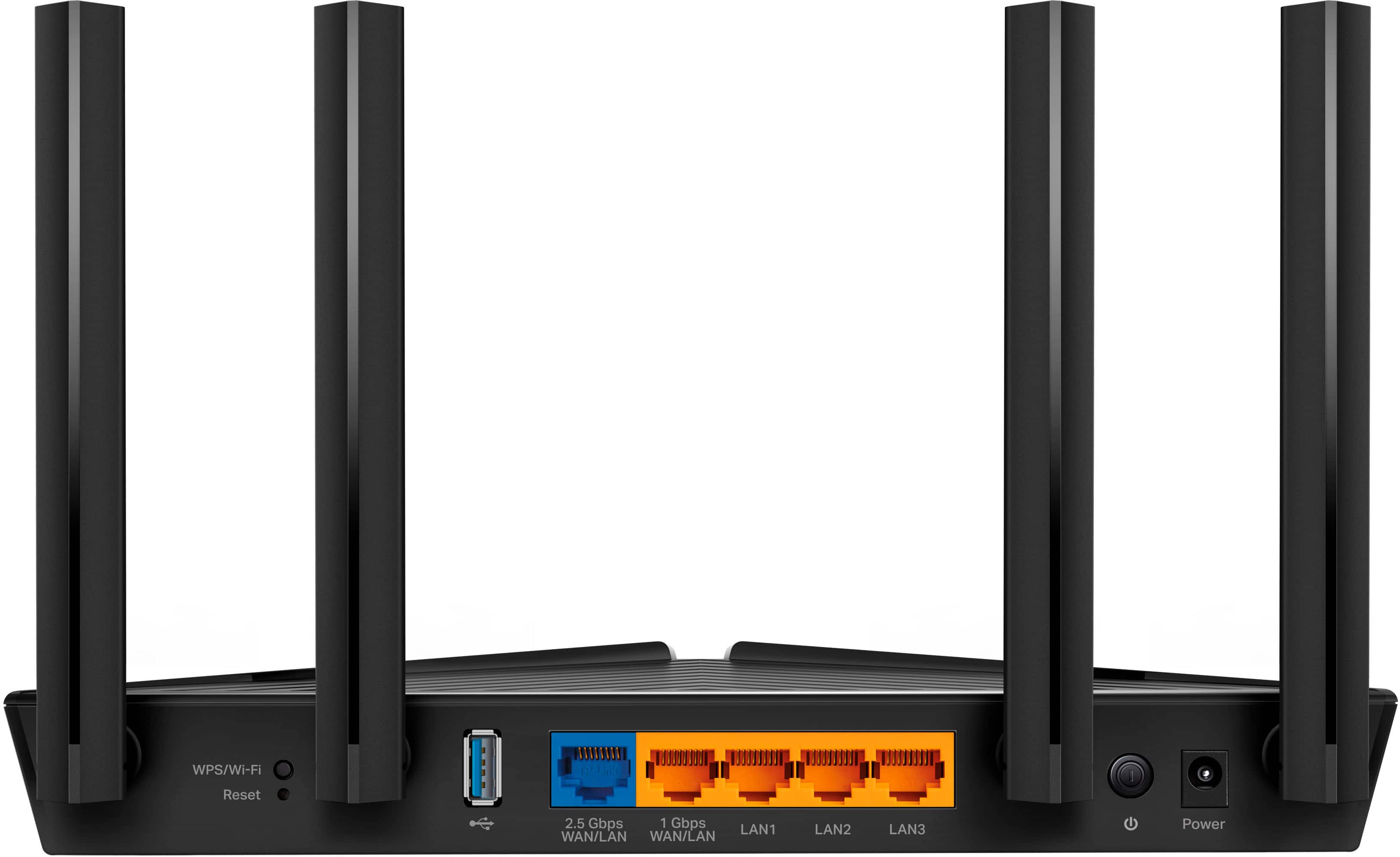
- A:Answer Hi Terry The USB port on the router is intended for file sharing purposes; it does not support USB printers.
Answered by TPLinkSupport

Q: QuestionI have a building connected by a buried Ethernet wire to the building with modem and where this router will be. Is there a wired access point I can put in this second building to continue the network there? And can I add power over the Ethernet (PoE)?
Asked by Anonymous.
- A:Answer Hi, For optimal results, you may install another Archer AX3000 Pro at the designated building in Access Point Mode. If by "add PoE" you are asking whether the Archer AX3000 supports being powered via PoE, then no - the Archer AX3000 does not support PoE power.
Answered by TPLinkSupport

Q: QuestionCan I access the router from Windows desktop?
Asked by JCAL.
- A:Answer Hi JCA9, Yes, absolutely! Archer Wi-Fi routers support management via web browser (on a PC, such as your Windows desktop) or the TP-Link Tether app on your smartphone.
Answered by TPLinkSupport

Q: QuestionCan I use 2 of these routers through ethernet cable 1 at home and another at my work shop 150' away using CAT 6 ?
Asked by JCA.
- A:Answer Hi JCA, Yes, as long as the one in your workshop is connected directly to the existing network via Ethernet cable. Depending on your network needs, you may consider running the one in the workshop in Access Point Mode.
Answered by TPLinkSupport

Q: QuestionIs it compatible with fiber first?
Asked by Haze.
- A:Answer Hi Haze, The Archer AX3000 Pro is universally compatible with Internet services that provide Ethernet connectivity within your home. For example, if your provider has supplied you with an Internet source device, such as a modem, or an ONT, you can connect the Archer AX3000 Pro to the Ethernet port on the modem or ONT, then set up the router using the included Quick Installation Guide.
Answered by TPLinkSupport

Q: QuestionWhat extenders can be used with it
Asked by Bill.
- A:Answer Hi Bill, Any Dual Band (2.4GHz/5GHz) Range Extender
Answered by TPLinkSupport

Q: QuestionIs it compatible with AT&T wifi?
Asked by Pen.
- A:Answer Hi Pen, Yes, as long as the router is connected to your existing Internet source (e.g., modem, ONT, gateway) via Ethernet cable.
Answered by TPLinkSupport

Q: QuestionBroadcom or Qualcom chip?
Asked by Meeo.
- A:Answer TP-Link does not generally provide information related to the internal components of our products. I can say that the processor within the product is a dual-core processor.
Answered by TPLinkSupport

Q: QuestionIs this compatible with Cox Interest?
Asked by Niah.
- A:Answer It is compatible with Cox internet.
Answered by LJLJ
Q: QuestionDoes this modem support telephone lines and cable line?
Asked by Qweenie.
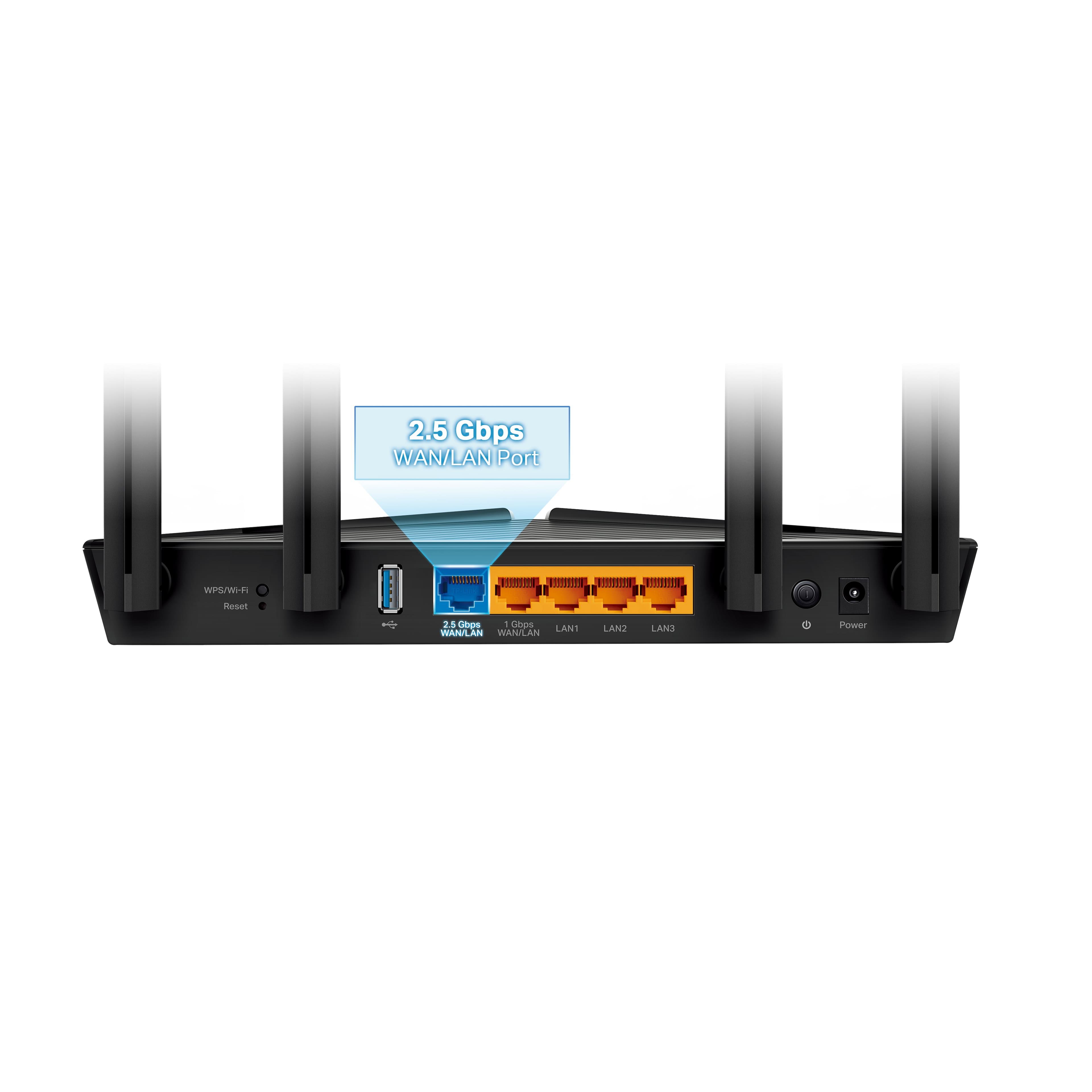
- A:Answer No. You need a modem for the telephone or cable input. It has a standard Ethernet input (1GB) and 4 Ethernet outputs. (Of course it does Wifi too)
Answered by GreginMSO
Q: QuestionWill this device work if plugged directly into my Verizon e3200 extender and can I leave both of them on?
Asked by Bruce.
- A:Answer Hi Bruce, Yes, it should work. However, if you intend to use the Verizon gateway as your main router, it may be ideal to set up the Archer AX3000 Pro in Access Point Mode to avoid a Double NAT scenario.
Answered by TPLinkSupport

Q: QuestionIs this compatible with Verizon broadband
Asked by Robert.
- A:Answer Hi Robert, Yes, as long as the router is connected via Ethernet to your existing Internet source (e.g., modem, ONT, gateway).
Answered by TPLinkSupport

Q: QuestionIs this compatible with t mobile
Asked by Ack47.
- A:Answer Yes, as long as your internet source device (e.g., modem, ONT, gateway) is connected to the Archer AX3000 Pro via Ethernet cable.
Answered by TPLinkSupport

Q: QuestionHow to replace Verizon router?
Asked by Samw.
- A:Answer The Archer AX3000 Pro must be connected to your existing Internet source (e.g., Modem, ONT, or gateway) via Ethernet cable. If your Verizon Router is just a router and not a modem + router combination gateway, you should be able to unplug it from your Internet source, then swap in the Archer AX3000 Pro in its place. However, if you are unsure of your existing Internet source equipment configuration, we recommend contacting your Internet provider for clarification first.
Answered by TPLinkSupport

Q: QuestionDoes this work with AT&T ?
Asked by Boomer.
- A:Answer Yes, as long as the router is connected to your existing Internet source (e.g., modem, ONT, gateway) via Ethernet cable.
Answered by TPLinkSupport

Q: QuestionI live in France. Is this compatible with international use (plugs and internet)?
Asked by international.
- A:Answer Hi! Yes, the router supports international Internet services - as long as the Internet source (ONT, modem, gateway) is connected via Ethernet cable to the router's Internet port. The Archer AX3000 Pro has a US style plug, but supports an input voltage of 100 - 240V, 50/60Hz. If using internationally, you may need a plug/outlet adapter.
Answered by TPLinkSupport

Q: QuestionWill this router work with my Century Link internet account? I live on Bainbridge and have chosen the cheapest internet plan with Century Link so its not very fast but it does the job for me.
Asked by Lisa.
- A:Answer Yes, as long as your existing Internet source (ONT, modem, gateway) is connected to the Archer AX3000 Pro's Internet/WAN port using an Ethernet cable. You can also use the Tether app to intuitively and quickly set up and manage the router.
Answered by TPLinkSupport

Most-viewed items
- $299.99Your price for this item is $299.99$499.99The comparable value for this item is $499.99
- $349.99Your price for this item is $349.99
- $192.99Your price for this item is $192.99
- $149.99Your price for this item is $149.99
- $89.99Your price for this item is $89.99$99.99The comparable value for this item is $99.99
- $299.99Your price for this item is $299.99
- $199.00Your price for this item is $199.00
- $169.99Your price for this item is $169.99$229.99The comparable value for this item is $229.99
- $199.99Your price for this item is $199.99
- $379.99Your price for this item is $379.99
- $599.99Your price for this item is $599.99
- $249.99Your price for this item is $249.99
- $499.99Your price for this item is $499.99
- $179.99Your price for this item is $179.99$199.99The comparable value for this item is $199.99
- $199.99Your price for this item is $199.99
- $499.99Your price for this item is $499.99
- $1,999.99Your price for this item is $1,999.99
- $149.99Your price for this item is $149.99$179.99The comparable value for this item is $179.99
- $399.99Your price for this item is $399.99
- $99.99Your price for this item is $99.99