A:AnswerYou need to have a secure Wi-Fi network. We use ours to view our 100 lb dog. Never had a problem. We have encrypted Wi-Fi!
If you encounter that problem then contact Kasa!
Good luck!
A:AnswerHi! Yes, with the latest version of the Kasa app, you can navigate to the Cameras menu, then tap the "play button" on the two cameras you want to view live.
A:AnswerWe would suggest uninstalling and reinstalling the Kasa app on your tablet. If the symptom persists, please reach out to our official TP-Link support team using the phone, email, or live chat options here: https://www.tp-link.com/us/support/contact-technical-support/
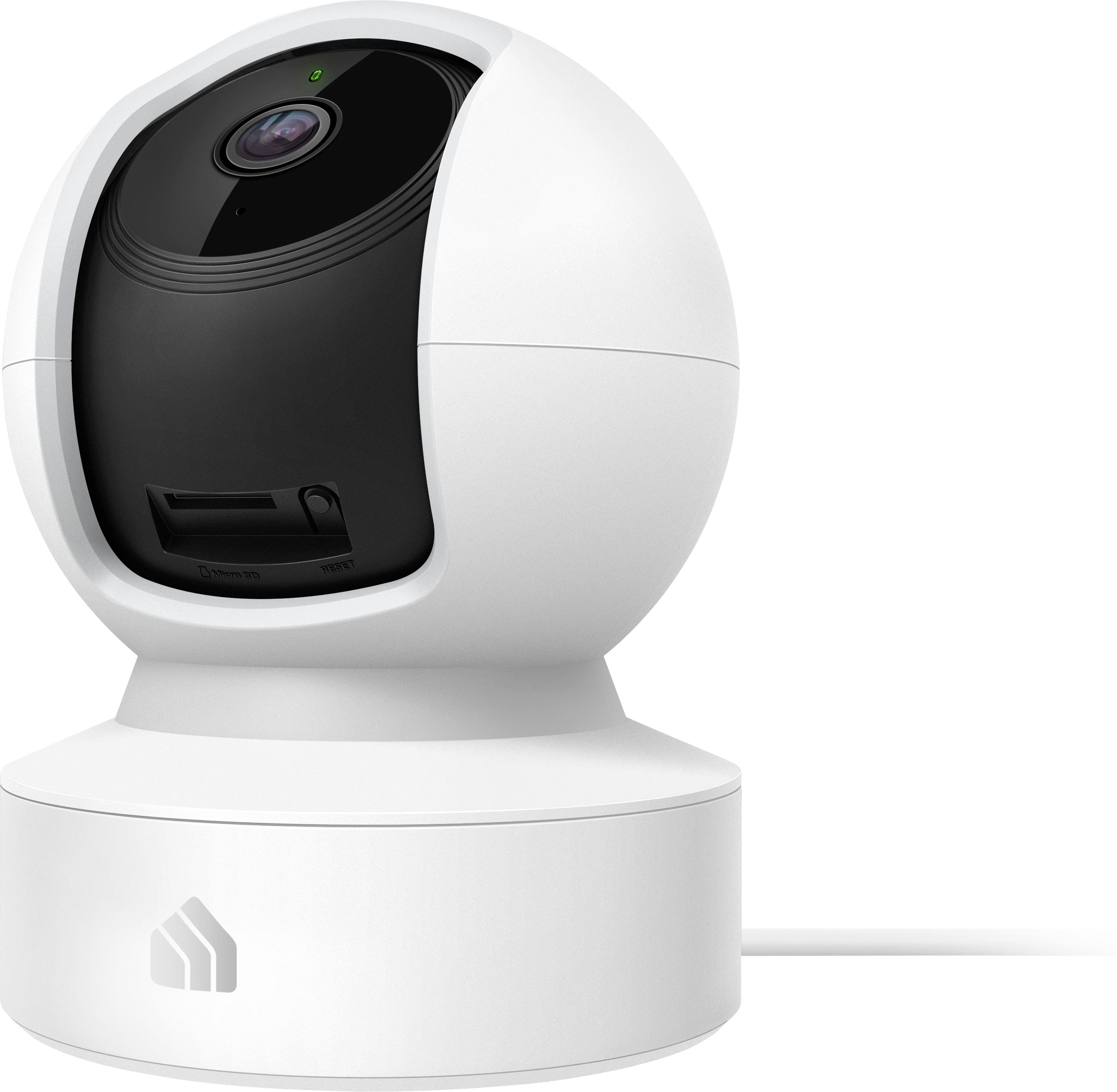
A:AnswerYes you can play recordings from the SD card. We have the app Kasa on our phone. You have to have the app, name the device, set security.... works great. Easy to use, very clear picture!
Good luck!
A:AnswerAs long as it's programmed to the network then it should work, but if you wanted to use it somewhere else with a different network you will have to reset and reprogram it.
A:AnswerHi! Yes, as long as your TV has a compatible medium, such as Amazon Fire TV, or Google Chromecast installed or connected, and your Kasa account is integrated with Alexa or Google Assistant, you can open the Live View on your TV.
A:AnswerI'm not sure. You can set motion sensitivity and priority areas, so I would think so. It normally catches everything in frame, pretty well. But notifications can be delayed at times.