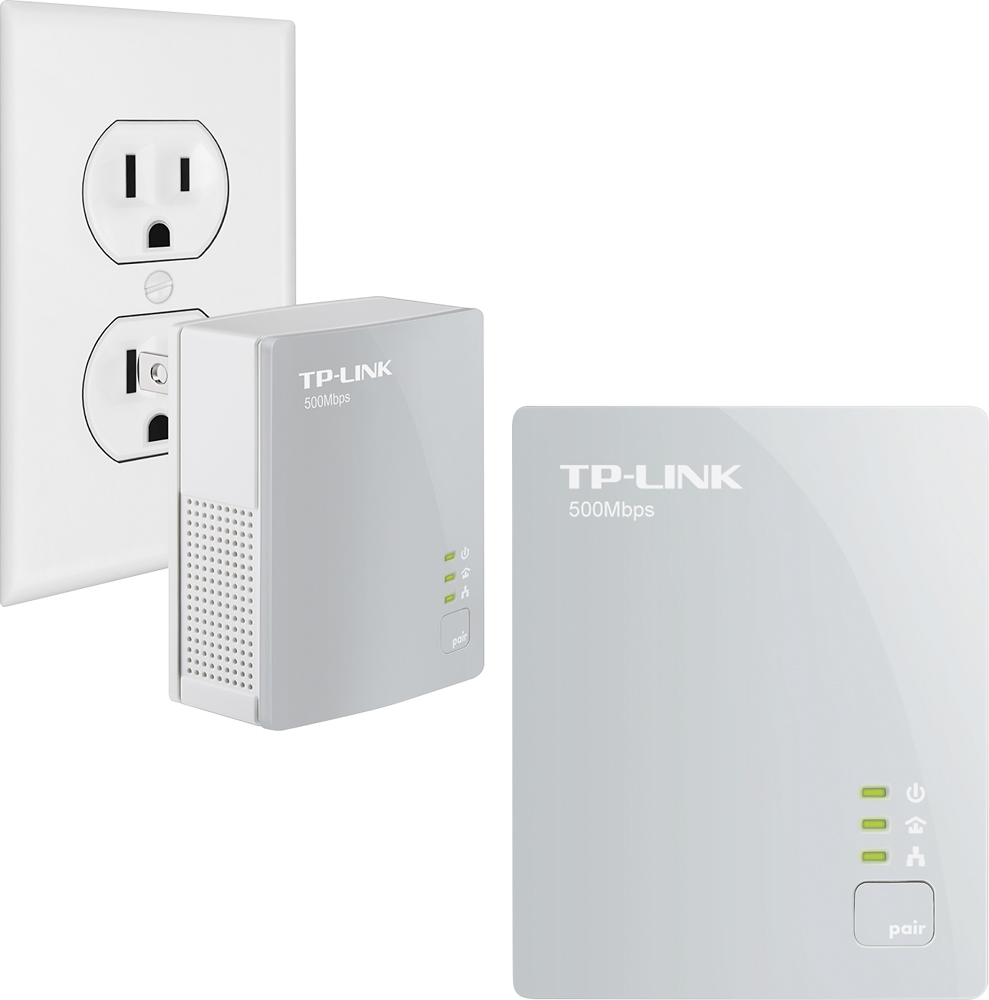
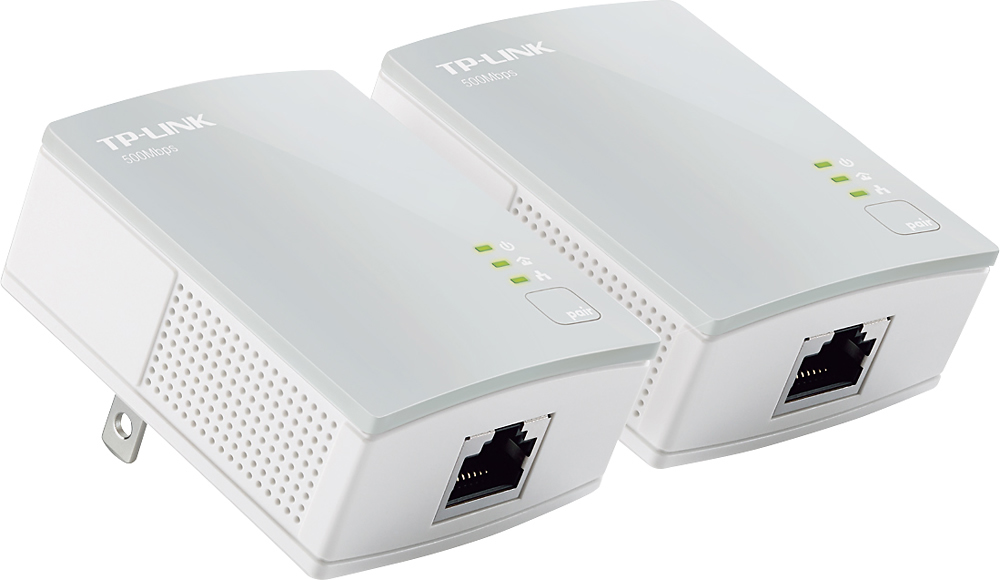
A:AnswerDue to the fact that my TV was physically located far from where I could get Ethernet access, I originally purchased a pair of Ethernet over power lines to be able to connect the TV to the Ethernet. I have used them in a distributed manner to offer access to other devices as well (laptops, Xbox, home theater pc, etc.) and they have functioned well in those applications. However, these devices can be sensitive to loading and I have found that their usefulness deteriorates as Ethernet load increases. As such, I would not recommend putting these devices on any type of extension cord. In fact, I believe I recall that the information included from the OEM specifies that they not be connected in this manner, but must be plugged directly into the outlets on either end.
A:AnswerIt's documentation claims that it will support up to 1GB of bandwidth. I have used a pair to stream HD video to my TV for several years until one of the units failed. Up to that point, the pair had no issue supporting HD streaming to the TV AND to a remote computer.
A:AnswerOkay, I asked the question, but answered it before this site posted an answer. I plugged in the Powerline in the 12 story building where my Office is located. It works GREAT. I did speed tests to compare the in-room WIFI to the Powerline provisioned ethernet. Powerline is about four times faster. I highly recommend it. It is also comparatively attractive compared to running a cord around my Office. No, it is much more attractive.
Ndmand
A:AnswerI have an HP laptop that randomly decides to go into airplane mode and turns off the WiFi, isolating it from the home network and from the internet. My solution to the problem was to use a pair of these units as Ethernet extensions to that laptop. It functioned for several years in that mode, until one of the paired units failed.
A:AnswerI'm not sure what you are trying to accomplish here. If you only have phone service and no Ethernet, you are off the grid, so to speak.
These units act as Ethernet extensions so at least one Ethernet port must be available for them to work.
A:AnswerI would say only one cause I got another pair and it worked for a week then went out and said bad signal and it was fine and my brothers stopped working to. Like they got crossbinded so we tried unplugging his and repairing mine and nothing worked. Now we are stuck with them and they won’t pair
A:AnswerI have a 30 mbps internet speed and got full speed two rooms apart, when I went further the speed dropped considerably to 10 mbps, which works for me.
A:AnswerThis is to eliminate having to run a ethernet cord through your home. My modem is downstairs and my device I needed plugged into my modem is upstairs and it works fine, its as if the device is plugged in directly to your modem.
A:AnswerThis is to eliminate having to run a ethernet cord through your home. You need two in order for them to work. My modem is downstairs and my device I needed plugged directly into my modem is upstairs, its as if the device is plugged in directly to my modem. One is plugged into my modem with a short ethernet cord and into an outlet, the other is plugged into my device with a short ethernet cord and into an outlet.
A:AnswerPlease bear in mind Powerline data transfer rates will vary due to network environment variables including: distance between adapters, network traffic, noise on electrical wires, building material and construction, quality of electrical installation and other adverse conditions.
First, please ensure both Powerline adapters are plugged directly into wall outlets - no surge protectors or power strips as these will directly interfere with the connection. We recommend following the suggestions outlined in our FAQ here to help optimize the performance of your Powerline connection: http://www.tp-link.com/us/faq-409.html
A:AnswerNo, our AV600 Powerline kit is designed for Powerline networking; not Mesh networking. For Mesh solutions, we suggest considering our Deco Mesh solutions, or any of our OneMesh compatible products.
A:AnswerYes. Make sure it’s plugged in directly to the wall outlet and not after any surge/ line noise filtering devices, such as a surge protector or an UPS.