Questions & Answers
- Model:
- TCB72
- |
- SKU:
- 6594351
Highly rated by customers for: Image Quality, Setup Ease, Motion Detection
$29.99Your price for this item is $29.99
Comp. Value: $39.99
The comparable value price is $39.99
Page Showing 21-33 of 33 questions
Q: QuestionDo these cameras have audio where I can speak through the cameras and be answered through the camera
Asked by Patm.
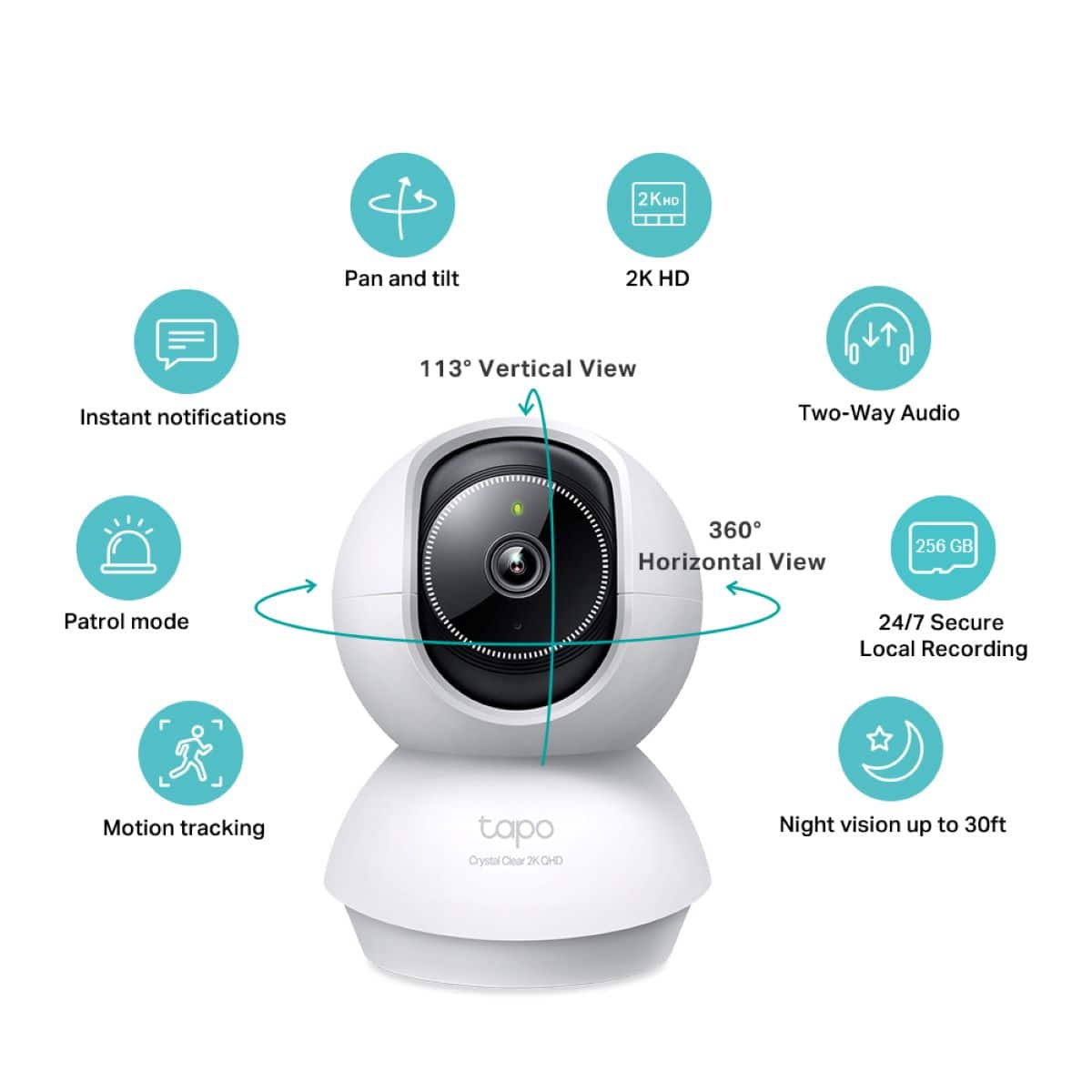
- A:Answer Yes they do have audio you can use to talk through the camera as well as a microphone for you to hear any responses etc
Answered by TannerG
Q: QuestionIf away traveling and the power goes out and after a while is restored will the cameras automatically connect again when the power is restored
Asked by Patm.
- A:Answer Assuming that your WiFi reboots with no issues then it should not have a problem reconnecting. Loss of power won’t force it to reset in my experience
Answered by TannerG
Q: QuestionCan the camera be accessed by internet from long distance - access Michigan from Florida?
Asked by Distance.
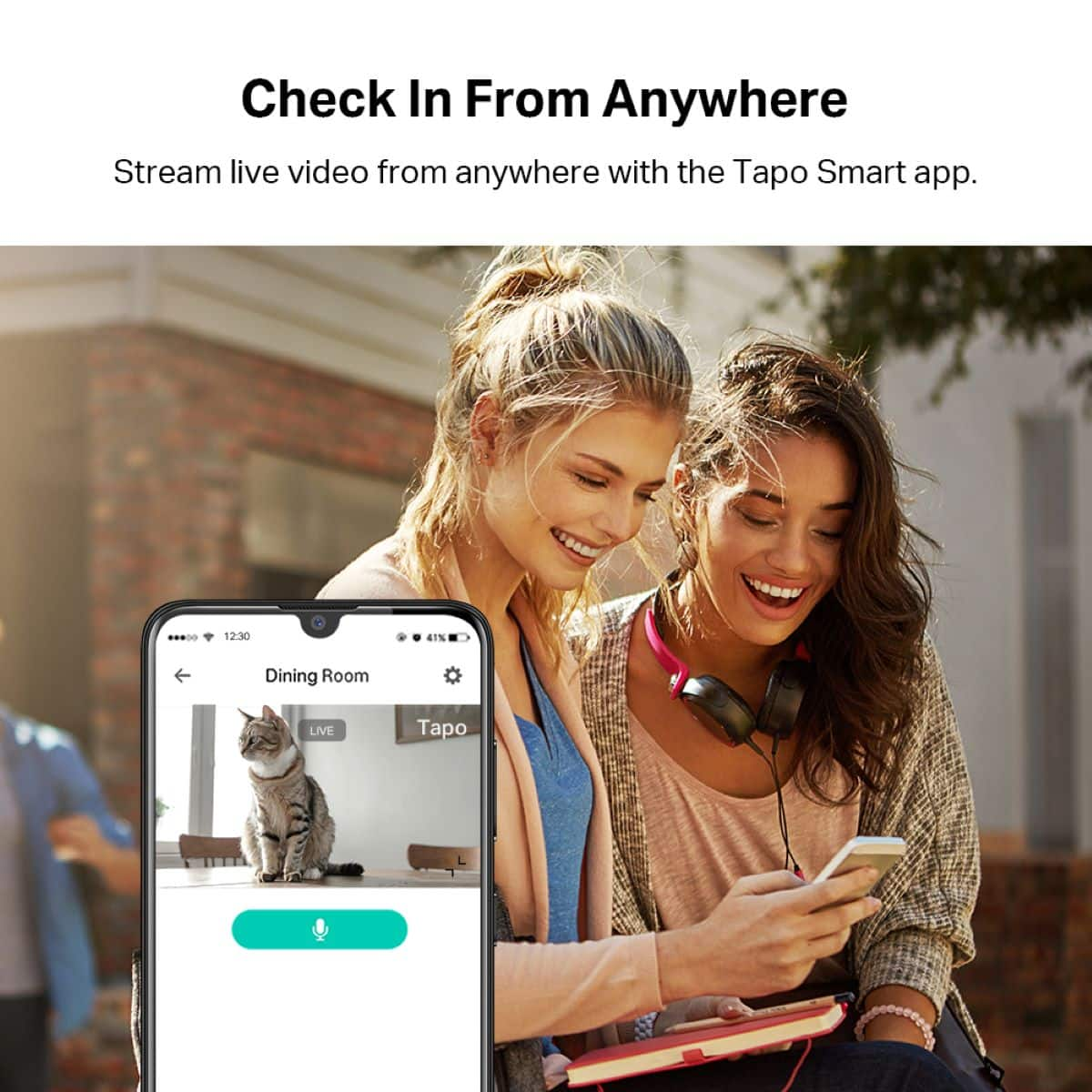
- A:Answer Yes. Anywhere you have internet access.
Answered by Artie
Q: QuestionCan you use multiple cameras at the same time?
Asked by Cameras.
- A:Answer Hi, Yes, you can use numerous Tapo cameras via the Tapo app.
Answered by TPLinkSupport

Q: QuestionCan I access camera via desktop
Asked by Nisha.
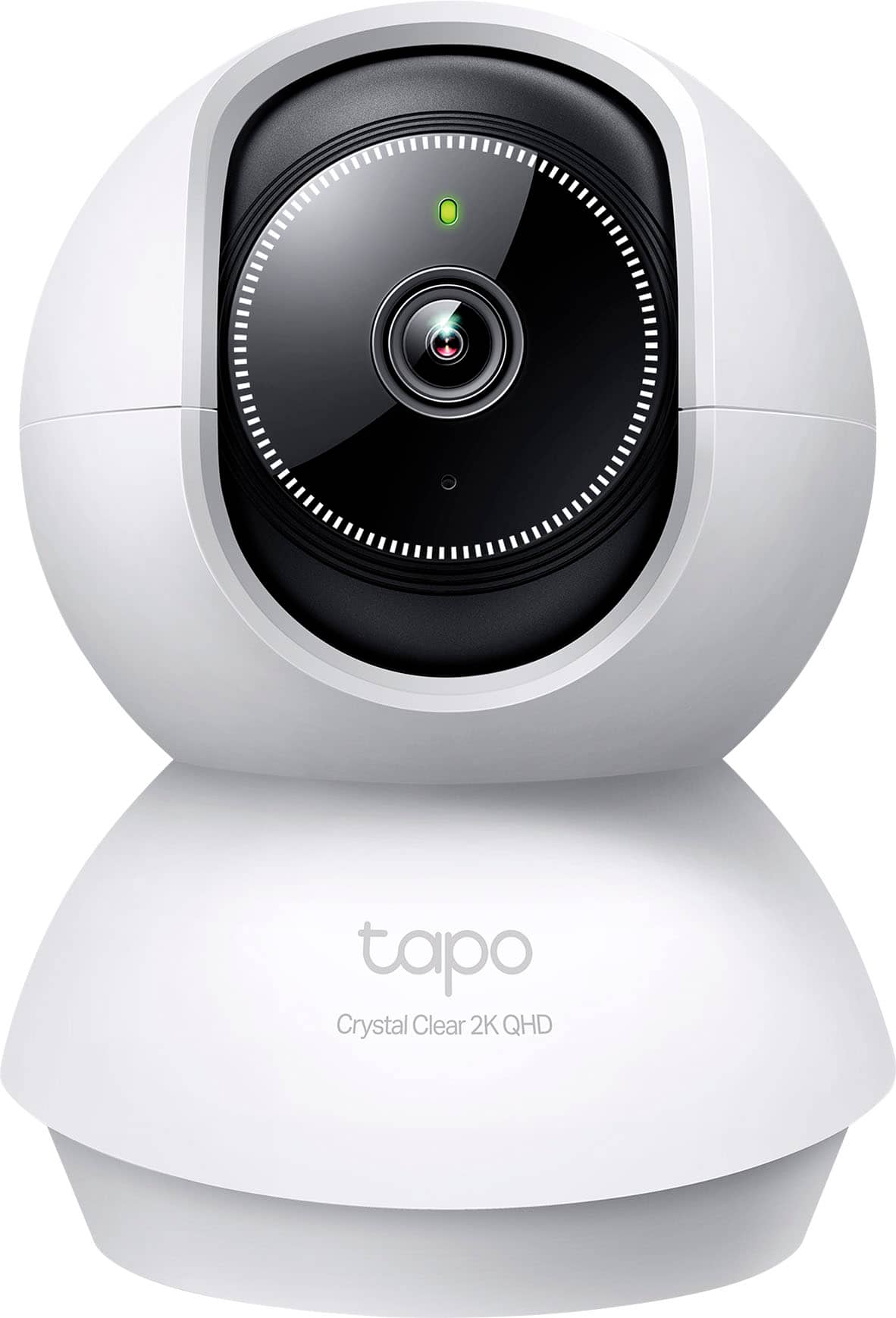
- A:Answer Hi Nisha, The Tapo TCB72 is designed for setup and management via the Tapo app on your smartphone. Alternatively, on supported Tapo Camera models, you can view the camera's RTSP Stream on a PC, NAS, or NVR using the steps in our FAQ: https://www.tp-link.com/us/support/faq/2680/
Answered by TPLinkSupport

Q: QuestionHow can I connect camera to my wi fi ? I don’t want to use different wi fi it wants you to use.
Asked by Mary.
- A:Answer Hi Mary, During setup, your phone will briefly need to connect to the camera's temporary Wi-Fi network. This network is used only during setup and is no longer active once the camera has been successfully connected to your Wi-Fi network. During the network connection step of the setup process, you will be given the option to select your Wi-Fi network. Our TP-Link Support Team is always available and happy to answer any questions you might have about your Tapo camera experience. Please feel free to contact us using the support portal on our TP-Link website or the support contact information included with the camera.
Answered by TPLinkSupport

Q: QuestionWill this alert to outside motion through a window (placed inside facing outside)?
Asked by mybuys.
- A:Answer Hi 4Shopping, Technically, it may be able to; however, please note that the glass may distort the image and will reflect the infrared light (during night vision) back into the lens, severely obstructing visibility. If you plan to use this indoor camera to monitor an outdoor area through a window, please ensure the monitored area is adequately illuminated at all times during the night, and the window is not causing a severe glare into the camera's lens. If you have the option of installing an outdoor camera, we offer various Tapo Outdoor cameras to suit various needs.
Answered by TPLinkSupport

Q: QuestionCan you have the app on your cell phone and can you put it on more then one phone
Asked by Anonymous.
- A:Answer Yes the app can go on any number or phones or tablets. You are limited to how many can access the app at one time though
Answered by TPLinkSupport

Q: QuestionCan it be used with 220v voltage?
Asked by Anonymous.
- A:Answer It is possible but we do recommend using the products only in the country of purchase. This is because warranties do not apply abroad. They apply only in the region of purchase.
Answered by TPLinkSupport

Q: QuestionDo I need a professional to set it up?
Asked by SusieS.
- A:Answer not at all. We have easy to follow installation videos available too
Answered by TPLinkSupport

Q: QuestionCan I use this camera on my porch to see what kind of animals are coming on my front porch
Asked by Anonymous.
- A:Answer We recommend selecting a camera that is rated for outdoor use. Look at the Tapo C120. That works as a Indoor/Outdoor camera
Answered by TPLinkSupport

Q: QuestionI can connect it via Ethernet cable, but do I have to change something in my house's firewall in order to view the camera miles away from the house?
Asked by Firewall.
- A:Answer Hi, The Tapo TCB72 connects to your network using 2.4 GHz Wi-Fi. It does not support Ethernet connectivity. You do not need to make any adjustments to your router's firewall for remote viewing and management when away from home.
Answered by TPLinkSupport

Q: QuestionContinuous recording possible?
Asked by Pease.
- A:Answer Yes but you have to go into the settings and activate it manually and check all time period 24h.
Answered by OphoH
Page 2, Showing 21-33 of 33 questions
Most-viewed items
- Black Friday Deal$199.99Your price for this item is $199.99
- $179.99Your price for this item is $179.99
- $99.99Your price for this item is $99.99
- Black Friday Deal$399.99Your price for this item is $399.99
- $346.33Your price for this item is $346.33$449.99The comparable value for this item is $449.99
- $59.99Your price for this item is $59.99
- $34.99Your price for this item is $34.99
- $329.99Your price for this item is $329.99
- $79.99Your price for this item is $79.99
- $159.99Your price for this item is $159.99
- $279.99Your price for this item is $279.99
- $149.99Your price for this item is $149.99
- $22.99Your price for this item is $22.99$29.99The comparable value for this item is $29.99
- $149.99Your price for this item is $149.99
- $49.99Your price for this item is $49.99
Arlo - Ultra 2 Spotlight 3-Camera Security Bundle Indoor/Outdoor Wireless 4K Security System - White$389.99Your price for this item is $389.99$599.99The comparable value for this item is $599.99- $219.99Your price for this item is $219.99
- $279.99Your price for this item is $279.99