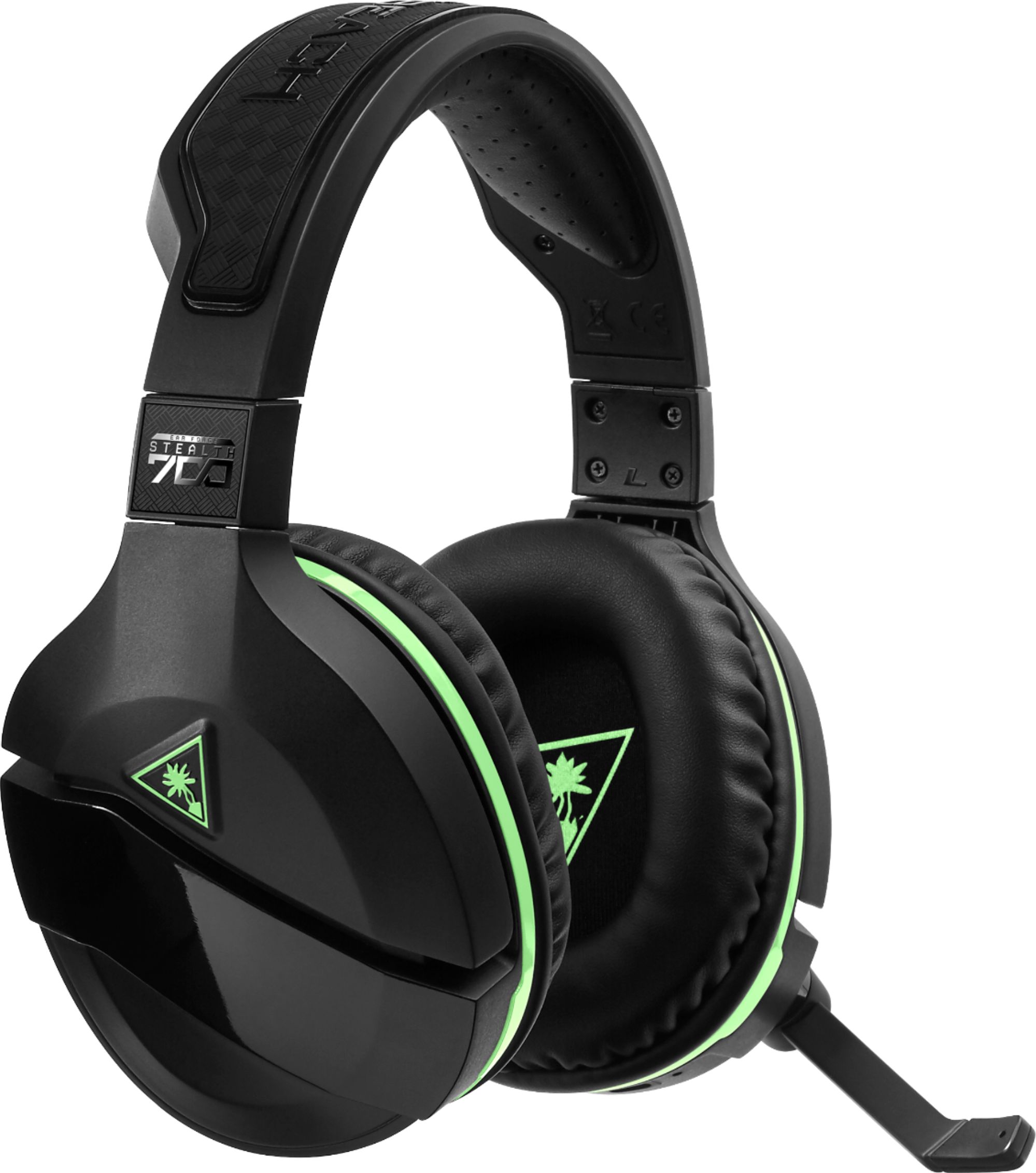
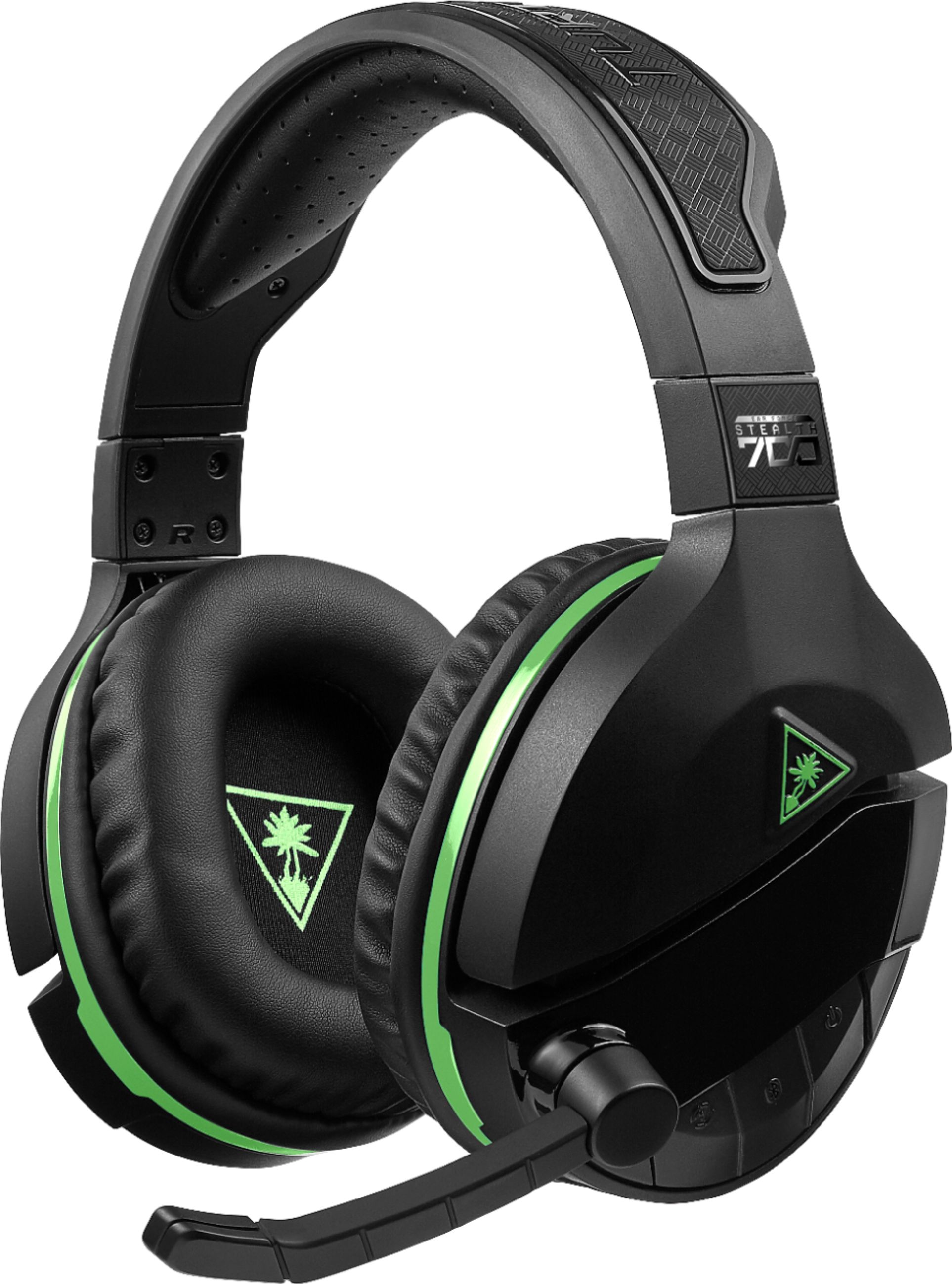
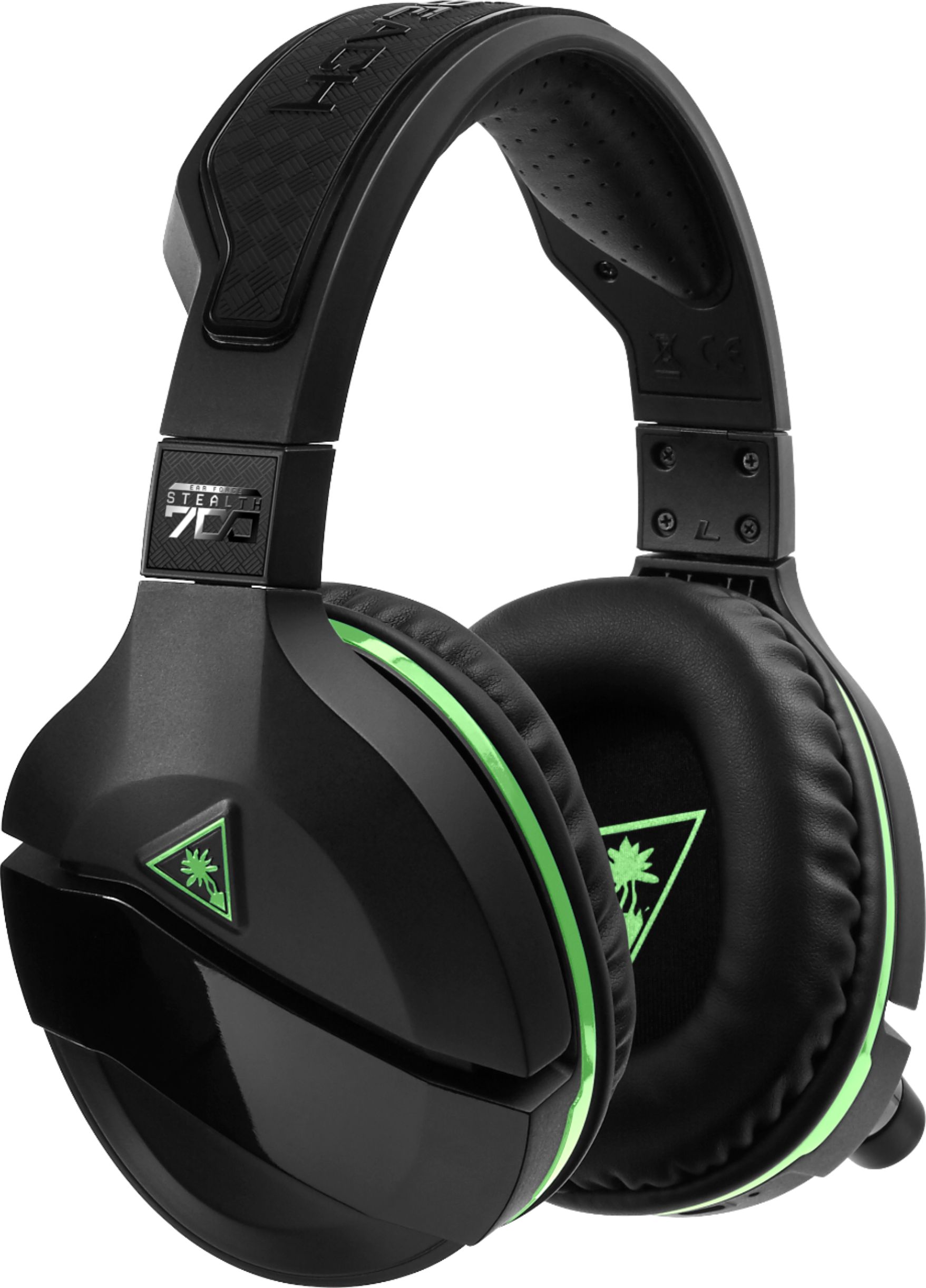
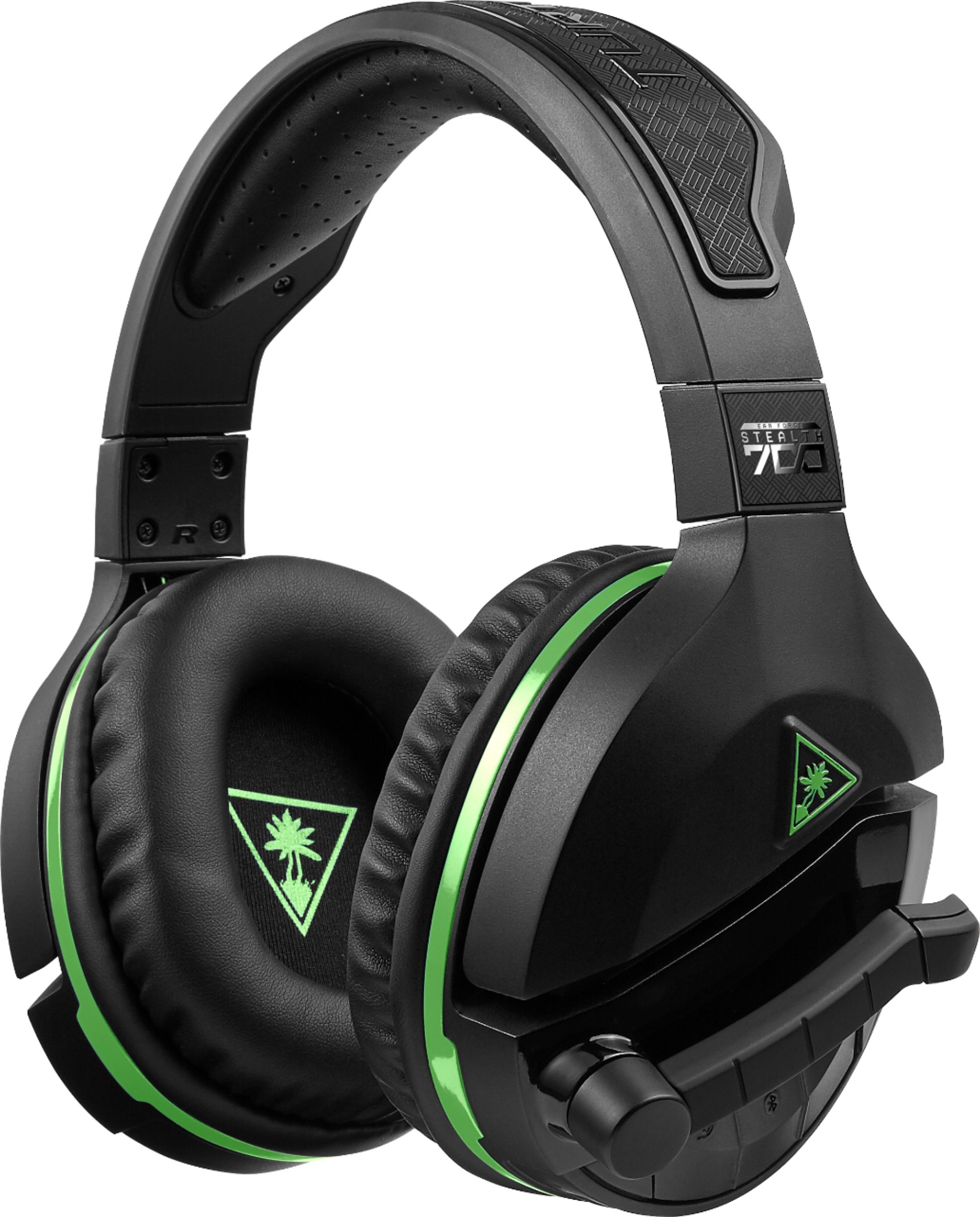
A:AnswerIn your xbox settings or game settings you have your headset as the default speaker. You have options like headset only, headset and TV, TV only.
Good luck.
A:AnswerNot if you want to use it wirelessly. For instance I believed you could use a PlayStation headset with Xbox if you used a 3.5 mm cable connected to the controller, but it will not connect wirelessly to the Xbox because it uses proprietary wireless technology that is not shared with PlayStation.
A:AnswerYes you can! The headphones come with a very long auxiliary cord and will allow you to charge it while you use the product. All you have to do is plug it into Xbox and then into the headset and your in business.
A:AnswerYou need the following item to go wireless on the PC. https://www.bestbuy.com/site/microsoft-xbox-wireless-adapter-for-windows-black/4630500.p?skuId=4630500
Or if your PC has BT it should be ok. Otherwise you can always plug in the 3.5mm cable.
From the website...
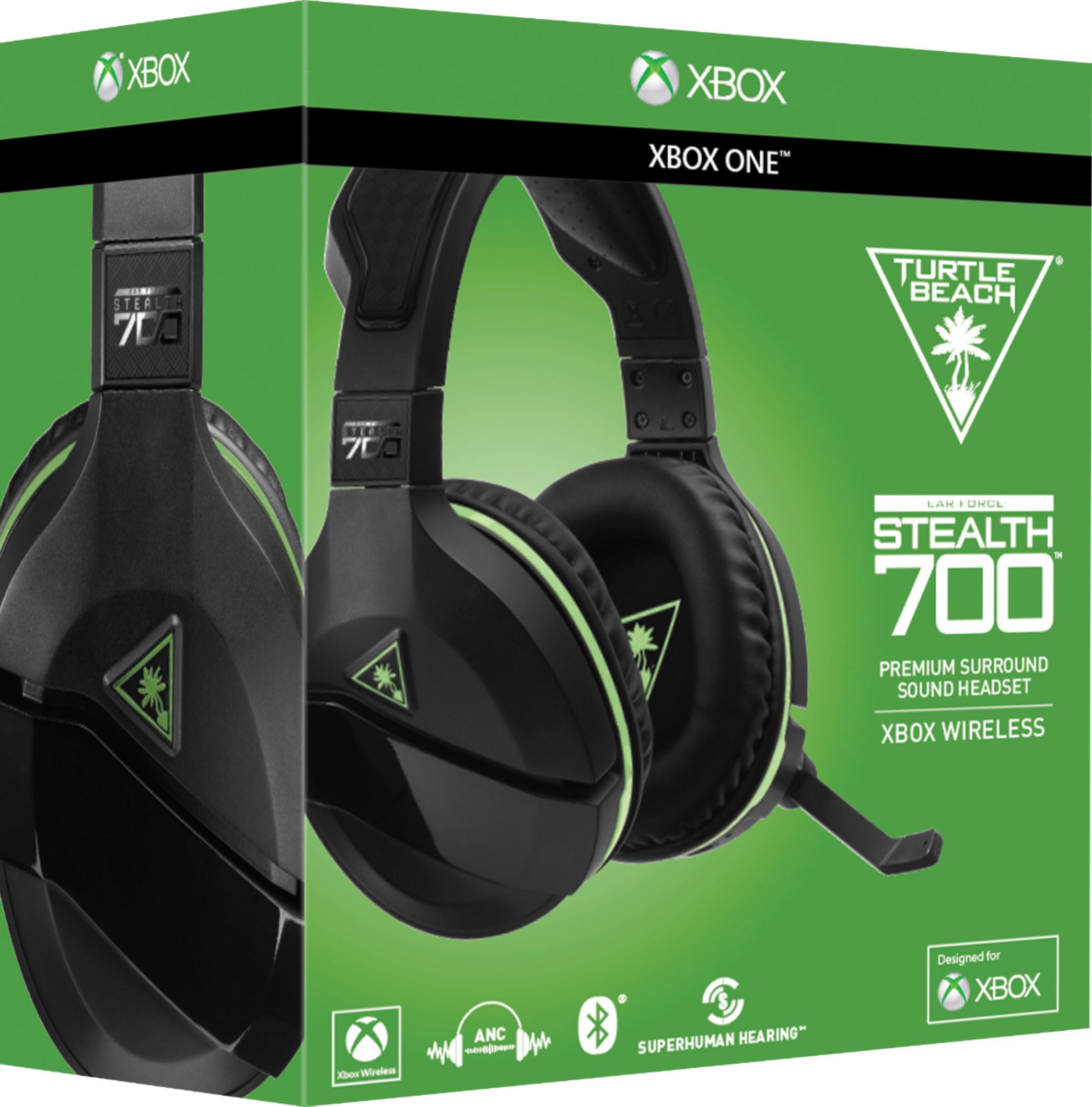
"Xbox Wireless provides you with a best-in-class wireless gaming audio experience on Xbox One (and compatible Windows 10** PCs) by letting you connect your headset directly to your Xbox One without an adapter, the same way your Xbox One wireless controller connects to the console. Xbox Wireless automatically configures the headset’s connection, so just turn-on the headset and start playing.
**May require Xbox Wireless Adapter for Windows (not included)"
That adapter is the one I linked to above.