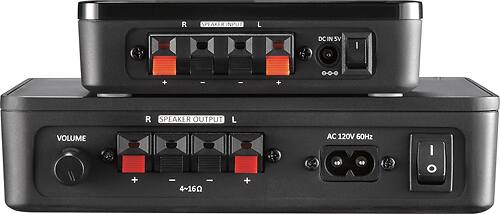
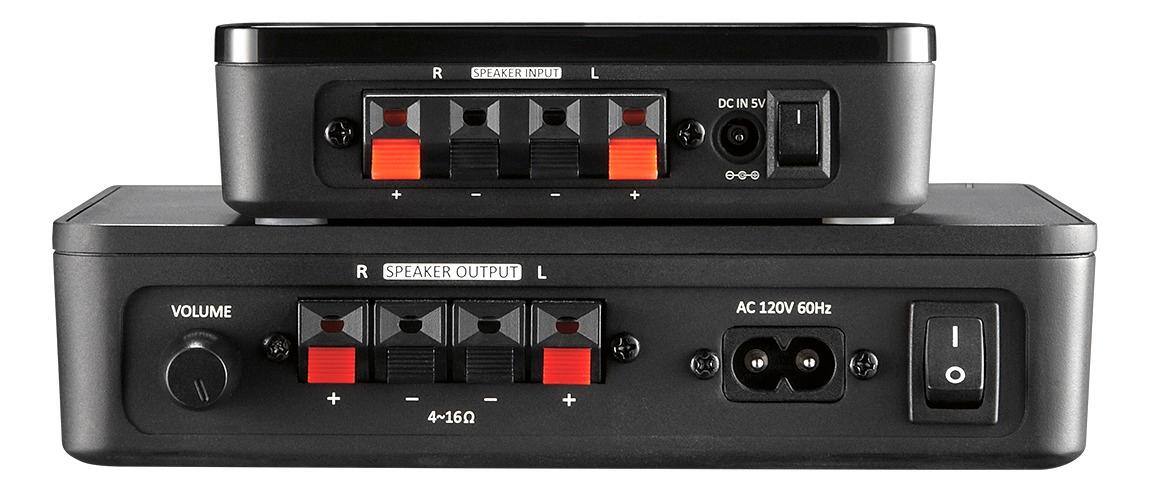
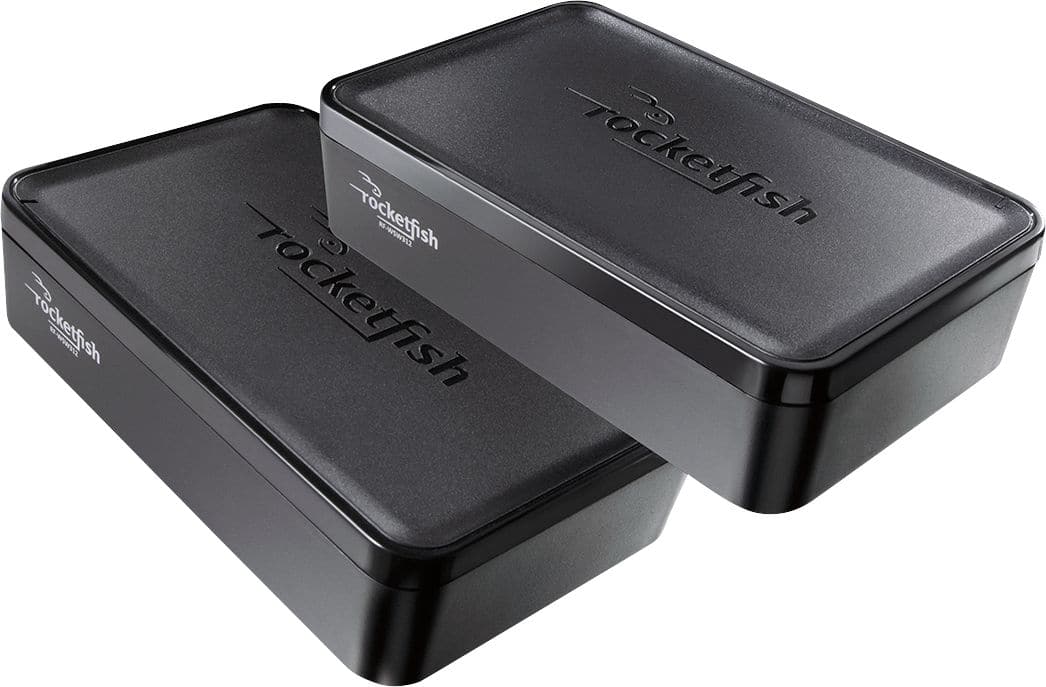
A:AnswerIf the soundbar has a separate speakers connectors for example left speaker or right speaker, yes you can connect it. On the other hand, if you only have one connection; You could use a single sound output either left or right of the Rocketfish receiver. With the difference that the sound will not be in Stereo because you would only be using a single channel. But yes, you can use it. But, But! the soundbar has an RCA speaker connection you need to adapt RCA terminals to you speaker cables. because your soundbar the input speaker has RCA input speaker connectors.
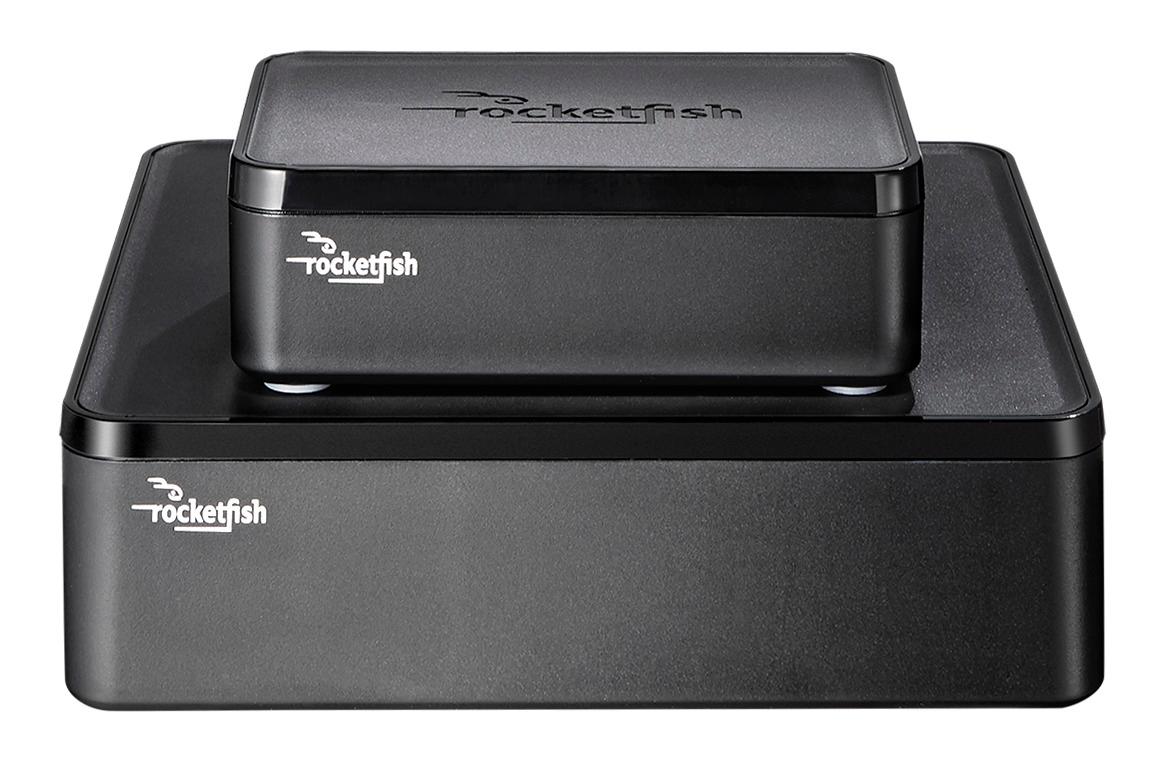
A:AnswerIt pushes my medium size bookshelf speakers with no problems. Just make sure they are within 50 feet or so, for better clarity and timing of surround signal.
A:AnswerYou should be able to use it as long as the Soundbar system has the hooks for rear speakers. The way it works is that the front adaptor hooks to the rear speaker hooks on to your receiver (or soundbar in this case). Obviously the existing set up for the rear speakers would continue to be there and you my want to simply swap the new rear speakers.
A:AnswerUnfortunately, not unless you also power the speakers. This unit will only apply power to the unit and the only connection to the speaker is the speaker wire. If you can plug in your speakers separately, they should work.
A:AnswerIt's hard to diagnose without being there. Of course surround channels don't always emit sound so it can sometimes be hard to "hear" if the surround channels are set too low. If you have a sound check system built into your receiver you could test them. I would guess that if you hear them on one setting they are probably working on all. There are a few places that the surround can breakdown. It could be the source material- not coded for surround. It could be whatever is playing the material, Blu-ray players for example can be set to NOT decode surround channels. It could be the speaker hookup so the decoded sound is not getting to the speaker. Finally it could be the unit transmitting the sound to the surround speakers. Make sure your source (Blu-ray, streaming device, etc...) is set for surround and that the decoder is actually decoding. You might want to hook the surround speakers up without the Rocketfish and listen for sound to help eliminate some possibilities.
A:AnswerYou can, but you should not use it, there is already a product designated for sub woofers. I the Rocketfish - Wireless Subwoofer Transmitter/receiver Kit
A:AnswerDo you have both speakers A & B turned on on the receiver? That might be the issue, depending on how you wired it at the back of the receiver. Hope this helps.
A:AnswerI have another Rocketfish rear speaker kit in my home and have had no issues. One is a few years older than the other but i don't think it would make a difference.
A:AnswerI don't have an answer for this but I have the same problem. All my speakers cut out though not just the ones wired to the rocket fish so I don't think that's the problem. Maybe it is though and it has something to do with too much wireless activity going on all at once in the home.