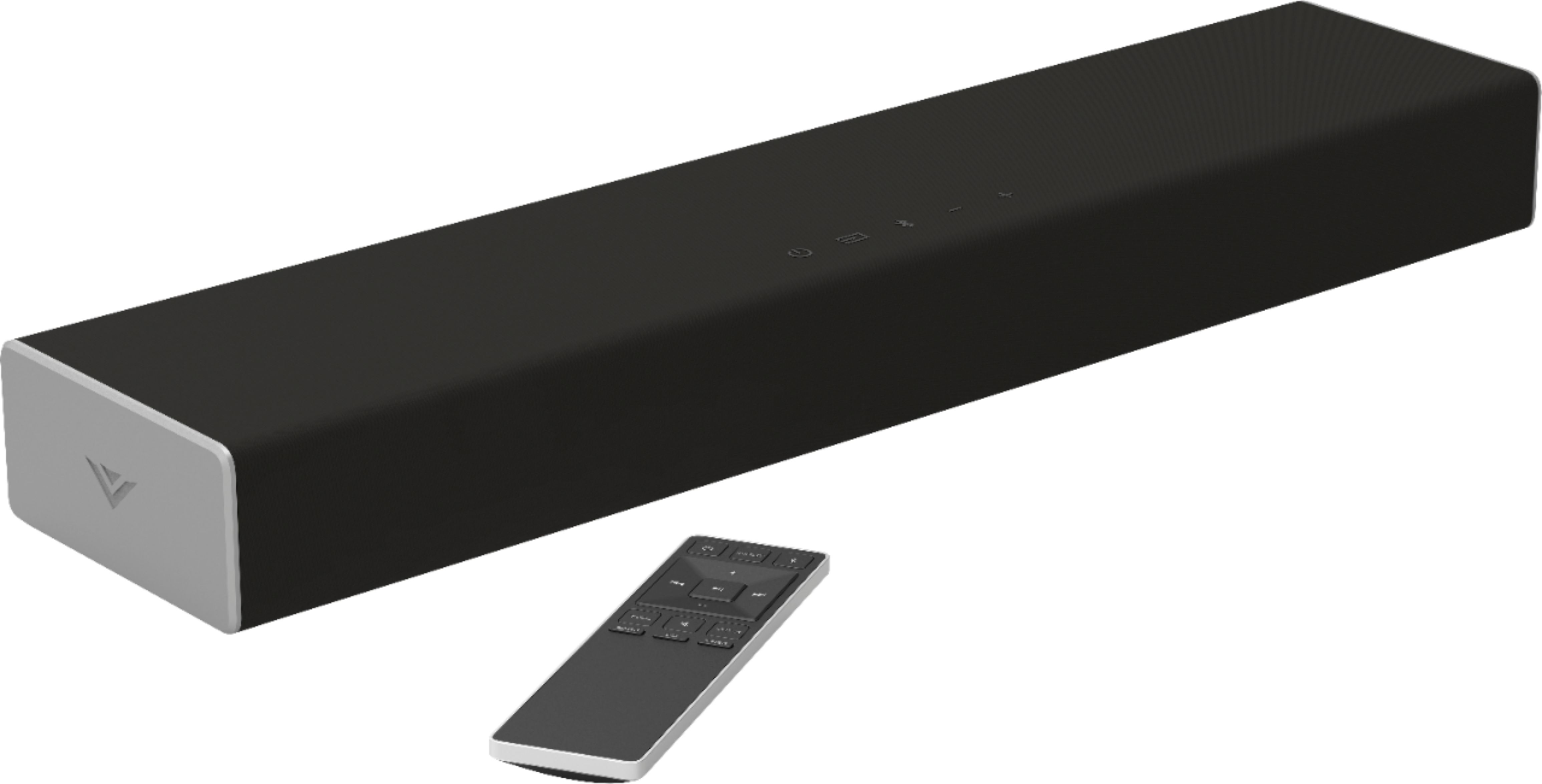
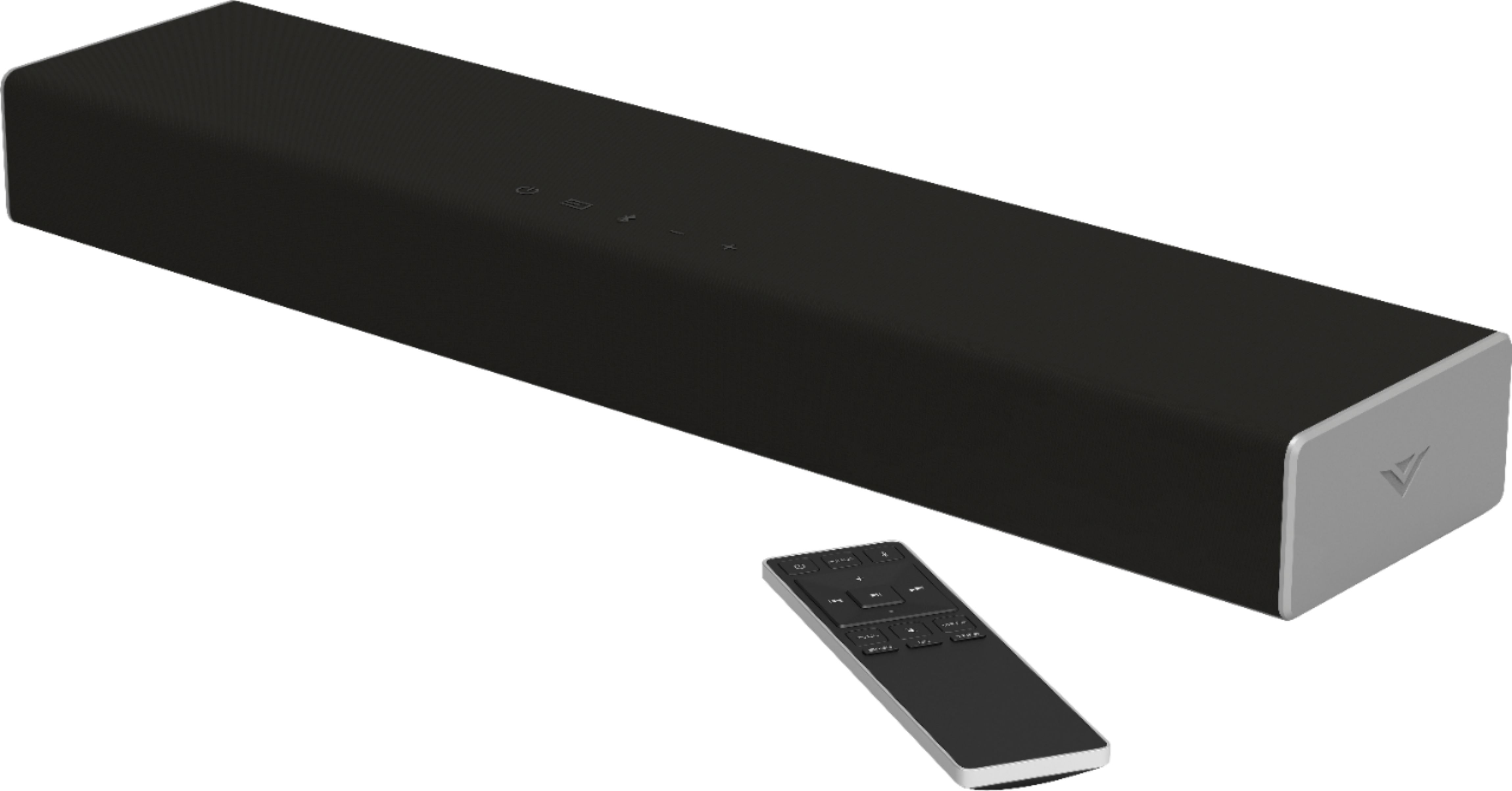
A:AnswerRather than measuring in wattage which is just a measurement of power draw, we measure sound bars in sound pressure level, or dB. This sound bar goes as loud as 91dB with a frequency response of 70Hz - 16 kHz.
A:AnswerRather than measuring in wattage which is just a measurement of power draw, we measure soundbars in sound pressure level, or dB. This soundbar goes as loud as 91dB with a frequency response of 70 Hz - 16 kHz.
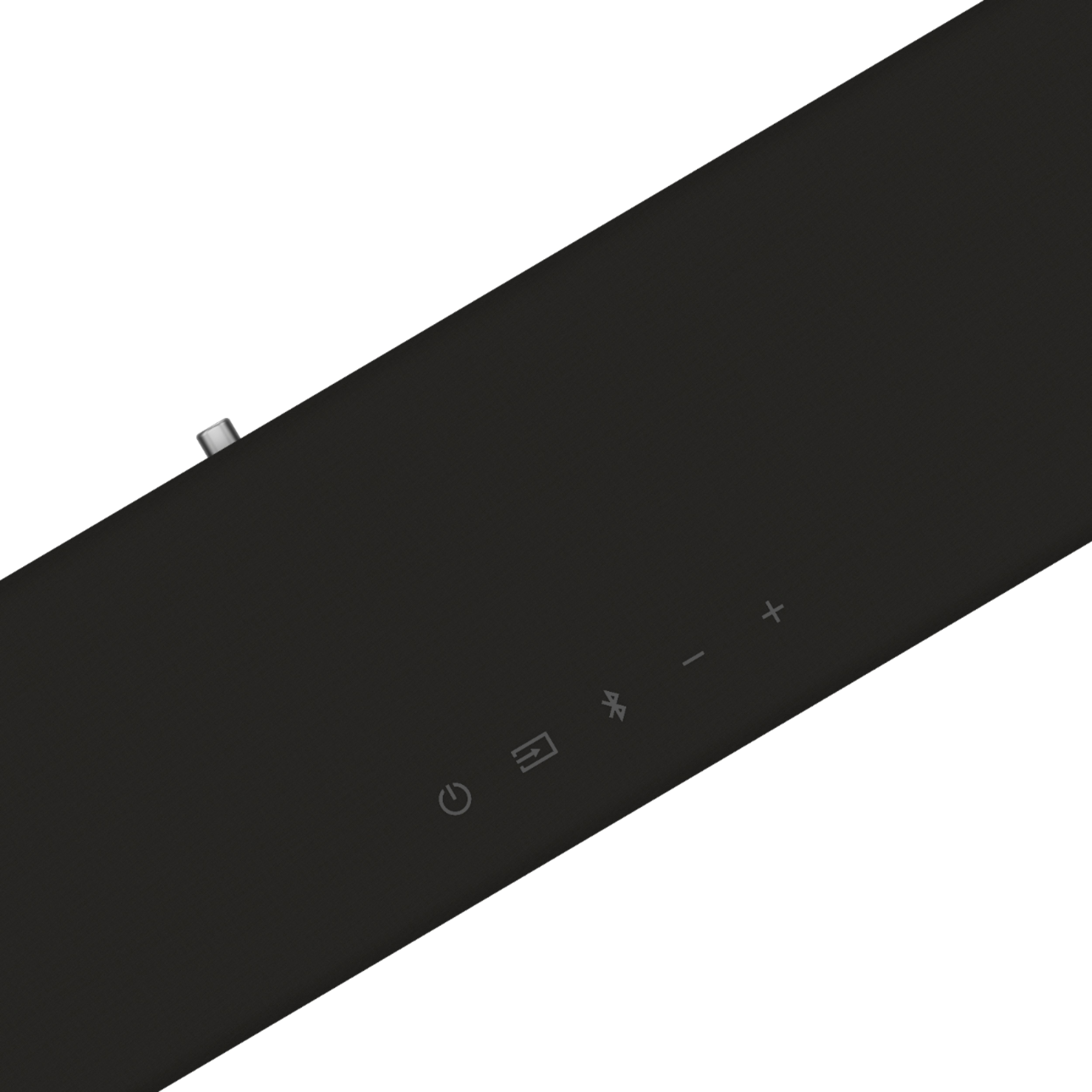
A:AnswerThe sound bar is not able to connect with your TV using Bluetooth, however you can pair your mobile device to play audio from your mobile device to the sound bar with Bluetooth.
A:AnswerVIZIO sound bars are designed to work with all TV makes and models, you just need a compatible audio connection! Unfortunately, I do not know specifics about Bluetooth connections to Samsung TVs. I would recommend to connect the sound bar with an optical connection for best results.
A:Answernot that I know of. you can turn the virtual:X on and off. I really like it you can really hear the dialog when the action or background noise creeps up. hope it helps.
A:AnswerThe book says it will pair whit bluetooth. I haven't tried anything yet. If not it dose have a sub out. You can go to: support.vizio.com
or call 877-698-4946. hope that helped
A:AnswerI want to gather a bit more information. When you have a free moment, we are available through text message, chat, or over the phone. Just go to support.VIZIO.com and click on ‘Contact Us’.
A:AnswerTo answer your question, I want to gather a bit more information. When you have a free moment, we are available through text message, chat, or over the phone. Just go to support.VIZIO.com and click on ‘Contact Us’.
A:AnswerI want to gather a bit more information. When you have a free moment, we are available through text message, chat, or over the phone. Just go to support.VIZIO.com and click on ‘Contact Us’.
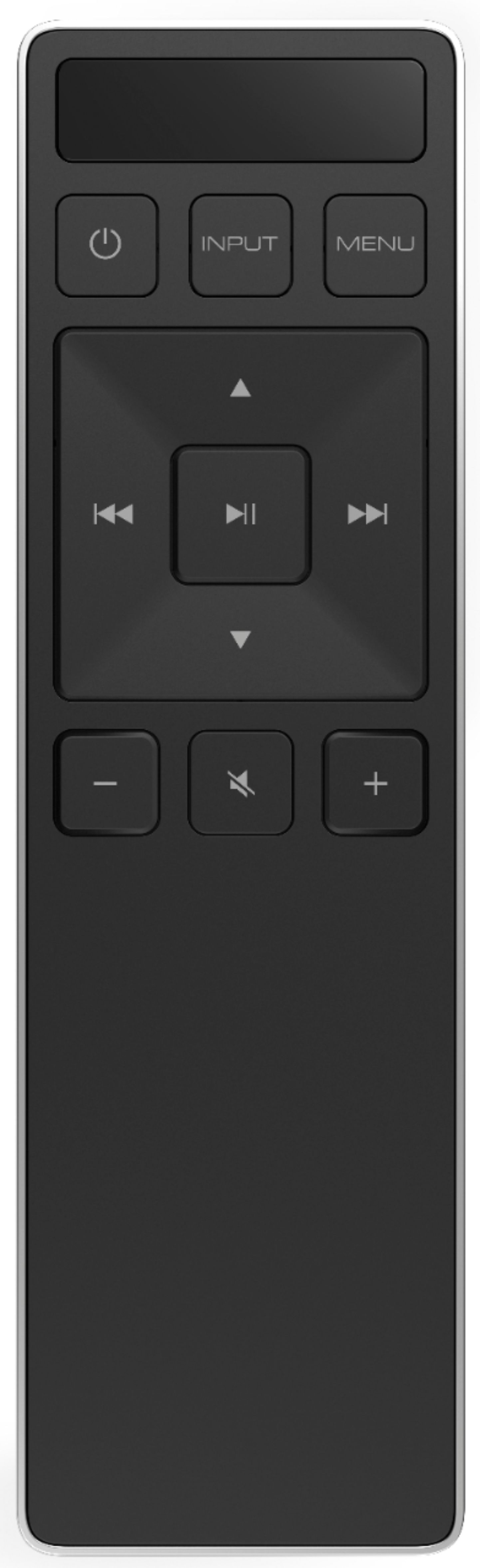
A:AnswerYou can program the sound bar to accept TV remote IR commands. Press the Menu button on the remote, then use the up/down buttons to navigate to Learn. Use the next/previous buttons to toggle through Learn Vol -, Learn Vol+, and Learn Mute.
A:AnswerTo answer your question, I want to gather a bit more information. When you have a free moment, we are available through text message, chat, or over the phone. Just go to support.VIZIO.com and click on ‘Contact Us’.
A:AnswerHello Anchor, the 3.5mm aux port on the back of the SB is used as an input for the audio to be played from the sound bar speakers. It is not used for putting audio from the sound bar in to a headset.
A:AnswerThis TV is not designed to output audio over Bluetooth. You could purchase a Bluetooth transmitter and connect it to this TV to listen over Bluetooth.