A:AnswerSorry to hear you are not having a smooth experience. I would love the opportunity to have our technical support team learn more about the issues you are experiencing. When you have a free moment, they’re available through text message, chat, or over the phone. Just go to support.VIZIO.com and click on ‘Contact Us’.
A:AnswerTo answer your question, I want to gather a bit more information. When you have a free moment, we are available through text message, chat, or over the phone. Just go to support.VIZIO.com and click on ‘Contact Us’.
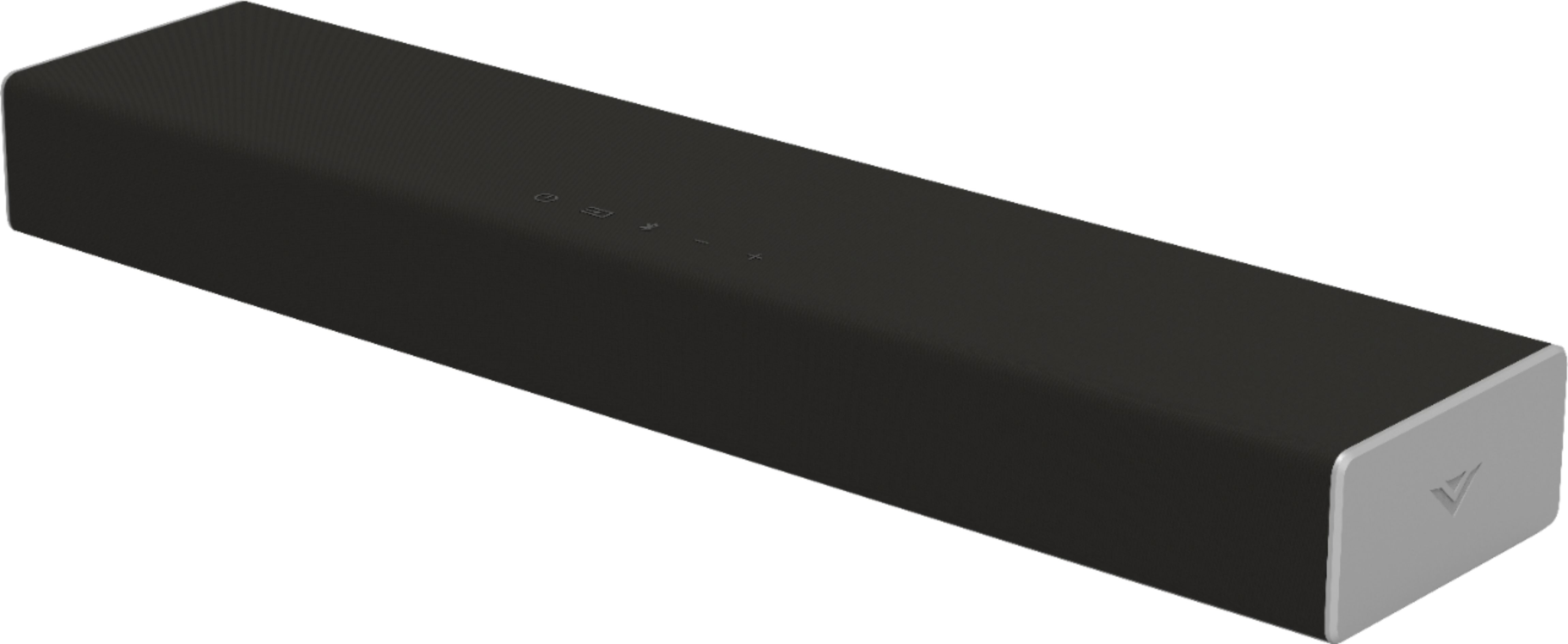
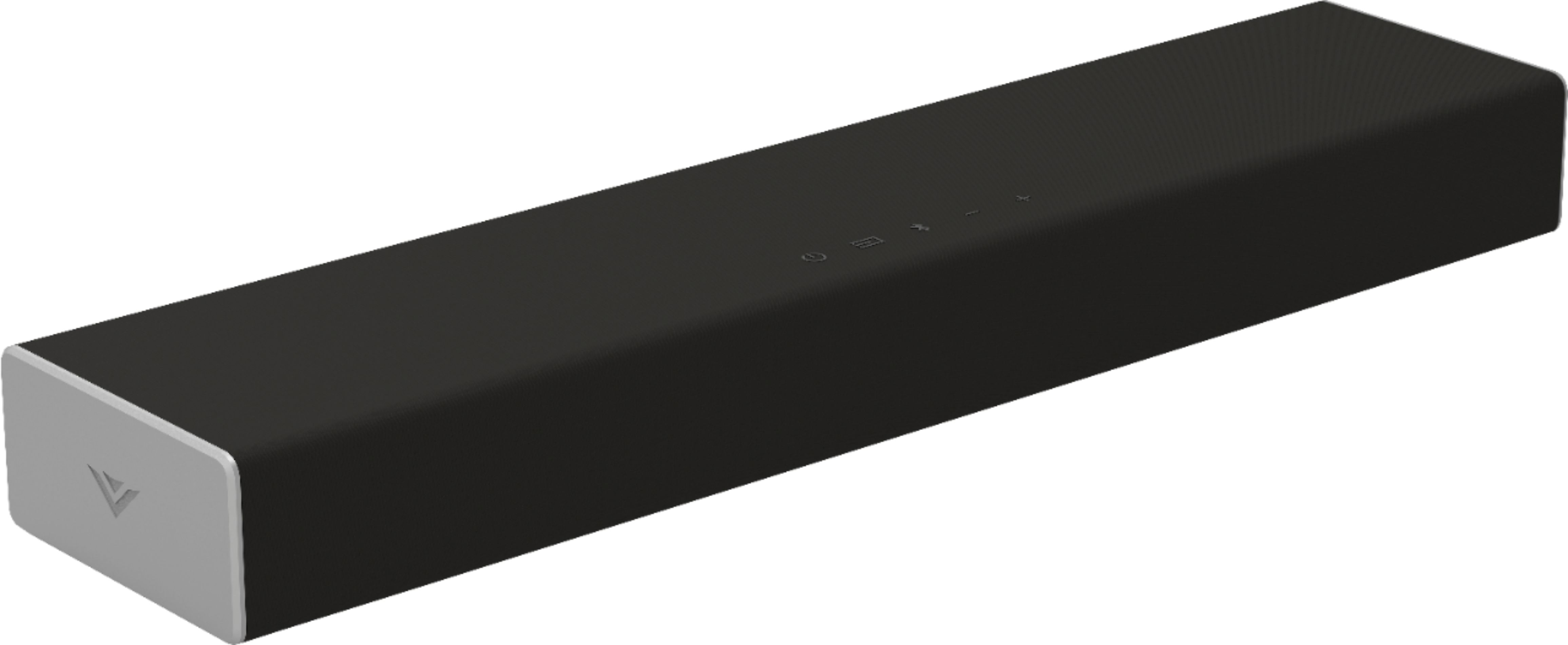
A:AnswerVizio sound bars are designed for usage as stand alone systems. Rather than measuring in wattage which is just a measurement of power draw, we measure sound bars in sound pressure level, or dB. This sound bar goes as loud as 91dB with a frequency response of 70Hz - 16kHz.
A:AnswerVizio sound bars are designed for usage as stand alone systems. Rather than measuring in wattage which is just a measurement of power draw, we measure sound bars in sound pressure level, or dB. This soundbar goes as loud as 91dB with a frequency response of 70Hz - 16kHz.
A:AnswerYes, you can set it up to come on and off with the tv. The speaker can be connected via optic cable or RCA. Either will work. The setup is done in the settings menu of the tv. It’s very self explanatory to do so inside the tv audio menu.
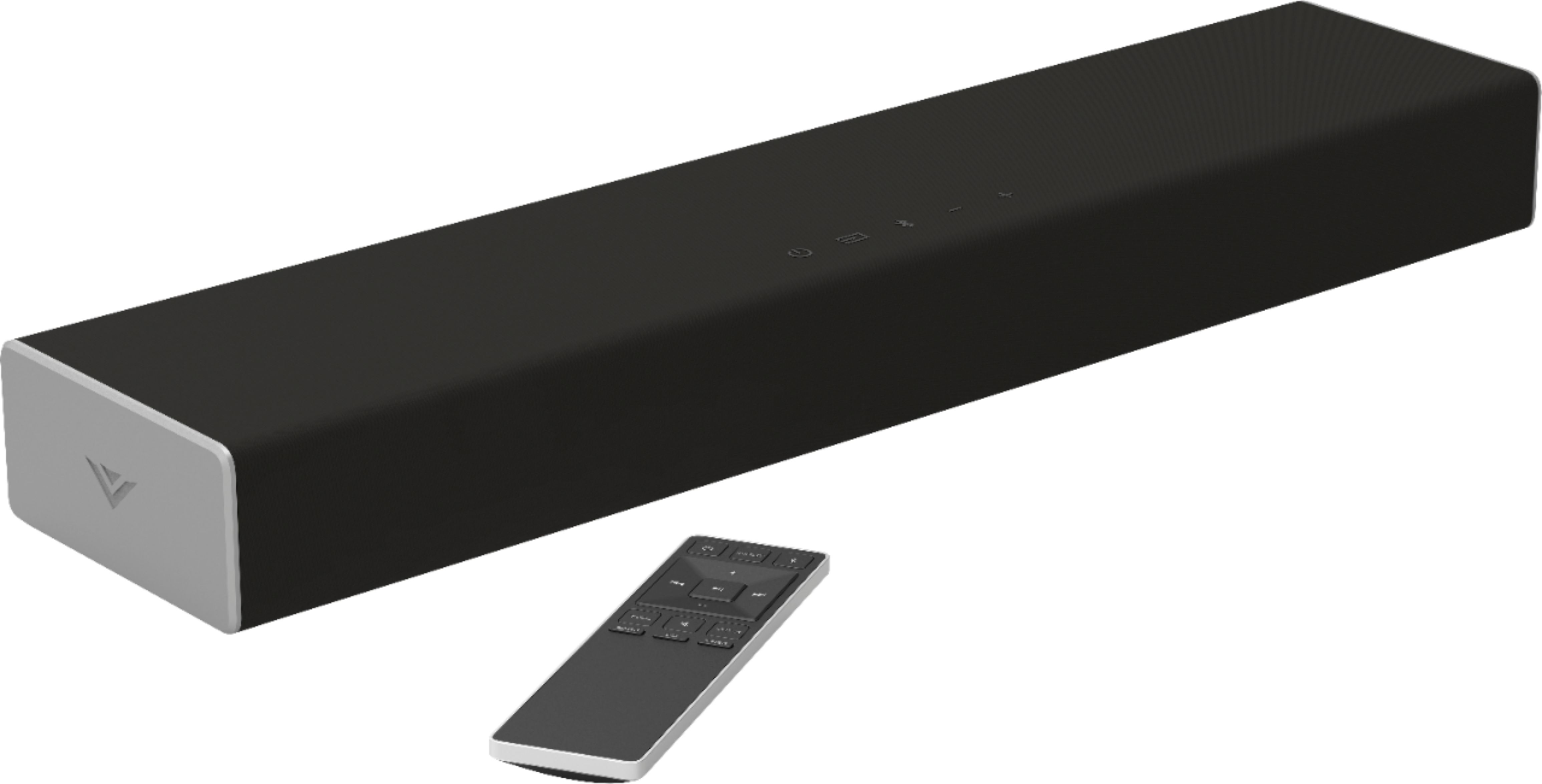
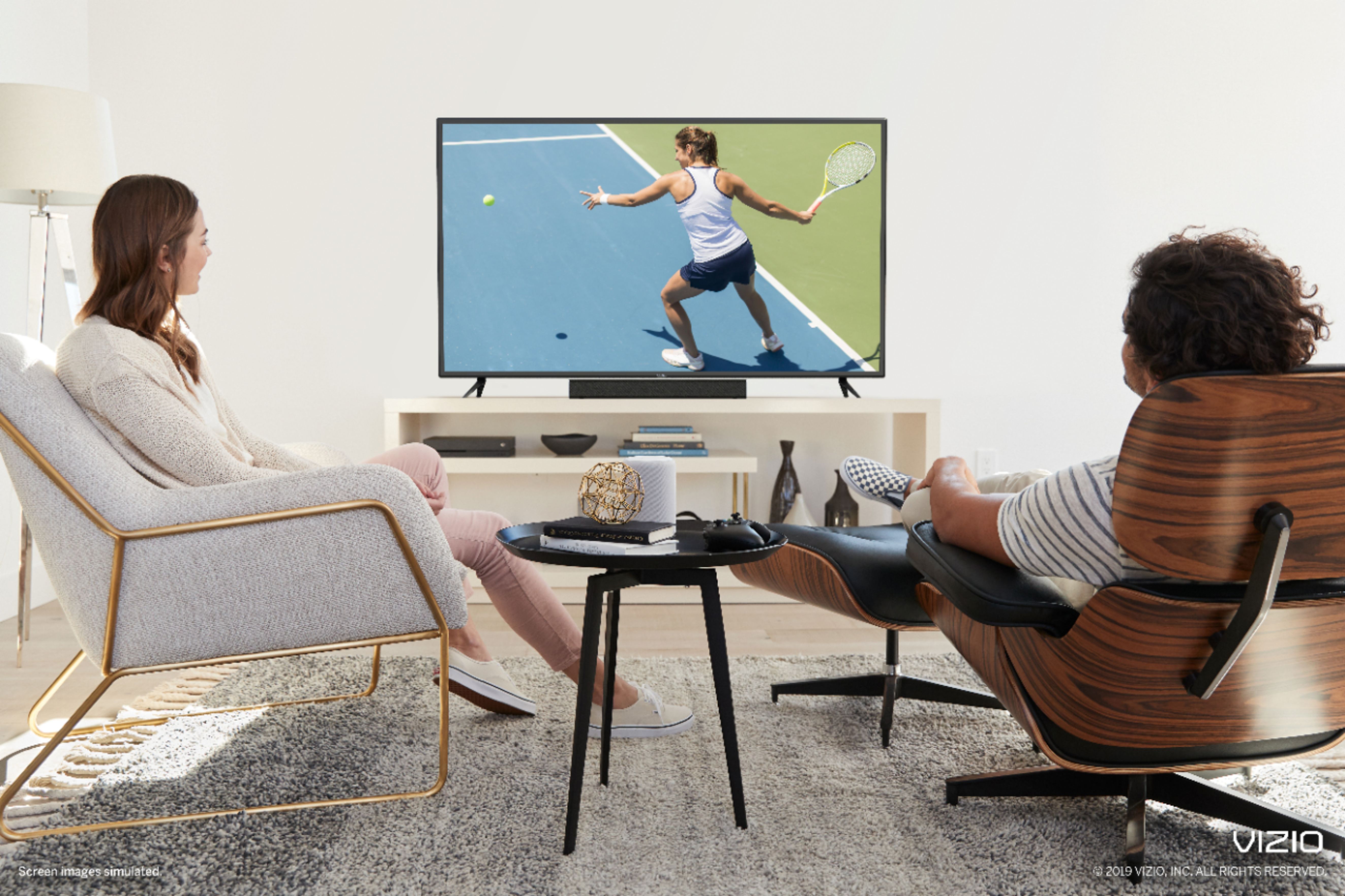
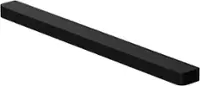
A:AnswerThe speaker does not have any mounting points on it. It’s designed to sit on an entertainment center in front of your tv.
You would need to source a third party tv attachment or shelf for this speaker to mount under your tv on a wall.
A:AnswerHello Patty, No unable to connect RCA cables to the back of the Sound bar for external speakers because the sound RCA ports are to connect to audio out for a TV.
A:AnswerConnect your sound bar to the optical port to your TV. On your TV SOUND settings, select Optical or Optical Out. That should solve the problem. I had the same issue.
A:AnswerHey I know our tech support team can help with some troubleshooting tips for this. When you have a free moment, they’re available through text message, chat, or over the phone. Just go to support.VIZIO.com and click on ‘Contact Us’.