A:AnswerThe soundbar seems to do what you have asked for me. I was looking for the same result as the question pertains. It has made hearing the dialogue portion of the sound much more hearable. I needed to turn the TV audio down to a level that allowed no interference with the soundbar. The audio from the soundbar and TV aren't totally synchronized, so the TV needed muting to achieve the result desired.
A:AnswerThe 3.0 will produce the sound of the front 3 channels as produced in the soundtrack of the broadcast being watched including dialog or other sounds as they are separated in the film but dialog is usually in the center . it is the front 3 channels of the 5 or 7 produced and should sound better than a 2.0. I have recommended this to a friend that is purchasing her first surround bar after purchasing a new tv. has the required cable choices included.
A:AnswerThe sound bar is a self contained sound system. In some home theater setups, users purchase components separately. So a user would need to purchase a receiver, an amplifier, and individual speakers. When piecing together a home theater system in this fashion it’s important to balance the system. Measuring the wattage each device is capable of transmitting & receiving and the impedance of each device (measured in OHMs) was balanced to achieve the maximum sound pressure level (or volume measured in decibels). Typically a speaker that can receive a higher wattage are also capable of creating a higher Sound Pressure Level (decibels). It’s important to note that watts is a measure of power, but sound pressure level, (The measure of volume), is the end result. In VIZIO Sound Bar Systems the components are self-contained and balanced so the wattage transmitted between each internal component is already configured to give you the maximum Sound Pressure Level, which for this Sound Bar is 100 dB.
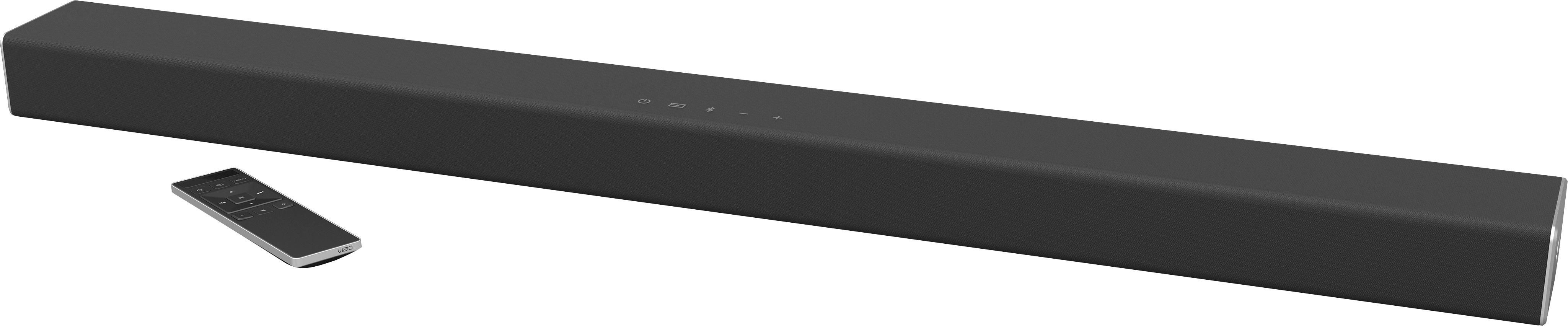
A:AnswerThe center channel of this sound bar would be were a majority of your audio would come from. The center channel does have its own separate adjustment that can be changed from the remote.
A:AnswerIn some home theater setups, users purchase components separately. So a user would need to purchase a receiver, an amplifier, and individual speakers. When piecing together a home theater system in this fashion it’s important to balance the system. Measuring the wattage each device is capable of transmitting & receiving and the impedance of each device (measured in OHMs) was balanced to achieve the maximum sound pressure level (or volume measured in decibels). Typically a speaker that can receive a higher wattage are also capable of creating a higher Sound Pressure Level (decibels). It’s important to note that watts is a measure of power, but sound pressure level, (The measure of volume), is the end result. In VIZIO Sound Bar Systems the components are self-contained and balanced so the wattage transmitted between each internal component is already configured to give you the maximum Sound Pressure Level, which for this Sound Bar is 100 dB.

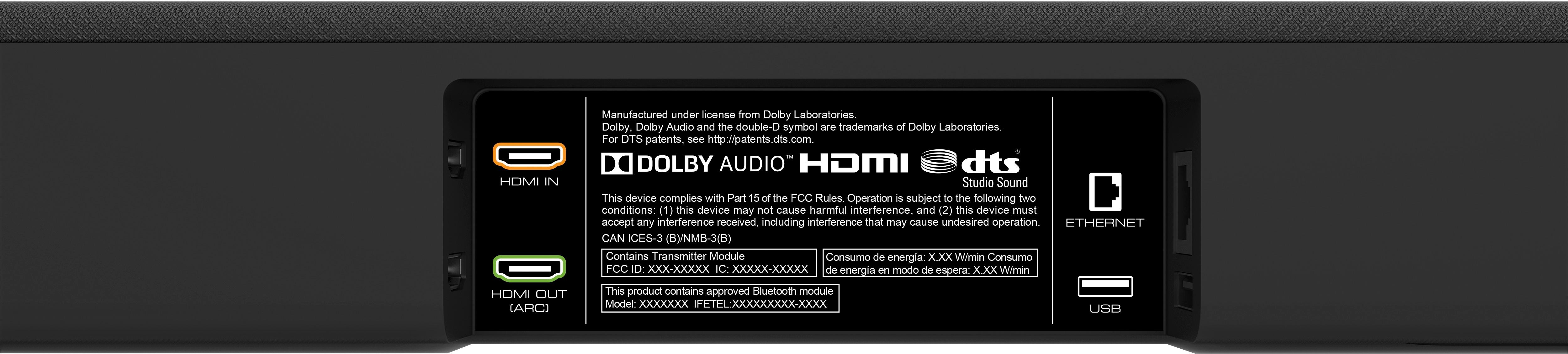
A:AnswerMy setup is different and not as complex/fancy/better than yours. I connected the sound bar directly to my Vizio TV via the HDMI ARC port. I don't have a HT Receiver, so I wouldn't be able to advise you. If the instructions of the HT Receiver and Vizio sound bar are not very clear, I would try by trial an error. The HDMI ARC connection may be related to the sound/remote of the sound bar. I know if the TV does not have an HDMI ARC, then you would connect to a standard HDMI on the TV of course. I would contact Vizio, they may give you a quicker answer or like I said, by connecting it to the HT Receiver, try the volume up and down and see if it behaves like you expected to. Then connect it to the TV HDMI ARC and see if you hear any difference. Good luck.
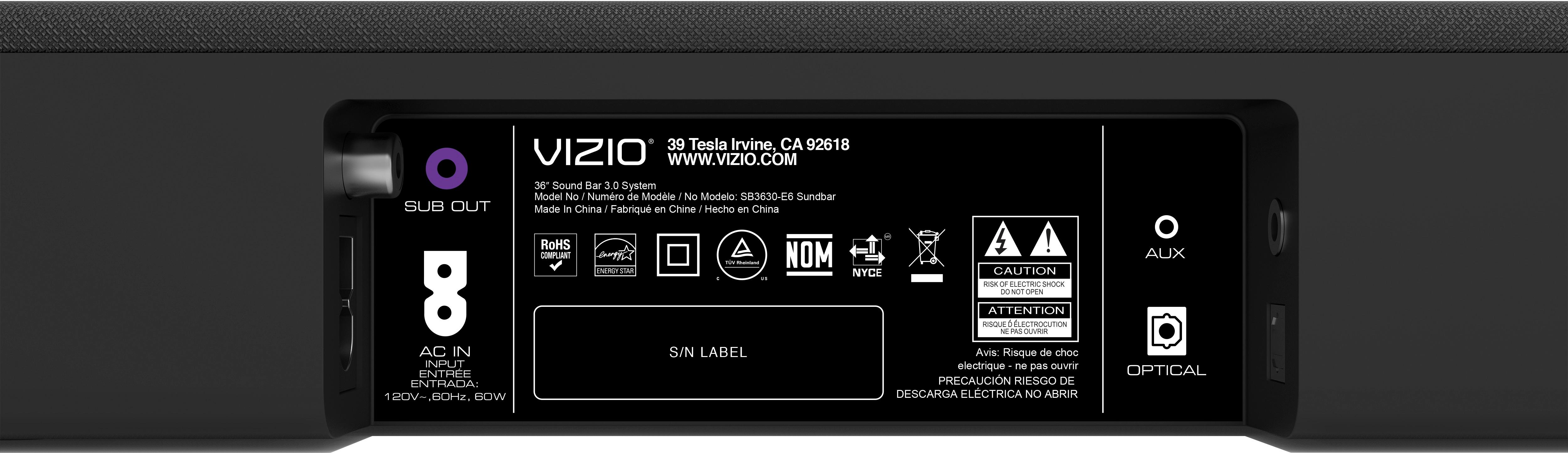
A:AnswerThis sound bar would not be able to be paired with an existing wireless subwoofer. This sound bar does have the ability to connect to a self powered subwoofer that connects to the sound bar using an RCA termination.
A:Answeryou can find universal remote codes on the VIZIO support website. You can also use the learn remote feature that can be found on page 31 that will allow the sound bar to learn the volume up, down and mute functions of your remote.
A:AnswerThe screw holes for this sound bar should be a few inches in from the outside edges of the sound bar. This sound bar does not come with brackets that would allow you to mount the sound bar to the TV. There are 3rd party mounting brackets that can be found that will allow for this kind of mounting.