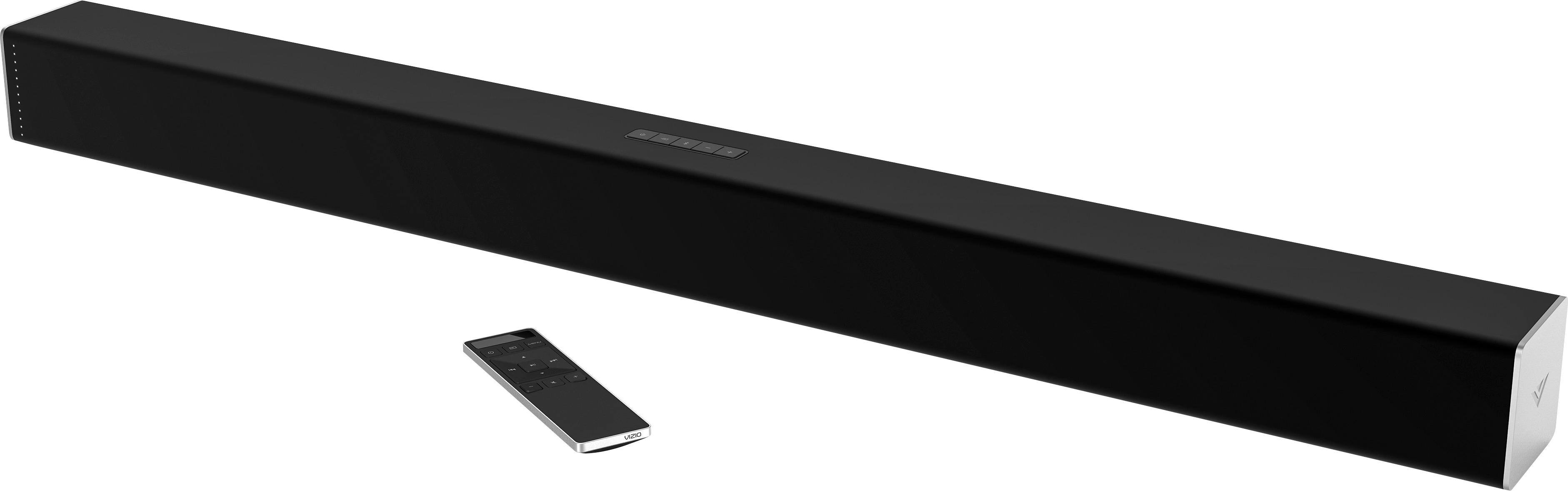
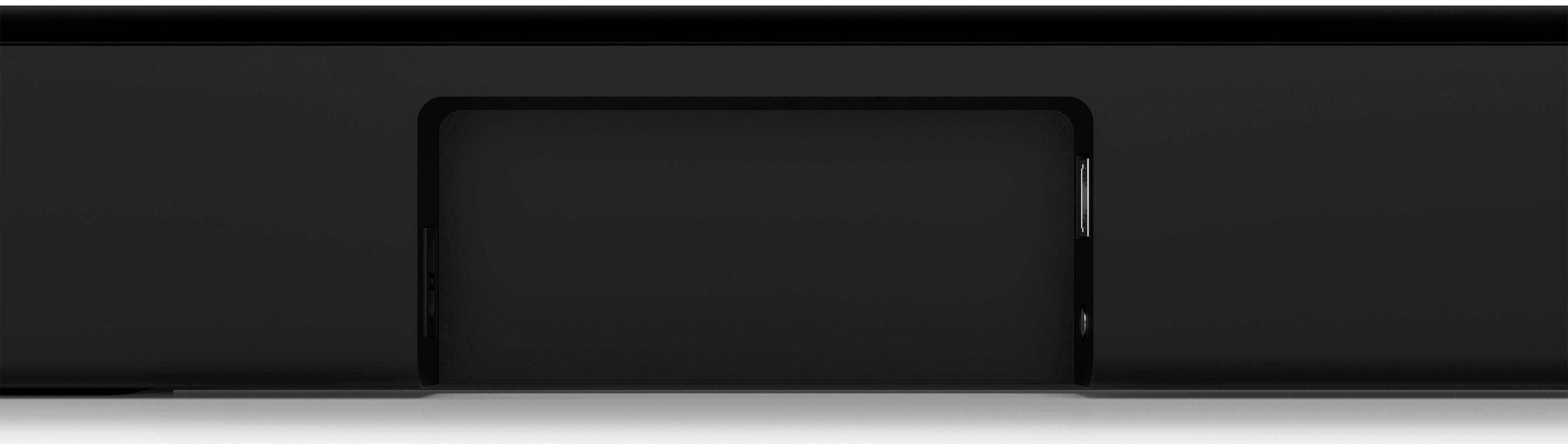
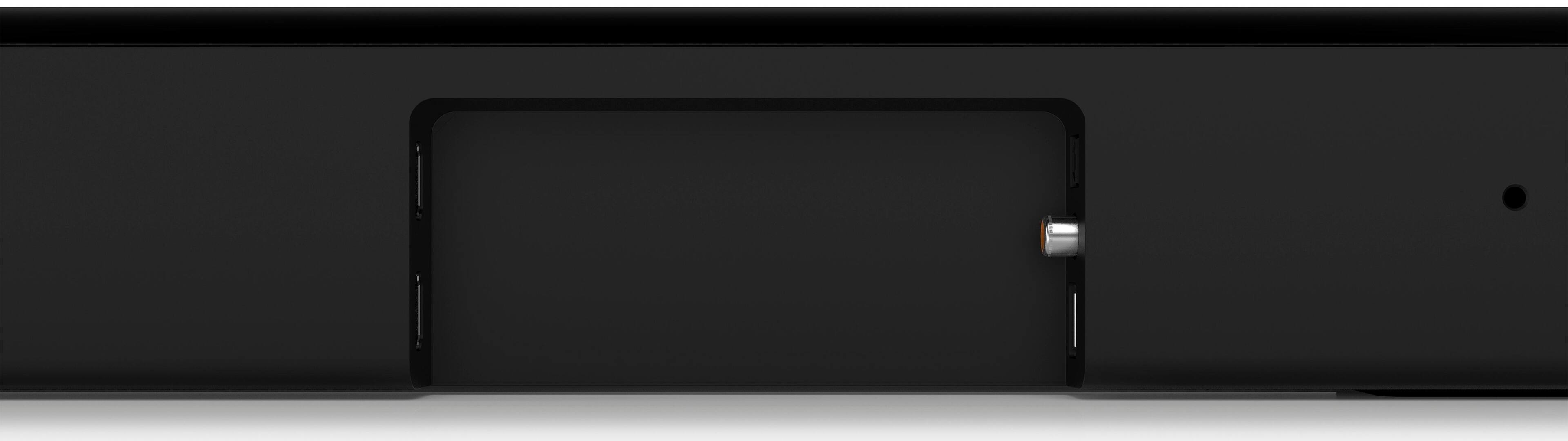
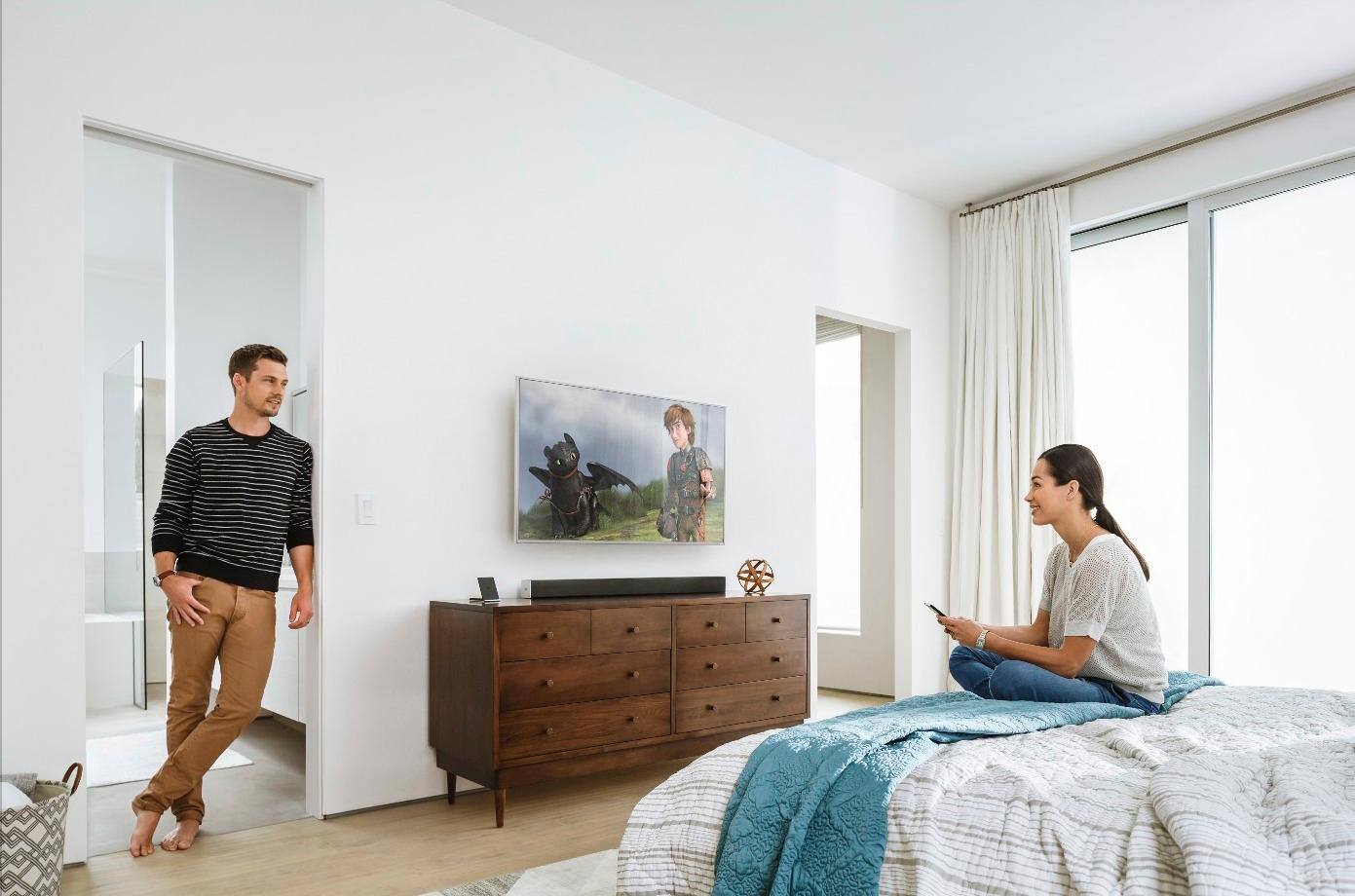
A:AnswerIt does all that for me. I have it connected to a TCL TV using an HDMI cable. The TV has to have an HDMI ARC (Audio Return Channel) connection. Then I turned off the TV speakers so it just uses the Soundbar for sound. The soundbar lets you program it to use your TV remote to operate it. With this setup the soundbar turns on and off with the TV and the TV remote changes the volume and mutes it. I never use the Soundbar remote. It just sits in a drawer. Hope this helps.
A:AnswerI connected my sound bar to a 2nd generation Echo Dot and a 2nd Generation Echo and they both worked. I don't have the Google Assistant so I don't know if this works or not.
A:AnswerWe recommend connecting everything to the TV and then connecting the TV to the soundbar. This will cause all audio to come through the sound bar.
A:AnswerA 2.0 system has 2 audio channels (a left channel, and a right channel). A 3.0 system has 3 audio channels (a left channel, a center channel, and a right channel).
A:AnswerThe soundbar volume can be adjusted up and down with a Tivo remote (or the TV remote).
To turn the soundbar on you need to press the volume up button on the Tivo remote (or the TV remote) one time.
You need to have the soundbar set to turn off after a period of inactivity since the Tivo on/off (or TV on/off) will not turn the soundbar off.
A:AnswerA small Yamaha, Pioneer or Polk unit will be fine unless your room is huge. Just find a cheap one. (Even used) I would not pay over 100 for sub for a soundbar setup.