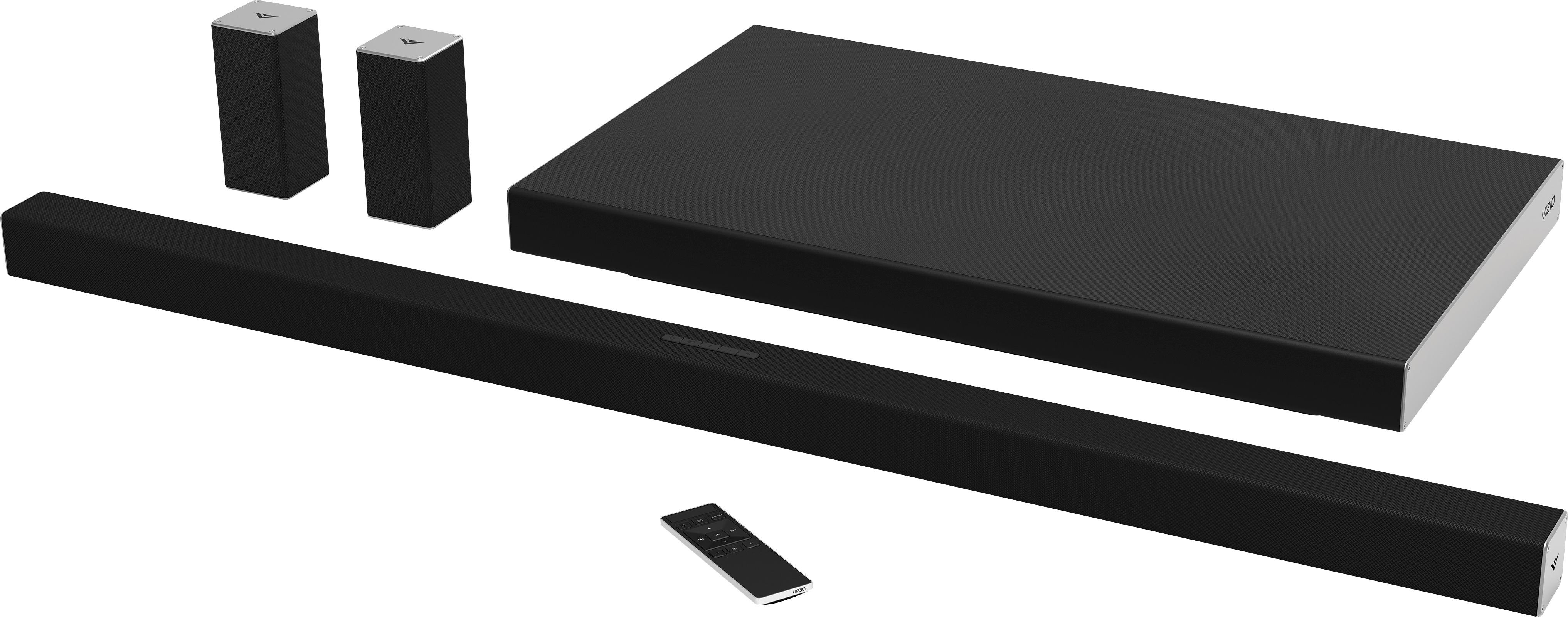
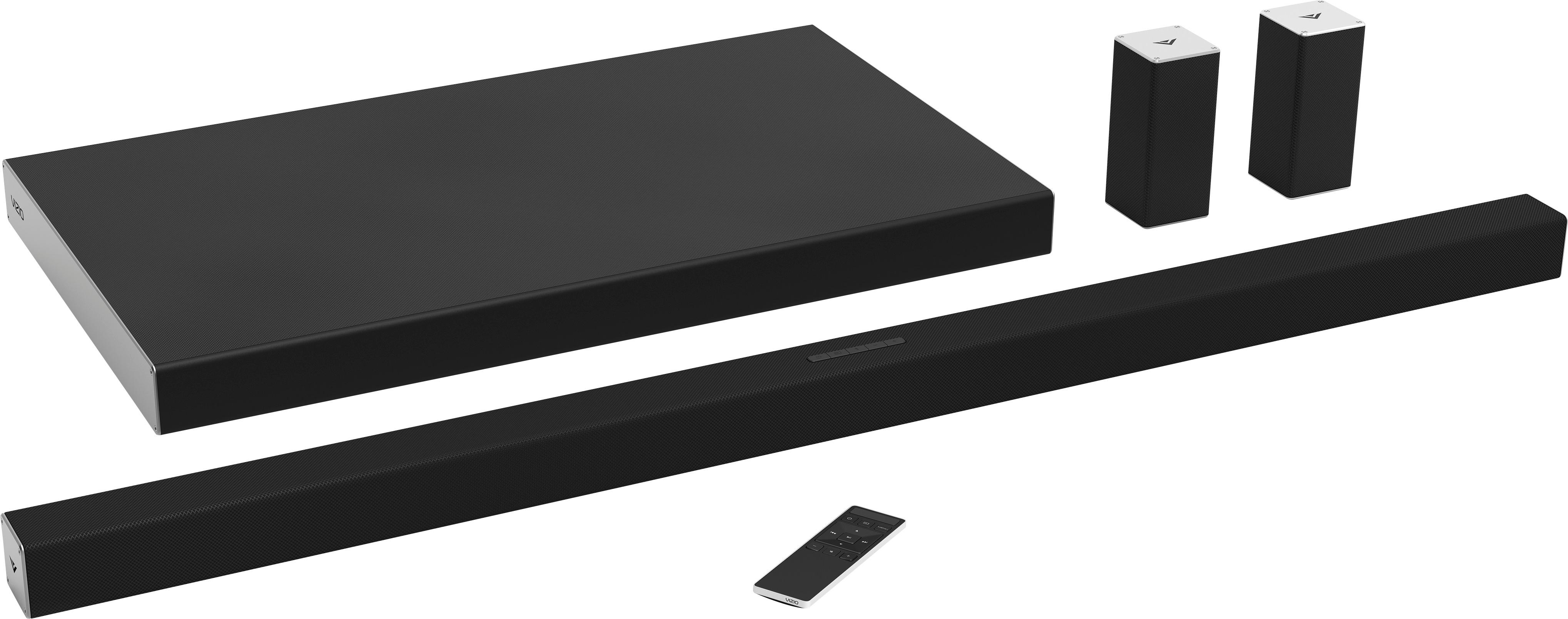
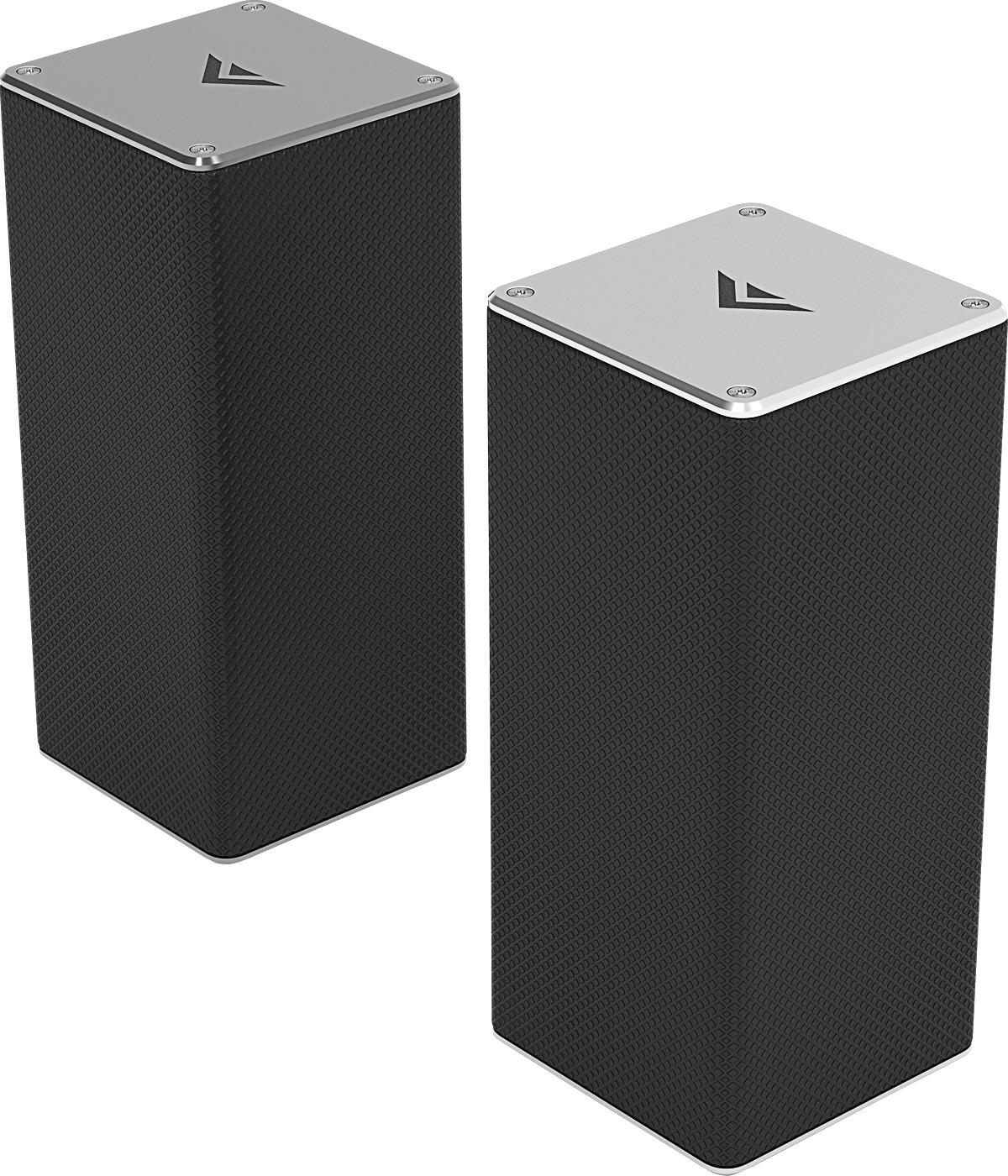
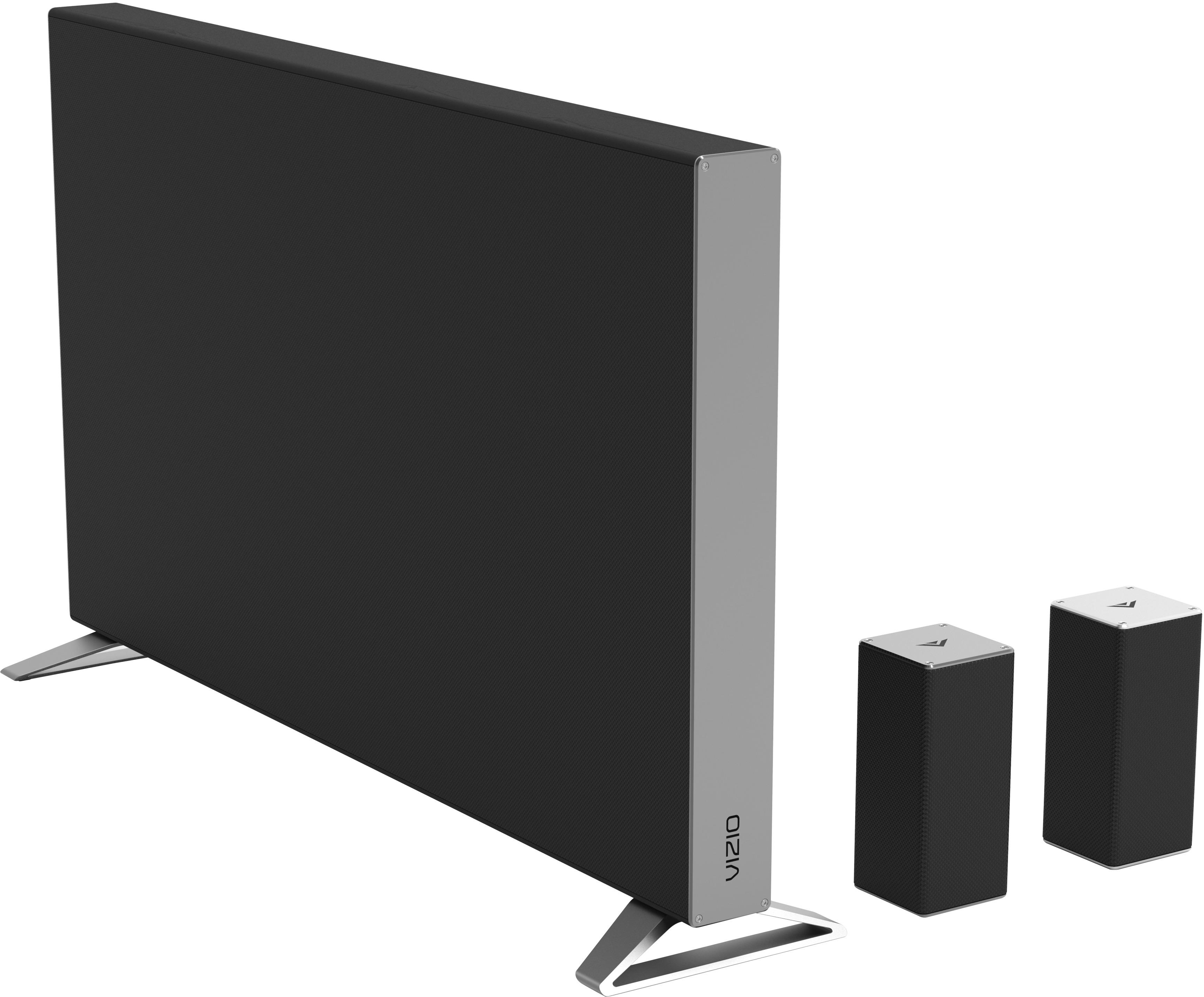
A:AnswerThe satellite speakers will help to create an immersive experience. To increase the voices in a program you may want to increase the center channel as this will help with the voices.
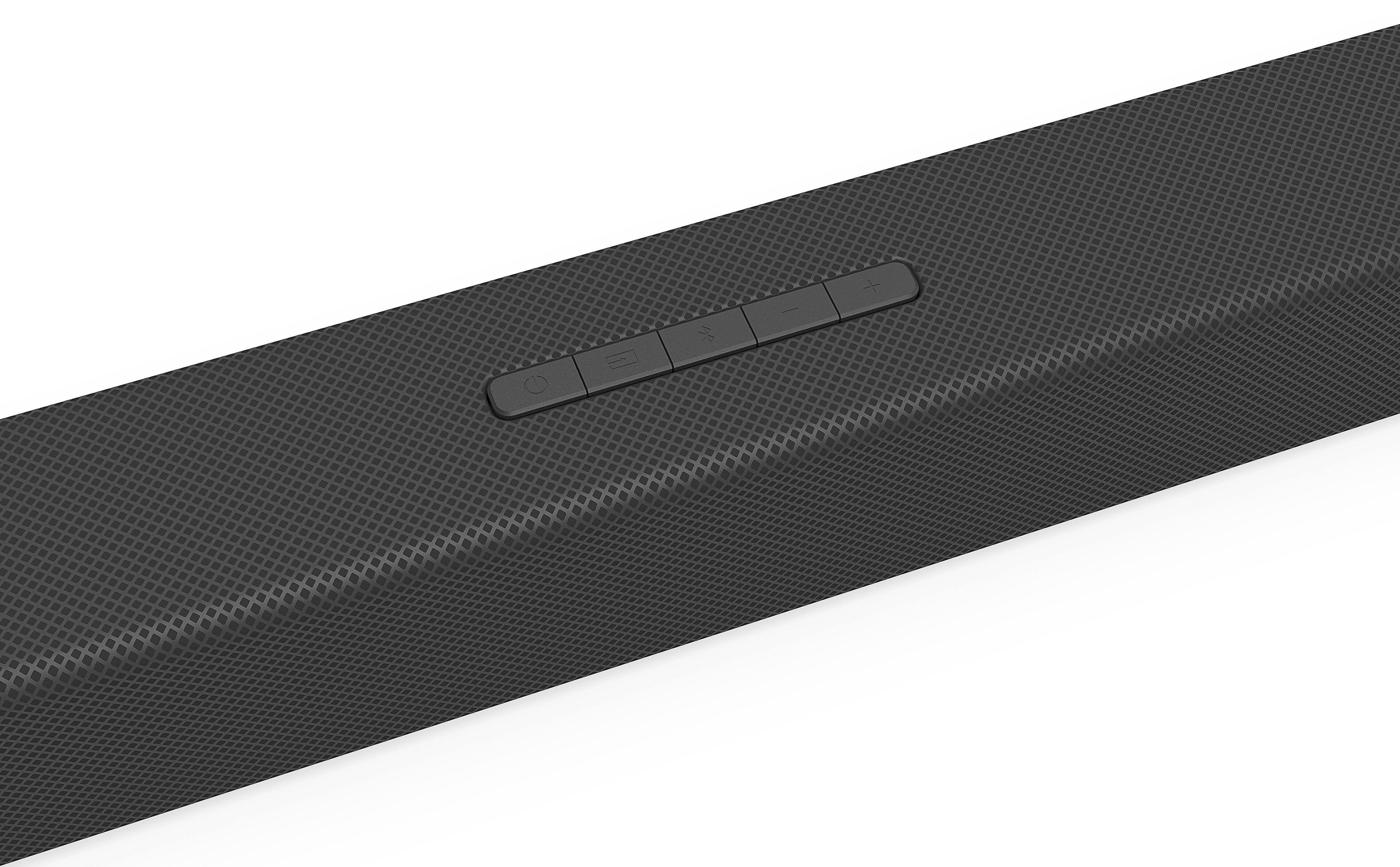
A:AnswerYou will want to make sure that your surround function is turned on and that the surround (rear) volume is turned up in the sound bar. Also, for best sound make sure you are watching a source that is in 5.1 audio. If you are having any issues still please give our customer service a call at 877-878-4946.
A:AnswerThere is an option in our TV Audio settings called lip sync. This will help to adjust the picture and the audio so they match. We also recommend turning off the TV speakers if you are using an external audio device.
A:AnswerThe wattage rating for this item is not available. The transmission is already configured for the maximum sound pressure level and that level is 104 dB.
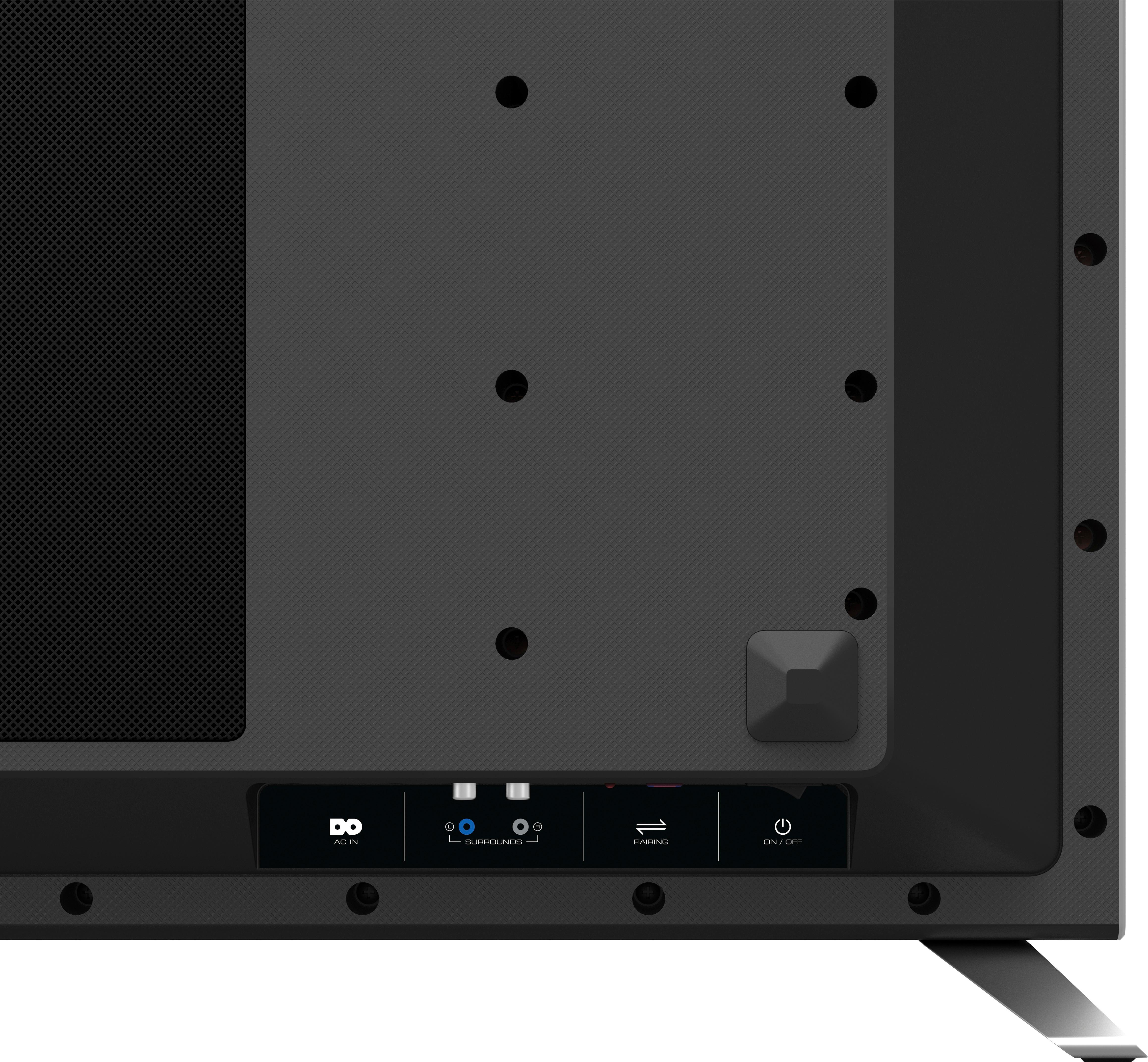
A:AnswerThe sound bar needs to pick up feed from TV, but sub woofer and rear speakers are wireless. The sub woofer syncs to the sound bar and the rear speakers plug into the sub woofer.
A:AnswerI dont know the watts on this system, but if you are looking for serious bass, look at the JBL 5.1 soundbar with 100% complete wireless satellite speakers, bass is unreal.
A:AnswerWe just bought the system one and it has been amazing. I’ve had other sound systems before and this is the first one where we can actually understand the dialog...our others would always muffle the dialog. This system works great with dialog and delivers beautiful sound for music and movies.
A:AnswerNo, it just needs the connection from the tv. When you get it, it comes with 4-5 wire connection for any user need. From HDMI to optic cable. It gives you options and helps with the wires and gives them to you. A plus side or bonus.