A:AnswerHi - The VTech IS8151-5 uses a rechargeable 2.4 V Ni-MH battery pack. To order the battery, please contact our Customer Support between the hours of 7:00 AM to 4:00 PM Pacific time, Monday through Friday at 1-800-595-9511.
Thank you!
-VTech Support
A:AnswerHi - The VTech IS8151-5 has a capability to let the other four registered handsets in the same system join an outside call. However, if you are referring to a three-way calling wherein there are three different lines in the same call, you will have to contact your service provider as it is subscription that you have to activate.
Thank you!
-VTech Support
A:AnswerHi - Below are the steps on how to turn on the message alert tone by using a cordless handset:
1. When the handset is in idle mode, press MENU to enter the main menu.
2. Press ▼ or ▲ to scroll to Answering sys, then press SELECT.
3. Press ▼ or ▲ to scroll to Ans sys setup, then press SELECT.
4. Press ▼ or ▲ to scroll to Msg alert tone, then press SELECT.
5. Press ▼ or ▲ to choose On or Off.
6. Press SELECT to save the setting. You hear a confirmation tone.
NOTE: The message alert tone beeps only if all the following conditions are met:
- Answering system is on.
- Message alert tone setting is on.
- There are new messages.
Thank you!
-VTech Support
A:AnswerHi - If a call from the cell has been received on the base, the name of the paired device appears instead of the actual caller's CID until DIR has been downloaded. To download the Phonebook, please follow the steps below:
Step 1: Press MENU/SELECT, then scroll ▲ or ▼ to highlight Bluetooth. Press MENU/SELECT again.
Step 2: Download PB is highlighted. Next, press MENU/SELECT
Step 3: Use ▲ or ▼ to select the directory you wish to download; then press MENU/SELECT.
Step 4: Select the directory source: the cell phone’s memory, SIM card, or both. NOTE: Not all cell phones have a SIM card. Next, press MENU/SELECT.
NOTE: If you have previously downloaded this directory, the cordless handset will inform you of the date of the last update. Press MENU/SELECT to continue. It will also inform you that if you continue, the previous directory will be erased as it performs the new download. Press MENU/SELECT to continue.
Step 5: During the download, the cordless handset displays the progression of the number of downloaded directory entries. When the download is complete, press MENU/SELECT.
Step 6: Press and hold OFF/CANCEL to return to the idle screen.
For further assistance, please contact our Customer Support between the hours of 7:00 AM to 4:00 PM Pacific time, Monday through Friday at 1-800-595-9511 so we can provide you the best resolution to your concern. Thank you, -VTech Support
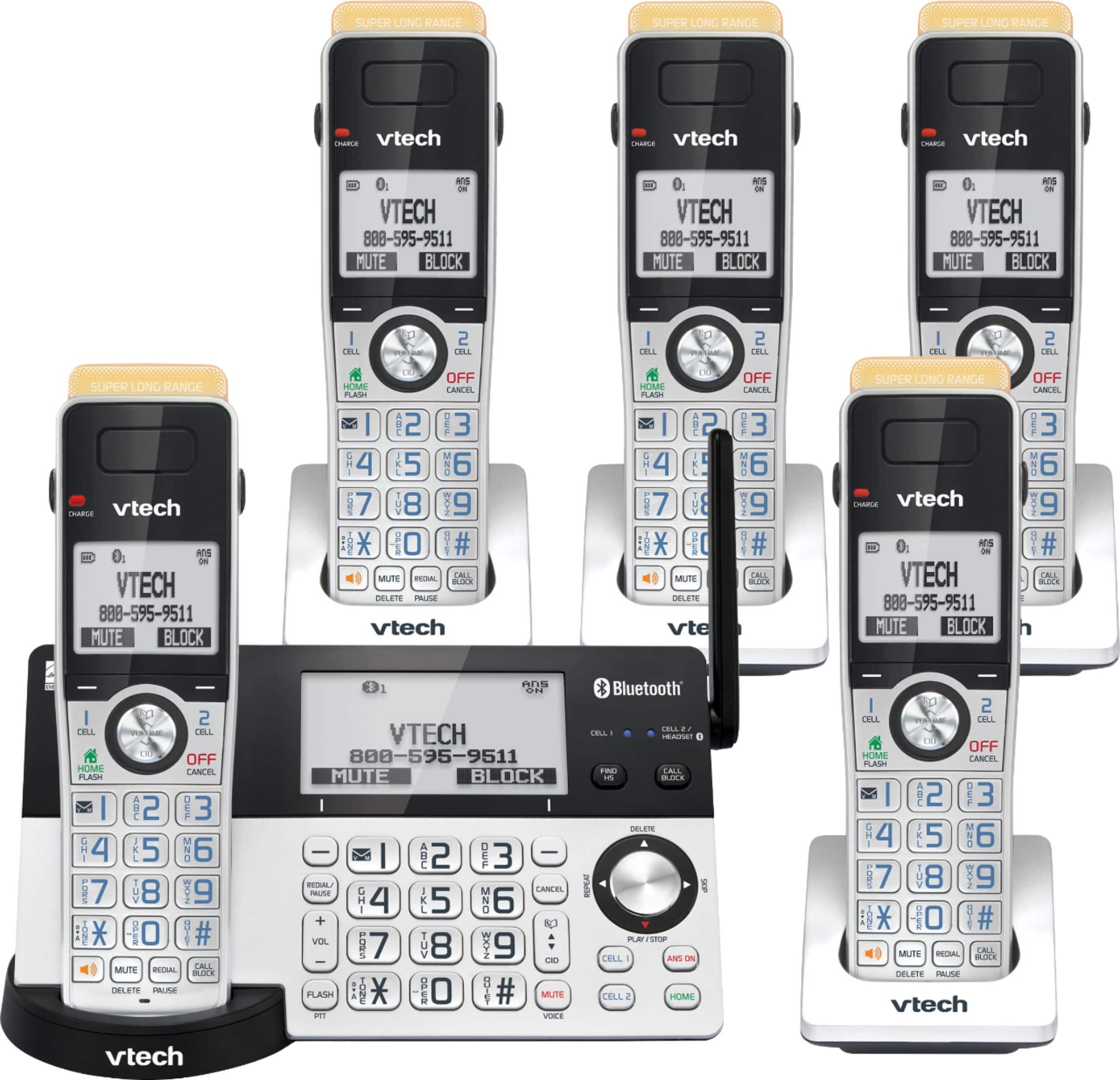
A:AnswerGlenda - Yes, our phones are designed to work on analog, digital or VOIP residential type of service. Thank you for your interest! -VTech Support
A:AnswerRoz - Yes, the VTech IS8151-5 is compatible with Caller ID and Voicemail service. Also, the phone itself has an answering system built in.
Thank you,
-VTech Support
A:AnswerMooresboro - You can pair up to four Bluetooth devices (cell phones or headsets) with the VTech IS8151-5 and only two cell phones can be active on a call at the same time. Thank you! -VTech Support
A:AnswerRandy - If the base display is blank and the power cord is securely plugged into the base and electrical outlet, you may need to reset the telephone base. Kindly follow the troubleshooting steps below.
Step 1: Disconnect the power to the telephone base.
Step 2: Wait a few minutes and then reconnect the power to the telephone base.
Step 3: Set the day and time.
If this does not help, please contact our Customer Support between the hours of 7:00 AM to 4:00 PM Pacific time, Monday through Friday at 1-800-595-9511 so we can provide you the best resolution to your concern. Thank you, -VTech Support
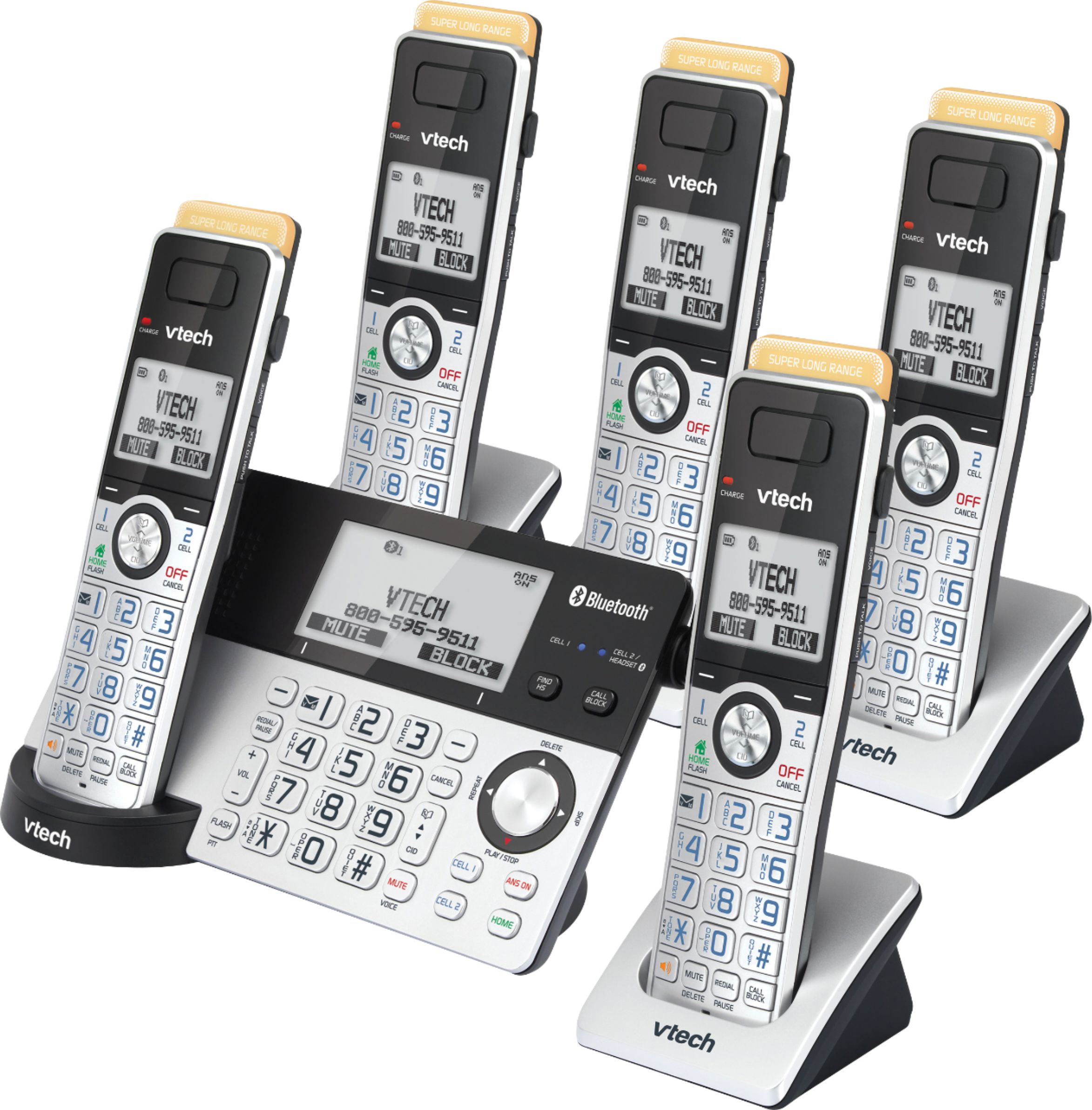
A:AnswerTom - The handsets of the VTech IS8151-5 do not have a light indicator for new messages. You may see "XX New Messages" on the screen of each handset when there is a new message on the answering system. Thank you! -VTech Support
A:AnswerWe're sorry to hear about your experience with the telephone. Please contact our Consumer Sales and Service Center between the hours of 7:00 AM to 4:00 PM Pacific time, Monday through Friday at 1-800-595-9511 so we can provide you the best resolution to your concern. Thank you, -VTech Support
A:AnswerSally - When the phone is not in use, the date and time is displayed at the middle of the screen on both the telephone base and cordless handsets of the VTech IS8151-4. Thank you! - VTech Support
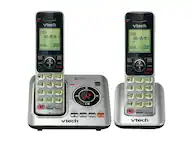
A:AnswerRK - If you are referring to the top part of the VTech IS8151-5 cordless handset, that is the indicator light that flashes whenever there is an incoming call. Thank you! - VTech Support.
A:Answerbatteries are included for each phone and must be installed by the purchaser. The phones will not connect directly to the base; each handsets sits in a charger that is plugged into a standard electrical outlet.
A:AnswerBlocking of incoming sales calls can be done by any phone. The nice thing about this phone is that all numbers of regular callers like friends and family can be stored but all other incoming calls are screened. So if it is a robo call, they will hang up or disconnected.
A:AnswerHi - The VTech IS8151-5 is a singe line telephone system. The screen of the handset will display "line in use" when another handset is on a call.
Thank you,
-VTech Support