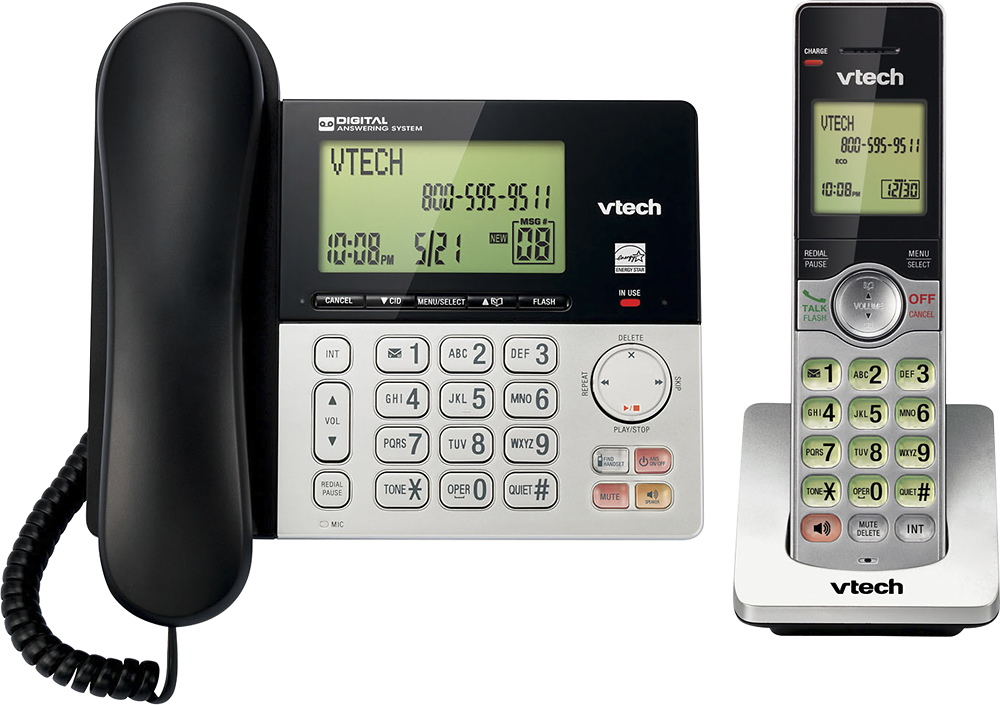
A:AnswerLarry - The VTech CS6949 has a call block feature. You may check the model IS8151-3 which has a smart call blocker feature that you are looking for. The feature requires Caller ID service to work. Thank you! - VTech Support
A:AnswerLarry - The directory/phonebook capacity of the VTech CS6949 is 50 entries, which are shared by the base and all system handsets. Thank you! - VTech Support
A:AnswerWill - You can connect the VTech CS6949 on a different jack on the same line as the CS6719-17 but the cordless handset from one base will not communicate with the handsets from another base. Thank you - VTech Support
A:AnswerHi - The VTech CS6949 comes with a built-in Answering system. You can press the Play/Stop button on the telephone base to retrieve messages from the Answering system. To delete messages, you can either press the X/Delete button while the message is playing or press X/Delete button twice to delete all old messages. If this does not help, please contact VTech Customer Support for further assistance at 1-800-595-9511. We are open from 9:00 AM to 3:00 PM, Mondays through Fridays. When calling, please have your model number handy: CS6949. Thank you! - VTech Support
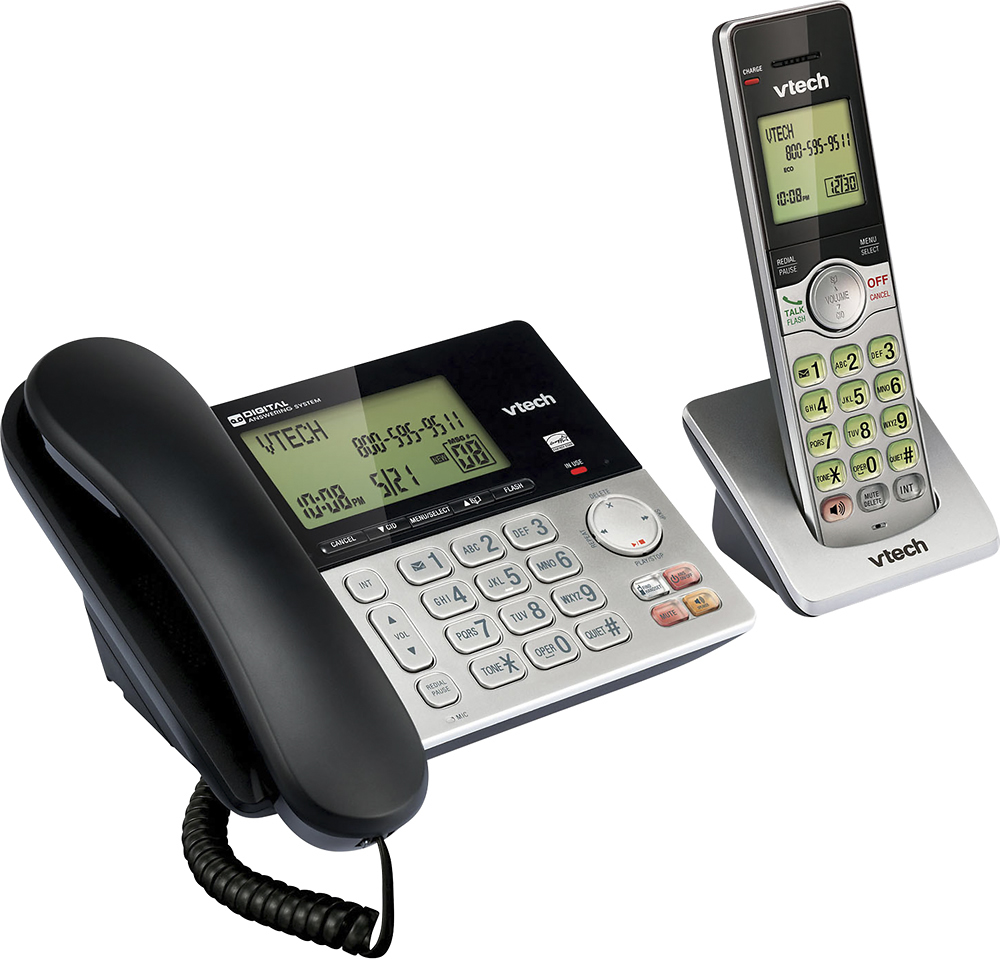
A:AnswerHi - The VTech CS6949 has a speakerphone feature on the base and the cordless handset. Press the speaker button on the lower right corner of the base or the lower left corner of the cordless handset to activate the speaker. Thank you! - VTech Support
A:AnswerTommyB - The VTech CS6949 does not have Caller ID announce feature. You may check the model IS8151-3 that has the feature you're looking for. Thank you! - VTech Support
A:AnswerTammy - The VTech CS6949 does not have a speed dial feature. You may check the SN5147 that has eight photo speed dial on the telephone base and four direct memory keys (M1 to M4) on the cordless handset. Thank you! - VTech Support
A:AnswerMel - Yes, you can turn off the call screening feature of the VTech CS6949 if you do not want the incoming messages heard while they are being recorded. Here's the procedure on how to turn off the Call Screening feature.
1. Press MENU when the phone is not in use.
2. Press ▼ to scroll to Answering sys, and then press SELECT.
3. Press ▼ to scroll to Ans sys setup, and then press SELECT.
4. Press SELECT to choose Call screening.
5. Press ▼ or ▲ to choose Off.
6. Press SELECT to save. You will hear a confirmation tone.
Hope this helps. Thank you! - VTech Support
A:AnswerMissJane - You can adjust the ringer volume of the corded telephone base and cordless handset of the VTech CS6949. Here's the procedure on how to adjust the ringer volume.
On the telephone base:
Press VOL ▲ or VOL ▼ on the telephone base to adjust the ringer volume when the telephone base is not in use.
On the cordless handset:
1. Press MENU when the cordless handset is not in use.
2. Press ▼ to choose Ringers, and then press SELECT.
3. Press ▼ to select Ringer volume, and then press SELECT.
4. Press ▼ or ▲ to sample each volume level.
5. Press SELECT to save your selection. You will hear a confirmation tone.
If you press the Mute button while the base or cordless handset is ringing, you are temporarily silencing the ringer of the handset and telephone base without disconnecting the call. Hope this helps. Thank you! - VTech Support
A:AnswerHi - We are sorry to hear that you are having an issue with the Answering System of the VTech CS6949. Please make sure the answering system is on. The ANS ON/OFF button should have a steady red light on the base. Make sure that the memory is not full. If this does not help, like many electronic devices, a reset may resolve the issue. You can reset the base by disconnecting the power for a minute. Reconnect and test. If the issue still persists, please contact VTech Customer Support for further assistance at 1-800-595-9511. We are open from 9:00 AM to 3:00 PM, Mondays through Fridays. When calling, please have your model number handy: CS6949. Thank you! - VTech Support
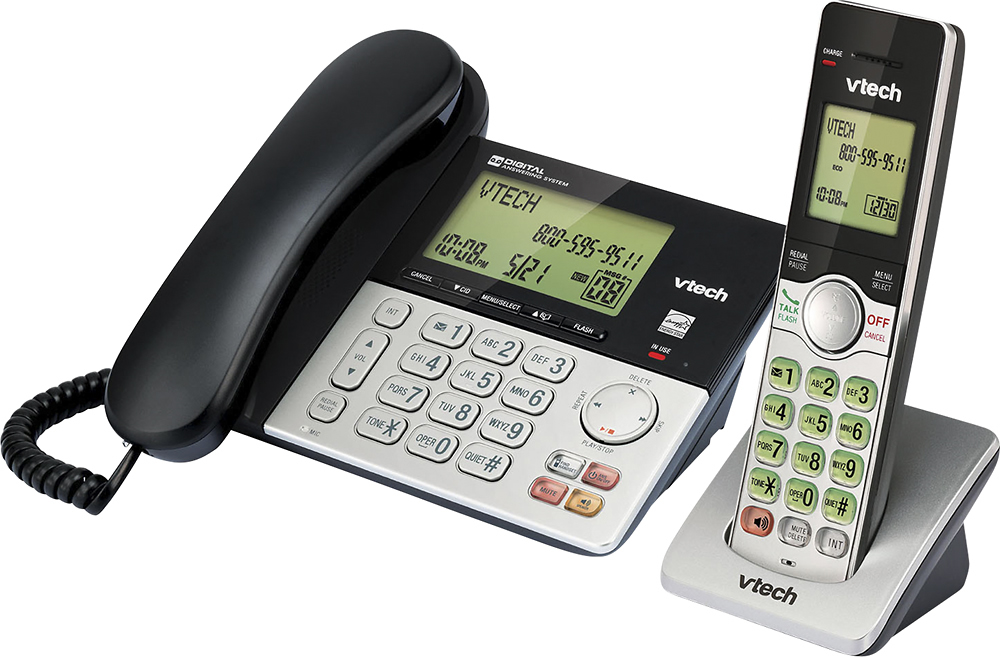
A:AnswerHi - The cordless handset compatible with the CS6949 is the model VTech CS6909. You can add up to 5 cordless handsets to the unit.
Thank you,
-VTech Support
A:AnswerHi - Yes, as long the the telephone base of the VTech CS6949 is connected to an electrical outlet and a telephone jack or modem to get a dial tone. Thank you! - VTech Support
A:AnswerMax - The VTech CS6949 is a DECT 6.0 unit which operates on 1.9 GHz frequency. We recommend that you place the phone system away from any other electronic devices to avoid interference. Thank you! - VTech Support
A:AnswerBaltimore - The corded handset of the VTech CS6949 has an earpiece and mouthpiece to talk to. If you cannot be heard whenever you are using the corded handset, like many electronic devices, a base reset may resolve the issue. You can reset the base by disconnecting the power from the telephone base for a minute. Reconnect and test. If this does not help, please contact VTech Customer Support for further assistance at 1-800-595-9511. We are open from 9:00 AM to 3:00 PM, Mondays through Fridays. When calling, please have your model number handy: CS6949. Thank you! - VTech Support