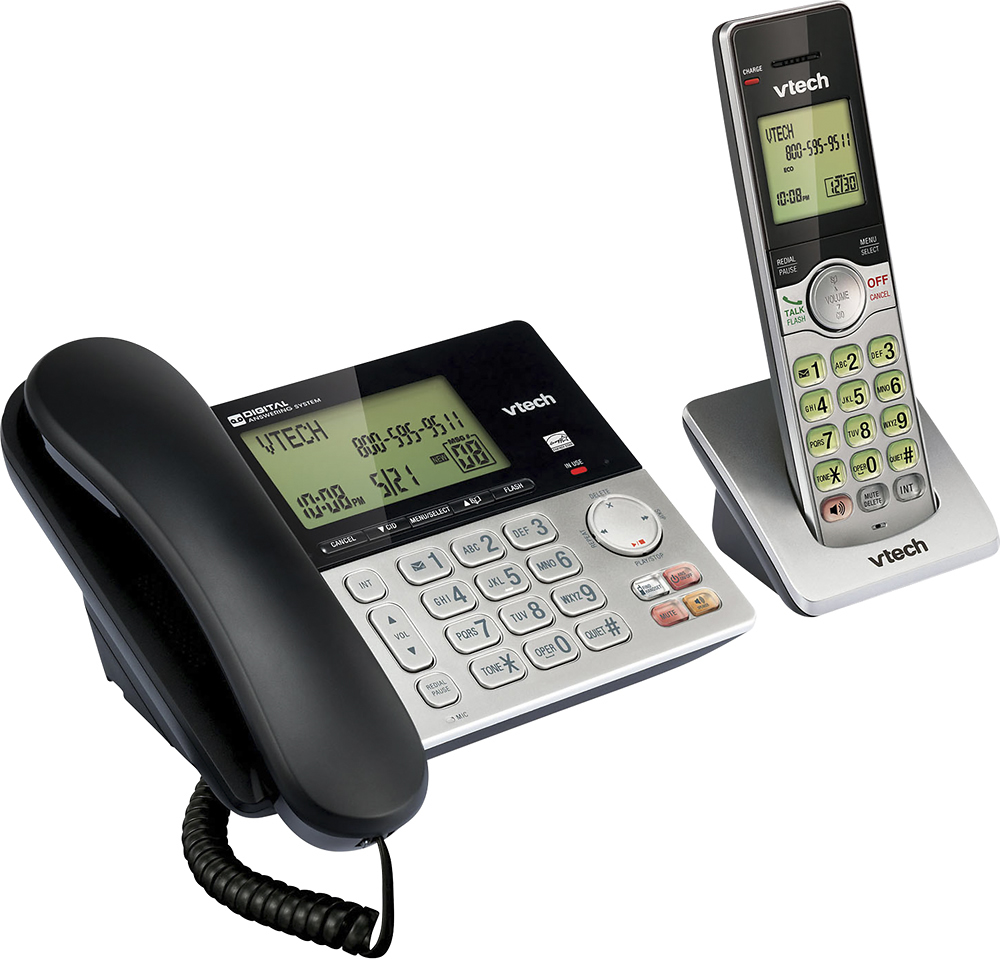
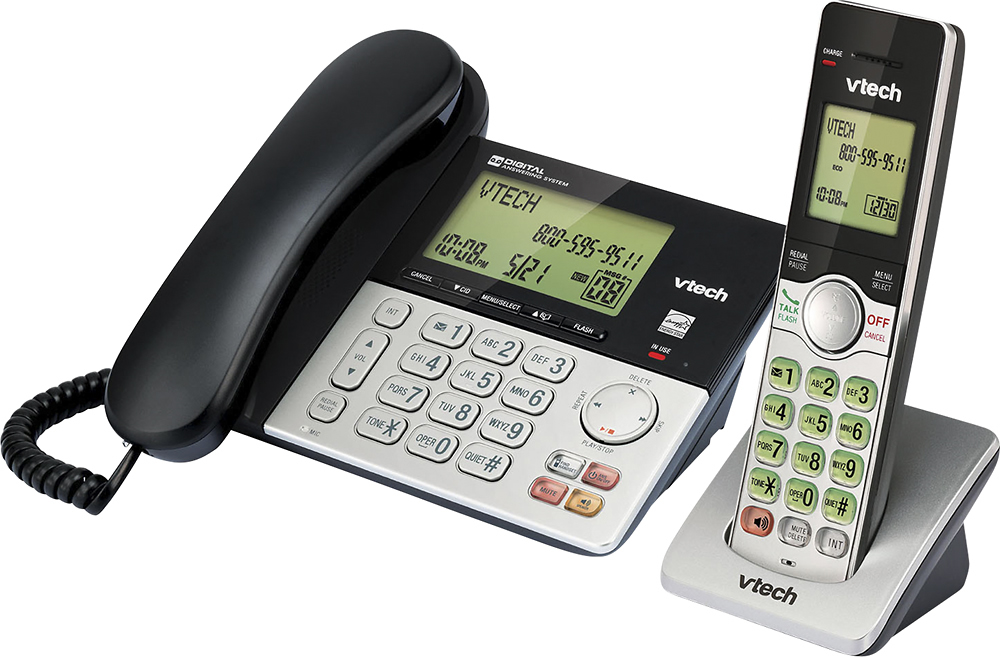
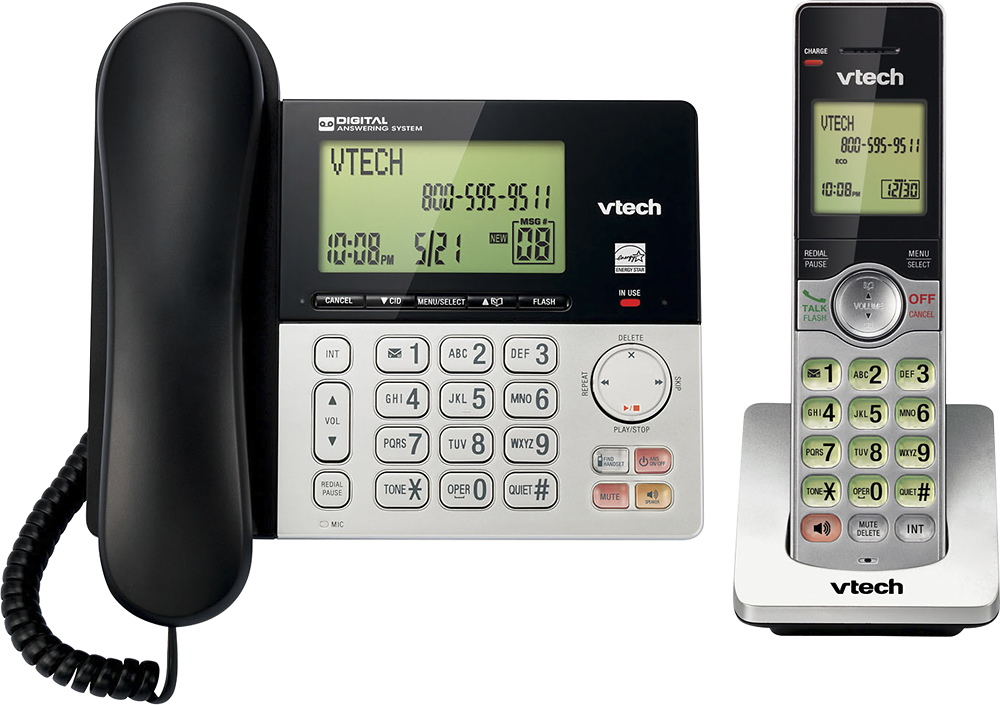
A:Answer Hi - Yes, the call screening feature of the VTech CS6949 can be set to off. Here's the instructions on how you can turn off the call screening.
Step 1: Press the MENU button on the telephone base when in idle.
Step 2: Press the arrow down button to scroll to Answering sys, then press the MENU button.
Step 3: Press the arrow down button to scroll to Ans sys setup, then press the MENU button.
Step 4: Press MENU button to choose Call Screening.
Step 5: Press the arrow down button to scroll to OFF, then press the MENU button. You will hear a confirmation beep.
Hope this helps!