A:AnswerNo. The tablet itself cannot connect to the Internet. If you can connect the tablet to your computer however, you can use it to draw on different programs that allows it.
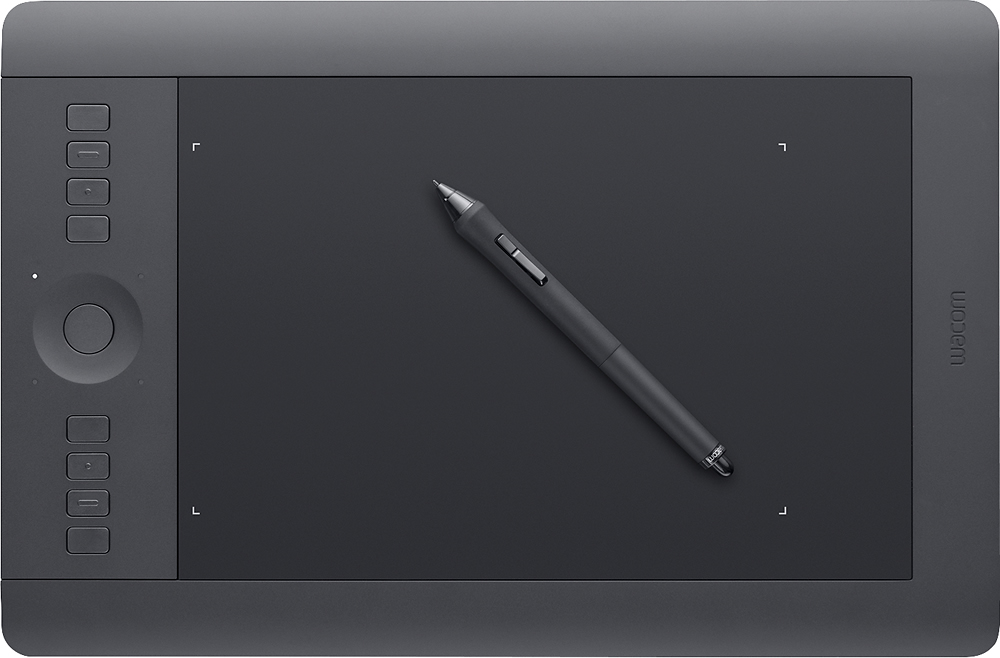
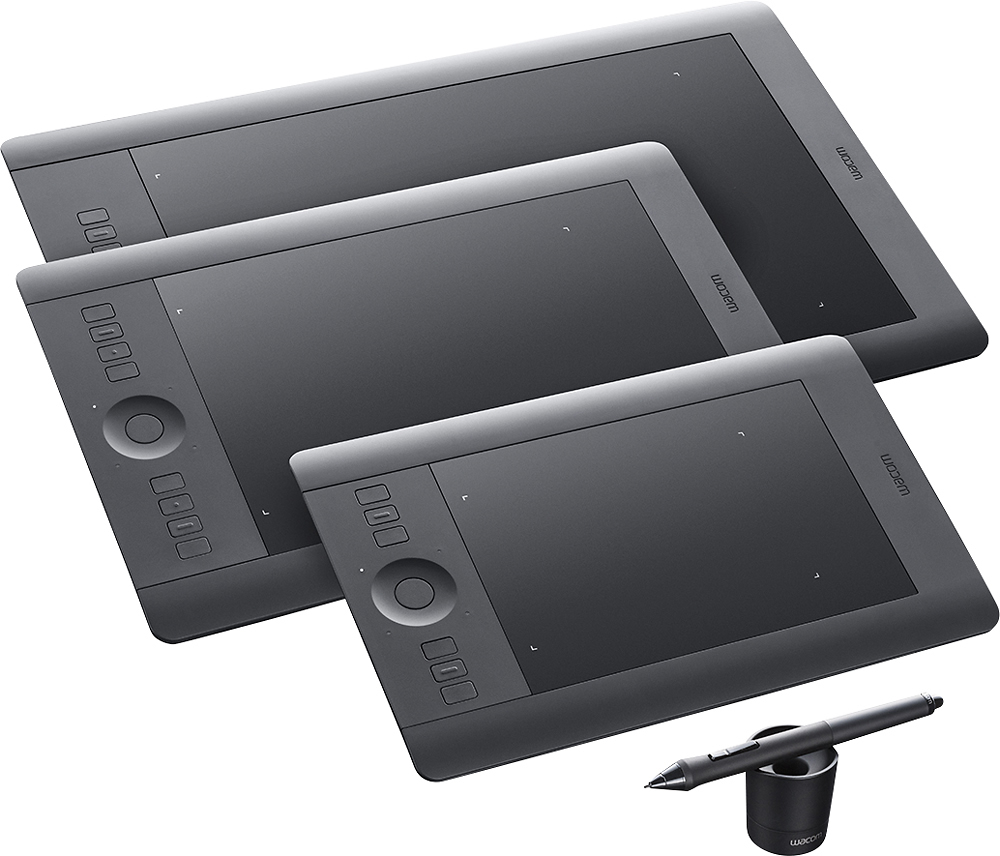
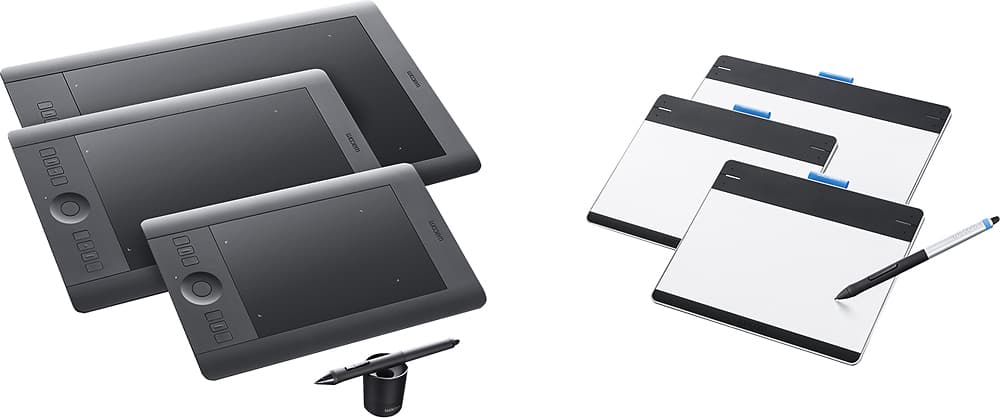
A:AnswerThe Intuos Professional tablet includes everything you need to get started using the pen to interact with your PC or Mac. It includes the tablet, pen, USB cable, wireless kit, and driver software.
A:AnswerThere is a license key on the envelope containing the driver installation CD. Use that license key to retrieve downloads of the bundled software along with those license keys when registering your product on the Wacom website.
A:AnswerThe PTH660 is the latest version of the Intuos Pro. It takes advantage of the new Pro Pen 2 which provides over 8,000 levels of pressure sensitivity. This model also has built-in Bluetooth connectivity and replaceable surface sheets with varying textures.
A:AnswerThis is an input device, like a mouse. Except it lets you input a lot more data, like pressure and angle you're holding the drawing pen at. You can edit and retouch photos with this device inside of an editing program (not included with the device).