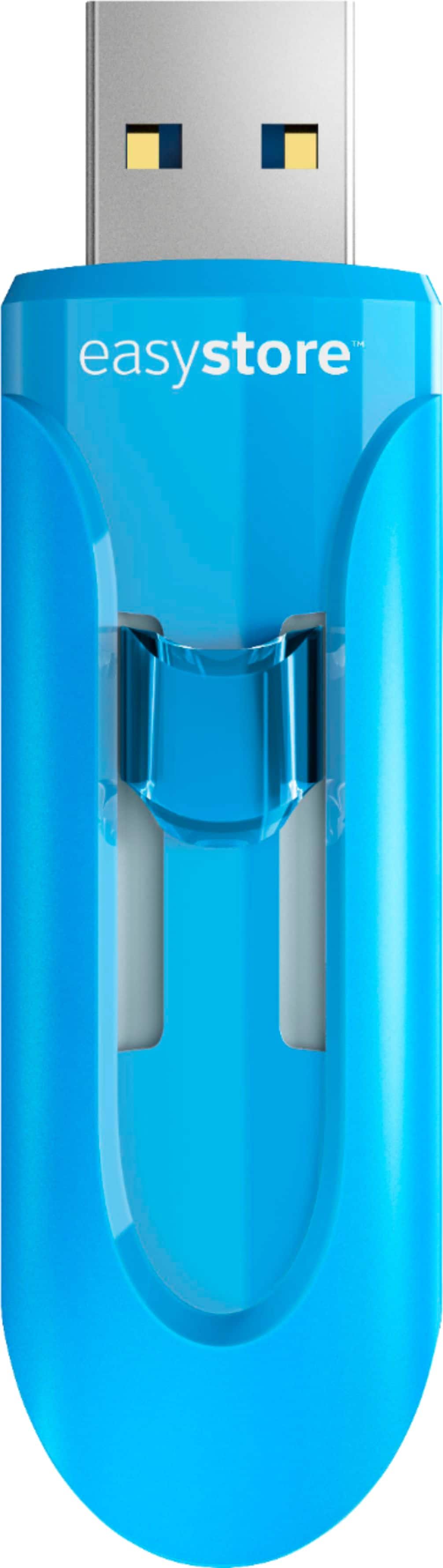
A:AnswerYes, you will definitely need a computer to transfer your camera files into your phone. The situation is this device has a full usb connection that cannot be inserted into any phone because of its size. I don't know what phone you have but the connection is either the lightning 15 pin connector for "iphones" or a usb type-a or c connection for an android phone. You will definitely need a phone to transfer the files because your phone may not have enough memory to accept files from your camera.
A:AnswerThis usb drive will not connect to your iPhone. You should be able to directly connect your iPhone to your computer via a lightning to usb cable. You can then transfer your photos.
A:AnswerAs long as you haven’t formatted it to NTFS file system it should work, if you have you can either convert back to FAT32 or find a client app that will manage NTFS in the Apple ecosystem.
A:AnswerIf the Surface Pro has a usb port, then yes, it will work just fine. I assume the Surface Pro also has OTG capability, in which case you could plug the flash drive into an OTG adapter. I do that sometimes with my ASUS Zen Tablet.