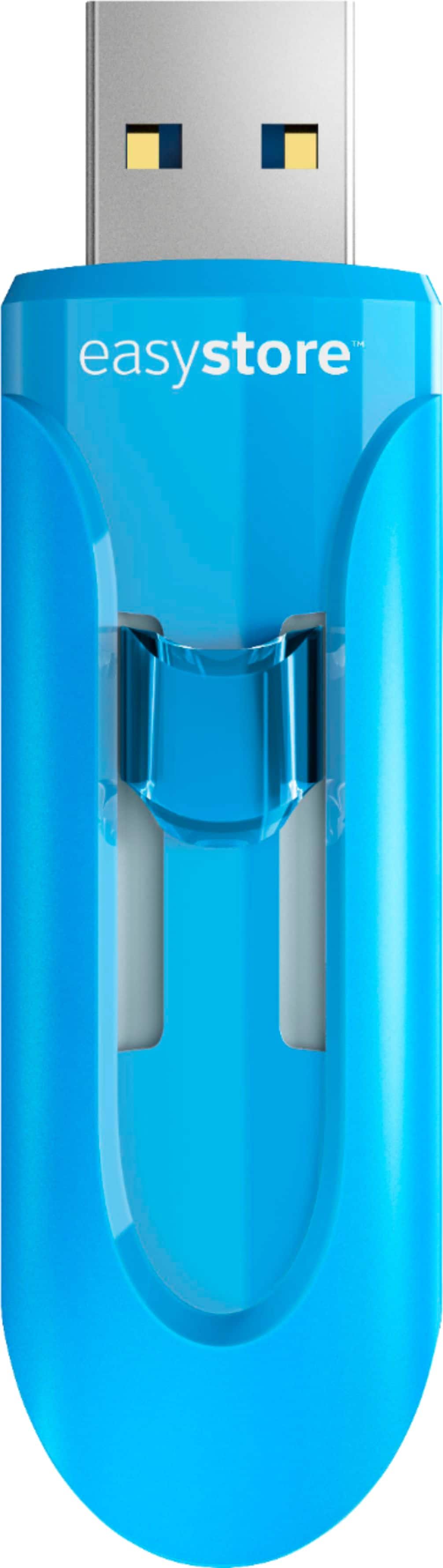
A:AnswerHi Steve, Please be informed that the WD Easystore Flash Drive is a plug 'n' play device tested and designed for Windows and Mac computers for seamless operation. The drive comes with a USB 3.0 (USB 2.0 compatible) Interface. For more info about the drive, refer to the link: http://products.wdc.com/library/AAG/ENG/4078-705147.pdf -Need Help? Please see our "'Contact Us" page for information.
A:AnswerHi Ps4, Please be informed that the WD Easystore Flash Drive is a plug and play device tested and designed for Windows and Mac computers/laptops for seamless operation. For more info refer below link- http://products.wdc.com/library/AAG/ENG/4078-705147.pdf Need Help? Please see our "'Contact Us" page for information.
A:AnswerHi Alex, Please be informed that the WD Easystore Flash Drive is a plug and play device tested and designed for Windows and Mac computers/laptops for seamless operation. For more information refer to the link: http://products.wdc.com/library/AAG/ENG/4078-705147.pdf -Need Help? Please see our "'Contact Us" page for information.
A:AnswerI tested mine on an HP Envy x360 using the benchmark tool from USBFlashSpeed.com and got read speed 124.51 mb/s and write speed 58.62 mb/s. Here’s a link to my full results: http://usbflashspeed.com/378066
A:AnswerNot sure if this answer helps - but that "preview" option is determined by the folder view settings on my windows PCs. When you open a folder of photos, click the word "view" at top of window and you will see many options. "Preview pane" enables a preview of clicked file.