Questions & Answers
- Model:
- WDBAJN0010BBK-WESN
- |
- SKU:
- 6406515
Q: QuestionWhere do I find installation and startup instructions
Asked by nhhiker.
- A:Answer I'm not super tech savvy. I took the drive and my laptop to Geek Squad to set up. It was free.
Answered by Libster
Q: QuestionCould this work for a ps5? I want to download more games.
Asked by CisK4.
- A:Answer Hello CisK4, Please be informed that the WD Easystore drive is a plug 'n' play device tested and designed for Windows and Mac computers. The drive is both USB 3.0 ready and USB 2.0 compatible. It comes with USB 3.0 Type-A cable. Please check with the manufacturer vendor whether the WD drive will fit and support the host device. Refer to the link to know more about the drive: http://products.wdc.com/library/AAG/ENG/4078-705145.pdf -Need Help? Please see our "'Contact Us" page for information.
Answered by Western Digital Team
Q: QuestionCan I store data from my iphone on this device>
Asked by GD.
- A:Answer That’s what I bought it for. Have yet to do it , most likely will transfer to computer then transfer to this from there.
Answered by Anonymous
Q: QuestionDoes anyone know how to repair it? I dropped it and it only shows in devices now; furthermore saying the driver is unavailable.
Asked by Nel.
- A:Answer Hello Nel, WD products are precision instruments and must be handled with care during unpacking and installation. Rough handling, shock, or vibration can damage the hard drives. If you want your data then get it recovered from the third party data recovery agencies.-Need Help? Please see our "'Contact Us" page for information.
Answered by Western Digital Team
Q: QuestionIS THIS COMPATABLE WITH WINDOWS 11 ?
Asked by TWILX.
- A:Answer Hello TWILX, Please be informed that the WD Easystore drive is a plug 'n' play device tested and designed for Windows and Mac computers. The easystore portable drive is both USB 3.0 ready and USB 2.0 compatible and comes with USB 3.0 Type-A Interface. For more information: http://products.wdc.com/library/AAG/ENG/4078-705145.pdf -Need Help? Please see our "'Contact Us" page for information.
Answered by Western Digital Team
Q: QuestionWill this work with windows?
Asked by Henry.
- A:Answer I have Windows 10
Answered by SatisfiedCustomer
Q: QuestionCan this be use to store games from a Xbox series x
Asked by Mustang.
- A:Answer Yes
Answered by DorionB
Q: QuestionIs the WD Easystore 1TB External USB 3.0 Portable Hard Drive compatible with a Comcast DVR?
Asked by Buddy.
- A:Answer Hello Buddy, Please be informed that the WD Easystore drive is a plug 'n' play device tested and designed for Windows and Mac computers. The easystore portable drive is both USB 3.0 ready and USB 2.0 compatible and comes with USB 3.0 Type-A Interface. We recommend you to please contact your host device vendor support to check whether the drive will support. In order to know more about the drive refer to the link: http://products.wdc.com/library/AAG/ENG/4078-705145.pdf -Need Help? Please see our "'Contact Us" page for information.
Answered by Western Digital Team
Q: QuestionWD easystore 1 tb external drive. I have a PowerMac 7,2 G5 running OS version 10.4.11. Will the easystore external drive be compatable? How difficult is it to reformat? Thanks. Will you respond to my email, please?
Asked by Richard.
- A:Answer Yes, it is compatible with Mac. It was relatively easy to reformat.
Answered by PatriciaJ
Q: Questionwill this work on a ps5?
Asked by Anonymous.
- A:Answer Hello, Please be informed that the WD Easystore drive is a plug 'n' play device tested and designed for Windows and Mac computers. The drive is both USB 3.0 ready and USB 2.0 compatible. It comes with USB 3.0 Type-A cable. Please check with the manufacturer vendor whether the WD drive will fit and support the host device. Refer to the link to know more about the drive: http://products.wdc.com/library/AAG/ENG/4078-705145.pdf -Need Help? Please see our "'Contact Us" page for information.
Answered by Western Digital Team
Q: QuestionDOES THIS WORK WITH WINDOWS XP
Asked by JS.
- A:Answer Hello JS, Please be informed that Western Digital drives are not tested with the vendor end of life operating systems and are optimized for more recent versions of OS and tested and designed for Windows and Mac computers. -Need Help? Please see our "'Contact Us" page for information.
Answered by Western Digital Team
Q: QuestionHi, Can I use this for work requiring a 1tb memory for remote desktop and systems? Or do I need to add memory to laptop/but new laptop?
Asked by CeTxn.
- A:Answer Hello CeTxn, Please be informed that the WD Easystore drive is a plug 'n' play device tested and designed for Windows and Mac computers. The easystore portable drive is both USB 3.0 ready and USB 2.0 compatible and comes with USB 3.0 Type-A Interface. It is a direct storage device and can be used only to keep the data manually or computer backups. If you are looking for anything compatible with remote access then checkout our my cloud home and my cloud devices. For more information: http://products.wdc.com/library/AAG/ENG/4078-705145.pdf -Need Help? Please see our "'Contact Us" page for information.
Answered by Western Digital Team
Q: QuestionWill this work with Windows 11 Home and Windows 11 Pro?
Asked by Reese.
- A:Answer Yes it works with both windows and mac. Just plug in and click format. Then you arevall ready to go
Answered by MathewbD
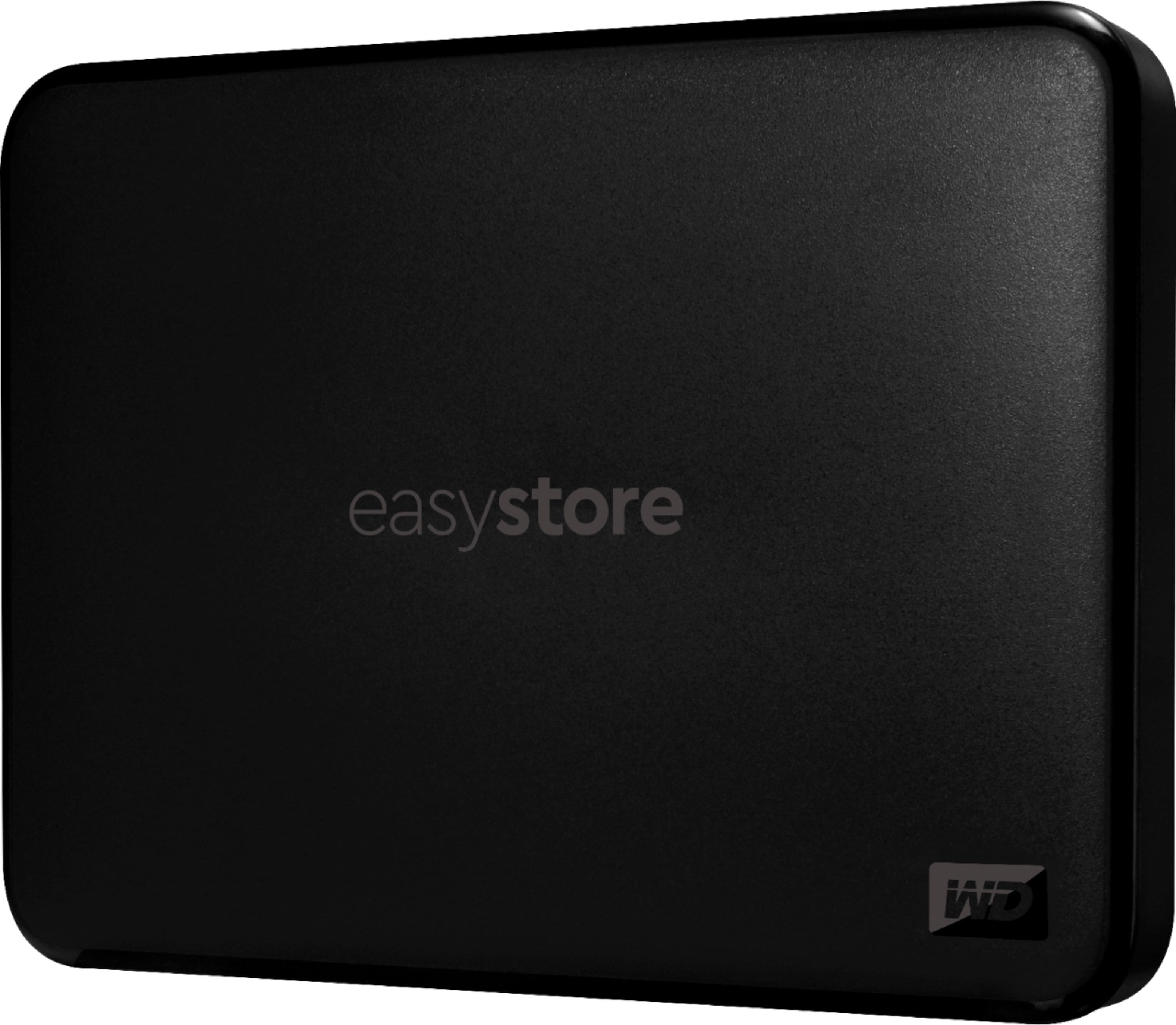
Q: QuestionWill this WD work with a new Mac Book Pro 2022 ?
Asked by Djstoy.
- A:Answer Hello Djstoy, Please be informed that the WD Easystore drive is a plug 'n' play device tested and designed for Windows and Mac computers. We would like to inform you that the WD Easystore External drive comes preformatted in NTFS format for Windows OS, However, in order to use the drive for macOS you can reformat the drive with macOS supported HFS+J file system by using this link: https://support-en.wd.com/app/answers/detail/a_id/3879 .In order to use the drive with both Windows and MacOS you need to reformat the drive to exFAT file format by referring to the link: https://support-en.wd.com/app/answers/detail/a_id/20821 .Please be informed that reformatting is a data destructive process, please backup the data from the drive before reformatting it.-Need Help? Please see our "'Contact Us" page for information.
Answered by Western Digital Team
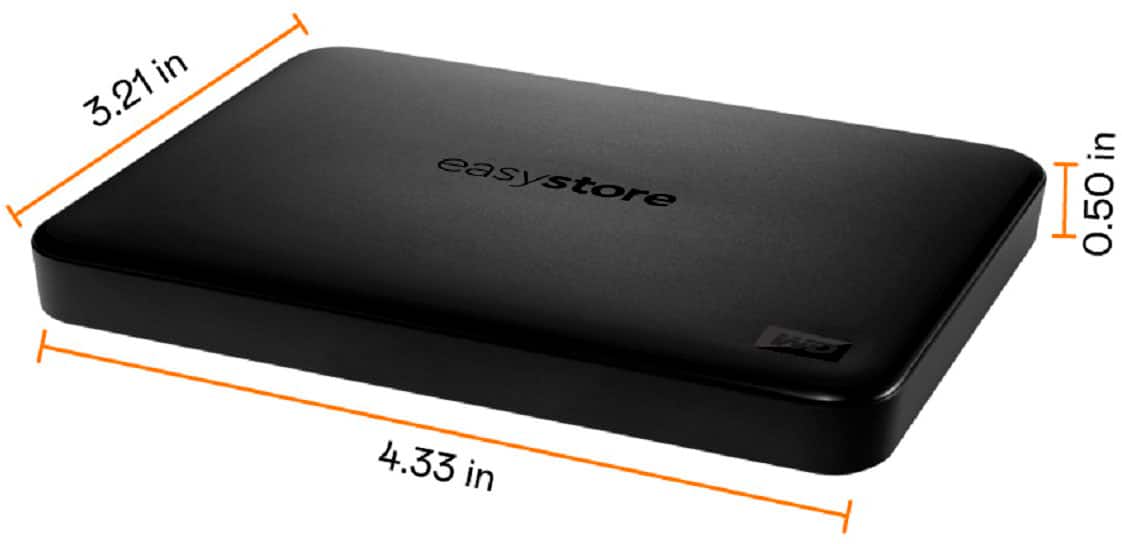
Q: QuestionI just bought a 1T WD Backup. I have one on my other computer and it works fine. I purchased a new computer with Windows 11 and the new WC backup seems to have a problem installing the software. Am I doing something wrong or are the two not compatible?
Asked by Nate.
- A:Answer Hello Nate, Please be informed that for backup on WD Easystore drive you could use File History or Acronis on windows .You could refer to the link mentioned below: Windows 10 and 11 File History Backup and Restore to a WD DAS-https://support-en.wd.com/app/answers/detail/a_id/25298/kw/file%20history and for using Acronis you could refer to the link mentioned below : https://support-en.wd.com/app/answers/detailweb/a_id/30022/kw/acronis -Need Help? Please see our "'Contact Us" page for information.
Answered by Western Digital Team
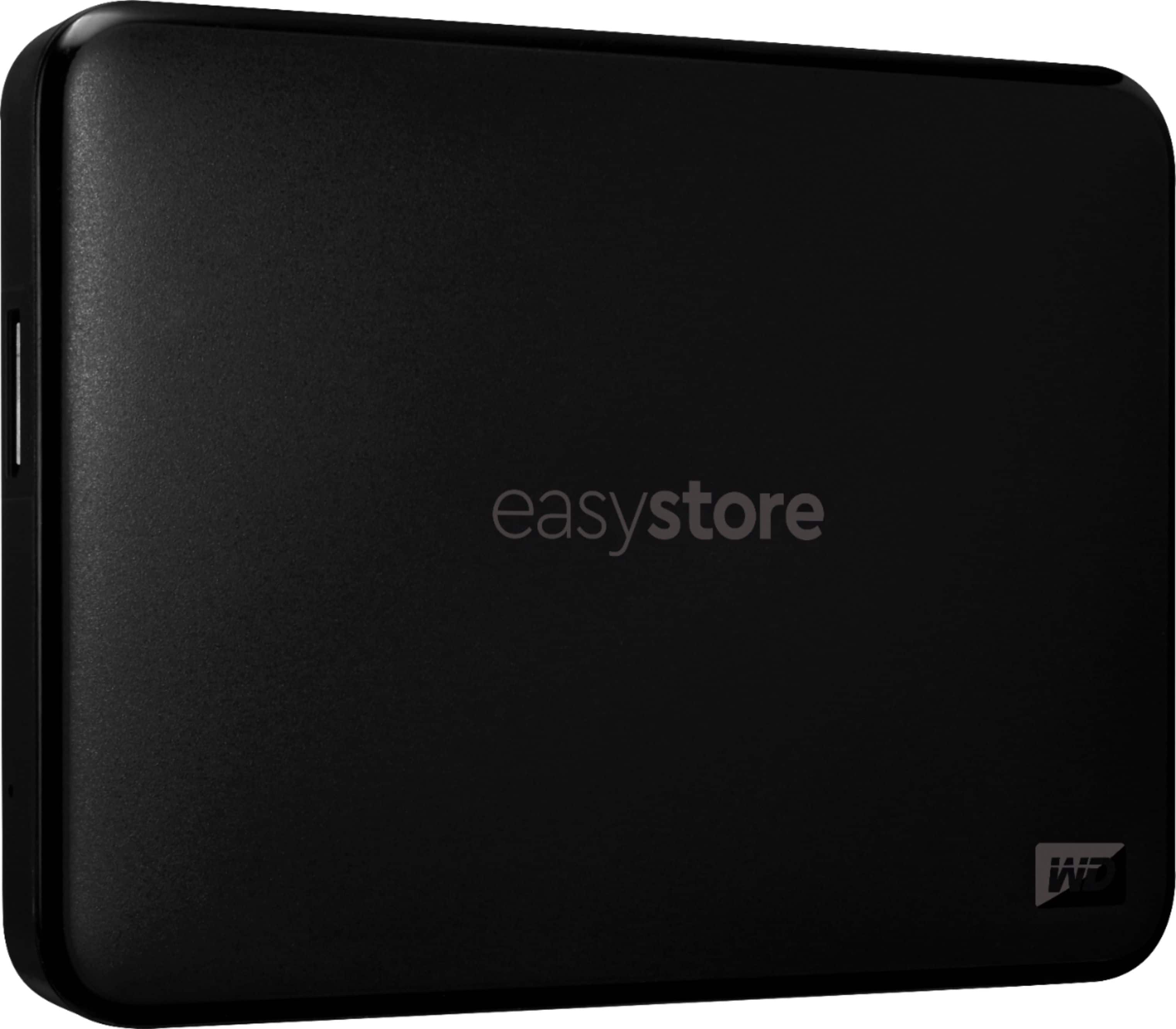
Q: QuestionCan I back up a 2006 iMac apple desktop with this device
Asked by Anonymous.
- A:Answer Hello, Please be informed that for backup on WD Easystore drive you could use file history on windows and time machine backup on mac. You could refer to the link mentioned below: Windows 10 and 11 File History Backup and Restore to a WD DAS-https://support-en.wd.com/app/answers/detail/a_id/25298/kw/file%20history and macOS Time Machine Backup and Restore to a WD DAS-https://support-en.wd.com/app/answers/detail/a_id/18952/kw/time%20machine However, Compatibility may vary depending on user's hardware configuration and operating system. -Need Help? Please see our "'Contact Us" page for information.
Answered by Western Digital Team
Q: QuestionCan I transfer my cell photos to this drive?
Asked by Anonymous.
- A:Answer Two step process. You would have to transfer photos to a laptop or PC first, then simply copy them to the drive (while it is plugged into the computer).
Answered by Anonymous
Q: QuestionCan I air drop a music file from my iPhone to this device?
Asked by Ken.
- A:Answer Hello Ken, Please let us confirm that WD Easystore is a plug and play device which designed for windows and mac operating system. Therefore, we recommend you to move the data from phone to computer or vice versa using your computer. For more info about the drive, refer to the link: http://products.wdc.com/library/AAG/ENG/4078-705145.pdf - Need Help? Please see our "'Contact Us" page for information.

Answered by Western Digital Team
Q: QuestionWill this be able to hold and run my PC games?
Asked by Bdoll.
- A:Answer Hold only
Answered by 1TBPortableHDD
Q: QuestionCan I connect this to my Samsung phone?
Asked by Christine.
- A:Answer Hello Christine, Please be informed that the WD Easystore Portable Hard Drive is a plug 'n' play device designed and tested for Windows & macOS. It has connectivity with USB 3.0 devices as well as backward compatibility with USB 2.0 devices. We have not tested the drive with mobile devices, so we recommend you to move the data from phone to Drive using your computer. For more info about the drive, refer to the link: http://products.wdc.com/library/AAG/ENG/4078-705145.pdf -Need Help? Please see our "'Contact Us" page for information.
Answered by Western Digital Team
Best-selling external hard drives
- $170.99$170.99The price was $194.99