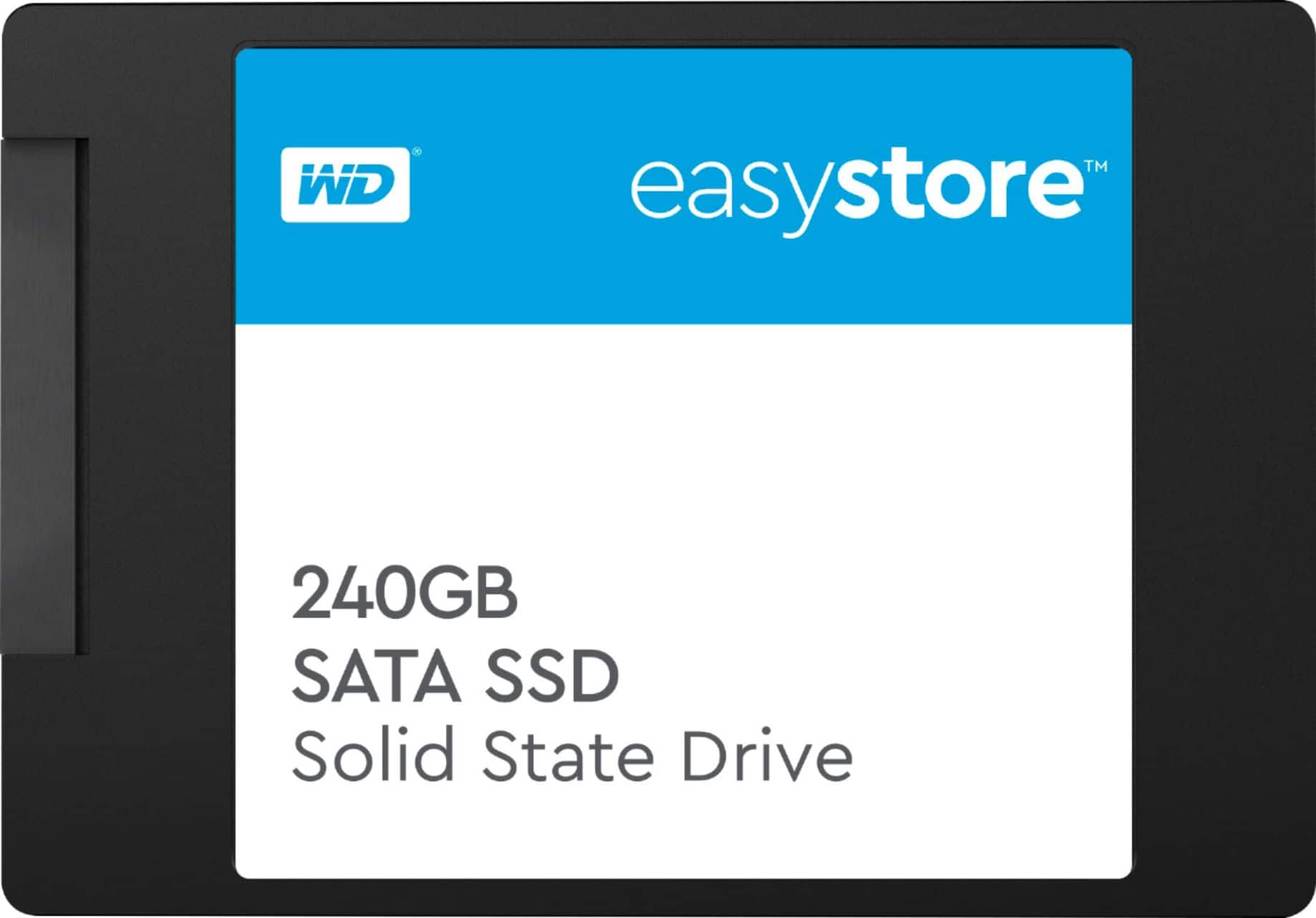
A:AnswerYou just need a SATA to usb adapter, a laptop with 2 usb ports and both drives.
Connect the WD 240GB to the SATA adapter and then plug it into the usb port.
Plug the Seagate external drive into a second usb port.
Transfer your files as needed using windows explorer.
A:AnswerIt's unlikely. If it were 3D NAND storage they'd be shouting it from the mountaintops. Instead you can't even find this product on Western Digital's support page (as of 4-10-2021)
A:AnswerIt also depends on the SATA interface of the computer.
MAX SATA3 = 600MB
MAX SATA2 = 300MB ---- Alot of older Laptops and desktops have SATA2 hard drive interfaces.
MAX SATA 1 = 150MB
From the Spec. sheet below does show WRITE speed
Maximum Data Transfer Rate 545.0 megabytes per second
Maximum Read Speed 545.0 megabytes per second
A:AnswerHi Kerala2, Please be informed that the query can be better addressed over the call. We request you to please get in touch with our customer service team. This way we can ask you some questions to discuss the issue & to provide the best possible answer. -Need Help? Please see our "'Contact Us" page for information.