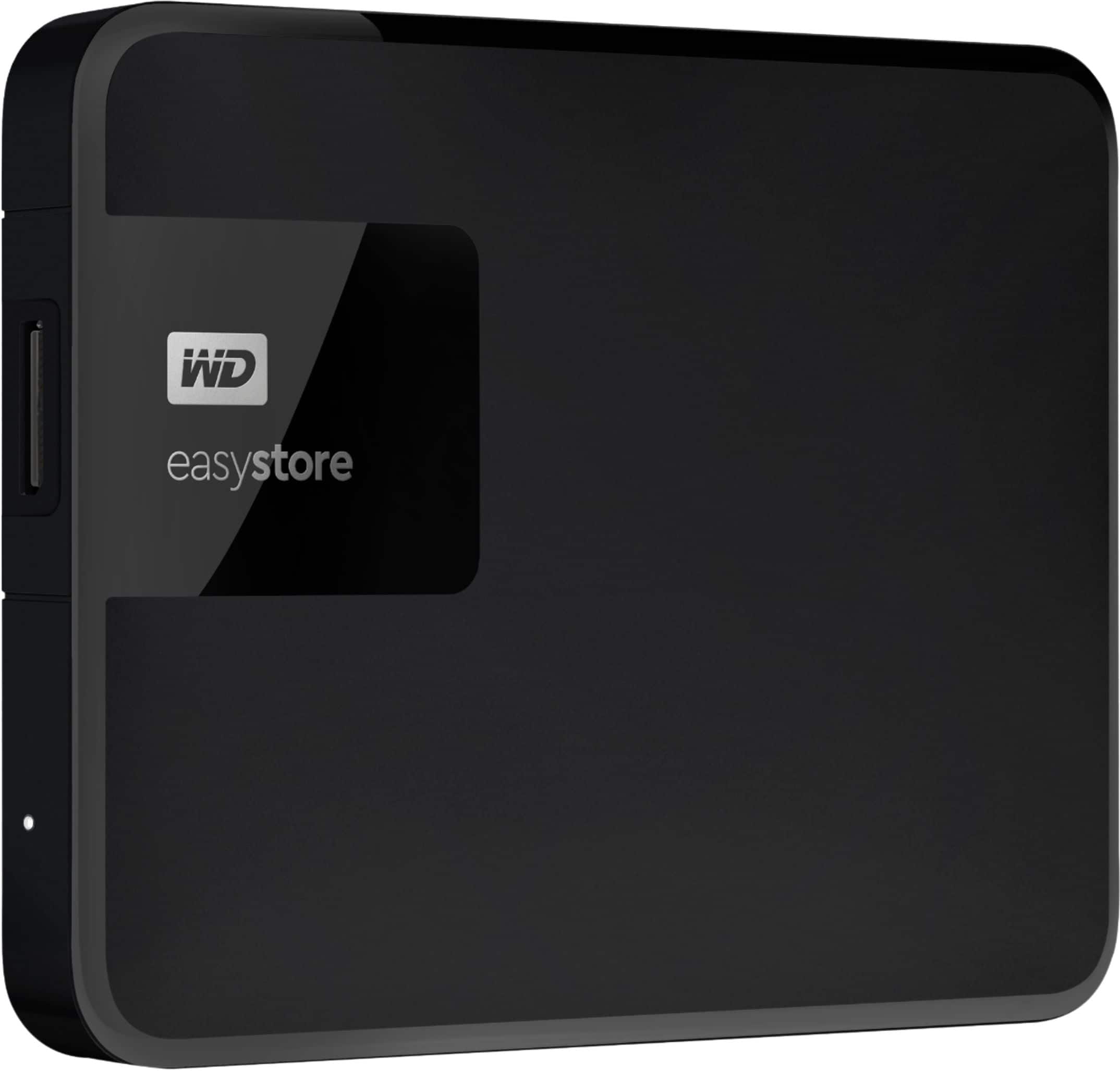
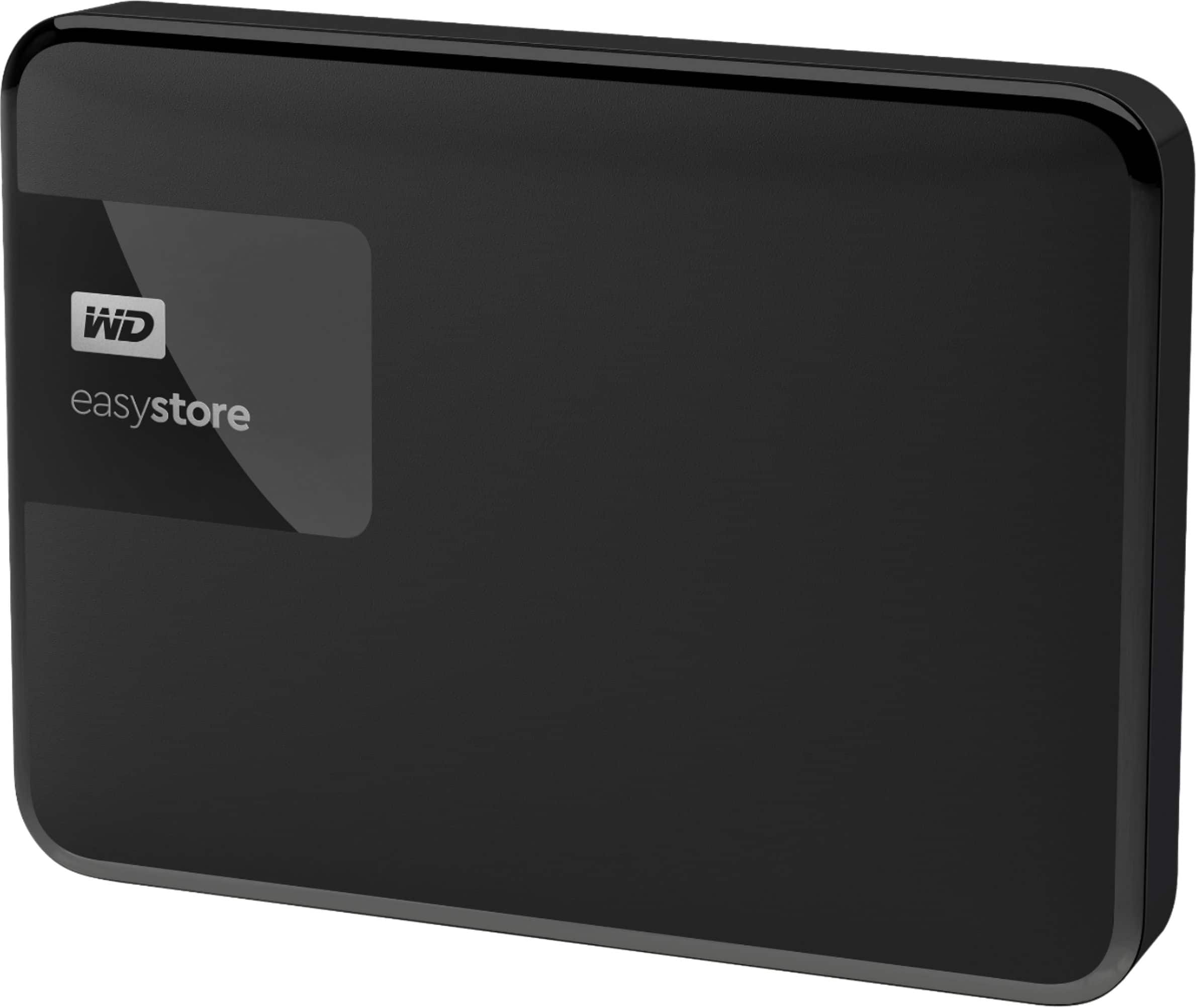
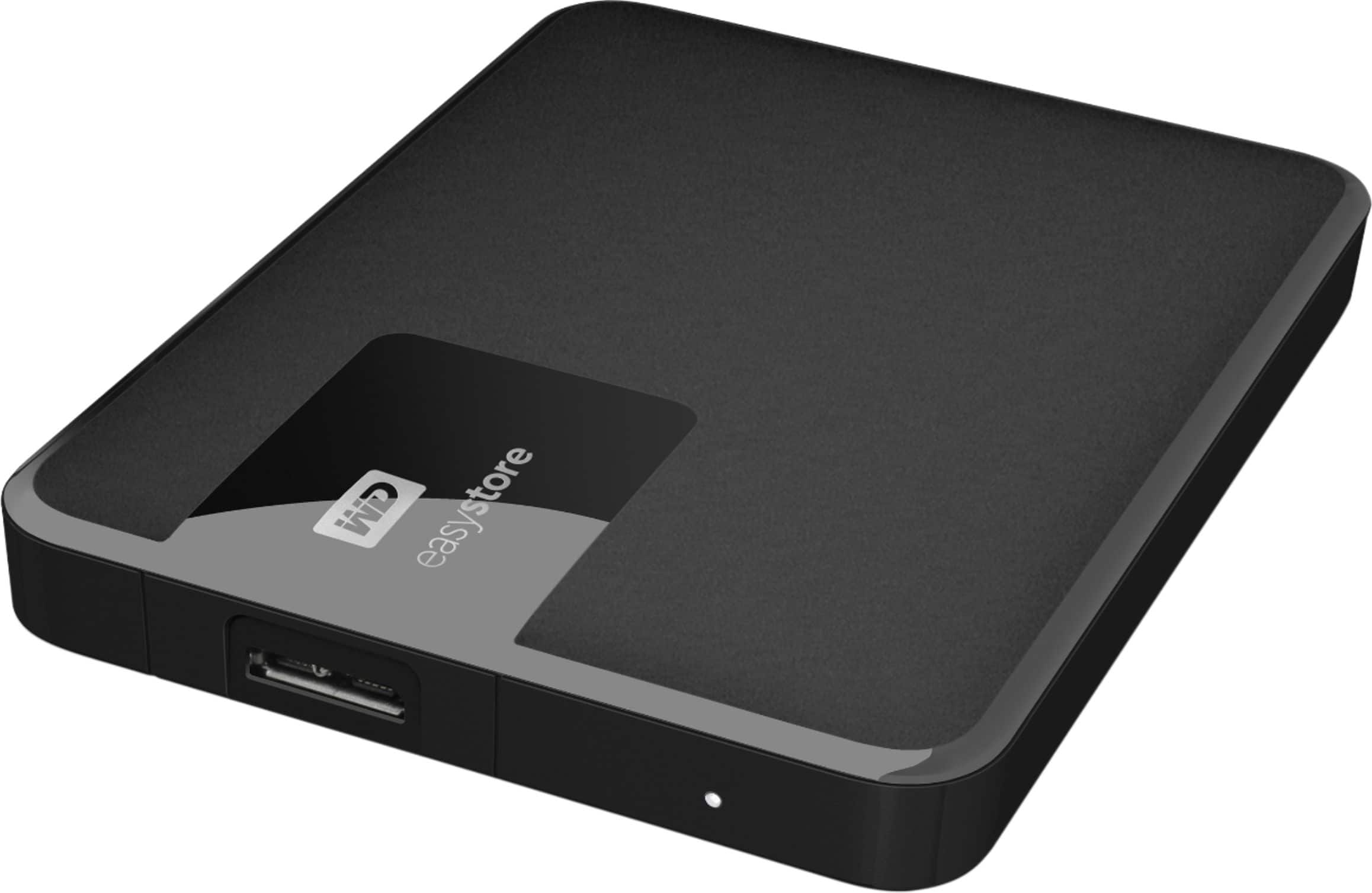
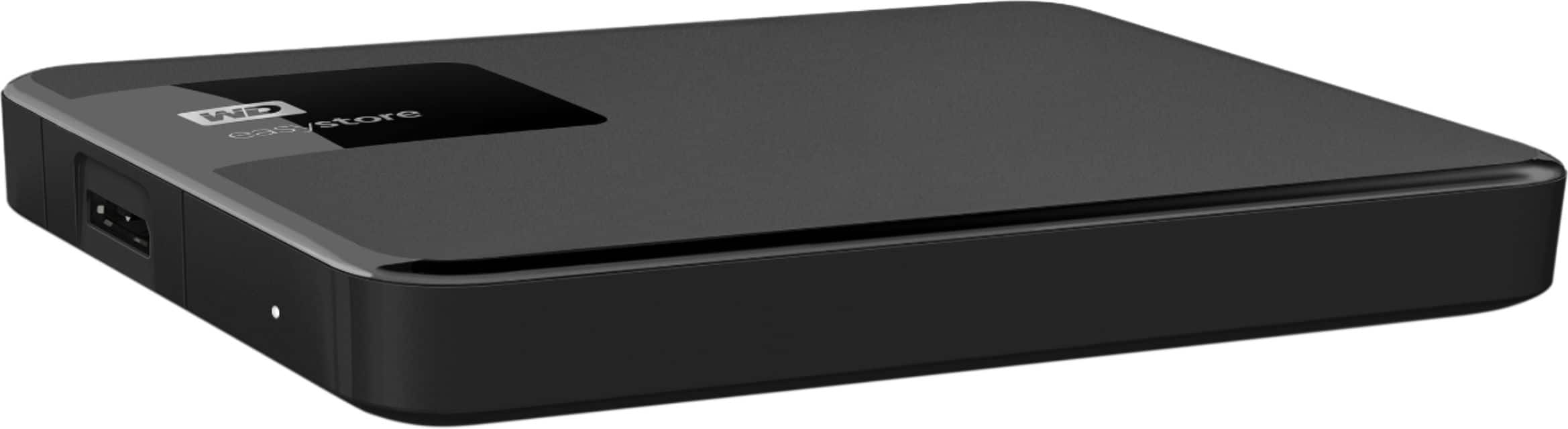
A:AnswerHi, Please be informed that the WD Easystore drive is a plug 'n' play device tested and designed for Windows and Mac computers for seamless operation. We recommend you to please check with your host device vendor for more compatibility info. Please refer to the link to know more about the drive: http://products.wdc.com/library/AAG/ENG/4078-705145.pdf -Need Help? Please see our "'Contact Us" page for information
A:AnswerHi paulieboy, Please know that the WD Easystore external portable drive is a plug and play device tested and designed for Windows and Mac computers for seamless operation. To check the compatibility we suggest you to please contact your host device vendor. For more information refer to the link: http://products.wdc.com/library/UM/ENG/4779-705168.pdf -Need Help? Please see our "'Contact Us" page for information.
A:AnswerHi rb53, Thank you for showing interest in WD Easystore Drive. Please be informed that in such a scenario you may go for a Data Recovery to recover all the data on the drive. -Need Help? Please see our "'Contact Us" page for information
A:AnswerHi SINGSBASS, In order to create a backup and restore it on a different location you may use the WD Backup software enabled in WD Easystore drive. To know more about the WD Backup software refer the below link- https://support-en.wd.com/app/answers/detail/a_id/12279 Need Help? Please see our "'Contact Us" page for information.
A:AnswerHi dishhopper21, Please be informed that the WD Easystore drive is a plug and play device tested and designed for Windows and Mac computers for seamless operation. To check the compatibility we suggest you to please contact your host device vendor. For more information refer to the link: http://products.wdc.com/library/UM/ENG/4779-705168.pdf -Need Help? Please see our "'Contact Us" page for information.
A:AnswerHi GaryJ, Please be informed that the WD Easystore drive is a plug and play device tested and designed for Windows and Mac computers for seamless operation. To know more about the drive refer link- http://products.wdc.com/library/AAG/ENG/4078-705145.pdf Need Help? Please see our "'Contact Us" page for information.
A:AnswerHi GODISGOOD, In order to create a backup and restore it on a different location you may use the WD Backup software enabled in WD Easystore drive. To know more about the WD Backup software refer the below link- https://support-en.wd.com/app/answers/detail/a_id/12279 Need Help? Please see our "'Contact Us" page for information.
A:AnswerHi MyNameIsA, Please be informed that the WD Easystore drive is a plug and play device tested and designed for Windows and Mac computers for seamless operation. Need Help? Please see our "'Contact Us" page for information.
A:AnswerHi Hukipau, Please be informed that the WD Easystore drive is a plug and play external storage device tested and designed for Windows and Mac computers for seamless operation. You can keep any data in the drive or you can use it for computer backups. To know more about the drive refer to the link: http://products.wdc.com/library/AAG/ENG/4078-705145.pdf -Need Help? Please see our "'Contact Us" page for information.
A:AnswerHi Omi, Please be informed that the WD Easystore drive is a plug and play device tested and designed for Windows and Mac computers for seamless operation. However, you may use the drive with your Xbox one. To know more about the drive refer link- http://products.wdc.com/library/AAG/ENG/4078-705145.pdf Need Help? Please see our "'Contact Us" page for information.
A:AnswerHi, Please be informed that the WD Easystore drive is a plug and play device tested and designed for Windows and Mac computers for seamless operation. However, Western Digital drives are not tested with the vendor end of life operating systems and are optimized for more recent versions of OS.Need Help? Please see our "'Contact Us" page for information.
A:AnswerHi Randaddy, Please be informed that the WD Easystore drive is a plug and play device tested and designed for Windows and Mac computers for seamless operation.The Drive comes preformatted for Windows OS and can be reformatted for macOS by referring the below link- https://support-en.wd.com/app/answers/detail/a_id/8200 Need Help? Please see our "'Contact Us" page for information.
A:AnswerHi Heather, Please know WD Easystore preformatted for Windows computer and tested only with macOS and Windows OS. However, you can access your phone on your computer then manually move the data to the drive. For more information on the WD drive you can refer to the link: http://products.wdc.com/library/UM/ENG/4779-705168.pdf -Need Help? Please see our "'Contact Us" page for information.
A:AnswerHi frangelico, Please know WD Easystore preformatted for Windows computer and tested only with macOS and Windows OS. For any compatibility information we recommend you to contact your device manufacturer. For more information on the WD drive you can refer to the link: http://products.wdc.com/library/UM/ENG/4779-705168.pdf -Need Help? Please see our "'Contact Us" page for information.
A:AnswerHi Kenzo, Please be informed that the WD Easystore drive is a plug and play device tested and designed for Windows and macOS computers for seamless operation. For more information on the drive refer to the link: http://products.wdc.com/library/AAG/ENG/4078-705145.pdf -Need Help? Please see our "'Contact Us" page for information.
A:AnswerHi Emjay9206, Please be informed that the WD Easystore drive is a plug and play device tested and designed for Windows and Mac computers for seamless operation. It comes with a USB 3.0 cable to connect to the computers. We recommend you to please contact your PS4 manufacturer for the compatibility information. For more information on the drive refer to the link: http://products.wdc.com/library/AAG/ENG/4078-705145.pdf -Need Help? Please see our "'Contact Us" page for information.
A:AnswerHi Visionworks, Please be informed that the WD Easystore drive is a plug and play device tested and designed for Windows and Mac computers for seamless operation. It is portable drive which you can carry anywhere easily. For more info about the drive refer to the link: http://products.wdc.com/library/AAG/ENG/4078-705145.pdf -Need Help? Please see our "'Contact Us" page for information.
A:AnswerHi Frank, To setup the backup jobs on your computer we would recommend you to use WD backup application for windows. WD Backup is an easy-to-use backup application. It automatically protects your files, photos and documents with on premise backups to a WD drive as primary storage. Off-premise backups to a cloud as secondary storage for disaster recovery purpose. For more information please refer to the link: "WD Backup Online User Guide and Solutions":https://support-en.wd.com/app/answers/detail/a_id/12279/ -Need Help? Please see our "'Contact Us" page for information.
A:AnswerHi Jude, Please be informed that the WD Easystore drive is a plug and play device tested and designed for Windows and Mac computers for seamless operation. Need Help? Please see our "'Contact Us" page for information.