A:AnswerThat's exactly what my son uses his drive for
In fact he has all the games on the external drive, none on the PC drive now as he feels it makes for smoother/faster gaming
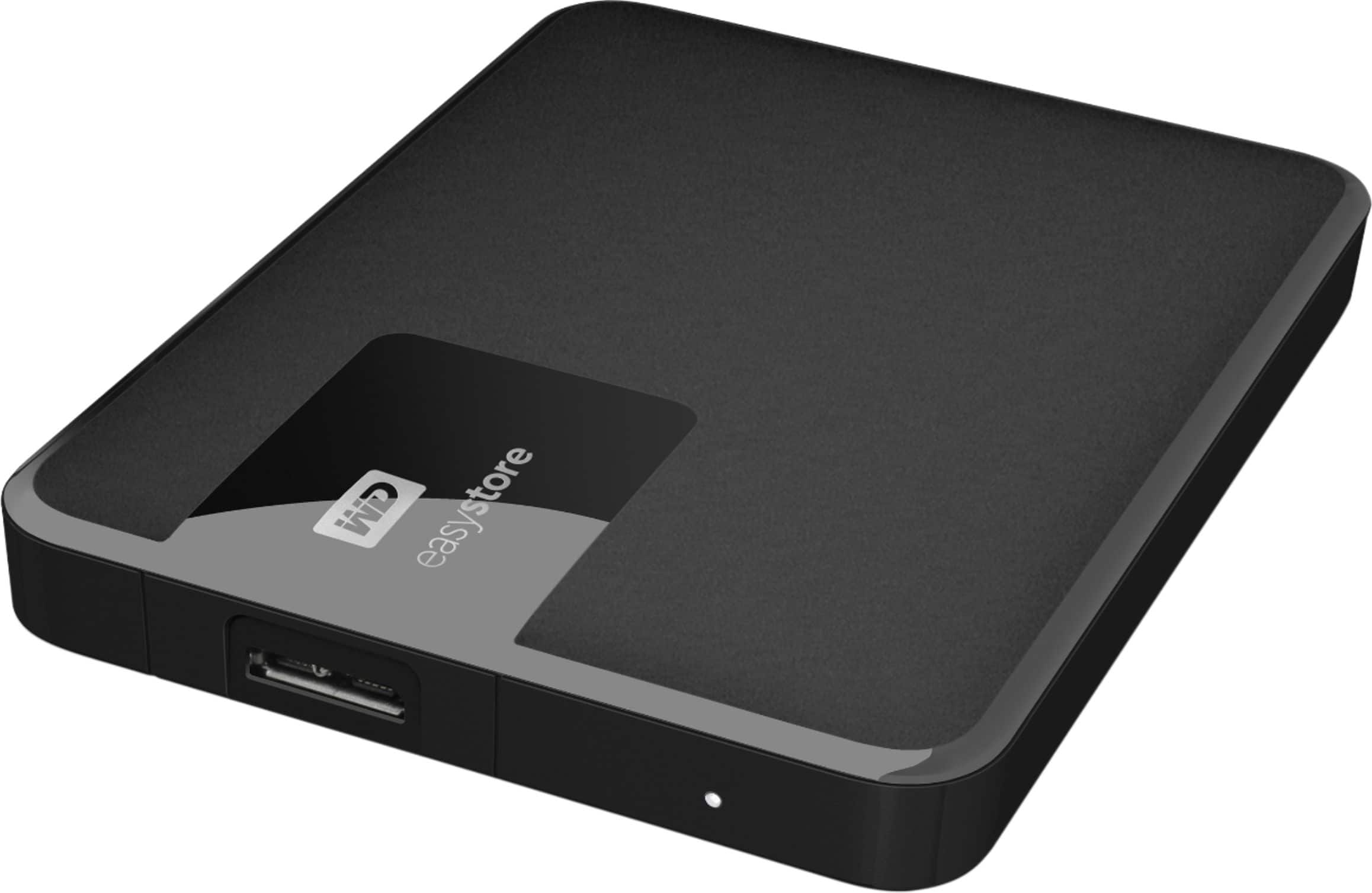
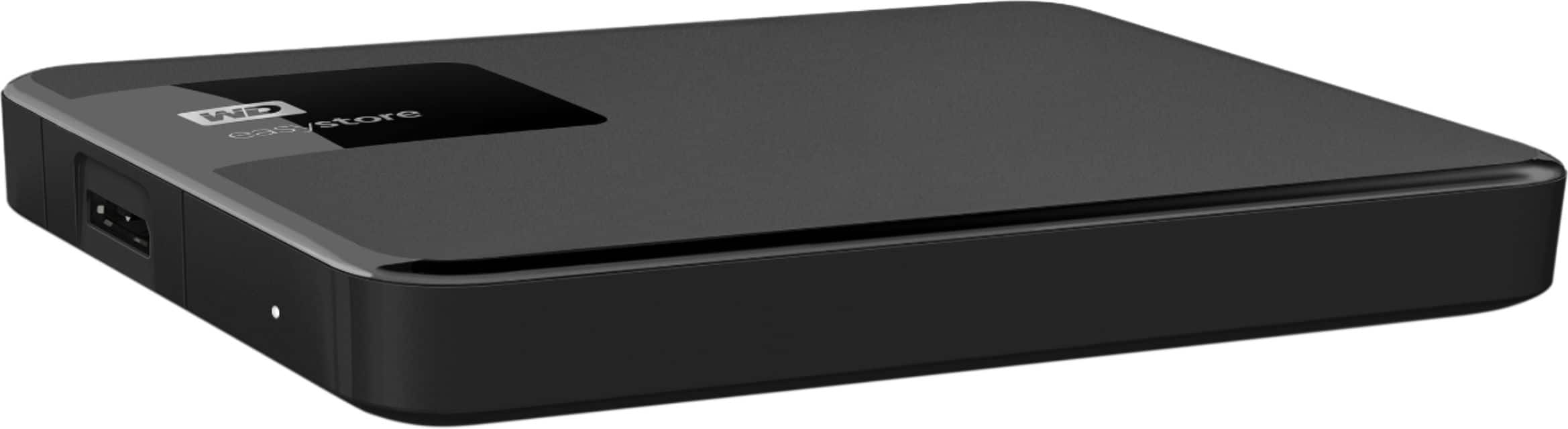
A:AnswerHello Chris, Please be informed that the WD Easystore drive is a plug 'n' play device tested and designed for Windows and Mac computers. Its compatible with windows 10+. The easystore portable drive is both USB 3.0 ready and USB 2.0 compatible and comes with USB 3.0 Type-A Interface. For more information: http://products.wdc.com/library/AAG/ENG/4078-705145.pdf -Need Help? Please see our "'Contact Us" page for information.
A:AnswerHi DCos,
You can use this hard drive on both, for that you need to reformat the drive. Please refer to the link given below to format the drive.
https://support-en.wd.com/app/answers/detail/a_id/20821
Need Help? Please see our "'Contact Us" page for information.
A:AnswerI used this product to backup both my iMac and MacBook Pro, and it was a breeze. Out of the box you simply connect to your Mac and it will guide through a couple of steps to format and it will be ready to use in minutes. Very easy process.
A:AnswerYes this drive worked with my Chromebook but must be formatted with a filesystem that chromeOS can recognize. I used exFAT with my Acer R11 Chromebook.
A:Answerfrom the WD website - I would go there and check for your product to clarify -
"You can check the product page of the drive on our website and see if it comes pre-formatted for Windows OS or Mac OS X.
My guess is it's formatted in NTFS (Windows OS) and that's why it turns up as read-only on your Mac. You can easily change that by re-formatting the drive. However, keep in mind that if you have any data saved onto it, it will be erased.
If you plan to use the external only on Mac OS computers, you can simply change the file system to HFS+ and reformat the drive.
Here's a tutorial that can help you with that: http://products.wdc.com/support/kb.ashx?id=e1ZvhN
If you have Windows computers as well and would like to access (read and write to) the external from both operating systems, then you'd need to use the exFAT/FAT32 file system. Here's another tutorial that explains how to do that: http://products.wdc.com/support/kb.ashx?id=Wtbgrd
However, the latter file system has some limitations, you can check those here: http://products.wdc.com/support/kb.ashx?id=X1kN54 "
A:AnswerJust plug it in and reformat. Snow Leopard should walk you through it. I know a lot of artists aren't upgrading from Snow because they will lose software interfaces. They say you can also use Fat32 to format. I am not familiar, but that is the word.
A:AnswerHello, Please be informed that the WD Easystore External drive comes preformatted in NTFS format for Windows OS. However, in order to use the drive for macOS you can reformat the drive with macOS supported HFS+J file system by using this link: https://support-en.wd.com/app/answers/detailweb/a_id/8200/ Please be informed that reformatting is a data destructive process, please backup the data from the drive before reformatting it. If you have any further questions or need technical assistance , kindly open a support ticket at https://support-en.wd.com/app/askweb