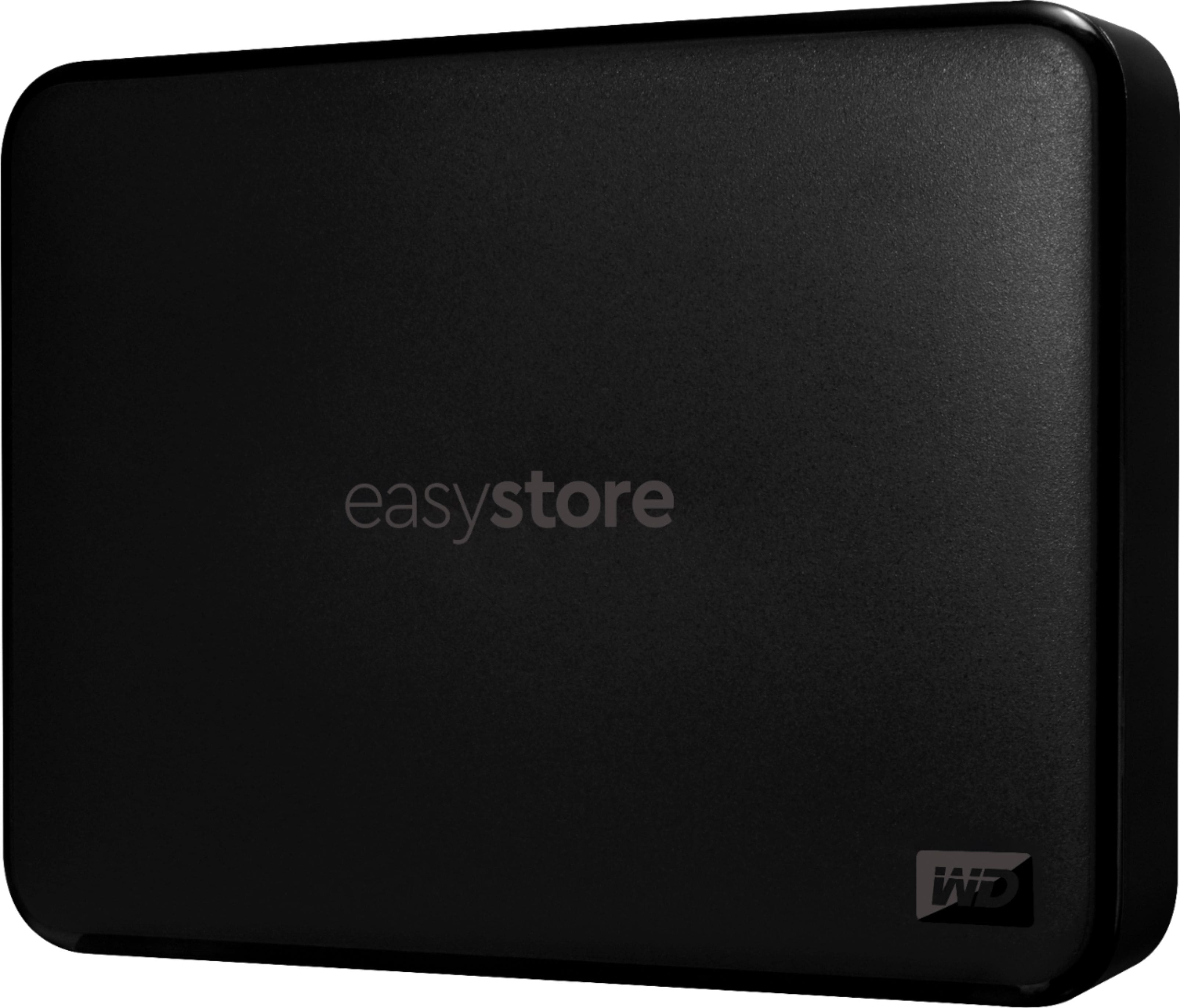
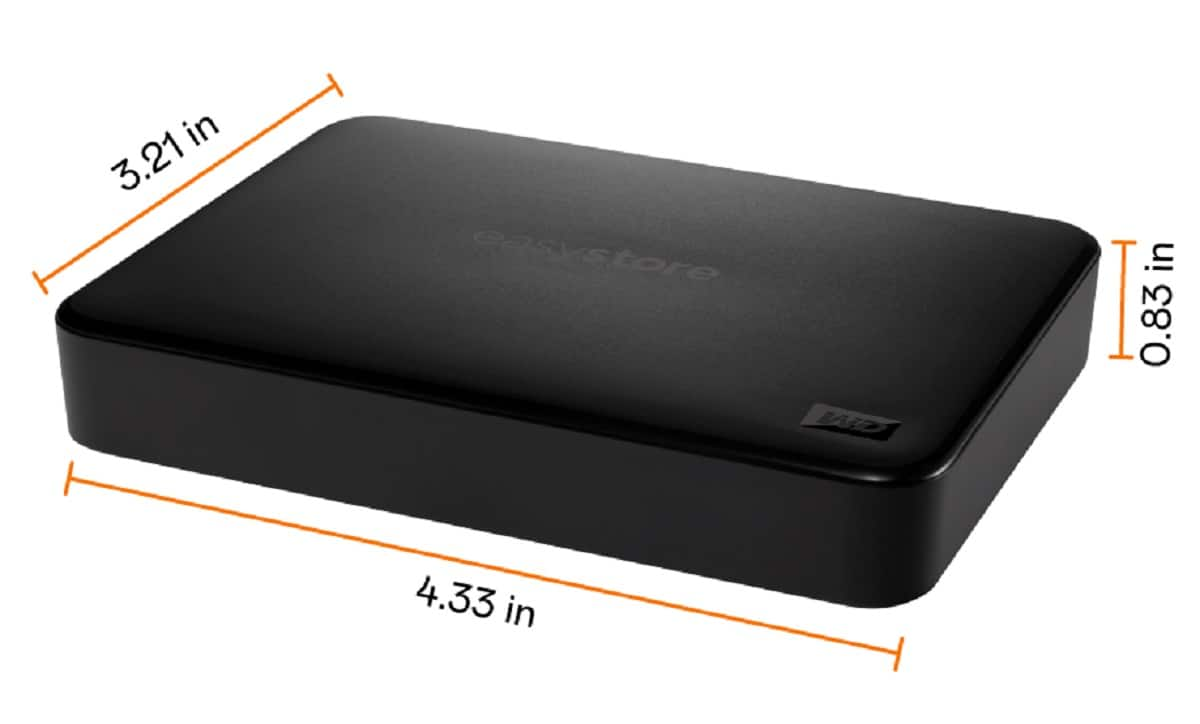
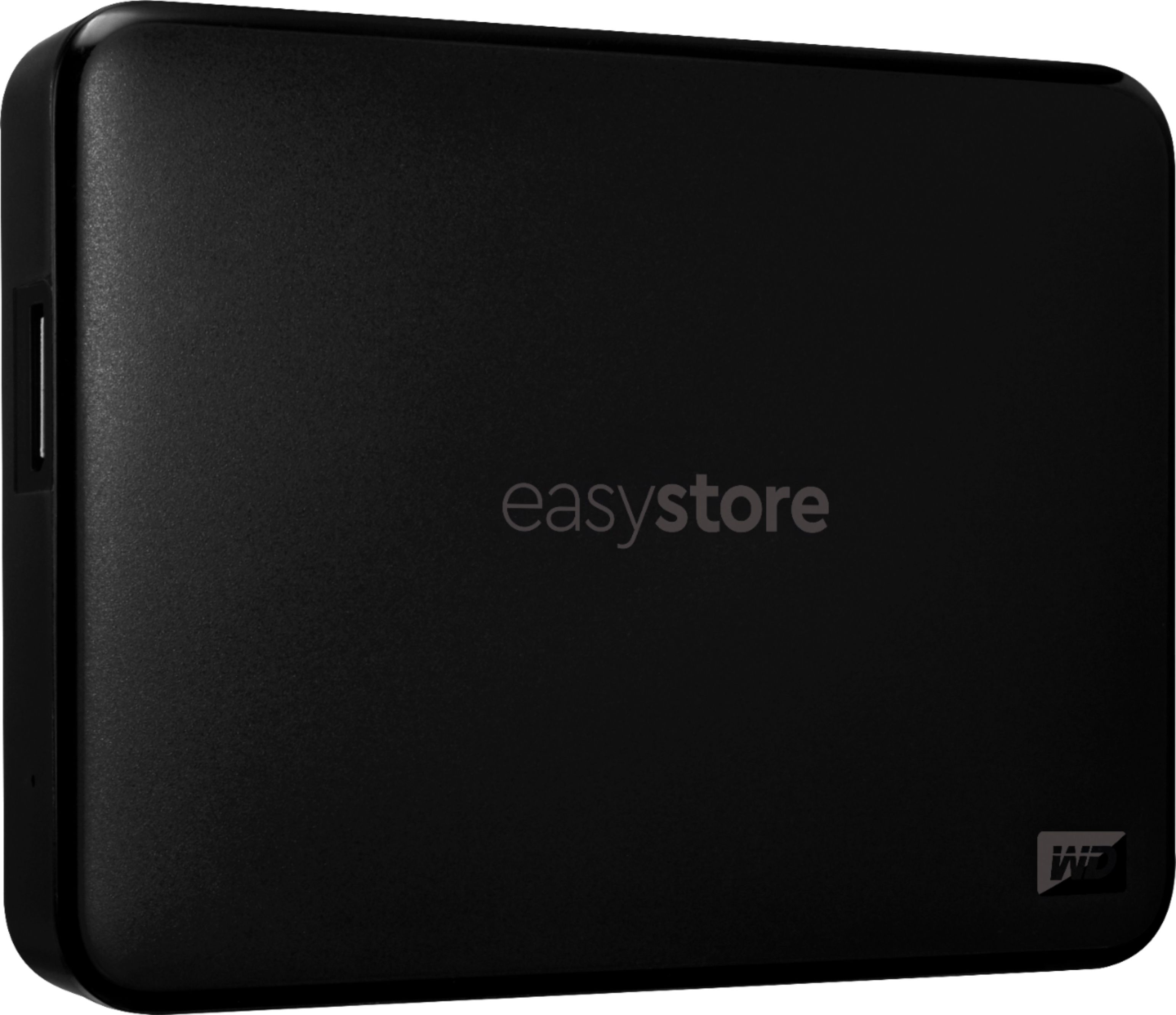
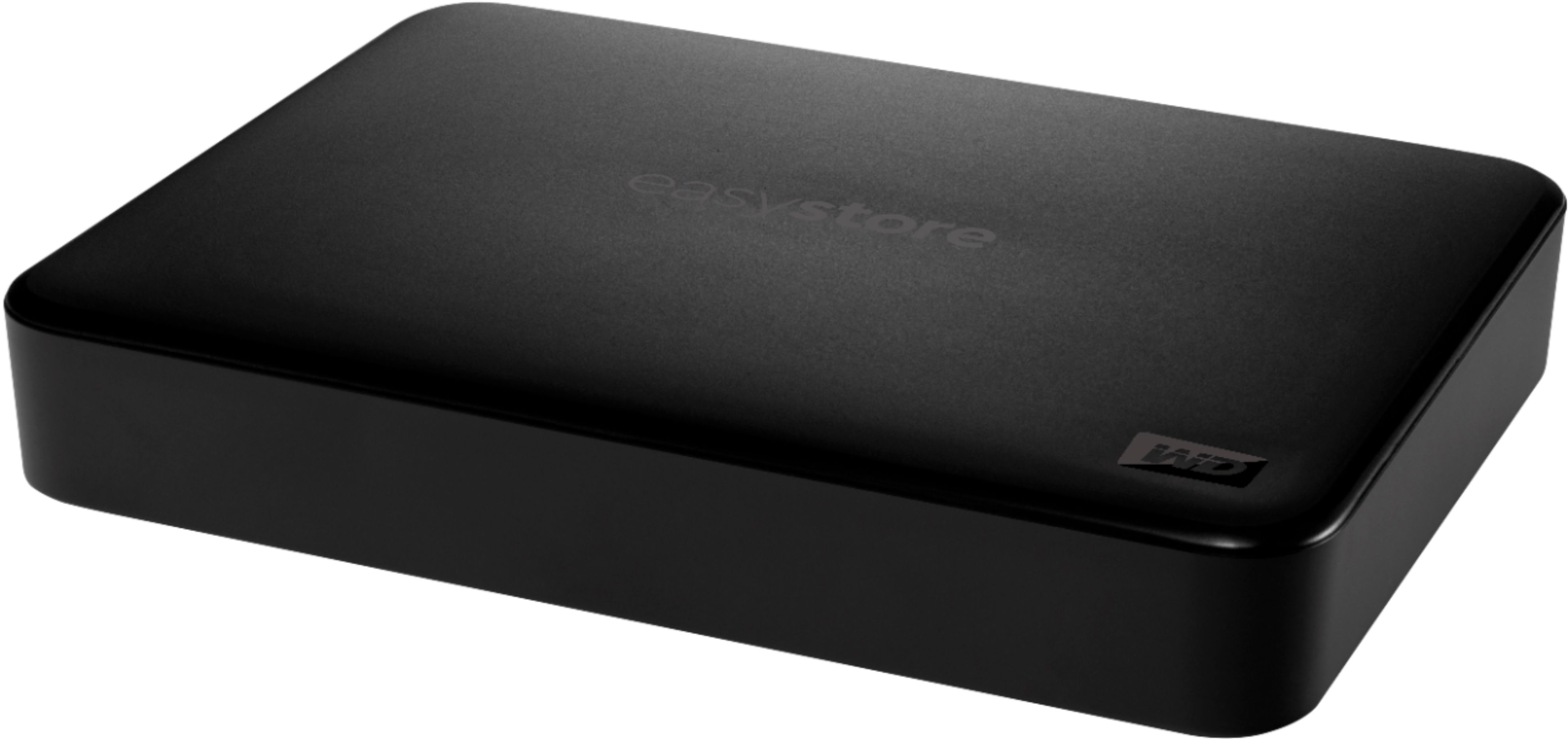
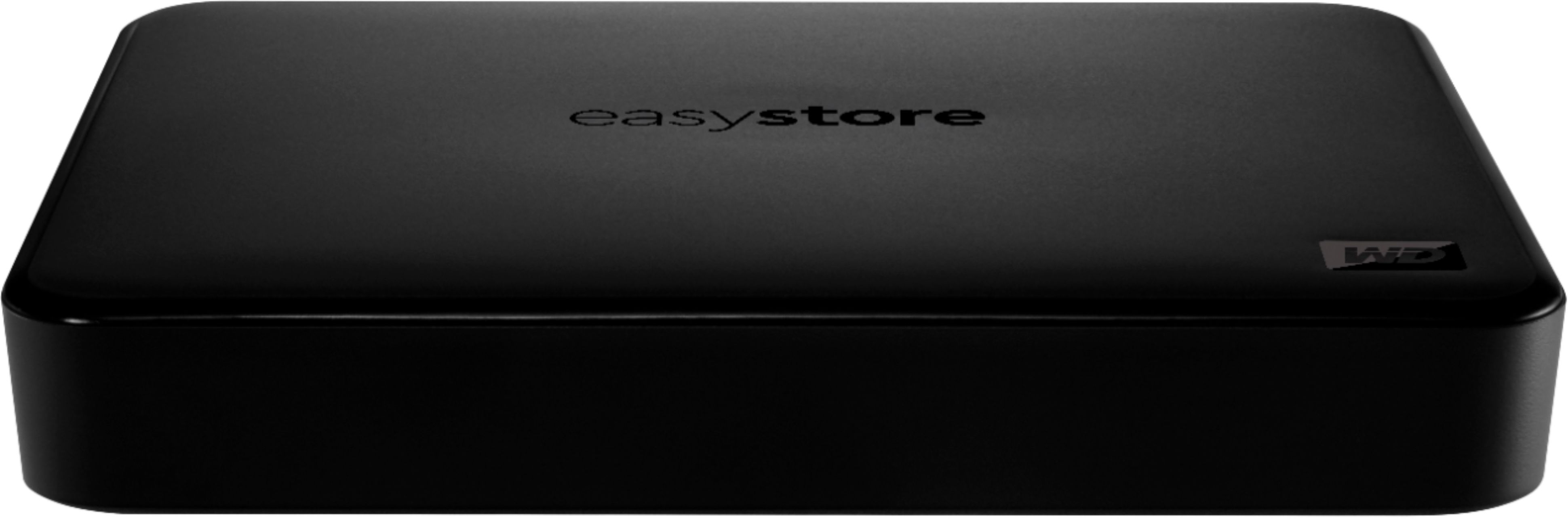
A:AnswerProduct Height 0.83 inches
Product Width 3.21 inches
Product Weight 8 ounces
Windows 10, Windows 8.1 or Windows 7, Mac OS (reformatting required)
A:AnswerI feel your pain! Mine wasn't a 'fall off the table' failure either but something is going on with the heads on mine and all my data is currently stuck and not accessible. I'm having to buy another one so I can cannibalize it so I can get the other one up and running to get my data off of it.
Next time I'm sticking to SSD!
A:AnswerYES! I am using mine for that express purpose. No uses at all. Once I had my Shield setting correct and with ES File Explorer I was able to copy files from my !TB NAS to the Shield and use it as my media server. And the included USB cable has been working fine.
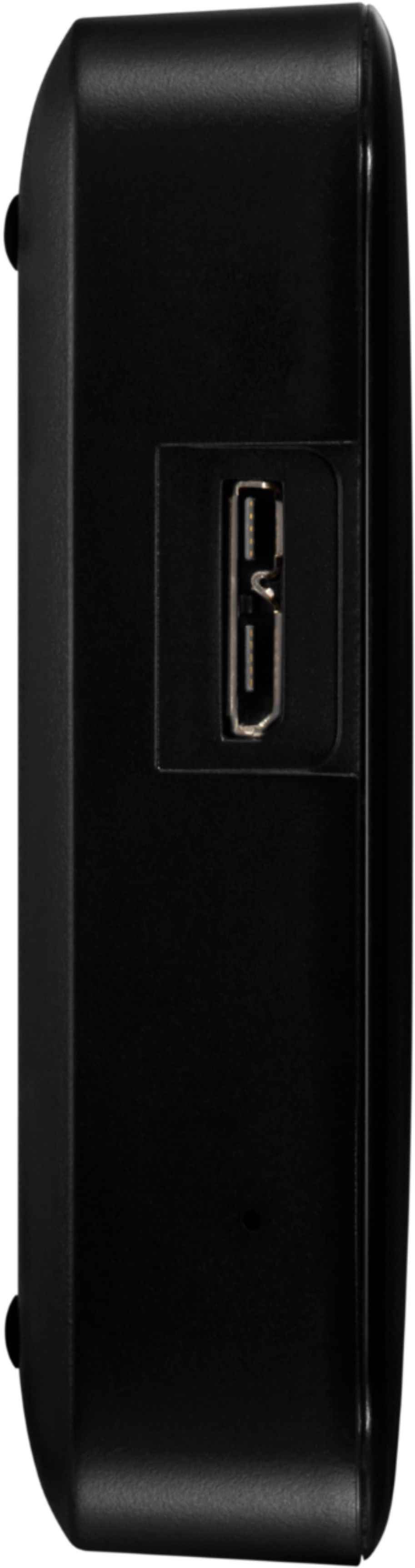
A:AnswerYes. Your limitation will be the top speed of USB 1.0.
There are several distinct differences between USB 1.0, 2.0, and 3.0 generations, including speed, dimensions, compatibility, and certain other aspects.
USB 1.0 only had a data transfer speed of 12 Mb per second, but was later sped up to 480 Mb per second with USB 2.0. 3.0 and 3.1 have since improved upon this speed by bringing it up to 5 Gb per second and 10 Gb per second, respectively.
Also regarding data transfer, the USB 2.0 and older models are only capable of processing data in a single direction at a time, but newer 3.0 and 3.1 models allow for data transfer in both directions. This means that data can be sent and received simultaneously with the latest flash drives, while data can only be sent or received at a time with 2.0 and older. The reason for this is because the 2.0 uses the half duplex data transmission method whereas the 3.0 and newer use the full duplex data transmission method.
A:AnswerHey Kat!
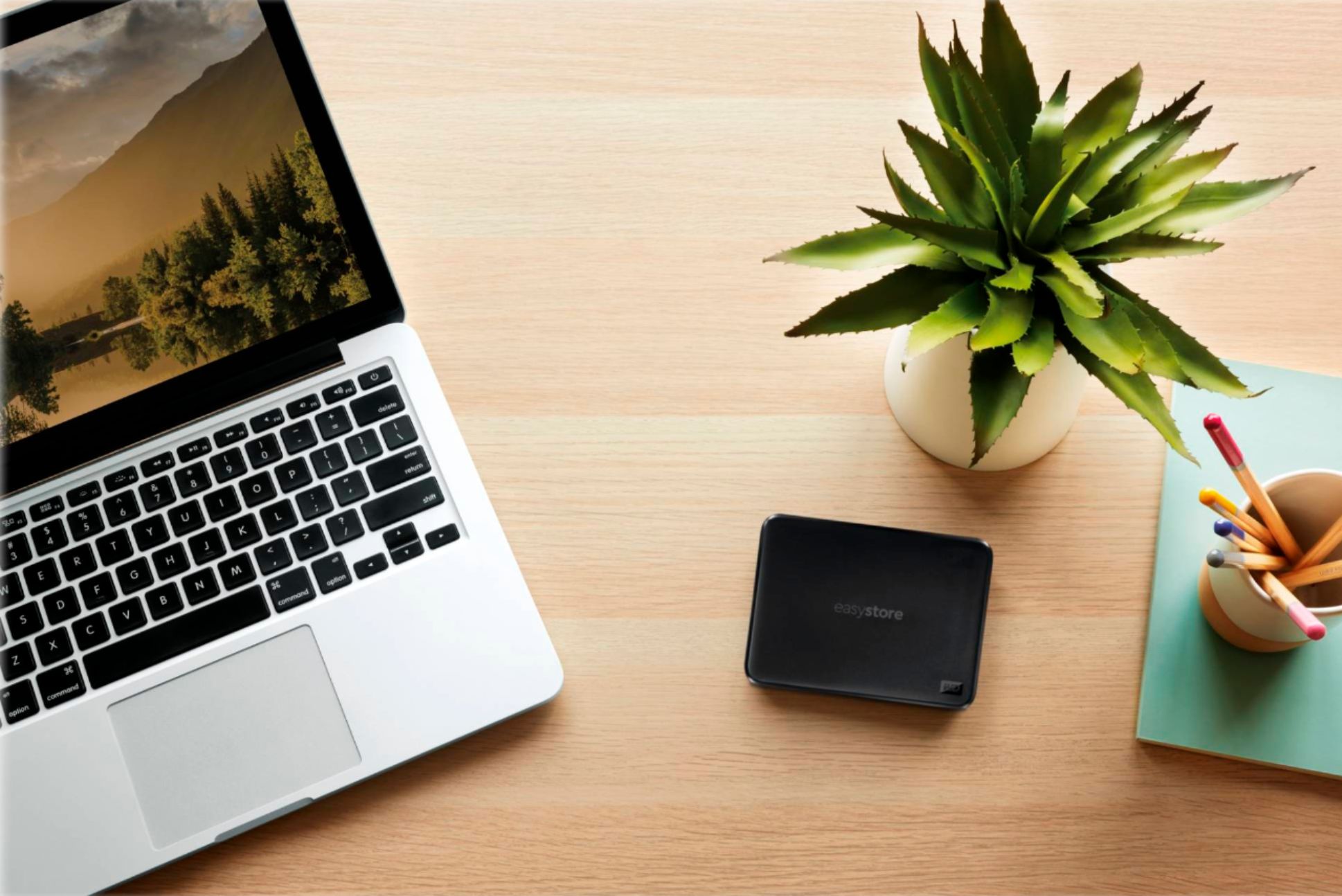
I was having the same problem with my MacBook Air , I bought the 4 TB hard drive and it has been a huge help!! I can put everything on it and then use my computer space for software updates!