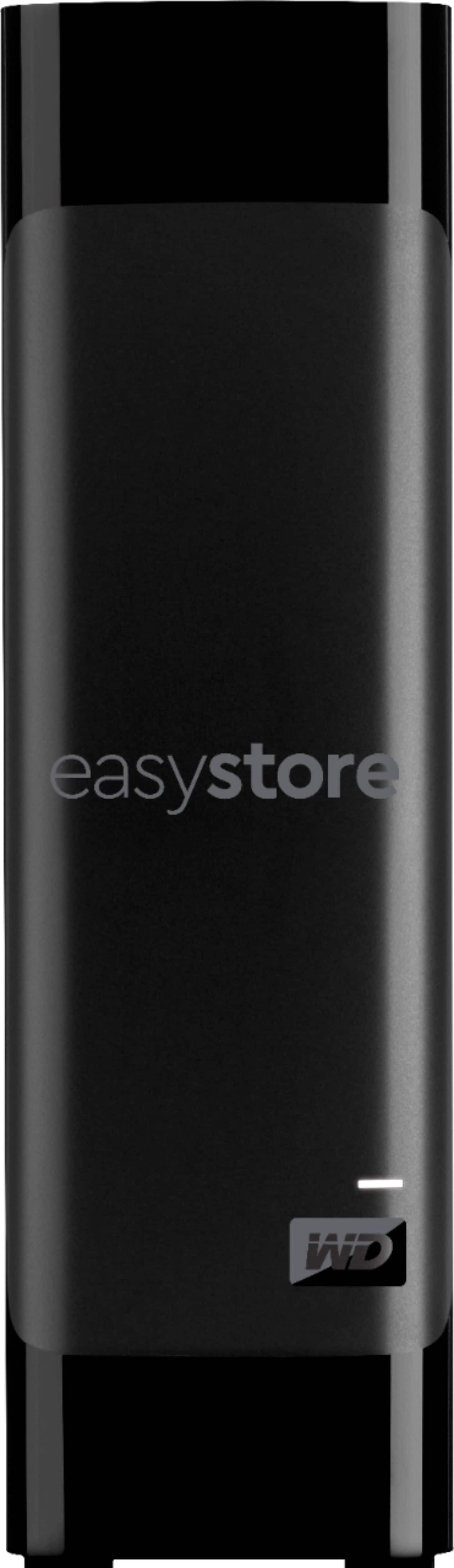
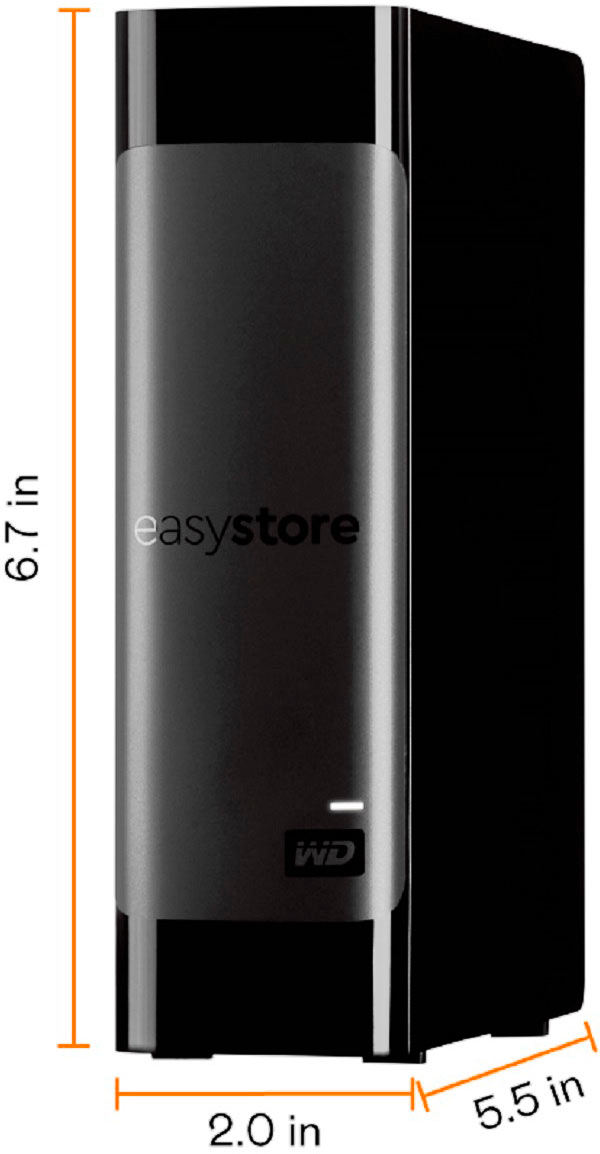
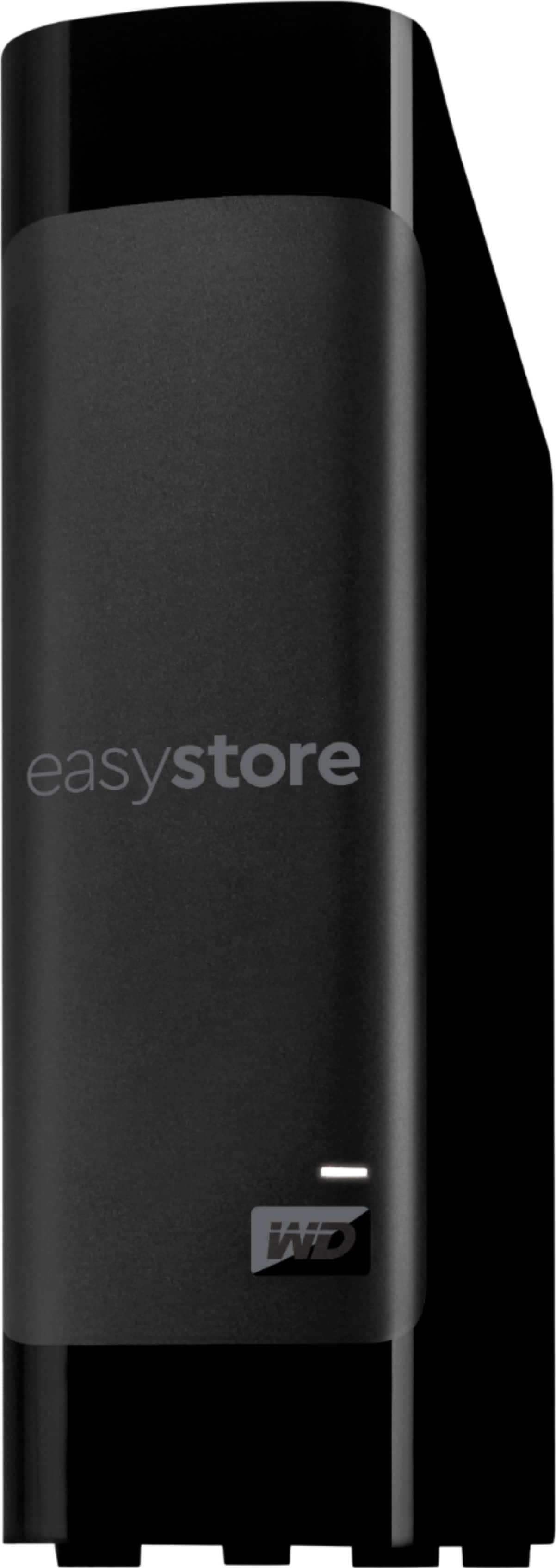
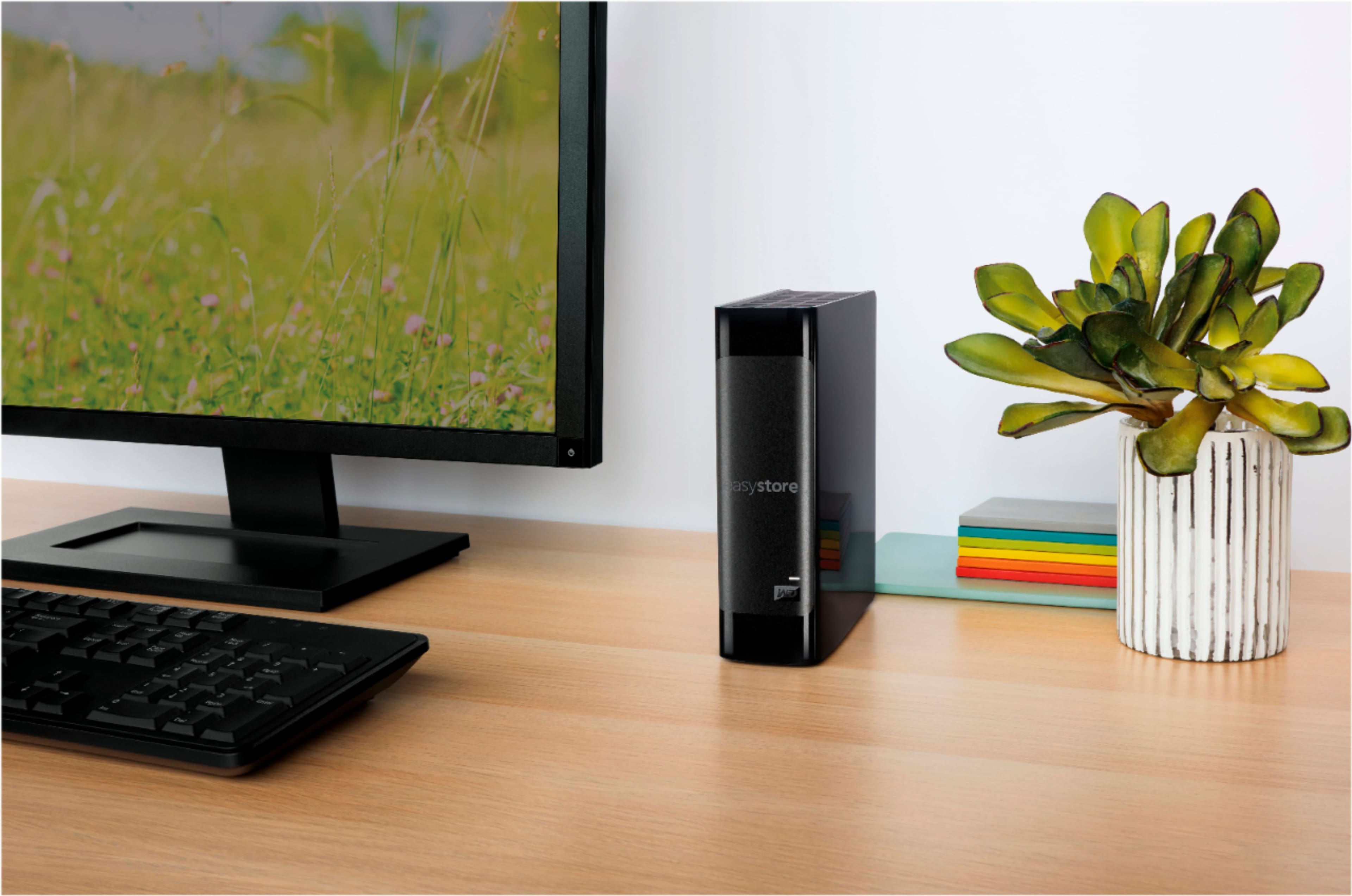
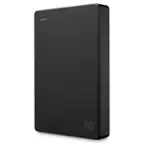
A:AnswerIt’s an external hard drive with no internet access of it’s own. So no you can not “download” your pictures from your phone or anything on to it. You CAN transfer pictures or other data on to it using the usb cable that is included with the hard drive.
A:AnswerHi security,
The WD EasyStore USB external hard drive comes pre-formatted for Windows computers. We will recommend you contacting the manufacturer of the security system to confirm if they support USB hard drives.
Need Help? Please see our "'Contact Us" page for information
A:AnswerNeed to format for the Mac, unless you buy the Mac version. PC and Mac versions are the same, except the formatting and software are specific for PC or Mac.
Would need to re-format to whatever system you use.
A:AnswerDepends on your router’s steps for storage setup. Look at your router for guidance on that since there would be no configuration needed on the Hard Drive itself.
A:AnswerWD is a more prolific well-know storage company. They are one of the 3 largest hard drive manufacturers. You can use this to store anything, to include RAW image files.
A:AnswerYes. You can reformat the drive so it will be Mac compatible using Disk Utility.
If you want to maintain cross-compatibility with Windows, make sure to choose "ExFAT" as the filesystem. If you don't care about Windows compatibility you can format it as Apple APFS or HFS. ExFAT is cross-compatible but may not work quite as well with some advanced Apple features like versioning or Time Machine.
A:AnswerIt is a standard connector. It is a USB mico USB Type B 3.0. They are common on external Hard Drives and were in a few phones before USB C became common.