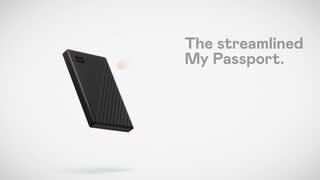
Questions & Answers
- Model:
- WDBYVG0010BBK-WESN
- |
- SKU:
- 6356886
Highly rated by customers for: Storage, Ease of use, Reliability
$84.99Your price for this item is $84.99
Page Showing 21-40 of 135 questions
Q: QuestionDoes this drive qwork well with photos on a Mac?
Asked by Bud.
- A:Answer Hello Bud, Please note that WD My Passport External drive comes preformatted in NTFS format for Windows OS. To use the drive for MacOS you can reformat the drive with macOS supported APFS file system using this link: https://support-en.wd.com/app/answers/detailweb/a_id/8200/ Please note that reformatting is a data destructive process, please backup data from the drive before reformatting it. If you are facing any issue, please open a support ticket at https://support-en.wd.com/app/ask/session, the customer support team will contact you as soon as possible.
Answered by Western Digital Team
Q: QuestionHow do you download/back up everything on your laptop to the My Passport external hard drive and then install on a new laptop?
Asked by Anonymous.
- A:Answer Hello, Thank you for contacting us. To backup your entire computer, please use WD Acronis True Image for Western Digital then restore the backup to the different computer. You can download and follow the steps using the link below: https://support-en.wd.com/app/answers/detailweb/a_id/15564/ This tool will help you create a full system backup easily. If you are facing any issue, please open a support ticket at https://support-en.wd.com/app/ask/session, the customer support team will contact you as soon as possible.
Answered by Western Digital Team
Q: QuestionDo I need a cable?
Asked by HOPP.
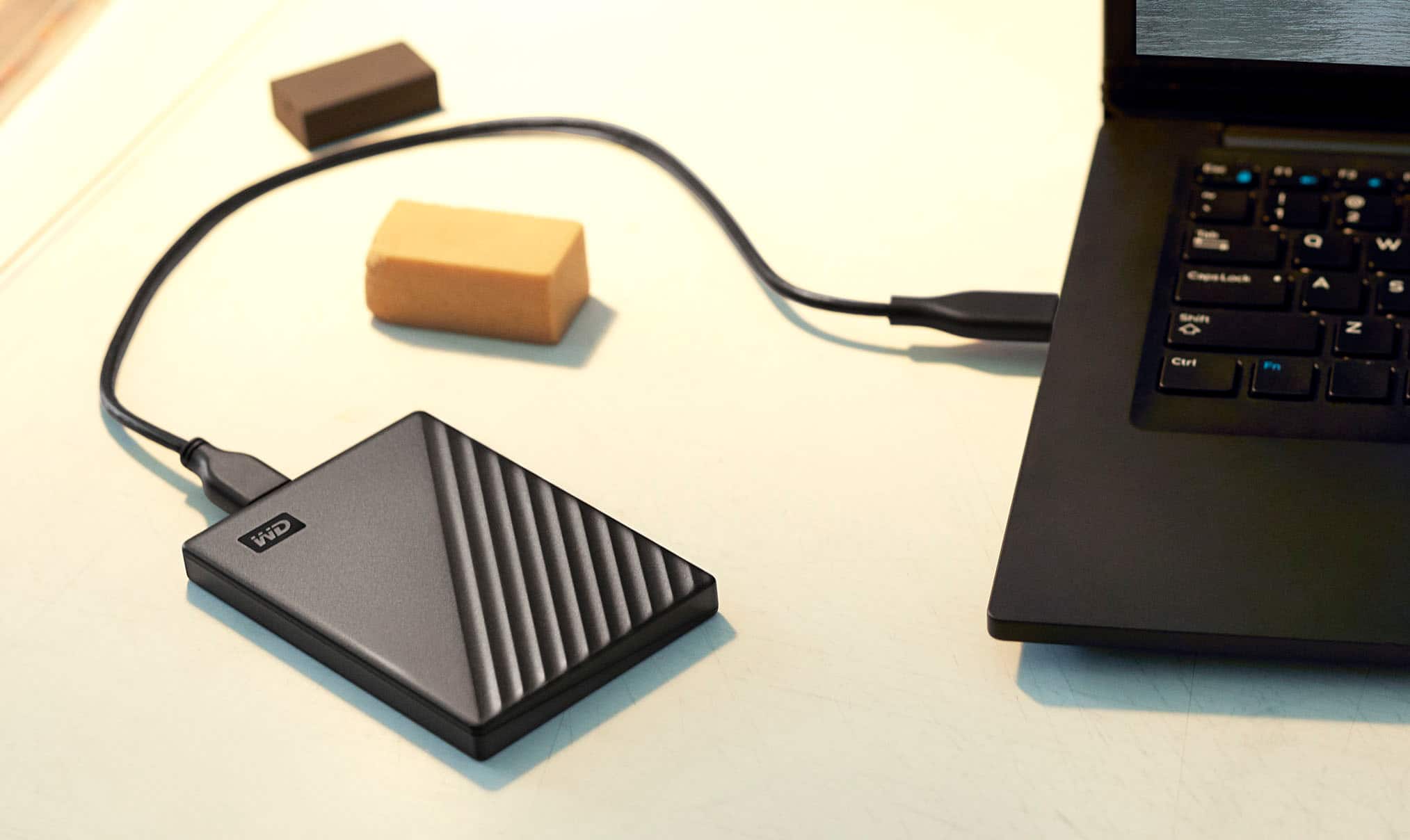
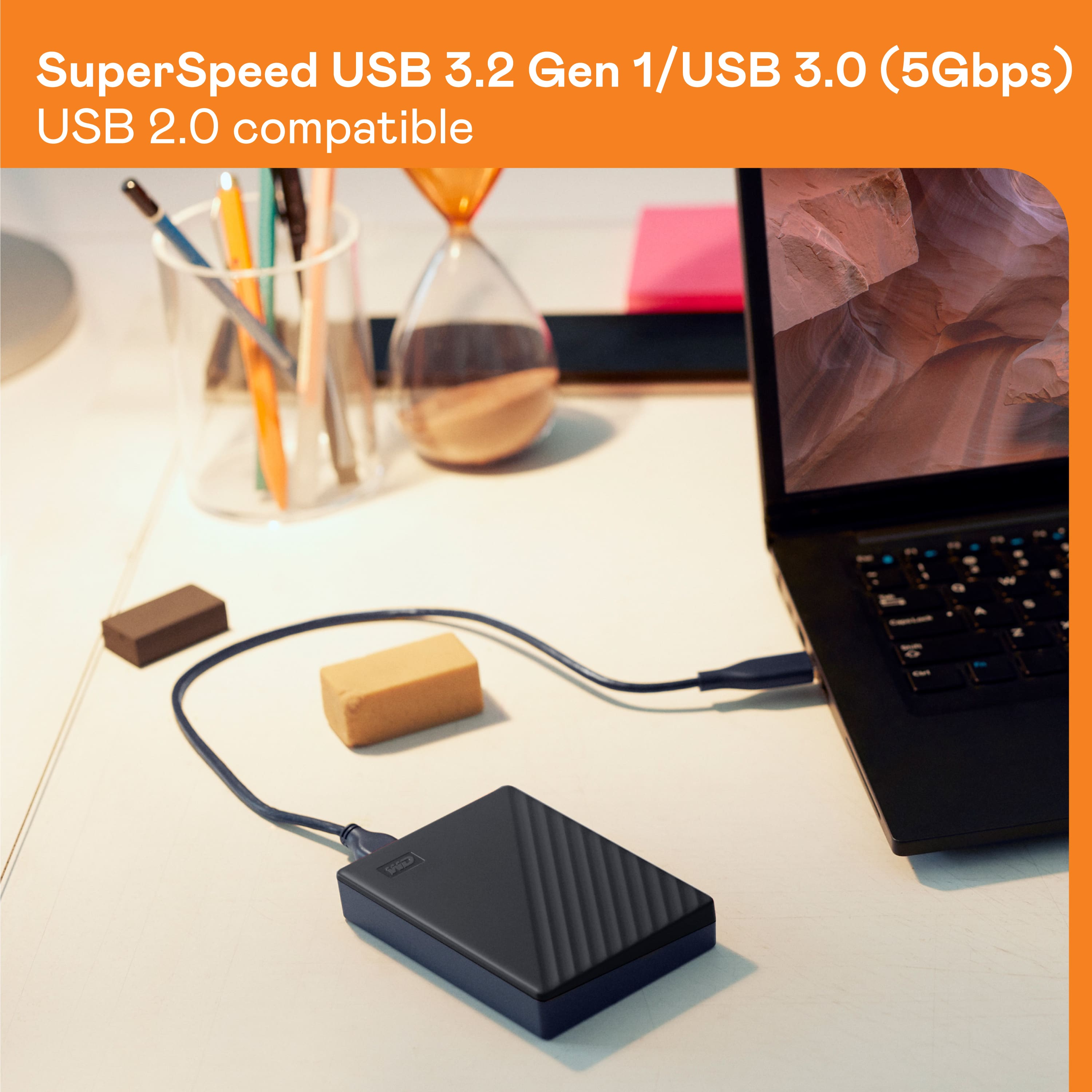
- A:Answer The drive comes with a cable. Just make sure your computer has a USB 3.0 port.
Answered by user554523
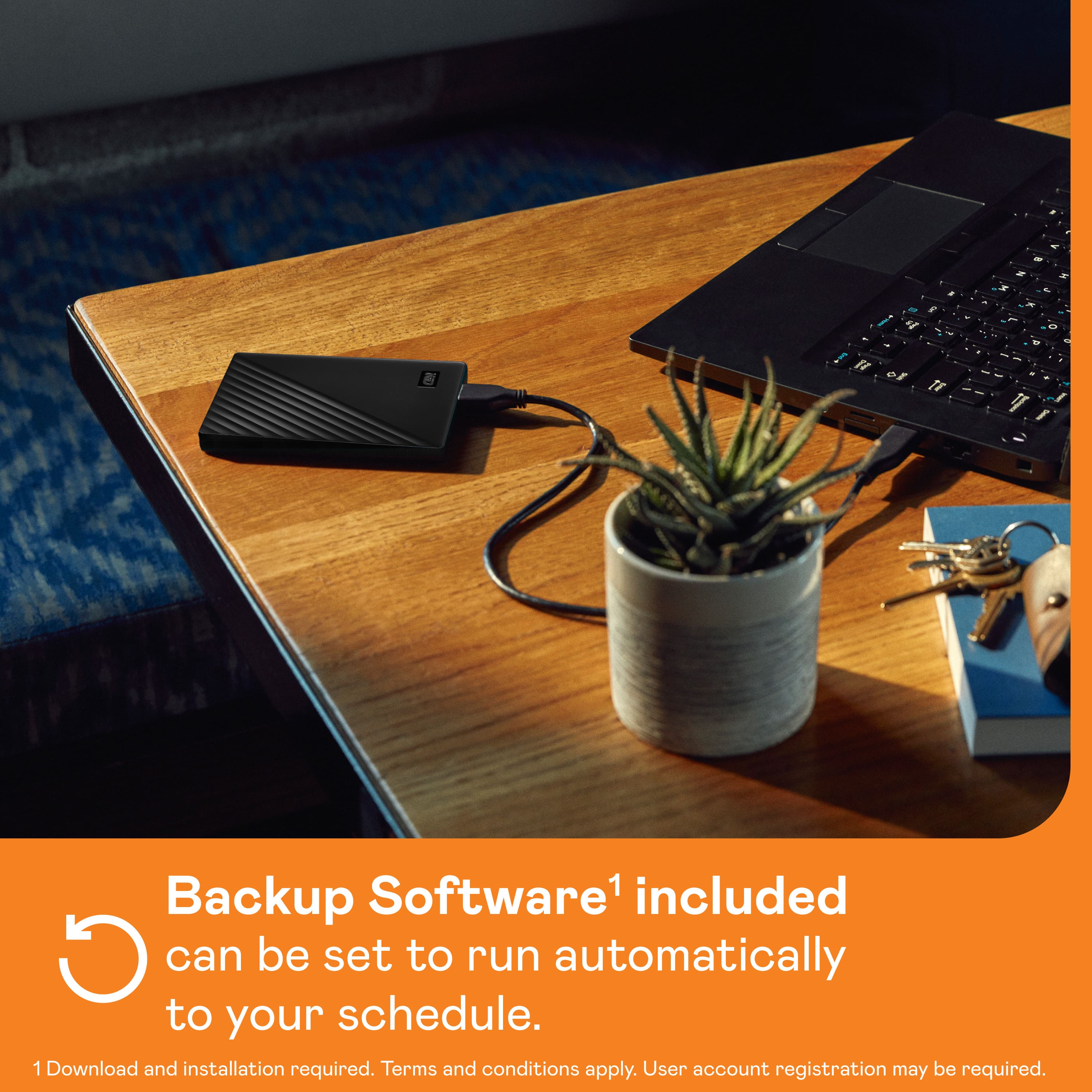
Q: QuestionWhy does it take over 10 hours to complete a backup?
Asked by Steve.
- A:Answer Depends on how much data there is to back up - as well as the data transfer speed of the system(s) being backed up. All of that might affect how long a backup will take.
Answered by Robert
Q: QuestionCan I backup iMac with My Passport 1 TB portable backup with Time Machine automatically? I plugged it in but Time Machine doesn't appear on menu under settings.
Asked by Anonymous.
- A:Answer Is the drive properly formatted and set up as your backup disk in Time Machine preferences? If not, then there's the problem. Make sure the drive is not excluded from backups under the Time Machine settings.
Answered by Robert
Q: QuestionWhat is the read speed on this drive?
Asked by JenniferO.
- A:Answer The read speed is around 153 MB per second for the 1 TB drive.
Answered by Robert
Q: QuestionI got a message that my laptop with windows10 will not support windows11. Will external drive allow me to upgrade from 10 to 11?
Asked by pete.
- A:Answer no, I don't think a backup will upgrade you to a new version of Windows. You will have to put the new version on your computer.
Answered by DeborahM
Q: QuestionDoes this external hard drive support iTunes? Can it play music on it with or without transferring the entire music library to the new laptop?
Asked by Taylor1991.
- A:Answer Hi, Thank you for your query. The WD My Passport 1TB External USB 3.0 Portable Hard Drive can store your iTunes library and play music when connected to a computer. As long as iTunes is set to read the library from the external drive, you can access and play your library without transferring it to a new laptop. If you have further questions, kindly open a support ticket at https://support-en.wd.com/app/askweb.
Answered by Western Digital Team
Q: Questionis this hard drive NTFS format?
Asked by Brad.
- A:Answer Yes, it is NTFS by default. A lot of newer, modern hard drives are formatted that way. It's the older ones which are formatted differently - e.g. FAT32, etcetera.
Answered by Robert
Q: QuestionWill this work on my iPad Pro?
Asked by Gail.
- A:Answer Hi, Please be informed that the WD My Passport drive is a plug 'n' play device tested and designed for Windows and Mac computers. We have not tested the drive on mobile devices or an iPad. We recommend you to use the computer to move the data from the phone to the drive. Refer to the link in order to know more about the drive: http://products.wdc.com/library/AAG/ENG/4078-705155.pdf -Need Help? Please see our "'Contact Us" page for information.
Answered by Western Digital Team
Q: QuestionDoes this item connect to USB A Port
Asked by WPGIII.
- A:Answer Yes, with the cable that comes with it.
Answered by Robert
Q: QuestionWill this work with vista operating system?
Asked by Mint.
- A:Answer Hello, Please be informed that WD My Passport is compatible with Windows® 10+, macOS 11+. For macOS users, a downloadable NTFS driver is available, allowing you to read and write without the need for reformatting.
Answered by Western Digital Team
Q: QuestionMy Passport external hard drive just spins when plugged in. I've been getting notices of low battery when I turn on my computer. But then it starts, but hard drive just spins.
Asked by Passportharddrive.
- A:Answer Hello, We recommend that you try connecting the drive to another computer using a different cable. If the drive creates same issue with another computer then open a ticket with the error screenshots if any at https://support-en.wd.com/app/askweb our technical team will get in touch with you at the earliest.
Answered by Western Digital Team
Q: QuestionCAN I LOAD QUICKBOOKS PROGRAM ON UNIT
Asked by NEWUSER.
- A:Answer I don't think you can, although I have never used Quickbooks as it is designed for businesses. I have used Qucken for many years. The program is installed on your computer and saved a backup to an external hard drive.
Answered by R2D2
Q: QuestionIs it compatible for recording arlosecurity cameras?
Asked by Mark.
- A:Answer Hi Mark, Please be informed that the WD My Passport drive is a plug 'n' play device tested and designed for Windows and Mac computers. Please check with the manufacturer vendor whether the WD My Passport Hard Drive will fit and support the host device. In order to know more about the drive refer to the link: https://www.westerndigital.com/en-in/products/portable-drives/wd-my-passport-usb-3-0-hdd?sku=WDBYVG0010BBK-WESN -Need Help? Please see our "'Contact Us" page for information.
Answered by Western Digital Team
Q: QuestionIs there an external hard drive compatible with chromebook?
Asked by Joy.
- A:Answer I have a Chromebook, and works perfectly together
Answered by user951467
Q: Questionis this compatible with Mac OS Mojave with a 2017 Mac laptop computer?
Asked by Doe.
- A:Answer Hi Doe, Please be informed that the WD My Passport drive is a plug 'n' play device tested and designed for Windows and Mac computers. It comes pre-formatted with in NTFS for windows. However, in order to use the drive for macOS you can reformat the drive with macOS supported HFS+J file system by using this link: https://support-en.wd.com/app/answers/detailweb/a_id/8200 Before formatting the drive we recommend you to please save your data because it is a data destructive process. -Need Help? Please see our "'Contact Us" page for information.
Answered by Western Digital Team
Best-selling external hard drives
- $69.99Your price for this item is $69.99$79.99The comparable value for this item is $79.99
- $79.99Your price for this item is $79.99
- $89.99Your price for this item is $89.99
- $139.99Your price for this item is $139.99
- $169.99Your price for this item is $169.99$179.99The comparable value for this item is $179.99
- $279.99Your price for this item is $279.99$309.99The comparable value for this item is $309.99
- $104.99Your price for this item is $104.99$109.99The comparable value for this item is $109.99
- $149.99Your price for this item is $149.99
- $159.99Your price for this item is $159.99
- $149.99Your price for this item is $149.99$169.99The comparable value for this item is $169.99
- $299.99Your price for this item is $299.99
- $174.99Your price for this item is $174.99
- $189.99Your price for this item is $189.99
- $329.99Your price for this item is $329.99
- $104.99Your price for this item is $104.99
- $439.99Your price for this item is $439.99
- $154.99Your price for this item is $154.99
- $169.99Your price for this item is $169.99$189.99The comparable value for this item is $189.99
- $129.99Your price for this item is $129.99$144.99The comparable value for this item is $144.99
- $79.99Your price for this item is $79.99$89.99The comparable value for this item is $89.99