Year-End SaleEnds 1/1/26. Limited quantities. No rainchecks.

Main Content

Questions & Answers

Your price for this item is $144.99
Page Showing 21-40 of 135 questions
  • QuestionGot this a few months ago. I merged all my important data into one "reliable" hard drive. Only used it twice. Now when I connect it, it just goes click-click-click-click-click-click. What happened? Still within warranty but my data is stuck on it. Help!

    Asked by Peter.

    • Answer My bestpiece of advice is never trust just one drive with all your data. Do some research about backups and start doing that. You’ll need to warranty that drive or send it to a data recovery firm. If you have critical data on there and you need to recover it do not power it up anymore. The click of death failure, which is what you described, is usually caused by damage on the platters. Pieces flake off and sand the surface causing more damage. Leave it off and get it to the recovery firm ASAP.

      Answered by Skeliliz

  • QuestionCan this be reformatted to be compatible with Windows 7?

    Asked by Pagliacci.

    • Answer Hi Pagliacci, Yes, you can transfer the data in both windows 7. Please note windows 7's support is EOL from Microsoft, you may experienced a few issues. Please refer to the link mentioned below to know more about this drive. https://shop.westerndigital.com/en-us/products/portable-drives/wd-my-passport-usb-3-0-hdd#WDBYVG0010BBK-WESN Need Help? Please see our "'Contact Us" page for information

      Answered by Western Digital Team

  • QuestionWould this work for a separate hard drive for a smaller solid state computer. Trying to separate programs and computer from files and documents, pictures etc. Worried about speed or transfer information while working on a program on the solid state comp

    Asked by FastEddie.

    • Answer This type of external drive is best used for backup. However, you can set it up to run programs. I would suggest running programs of your ssd and using the external just to store files. And make sure you have a backup of all your files. Something else to consider is, is your computer capable of USB 3.0? The slower USB might cause problems running high demand programs. My response is you can but it is not recommended.

      Answered by Aricu

  • QuestionCan this be attached to a Spectrum wireless router, or another router, to provide a wireless NAS solution for a home?

    Asked by DMadden51.

    • Answer This is completely dependent on the router itself and the capabilities of such hardware. However, from my personal experience, yes it can. I have attached it to my Router and I was able to share data throughout my network

      Answered by Matters

  • QuestionCan I access drive wirelessly from my phone

    Asked by Ahof5.

    • Answer Hi, No, The WD My Passport External USB hard drive does not support wireless access. It's a wired-only drive and needs to be connected via USB to a computer or compatible device.

      Answered by Western Digital Team

  • QuestionCan I use this drive on an iPad Pro 10?

    Asked by Czb.

    • Answer Hi , Please be informed that WD My Passport portable hard drive is a plug and play device which designed for Windows and Mac operating system. We have not tested the drive on mobile devices or an Ipad. Therefore, we recommend you to move the data from phone to computer or vice versa using your computer. For more info about the drive, refer to the link: https://products.wdc.com/library/AAG/ENG/4078-705155.pdf

      Answered by Western Digital Team

  • QuestionCan I use this hard with Time Machine on an Apple IMAC DESKTOP

    Asked by Anonymous.

    • Answer Hello, Please note that WD My Passport External drive comes preformatted in NTFS format for Windows OS. To use the drive for MacOS you can reformat the drive with macOS supported APFS file system using this link: https://support-en.wd.com/app/answers/detailweb/a_id/8200/ Please note that reformatting is a data destructive process, please backup data from the drive before reformatting it. For Time Machine backup and restore from MacOS to WD External Drive please refer to the link: https://support-in.wd.com/app/answers/detailweb/a_id/18952/ If you are facing any issue, please open a support ticket at https://support-en.wd.com/app/ask/session, the customer support team will contact you as soon as possible.
      Answered by Western Digital Team

  • QuestionIs this compatible with a MacBook Pro?

    Asked by Donna.

    • Answer Hello Donna, Please be informed that WD My Passport External drive comes preformatted in NTFS format for Windows OS. To use the drive for MacOS you can reformat the drive with macOS supported HFS+J file system using this link: https://support-en.wd.com/app/answers/detailweb/a_id/8200/ Please note that reformatting is a data destructive process, please backup data from the drive before reformatting it. If you are facing any issue, please open a support ticket at https://support-en.wd.com/app/ask/session, the customer support team will contact you as soon as possible.
      Answered by Western Digital Team

  • QuestionWill this work with Apple's Time Machine? Do I need to do anything special to make it work?

    Asked by TAH.

    • Answer Hello, Please note that WD My Passport External drive comes preformatted in NTFS format for Windows OS. To use the drive for MacOS you can reformat the drive with macOS supported HFS+J file system using this link: https://support-en.wd.com/app/answers/detailweb/a_id/8200/ Please note that reformatting is a data destructive process, please backup data from the drive before reformatting it. For Time Machine backup and restore from MacOS to WD External Drive please refer to the link: https://support-in.wd.com/app/answers/detailweb/a_id/18952/ If you are facing any issue, please open a support ticket at https://support-en.wd.com/app/ask/session, the customer support team will contact you as soon as possible.
      Answered by Western Digital Team

  • QuestionDoes my passport have an app

    Asked by Anonymous.

    • Answer This particular product does not mandate the use of an app.

      Answered by user616337

  • QuestionThe drive is no longer showing up in my mac. i have sued the wd discovery app to check if the drive was corrupted but there was nothing. any suggestions?

    Asked by missingdriveonmac.

    • Answer When that happened on my computer the drive was broken. And it was only 2 days old. Hardware failure.

      Answered by RobertA

  • QuestionCan you install it on a network and use with several devices

    Asked by Anonymous.

    • Answer Hi, Please be informed that WD My Passport drives are designed as portable USB external hard drives and do not have built-in network connectivity. Refer to the link in order to know more about the drive: http://products.wdc.com/library/AAG/ENG/4078-705155.pdf

      Answered by Western Digital Team

  • QuestionIs this the type of external hard drive that has moving parts inside it? I want to buy one for my husband and he mentioned that it was important that it doesn’t have moving gears inside.

    Asked by Anonymous.

    • Answer I believe by moving parts he is referring to the distinction between a standard Hard Drive and a Solid State Drive, the former being the one with moving parts. So yes, this hard drive has moving parts.

      Answered by user616337

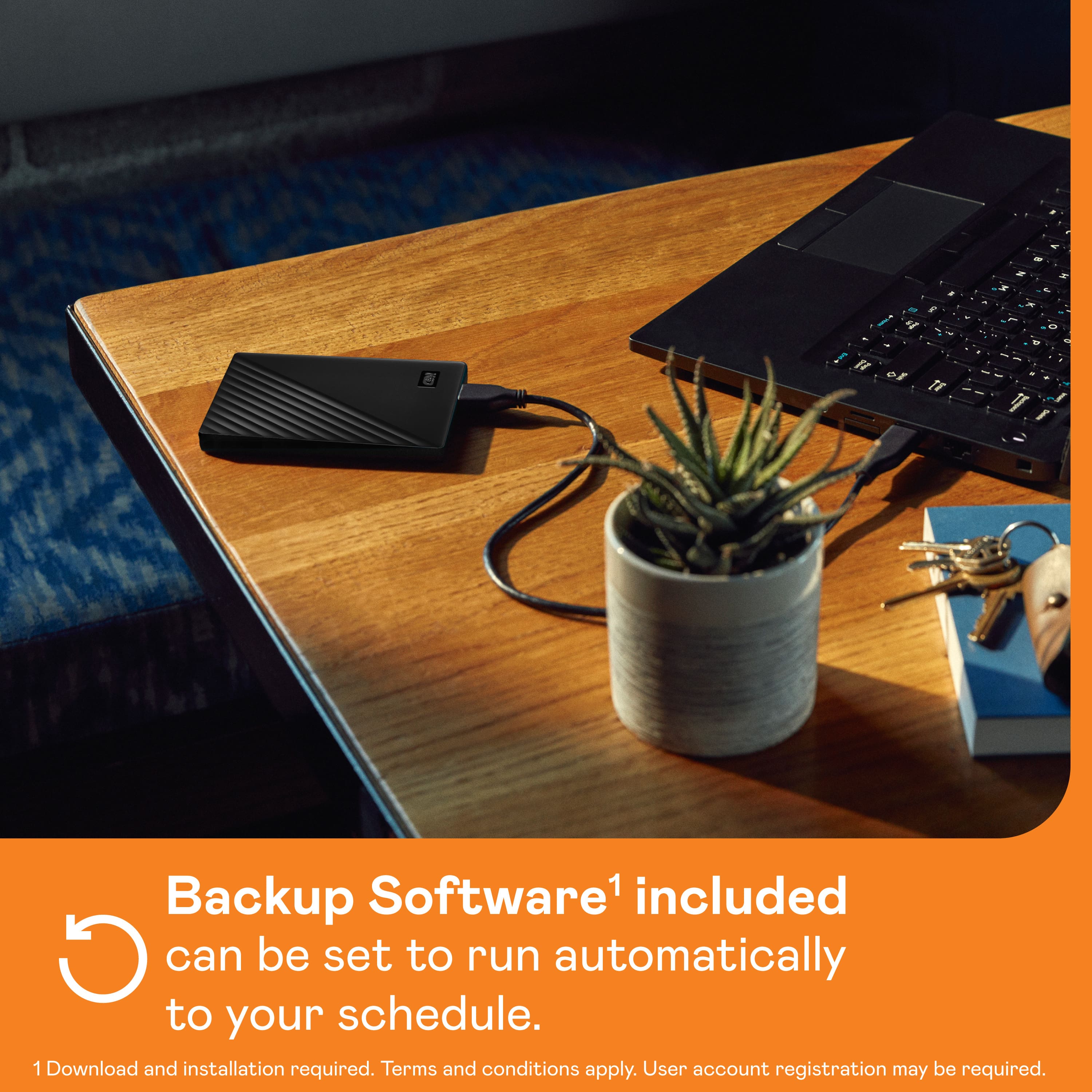
  • QuestionDOES THIS HARD DRIVE WORK AS A BACKUP OF MAIN HARD DRIVE? CAN I PROGRAM TO BACK UP ON A REGULAR SCHEDULE?

    Asked by BACKUP.

    • Answer Yes You can. I upload all my documents to this drive.

      Answered by MsVT

  • QuestionCan I hook this to my camera and record video directly onto it or would it need transferred over separately after?

    Asked by Anonymous.

    • Answer to big

      Answered by MichelleV

  • QuestionCan I use this with MacBook Air?

    Asked by Susie.

    • Answer Yes. It works with both windows and Mac

      Answered by SandeepK

  • QuestionHow can this drive be used for Mac Time Machine?

    Asked by PolkaTommy.

    • Answer Hello, Please be informed that the WD My Passport External drive comes preformatted in NTFS format for Windows OS, However, in order to use the drive for macOS you can reformat the drive with macOS supported HFS+J file system by using this link: https://support-en.wd.com/app/answers/detailweb/a_id/8200/related/1 .Reformatting is a data destructive process, please backup the data from the drive before reformatting it. To use the drive for time machine backup please follow the steps mentioned in the following link: https://support-en.wd.com/app/answers/detailweb/a_id/18952/initiator/user -Need Help? Please see our "'Contact Us" page for information.

      Answered by Western Digital Team

  • QuestionWhat is my passport for

    Asked by Anonymous.

    • Answer It's just an external hard drive with serious amount of memory so to download and/or save any content ranging from documents to downloadable games.

      Answered by Juan

  • QuestionWhat is the speed of this when used as a back-up drive for a Macbook air?

    Asked by Maji.

    • Answer I dont use MAC products. Android is my middle name

      Answered by JoanneS

  • QuestionDoes work on on xbox series x

    Asked by Bruce.

    • Answer Hello Bruce, Please be informed that the WD My Passport drive is a plug 'n' play device tested and designed for Windows and Mac computers. You can store any data to the drive but you could not play the games directly from this drive. We also recommend that you please check with your host device vendor for further compatibility information. To know more about the drive refer to the link: http://products.wdc.com/library/AAG/ENG/4078-705155.pdf -Need Help? Please see our "'Contact Us" page for information.

      Answered by Western Digital Team