A:AnswerYou can use the official Apple lightning to USB adapter in order to connect this drive to your iPhone. Also, the drive needs to be formatted in order for your iPhone to recognize it. You cannot do this from your iPhone, it will have to be done from a computer.
A:AnswerHi Spiro, Please be informed that the WD My Passport drive is a plug 'n' play device tested and designed for Windows and Mac computers. Please check with your vendor support whether the drive will fit and support the host device. To know more about the drive, refer to the link: http://products.wdc.com/library/AAG/ENG/4078-705155.pdf -Need Help? Please see our "'Contact Us" page for information.
A:AnswerHello LEANNA, Please be informed that once you copy or download the data to the external drive then the data will present on the drive. However western digital recommend to keep a second copy of the data which on the drive. To know more about the drive refer to the link: http://products.wdc.com/library/AAG/ENG/4078-705155.pdf -Need Help? Please see our "'Contact Us" page for information.
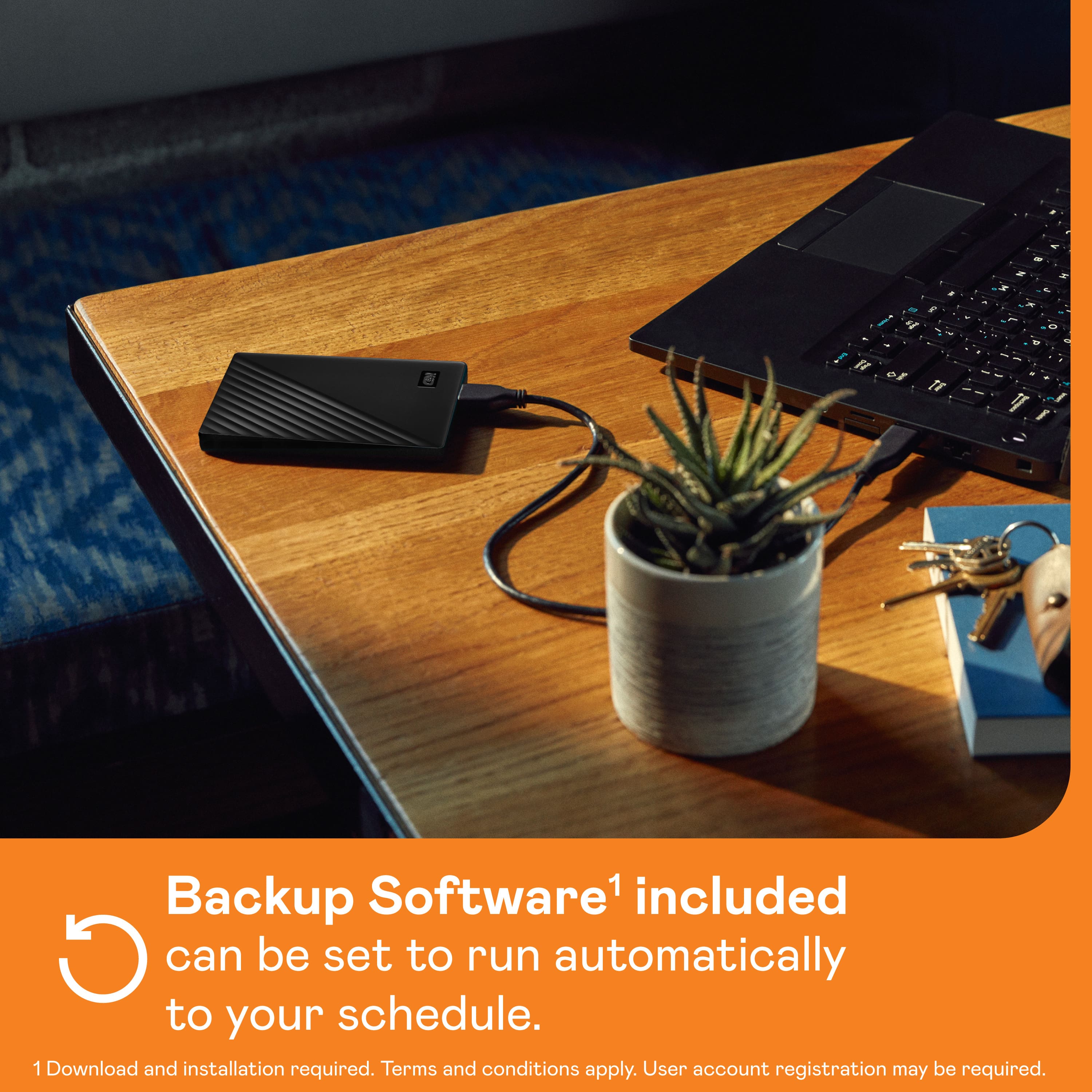
A:AnswerIt can be used as either. I currently am using it as an external hard drive, but my Mac gave me the option to use as a backup disc once I installed it.