Main Content

Questions & Answers

$155.38
Page Showing 21-40 of 117 questions
  • QuestionWill this work with macOS Catalina 10.15.4?

    Asked by daph.

    • Answer Yes

      Answered by Jeff

  • Questionis this WD 2T My Passport external drive made in china?

    Asked by gijoe.

    • Answer No, it is made in Thailand

      Answered by sportydancer

  • QuestionWill this work with a Mac book

    Asked by Josh.

    • Answer yes I use it with my MacBook Air

      Answered by honestreview

  • QuestionDoes is work with Sierra 10.12.6?

    Asked by Skelly.

    • Answer Yes it works with Sierra & High Sierra fine. It feels a little slow on start up but otherwise works fine.

      Answered by James

  • QuestionWhat about USB-C? My MacBook only has USB-C? Thank you

    Asked by Dapple.

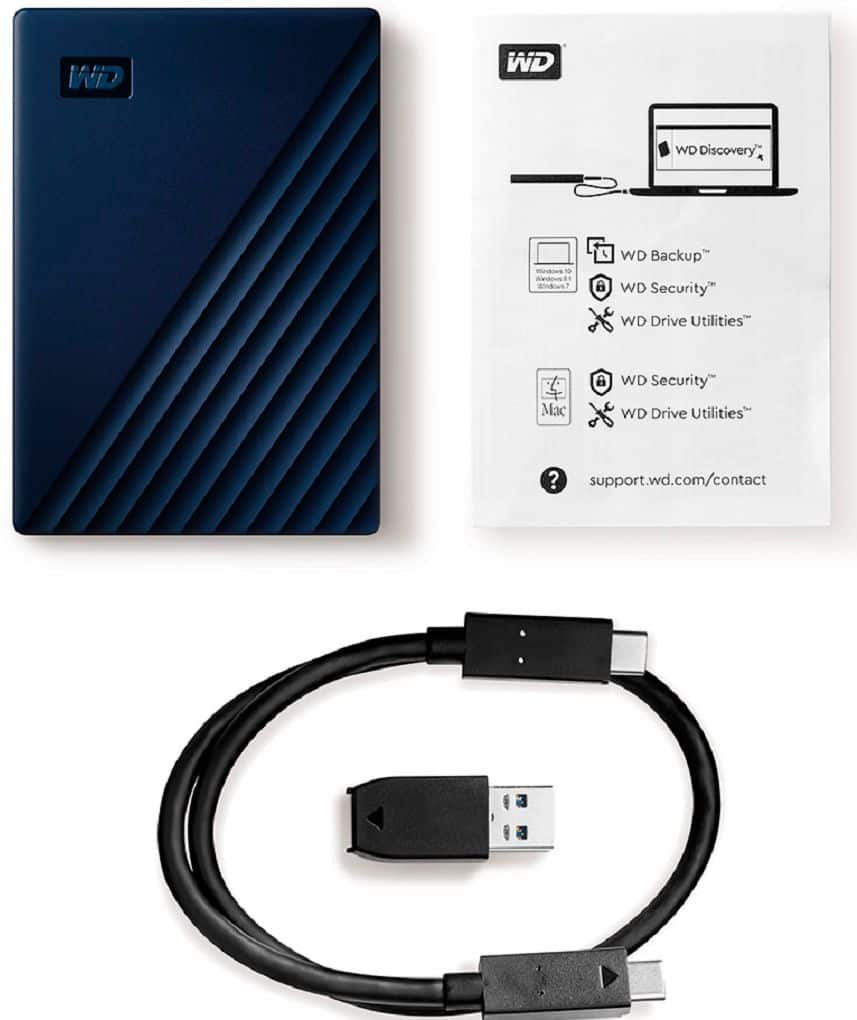
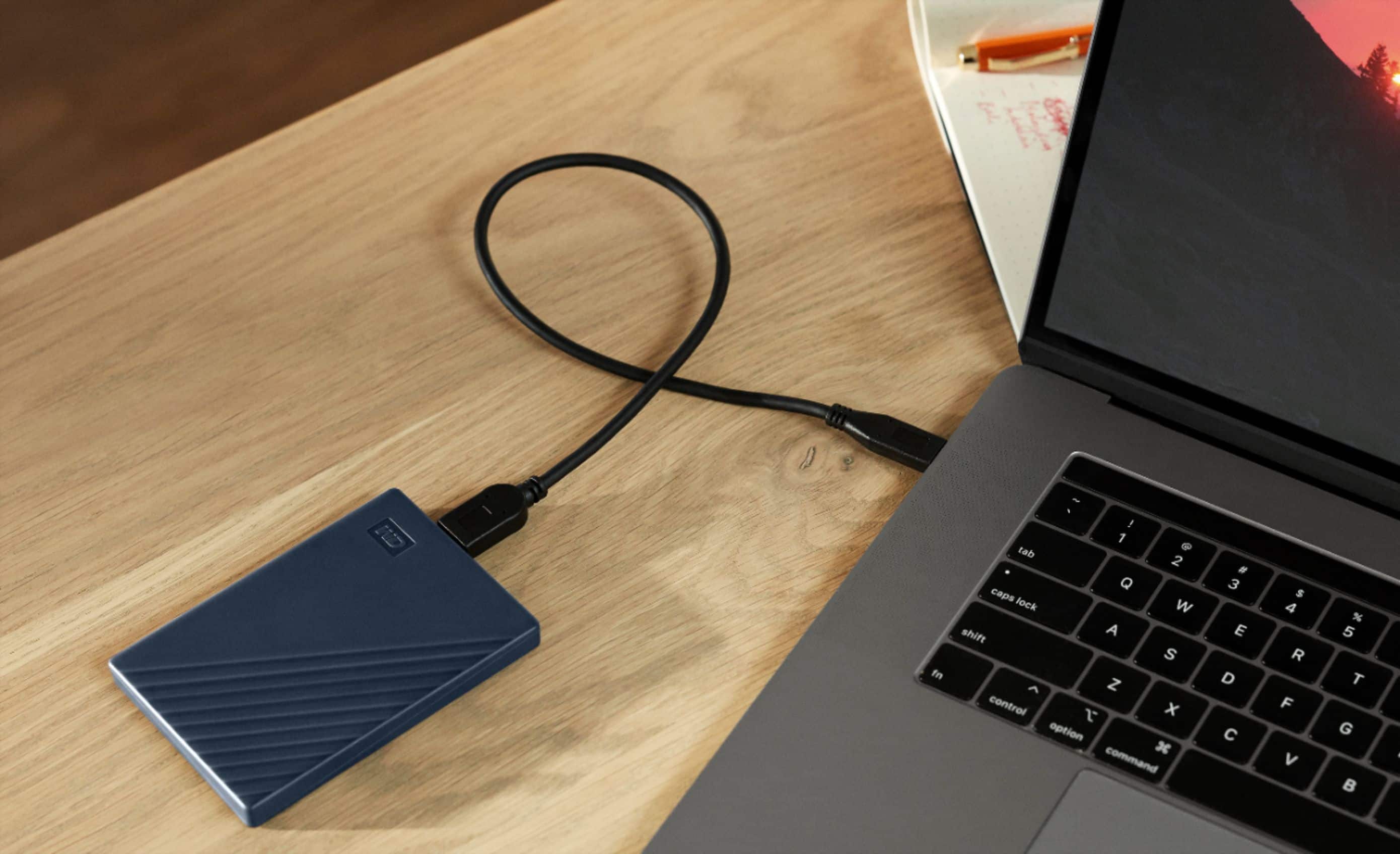
    • Answer It has 2 sets of cables being USB and USB-C

      Answered by honestreview

  • Questioncan I use it in an iPad?

    Asked by Yesenia.

    • Answer The only it can be used on an ipad is if you have an adapter to change the USB to the lightning connector. Even then i'm not sure how it would work.

      Answered by Clif

  • QuestionWill this back up my emails that I put into folders on my Yahoo account.Thank You.

    Asked by SweetWilliam.

    • Answer Hello SweetWilliam, Please be informed that WD My Passport for Mac Hard Drive backs up files stored on your computer not emails stored in your Yahoo Mail account. It would only backup your emails if you've downloaded them to your computer.

      Answered by Western Digital Team

  • QuestionMy iMac won’t boot up can I download all my data to the WD passport?

    Asked by Guy.

    • Answer Hello, We are sorry to hear that your iMac isn't booting, you may still be able to recover your data using MacOS Recovery. You can then transfer your files to your WD My Passport drive. If the system isn't accessible at all, we recommend contacting Apple Support or a data recovery specialist for further assistance.

      Answered by Western Digital Team

  • QuestionIs this "plug and play" for a MacBook Air used by a person with zero computer skills or technical no how?

    Asked by Jimmy.

    • Answer Hello, Yes, it is plug and play for a MacBook Air. Simply connect the drive, and it will be ready to use right away. No technical setup required. It's designed to be user-friendly, even for someone with little to no computer experience.

      Answered by Western Digital Team

  • Questionis it compatible with mac Air

    Asked by mj.

    • Answer Hello Mj, Please be informed that the WD My Passport for Mac drive is a plug 'n' play device tested and designed for Windows and Mac computers. It works with MacOS and comes pre-formatted for Mac, making it ready to use right out of the box. If you face any issue with the product, please feel free to or submit a support ticket at https://support-en.wd.com/app/askweb To know more about the drive please refer to the link: http://products.wdc.com/library/AAG/ENG/4078-705156.pdf

      Answered by Western Digital Team

  • QuestionDoes this work with OS tahoe

    Asked by Anonymous.

    • Answer Hello, Please be informed that the WD My Passport for Mac drive is a plug 'n' play device tested and designed for Windows and Mac computers. It works with MacOS 11+ and comes pre-formatted for Mac, making it ready to use right out of the box. To know more about the drive please refer to the link: http://products.wdc.com/library/AAG/ENG/4078-705156.pdf

      Answered by Western Digital Team

  • QuestionWhat are the read and write speeds for this drive?

    Asked by Chris.

    • Answer Hi Chris, Please be informed that Universal Serial Bus (USB) is an interface standard that define how two devices work with each other. Real World Speed will vary by connection type, operating system, number of files, type of files, and folder structure. Please refer to the following link to know more about the speed: https://support-en.wd.com/app/answers/detailweb/a_id/5043/kw/usb%20speed

      Answered by Western Digital Team

  • QuestionHow to connect a portable hard drive to a Tablo TV

    Asked by Anonymous.

    • Answer Hello, Please be informed that WD My Passport portable hard drive is a plug and play device which designed for windows and mac operating system. We have not tested the Tablo TV. We recommend you to please contact your host device vendor support to check whether the drive will support. For more info about the drive, refer to the link: https://products.wdc.com/library/AAG/ENG/4078-705156.pdf

      Answered by Western Digital Team

  • QuestionIs it compatible with the new iMac air?

    Asked by Jtea.

    • Answer Hello, Please be informed that the WD My Passport for Mac drive is a plug 'n' play device tested and designed for Windows and Mac computers. It works with MacOS and comes pre-formatted for Mac, making it ready to use right out of the box. To know more about the drive please refer to the link: http://products.wdc.com/library/AAG/ENG/4078-705156.pdf

      Answered by Western Digital Team

  • QuestionIs this a solid state drive?

    Asked by DO.

    • Answer Hi, Thank you for your question. The WD My Passport For Mac is an external hard disk drive(HDD), not an SSD. To know more about the drive refer to the link: https://products.wdc.com/library/AAG/ENG/4078-705156.pdf

      Answered by Western Digital Team

  • QuestionDoes the cable work with a Mac Pro 16 inch 2024 laptop?

    Asked by Cable.

    • Answer Hi, The drives comes with a USB 3.0 (USB-A to Micro-B) cable. If your MacBook Pro 16-inch (2024) has matching port, it will work directly. Otherwise, you'll need a adapter to connect the drive.

      Answered by Western Digital Team

  • QuestionDoes it have necessary cables?

    Asked by Anonymous.

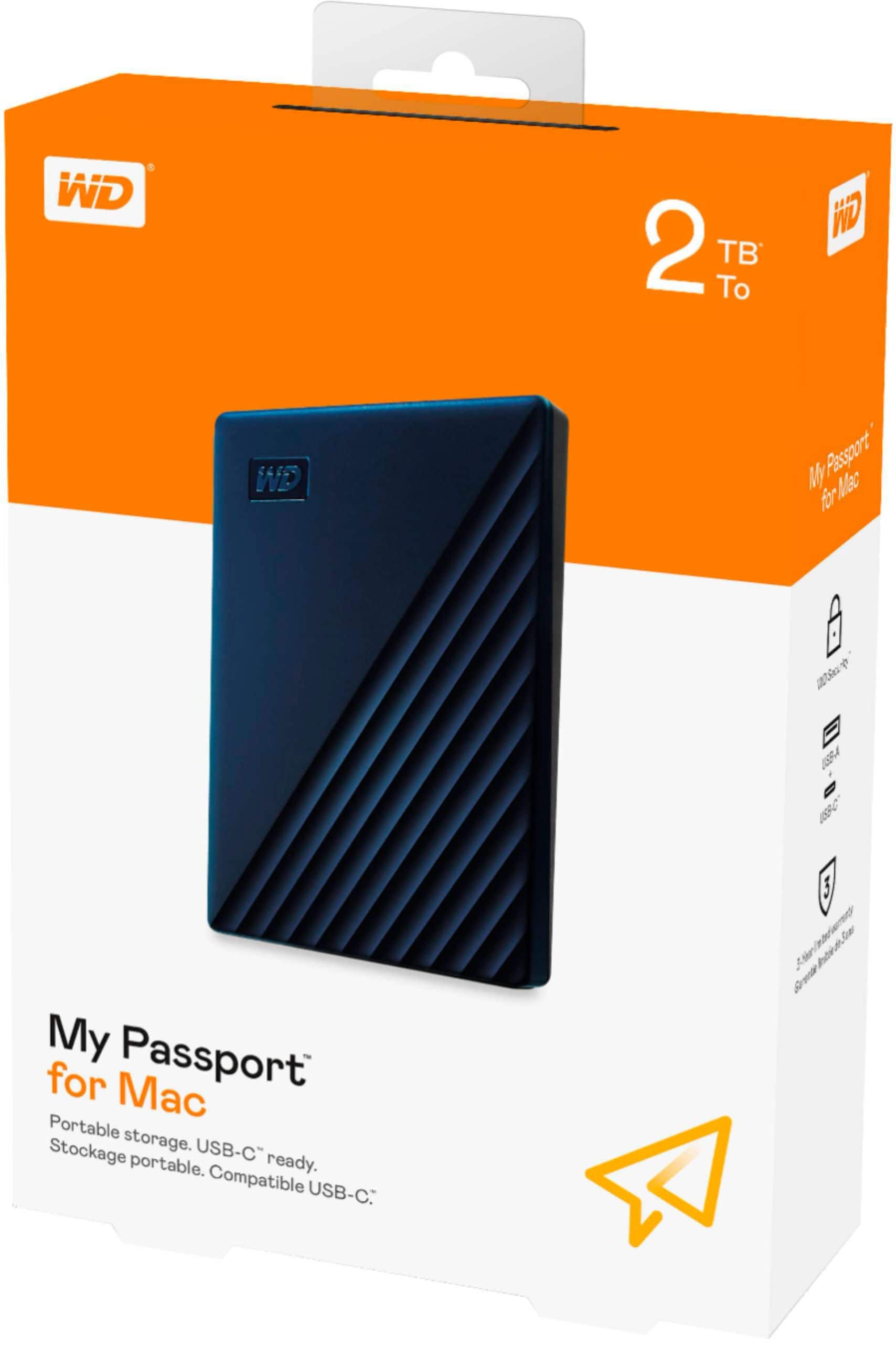
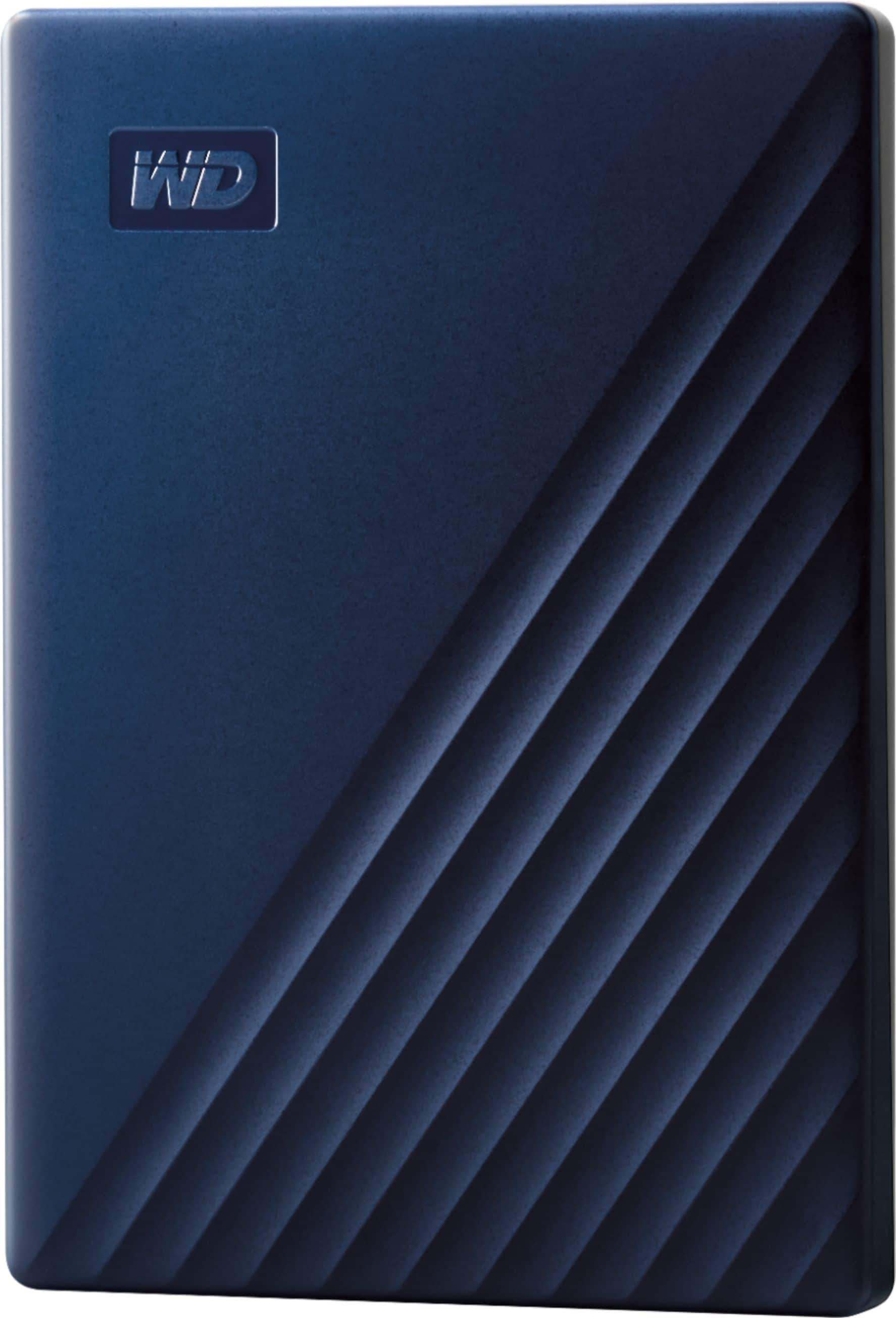
    • Answer Hi, Please be informed that the WD My Passport for Mac Portable Hard Drive is a plug 'n' play device and the drive comes with My Passport for Mac portable hard drive, SuperSpeed USB-A cable (5Gbps) , USB-A to USB-C adapter and Quick install guide.

      Answered by Western Digital Team

  • Questioncan this drive be formatted to work on both MAC OS and Windows?

    Asked by HUGH.

    • Answer Hi, Please be informed that in order to use the drive with both Windows and MacOS you need to reformat the drive to exFAT file format by referring to the link: https://support-en.wd.com/app/answers/detail/a_id/20821 Please be informed that reformatting is a data destructive process, please backup the data from the drive before reformatting it. If you are facing any issues please contact us at https://support-en.wd.com/app/ask/session/ we will be happy to assist you.

      Answered by Western Digital Team

  • QuestionI bought this to use with time machine. It's advertised as plug and play but when I opened it I installed the software thinking I had too. Now I see I didn't. When I try to add it as a backup disk I get this massage to erase. What do i need to do?

    Asked by memaw.

    • Answer Hi, We are sorry for the inconvenience caused to you. You need to reformat the drive in APFS file system to use for time machine backup, please refer to the following link: https://support-en.wd.com/app/answers/detailweb/a_id/8200/ Please be informed that reformatting is a data destructive process, please backup the data from the drive before reformatting it. For Time Machine backup and restore from MacOS to WD External Drive please refer to the link: https://support-in.wd.com/app/answers/detailweb/a_id/18952/ If you are facing any issue, please open a support ticket at https://support-en.wd.com/app/ask/session, the customer support team will contact you as soon as possible.

      Answered by Western Digital Team

  • QuestionCan I use it on Two devices?

    Asked by ARBG.

    • Answer Hi, Yes you can use the drive on multiple devices, but not at the same time. You can plug it into one computer, safely eject it, and then connect it to another. If both devices are Macs, it will work directly. If you want to use it on both Mac and Windows, you may need to reformat it to exFAT, since the default Mac format may not be compatible with windows. If you have any further questions or need technical assistance , kindly open a support ticket at https://support-en.wd.com/app/askweb
      Answered by Western Digital Team