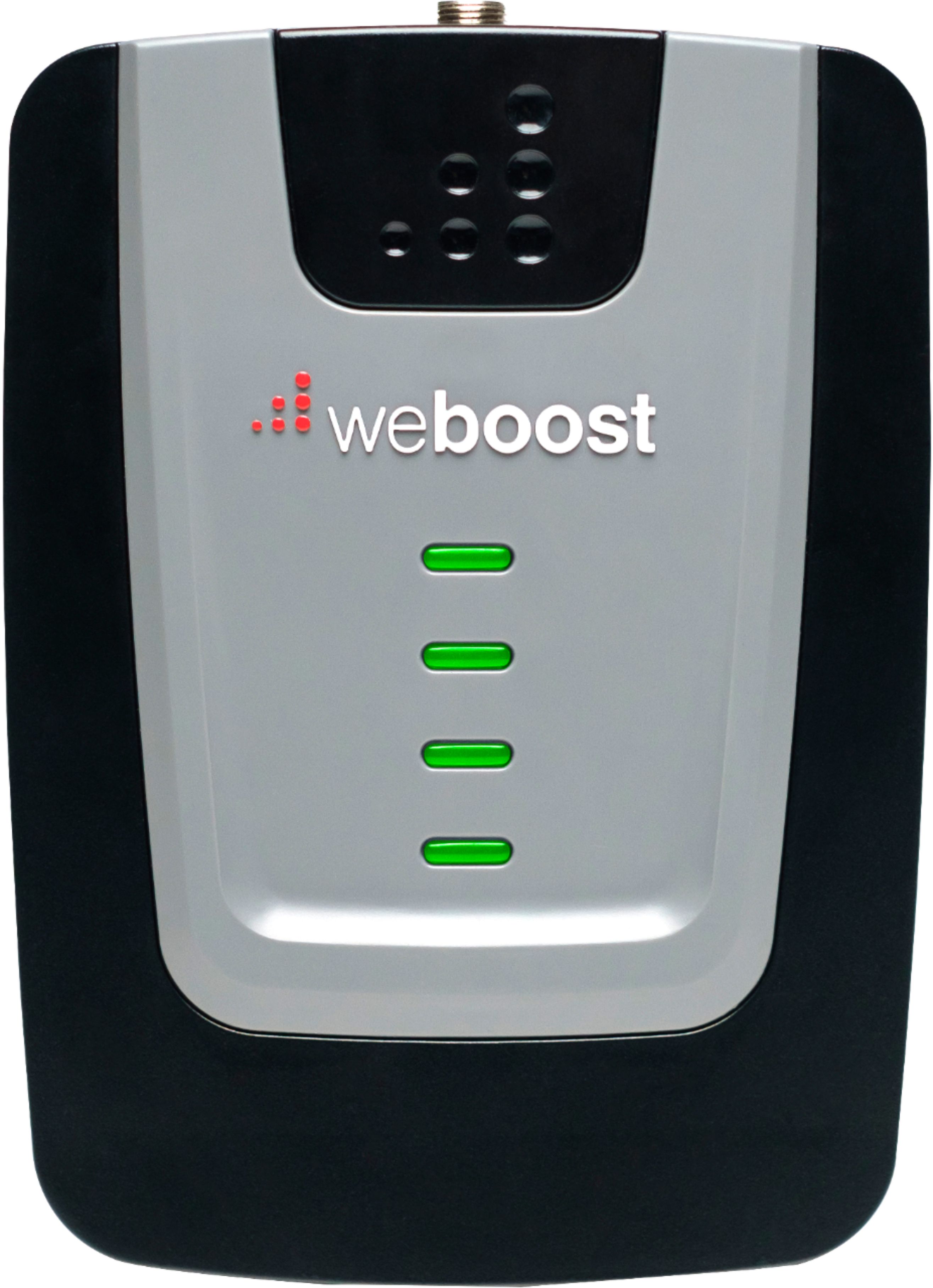
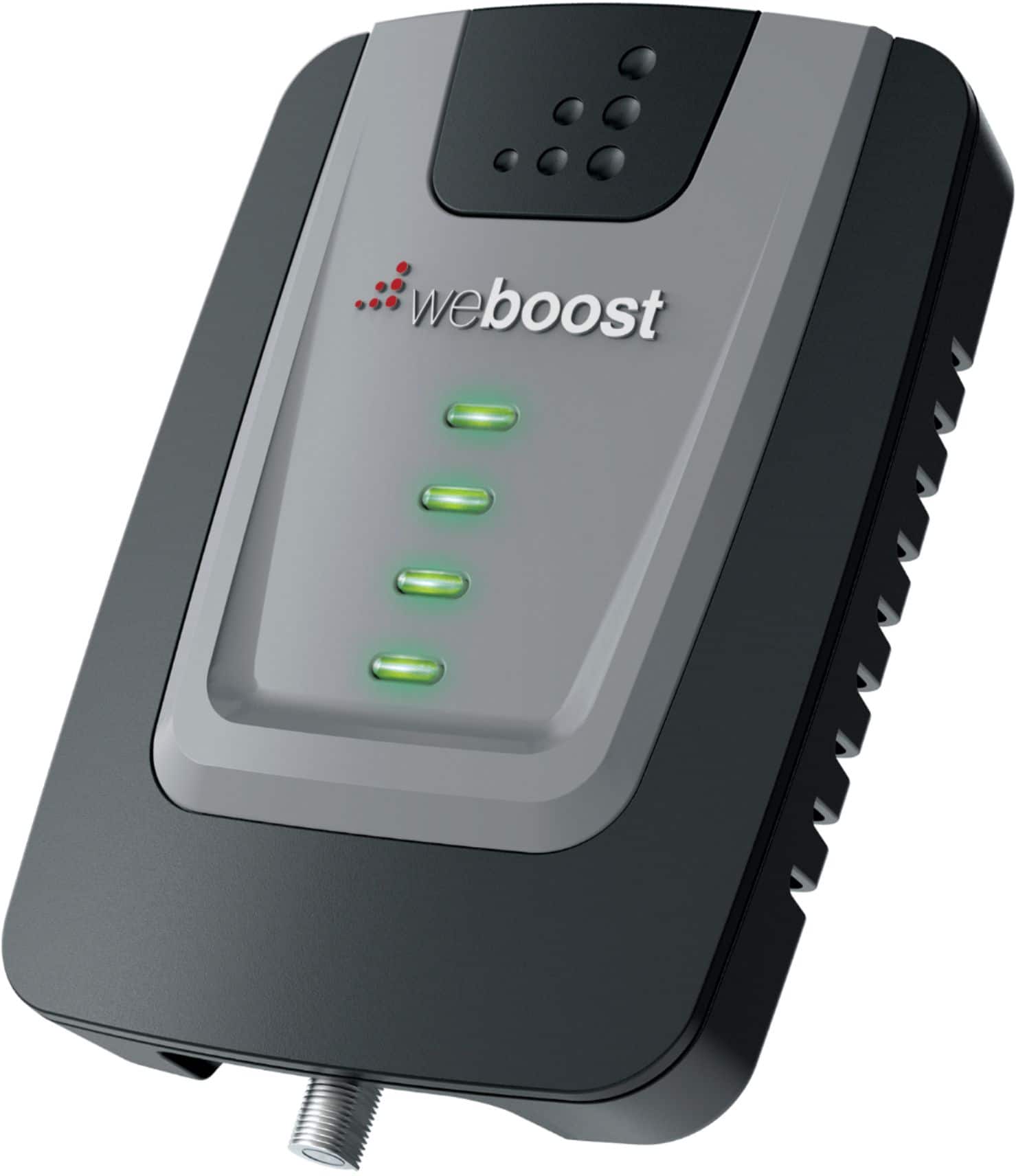
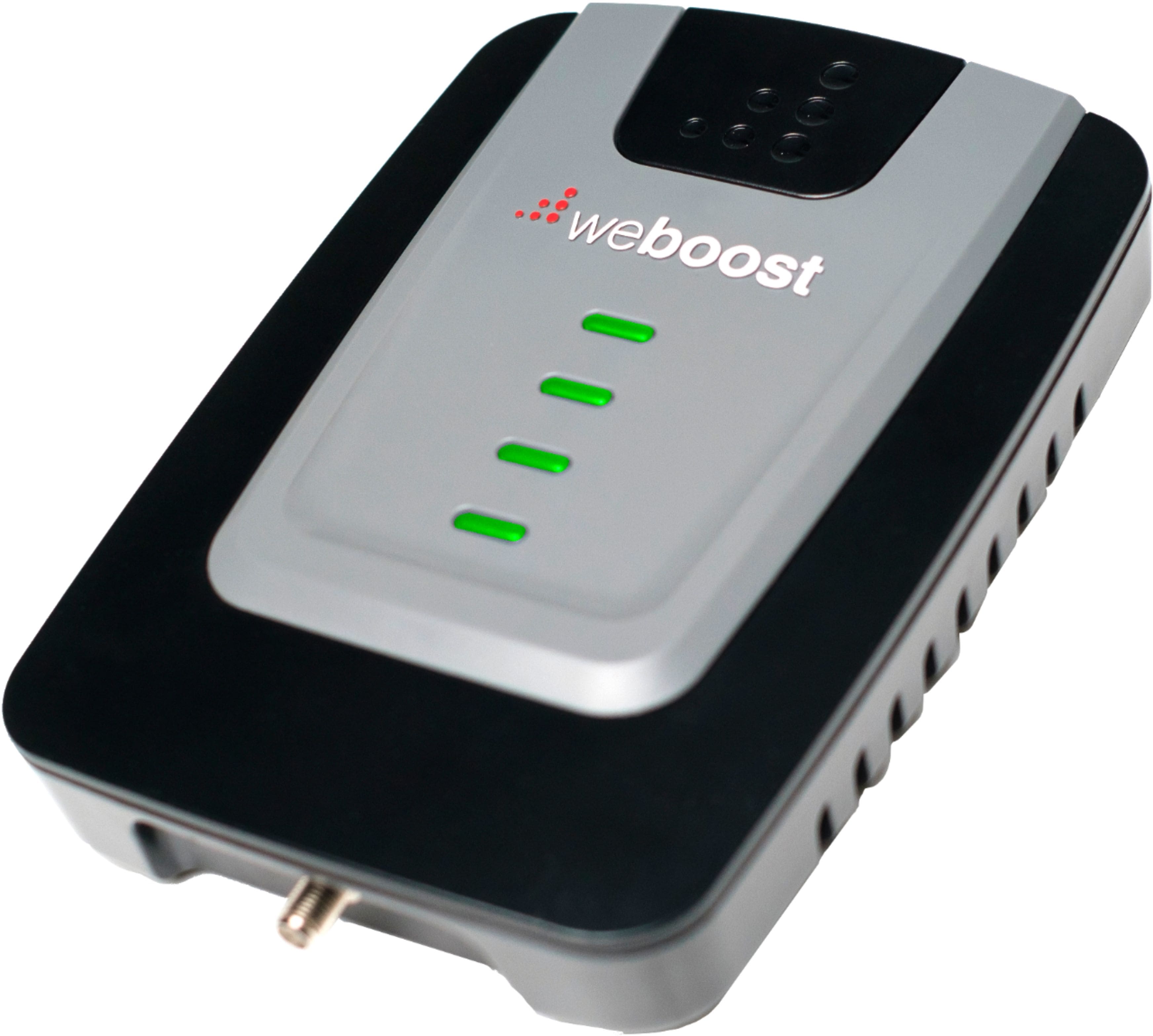
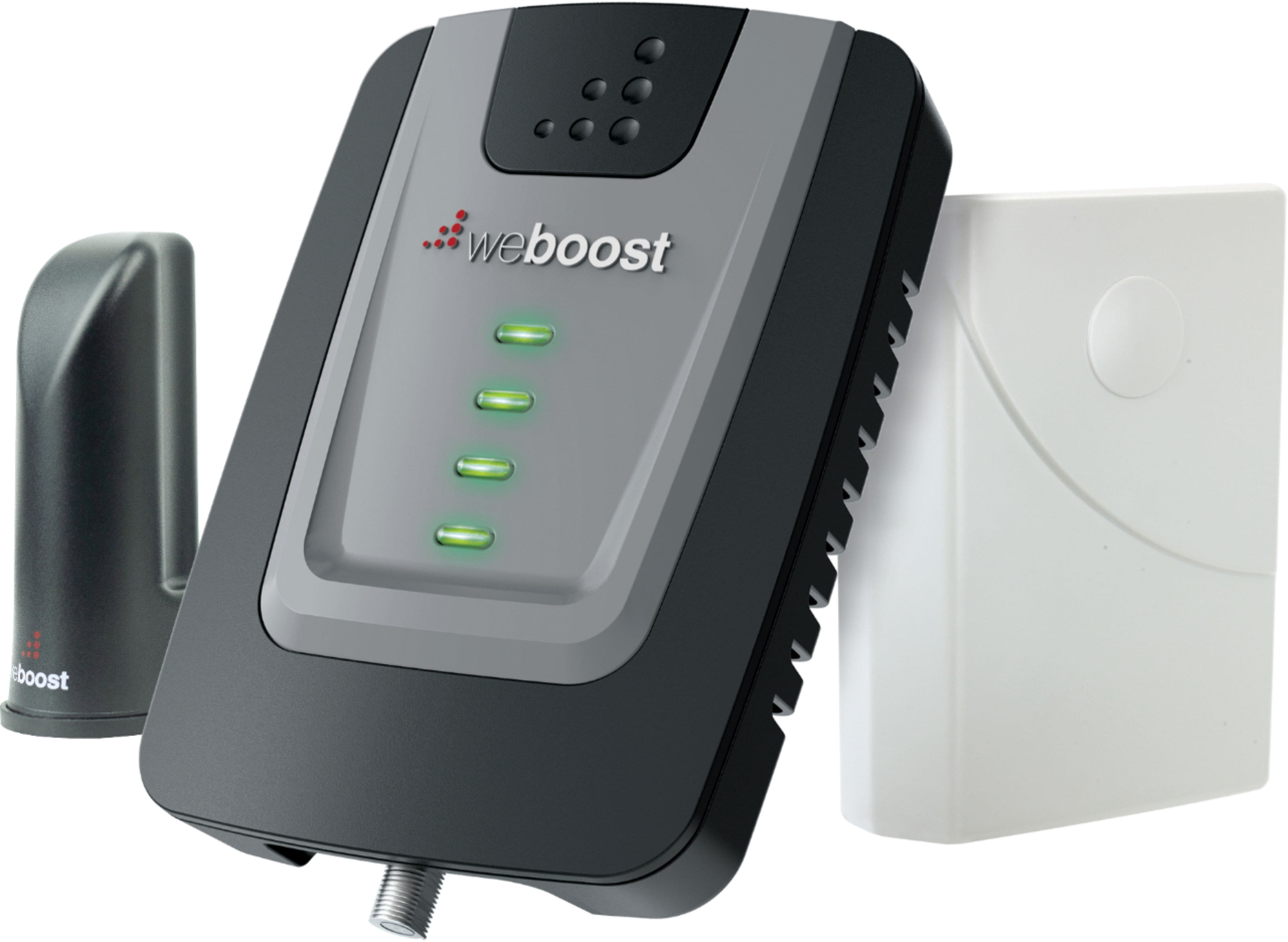
A:AnswerYes, we have Sprint and live out in the country. Before we purchased this booster, if we were facing West and stood still in the back of the house we could make phone calls and receive 3g. With this booster in our 1600 sq ft house we get LTE and can easily watch movies without lag any where in the house.
A:AnswerHi there! This booster supports both 5 and 13 completely, and it supports band 4, which is a subset of 66, and it is a lot of band 66, but not all of it. Band 13 is a 4G-LTE and 5G band, and they actually run LTE and 5G on band 5 as well, so neither of those bands should be removed. If one is, it would be band 5, but band 13 will be around for a while.
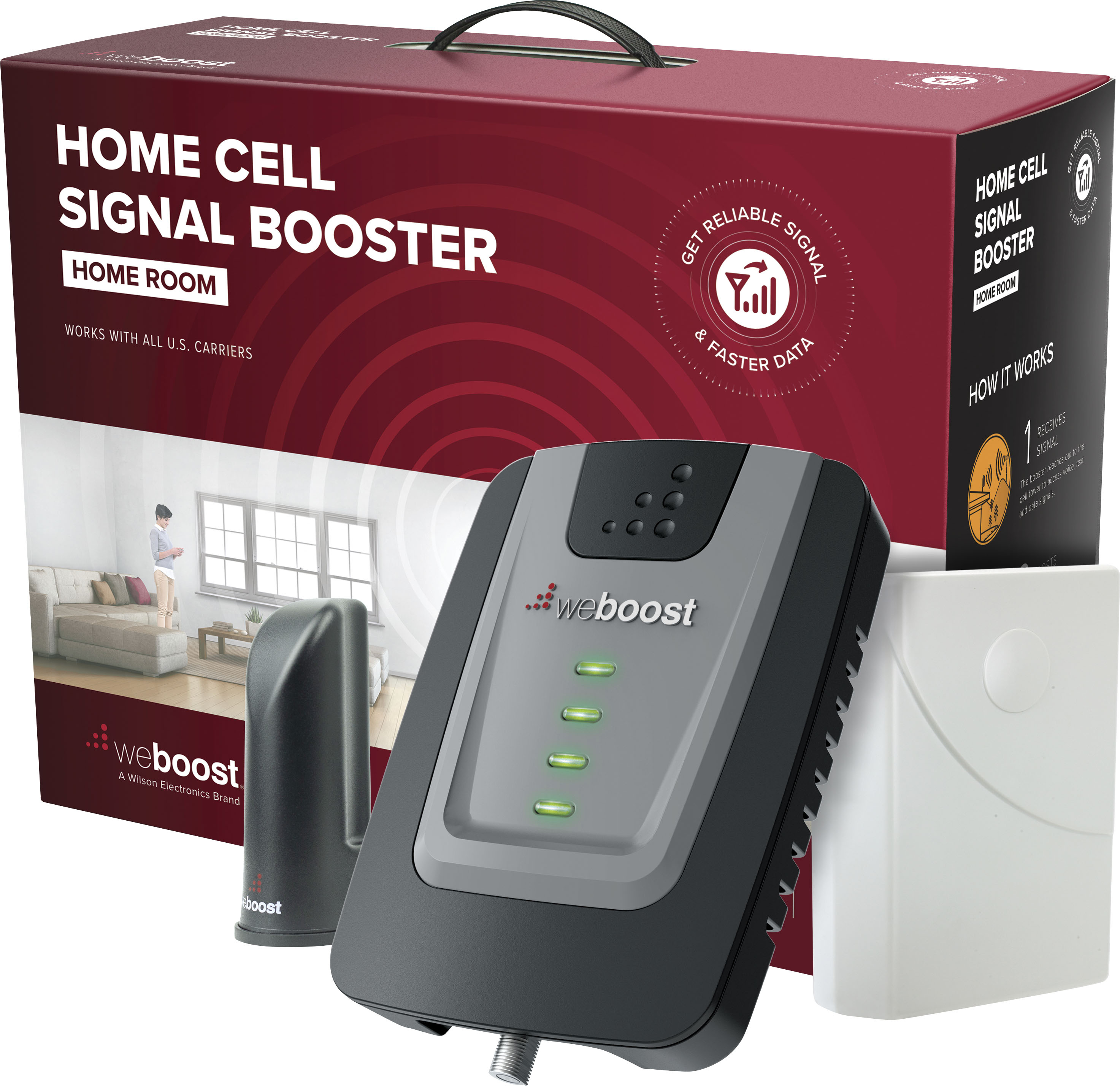
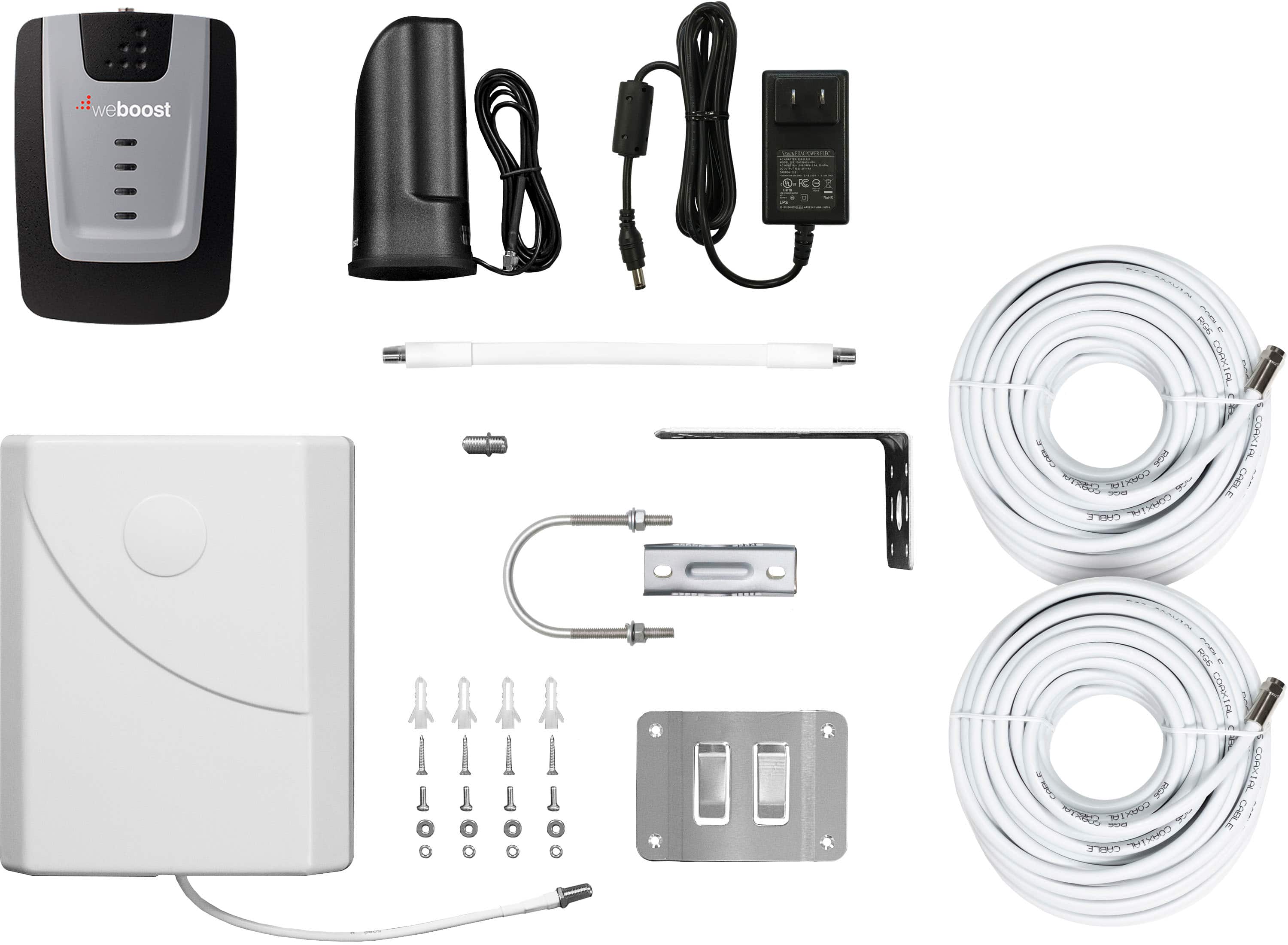
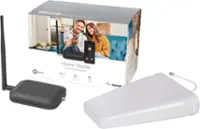
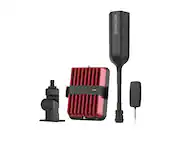
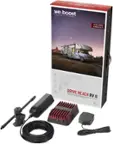
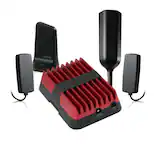
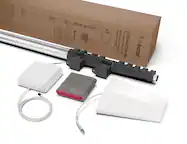
A:AnswerHi there! Our systems are all supplied with a booster, an inside antenna, and an outside antenna. The outside antenna goes outside to bring in signal on all carriers, and it connects to the booster inside via cable. The booster just requires a power outlet in order to work. The inside antenna goes inside and connects to the booster via cable as well, and that is the part that broadcasts the boosted signal inside a room in your home. We also make stronger devices for multiple rooms or whole home coverage, which all depends on the signal the booster brings in.
A:AnswerThe weBoost Home Room Outside Antenna does need to be in a place where it can reach the signal from the closest tower. While it is recommended to install on the roof or a pole as the height will help reach the signal better, it can be installed on porch rails or possibly the side of your home. First step is to find the nearest tower, you can use an app like Open Signal, then you can determine the best position of the antenna.
A:AnswerHome Room works on all US carrier networks (including Verizon, AT&T, T-Mobile) and is compatible with all phones and cellular devices. This is not a WiFi router.
A:AnswerWe would recommend reaching out to weBoost support at (866) 294-1660 or [email protected] for help tuning in your booster. Sometimes slight adjustments on the outside antenna will do the trick.
A:AnswerThe outside antenna should be placed outside in order to pick up the clearest signal. If you put it inside your attic the roof and other building materials will block the signal.
A:AnswerDepending on the size you are looking to cover, you may just need to upgrade your current booster to cover more space. Sometimes if you have multiple boosters and antennas they could cause oscillation between each other if placed too close. The weBoost Home Complete is the strongest residential booster we offer, Best Buy SKU # 6355244. If you have a good outside signal, this booster will cover multiple rooms. If you have a strong signal outside, it should cover most of a medium size home.
A:AnswerThe outside antenna connects to the tower to get the signal, then it sends the signal through the cable to the booster which helps amplify the signal. Last, the booster sends the amplified signal to the internal antenna which sends it out to your home for you to use. Sometimes the cellular signal gets blocked by building materials in your home like metal, concrete, or energy-efficient windows. This solution will help take that signal from outside your home and bring it into the home without the loss of signal that happens due to those materials.
A:AnswerThe weBoost Home Room does take the ability to get on or at least up to your roof line to install the external antenna. This is probably the most labor intensive part of the install. Then you will run the cable from the external antenna inside via the Window Entry Cable to the booster and internal antenna. For most it will take 1 to 2 hours.
A:AnswerYes, the weBoost Home Room works on all US carrier networks and is compatible with all phones and cellular devices. It can simultaneously provide multiple users with fewer dropped calls, better voice quality, uninterrupted streaming capability, faster internet speeds, and more.
A:AnswerYes you can, but generally it is recommended that you place the outside antenna on the roof of your home in order to reach the best signal. Buildings or terrain like hills and mountains can limit the signal strength, so height can help the antenna obtain a better signal.
A:AnswerYes, the boosted signal to your cell phone can be used as a hot spot for other devices. Reminder - A booster doesn’t create cell signal. It picks up the outside cell signal (no matter how weak) and amplifies it inside your home for better talk, text, and data. If you have a good signal outside, this will cover approximately a medium size room. If you have a weak outside signal, it will cover a smaller room.
A:AnswerHome Room works on all US carrier networks and is compatible with all phones and cellular devices. It can simultaneously provide multiple users with fewer dropped calls, better voice quality, uninterrupted streaming capability, faster internet speeds, and more.